As AV infrastructures become more network-based, AV over IP has become the foundation of modern video distribution. By leveraging standard Ethernet networks, AV over IP systems enable scalable, flexible, and future-ready deployments across corporate, education, and commercial environments.
However, while much attention is often given to video resolution, latency, and bandwidth, control is what ultimately determines how usable the system is. A powerful AV over IP system without intuitive control can quickly become frustrating for users and costly to maintain.
From daily source switching to system-wide display management, the control method defines how users interact with the entire AV ecosystem. In this article, we explore four common ways to control an AV over IP system, and explain when each method makes the most sense.
Hardware-Based Control: Simple Operations, Predictable Results
Hardware-based control is one of the most traditional approaches in professional AV environments. It relies on physical interfaces such as wall-mounted keypads or desktop control panels that send commands to AV devices through serial or IP-based protocols.
In AV over IP systems, hardware control is often used to trigger basic but essential functions — such as selecting an input source, powering displays on or off, or recalling a preset configuration. Because these actions are predefined, users can operate the system without needing technical knowledge.
This control method is especially valuable in spaces where reliability and consistency matter more than flexibility. Classrooms, training rooms, and standard meeting spaces often benefit from the clarity and immediacy of physical buttons.
That said, hardware control is not designed for frequent changes. As systems grow or workflows evolve, modifying button logic usually requires reprogramming or additional hardware, which can limit long-term adaptability.
Software-Based Control: Centralized Management for Growing Systems
Software-based control moves system operation from physical interfaces to a centralized computer. Through dedicated control software, administrators can manage AV over IP endpoints, configure routing paths, and monitor system performance from a single interface.
This approach shines in medium to large deployments where flexibility is critical. Software control allows changes to be made quickly — often without touching any physical infrastructure. New displays, sources, or layouts can be added through configuration rather than rewiring.
Another advantage is visibility. Software platforms often provide real-time system status, making it easier to identify issues and perform maintenance proactively.
The trade-off is dependency. Since the system relies on a computer and network stability, proper IT support becomes an important factor. In environments without dedicated technical staff, this method may feel more complex than necessary.
Browser-Based Control: Fast Access with Minimal Setup
Web-based control has emerged as a practical option for AV over IP systems that prioritize accessibility. By using a standard web browser, users can log into a device or system interface directly through its IP address — no software installation required.
Become a member
This control method is commonly used for system configuration, commissioning, and remote troubleshooting. Technicians can access the system from virtually any device, which makes it ideal for distributed environments or off-site support.
From an operational standpoint, browser-based control reduces maintenance overhead. Updates and changes are handled centrally, and compatibility issues are minimized.
However, web interfaces are typically designed for functionality rather than daily user interaction. For end users who need frequent, visual control — such as managing multiple displays — browser-based control may not offer the most intuitive experience.
Touch and Mobile Control: Designed for Visual Interaction
Touchscreen and mobile app control represent a more modern and user-centric approach to AV over IP operation. Instead of abstract commands, users interact with visual layouts that represent real signal paths and display configurations.
This method is particularly effective in environments like video walls, control rooms, and executive meeting spaces. Users can see exactly what is happening in the system and make changes instantly through touch-based interaction. A practical example of this visual approach can be seen in the AV Access 4KIP200E/D, where the VDirector app allows users to visually manage signal routing, preview display layouts in real time, and control multiple encoders and decoders from a single interface.
Beyond usability, touch control also supports advanced features such as scene presets, multi-view layouts, and rapid switching between operational modes. These capabilities help reduce training time and improve operational efficiency.
The key requirement for this approach is a stable network environment. Since control relies on IP communication — often wirelessly — network design plays a crucial role in performance and reliability.
Press enter or click to view image in full size
How to Decide Which Control Method Fits Your Project
Choosing the right control strategy depends on how the AV over IP system will be used on a daily basis. Smaller rooms with fixed workflows often benefit from hardware-based control, while large or evolving systems require the flexibility of software or touch-based interfaces.
In many real-world deployments, combining multiple control methods provides the best result. For example, a system may use hardware panels for basic operations, software for administration, and touch interfaces for advanced visual control.
Conclusion: Control Defines the AV Experience
AV over IP is redefining how audio and video systems are built, but control defines how those systems are experienced. Whether through physical buttons, centralized software, web interfaces, or intuitive touchscreens, each control method serves a distinct purpose.
About AV Access
AV Access is the world’s leading provider of Pro AV, AV over IP, and wireless conference room solutions. Some of our outstanding products include HDMI encoder & decoder, wireless presentation and conferencing system, 4K PTZ camera, conference speakerphone, etc.
Are you a newbie? AV Access blog helps beginners get on board easily (visit our site and learn more).

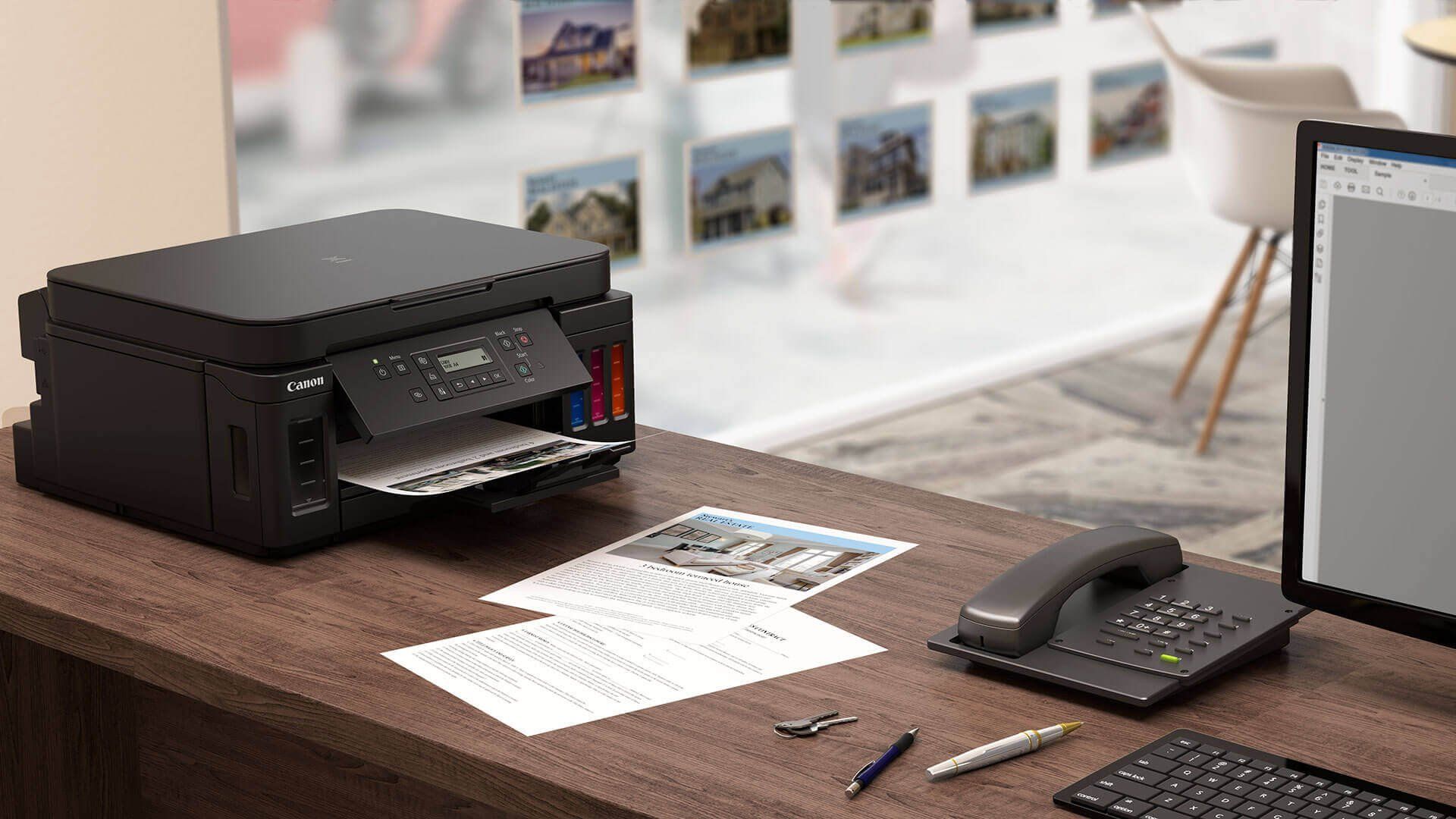
Everything you need to know about the canon.comijsetup, Then no look further, visit the Com IJ Printer website and resolve your Canon IJ setup issues online.
We provide you a safe, secure, and reliable platform for downloading the driver with the latest updates of the Canon software.