Photo printing continues to play a vital role across Dubai’s creative, retail, and commercial sectors. From professional photography studios and event management companies to photo kiosks in malls and corporate branding teams, photo printers in Dubai are relied upon for producing sharp, vibrant, and long-lasting images. With the growing demand for instant photo prints, businesses and individuals alike expect consistent performance from their printers.
However, like any technology, photo printers are not immune to technical challenges. Users often encounter issues such as paper jams, ink or toner inconsistencies, connectivity failures, and declining print quality. These problems can disrupt workflows, increase operating costs, and lead to downtime, especially in a fast-paced market like Dubai.
This article will discuss the common photo printer issues faced by Dubai users and provide practical tips to troubleshoot and resolve them, ensuring smooth operation and optimal output quality.
Common Photo Printer Issues
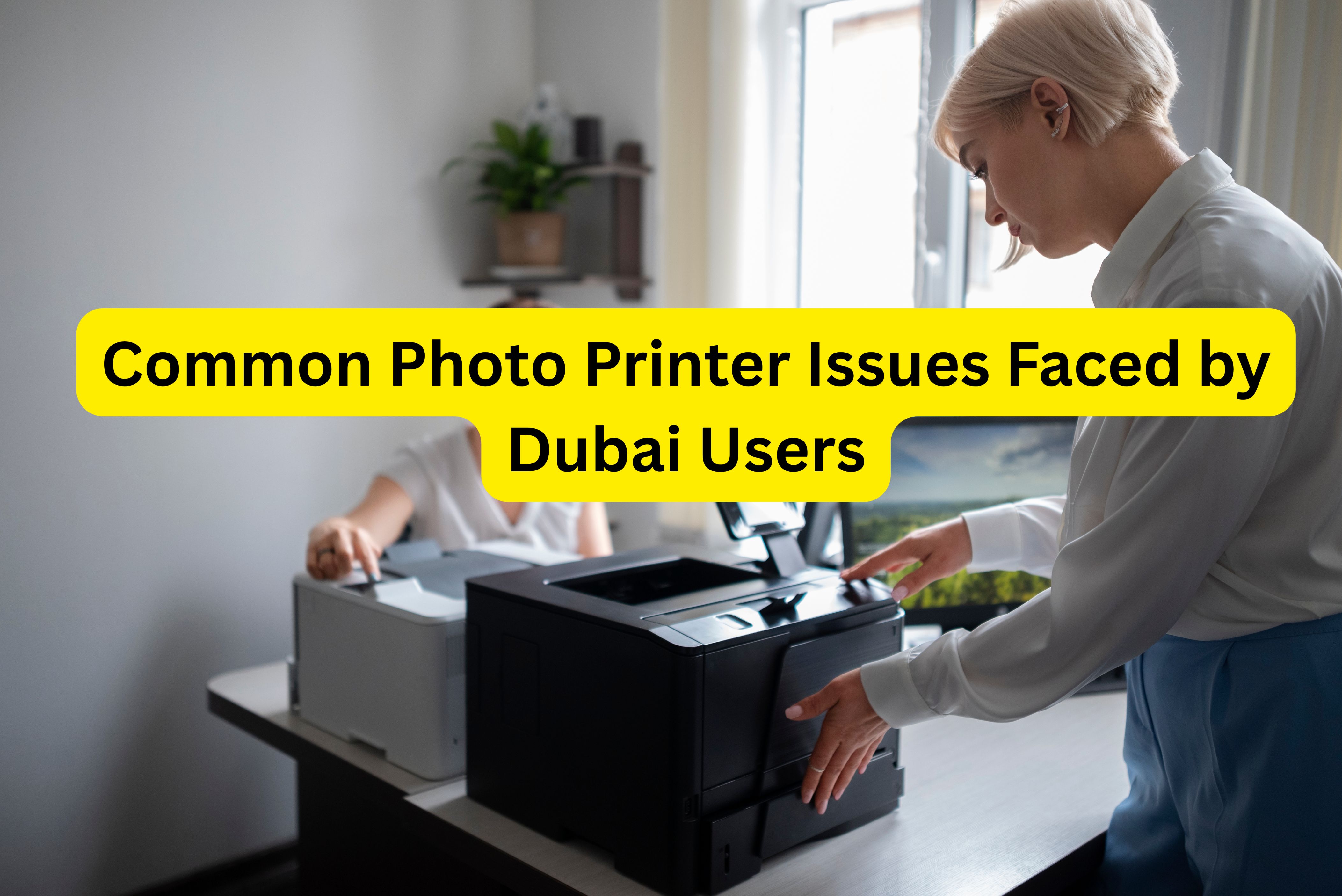
Dubai users frequently experience several recurring problems when operating photo printers, regardless of brand or usage scale. One of the most common issues is paper jams, often caused by incorrect paper loading, incompatible media types, or worn-out rollers. In high-volume environments such as photo booths, even a minor misalignment can halt operations.
Ink or toner problems are another widespread concern. These include uneven ink distribution, cartridge recognition errors, or premature ink drying. In dye-based systems and dye sublimation printers, improper storage of consumables or using non-recommended supplies can significantly affect performance and print longevity.
Connectivity issues also affect many users, particularly those using network-enabled photo printers. Problems may arise from unstable Wi-Fi connections, outdated drivers, or incorrect network configurations, preventing seamless communication between devices and printers.
Lastly, print quality problems such as faded colors, banding, color shifts, or blurred images are commonly reported. These issues may stem from clogged print heads, incorrect color profiles, low-quality media, or environmental factors. Identifying the root cause early helps prevent recurring failures and ensures professional-grade photo output.
Troubleshooting Tips
Resolving common photo printer issues does not always require technical expertise if the correct steps are followed. To clear paper jams, always power off the printer before gently removing stuck paper in the direction of the paper path. Avoid pulling forcefully, as this can damage internal components. Regularly inspect rollers for dust or wear.
For ink or toner problems, ensure that cartridges or ribbons are correctly installed and compatible with your printer model. In professional setups such as the Citizen CX02 Digital Photo Printer, using manufacturer-approved consumables helps maintain color accuracy and prevents hardware errors. Running built-in cleaning or calibration cycles can also restore print consistency.
When dealing with connectivity issues, check network settings, restart both the printer and router, and confirm that drivers and firmware are up to date. For USB-connected devices, replacing faulty cables often resolves communication failures.
To improve print quality, regularly clean print heads, select the correct media type in printer settings, and use high-quality photo paper. Adjust color profiles based on lighting conditions and usage requirements. For businesses relying on dye sublimation printers, maintaining optimal operating temperatures ensures consistent color transfer and image sharpness.
Specific Issues Faced by Dubai Users
Dubai’s unique climate presents additional challenges for photo printer users. Heat and humidity can affect ink drying times, paper curl, and electronic components. Prolonged exposure to high temperatures may also reduce the lifespan of sensitive parts in photo printers.
Dust and sand are particularly problematic in desert environments. Fine particles can enter printers, clog vents, and accumulate on rollers or sensors, leading to frequent paper jams and mechanical failures. Devices like the Citizen CY02 Photo Printer, commonly used in kiosks, require regular internal cleaning to maintain reliability.
Power surges and occasional outages can damage printer electronics or corrupt firmware. Sudden power interruptions may also interrupt print jobs, resulting in wasted media and downtime. To mitigate these issues, users should place printers in climate-controlled rooms, use dust covers when idle, and install voltage stabilizers or UPS systems. Proper environmental control significantly enhances the durability and performance of photo printers in Dubai.
Maintenance and Upkeep
Regular maintenance is essential for extending the life of photo printers and ensuring consistent output quality. Routine cleaning of rollers, print heads, and internal compartments prevents dust buildup and mechanical wear. Users operating high-performance models like the Citizen CZ01 Photo Printer benefit from scheduled servicing and periodic calibration.
It is also important to store ink, ribbons, and photo paper according to manufacturer guidelines, away from heat and moisture. Keeping firmware updated and performing test prints helps identify potential issues before they escalate. Proactive upkeep reduces repair costs, minimizes downtime, and keeps photo printers performing at their best.
Conclusion
From paper jams and connectivity failures to climate-related challenges, users face a variety of issues when operating photo printers in Dubai. Understanding these common problems and applying proper troubleshooting techniques can significantly improve printer performance and reliability. With regular maintenance and the right environmental precautions, users can ensure long-lasting, high-quality photo output.
For businesses seeking reliable solutions and expert guidance, Kepler Tech LLC, one of the leading printer suppliers in Dubai and across the UAE, offers trusted photo printing technologies and professional support to meet diverse printing needs.