

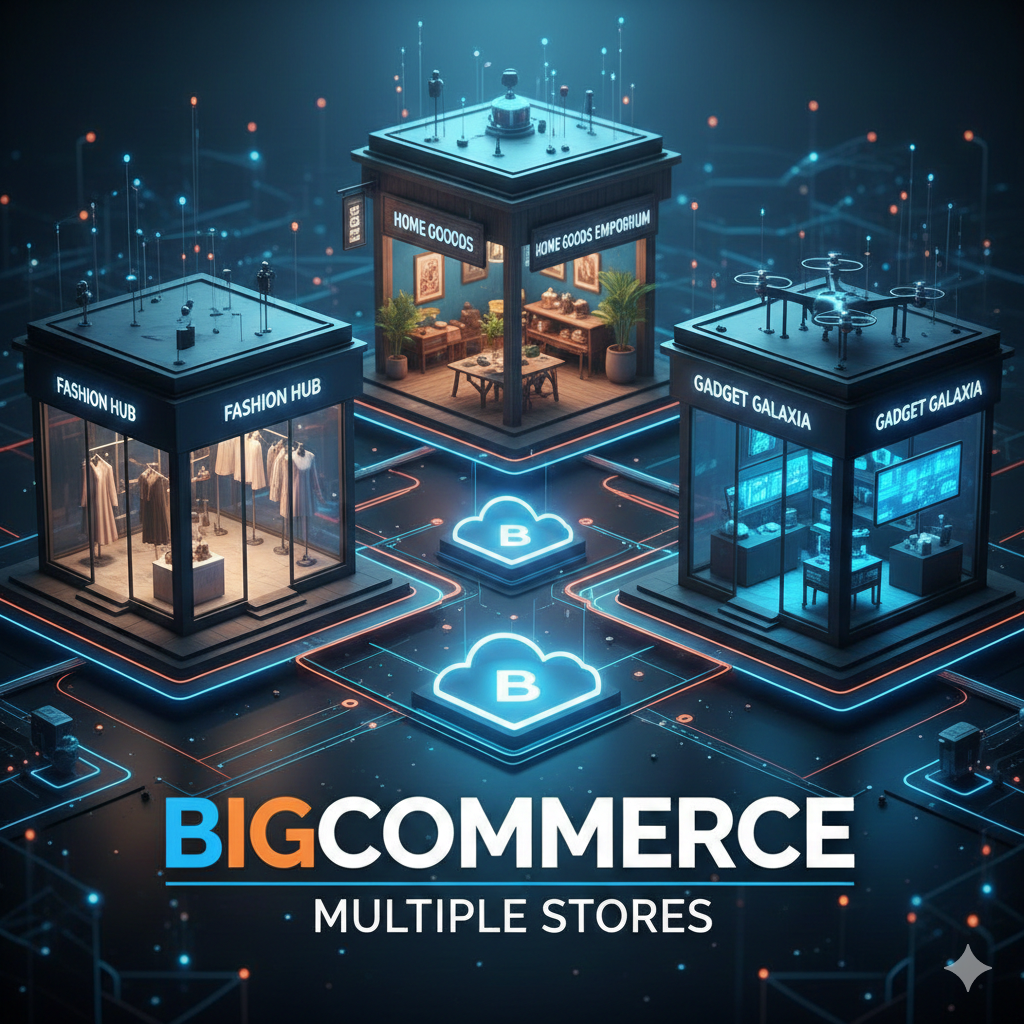
Managing more than one online store can quickly become complex—different products, regions, currencies, customer groups, or even brands. That’s where BigCommerce Multiple Stores functionality becomes a powerful solution for growing eCommerce businesses.
BigCommerce allows merchants to run multiple storefronts while maintaining centralized control, helping brands scale without multiplying operational headaches. In this guide, we’ll explain what BigCommerce multiple stores are, how to set them up, the tools you’ll need, and pro tips to avoid common mistakes.
What Are BigCommerce Multiple Stores?
BigCommerce Multiple Stores refers to managing more than one storefront under a single BigCommerce account or ecosystem. Each store can have its own:
- Domain or subdomain
- Product catalog (or shared products)
- Pricing and currency
- Theme and design
- Customer groups
- Regional or language targeting
This setup is ideal for businesses operating in multiple countries, selling different brands, or running wholesale and retail stores separately.
When Do You Need Multiple Stores in BigCommerce?
You should consider a multi-store setup if:
- You sell in multiple countries with different currencies or tax rules
- You manage B2B and B2C stores separately
- You operate multiple brands under one company
- You want region-specific pricing or promotions
- Your business has outgrown a single storefront model
If your business checks any of these boxes, BigCommerce multiple stores can improve efficiency, and partnering with a professional BigCommerce development company helps avoid costly setup and SEO mistakes.
How BigCommerce Handles Multiple Stores
BigCommerce does not use a single “multi-store switch” like some platforms. Instead, multiple store setups are achieved through a combination of:
- Separate BigCommerce stores under one account
- Shared backend processes via APIs
- Headless BigCommerce architecture
- Custom integrations and apps
This approach provides flexibility, but it also requires proper planning and development.
BigCommerce Multiple Stores Setup Options
1. Separate Stores Under One BigCommerce Account
This is the most common method.
How it works:
- Each store is created separately
- Products, orders, and customers are managed independently
- APIs or apps can sync shared data
Best for:
Businesses with different brands or completely different catalogs.
2. Multi-Storefront Using Headless BigCommerce
With headless BigCommerce, one backend powers multiple frontends.
How it works:
- BigCommerce acts as the backend
- Frontend stores are built using frameworks like Next.js or React
- APIs connect all storefronts to one system
Best for:
Large enterprises, international brands, or custom UX requirements.
3. Multi-Region Stores
You can create different stores for regions such as:
- US Store
- UK Store
- EU Store
Each store can follow local pricing, tax, shipping, and compliance rules.
Tools That Help Manage BigCommerce Multiple Stores
Managing multiple stores manually can be time-consuming. These tools make it easier:
Product & Inventory Sync Tools
- Sync product data across multiple stores
- Avoid overselling or mismatched inventory
Examples:
- Custom API integrations
- Inventory management platforms
Order & Fulfillment Tools
- Centralize order processing
- Route orders based on region or warehouse
User & Permission Management
- Assign teams to specific stores
- Restrict access to sensitive data
Analytics & Reporting Tools
- Compare performance across stores
- Track region-wise or brand-wise revenue
SEO Considerations for BigCommerce Multiple Stores
SEO can make or break a multi-store strategy.
Key SEO best practices:
- Use unique domains or subfolders for each store
- Avoid duplicate content across stores
- Implement proper hreflang tags for international stores
- Customize metadata for every storefront
- Maintain clean URL structures
Without careful SEO planning, multiple stores can compete against each other in search results.
Common Mistakes to Avoid
Many businesses struggle with BigCommerce multiple stores because of these mistakes:
- No clear store purpose (overlapping products and audiences)
- Duplicate content across stores
- Poor inventory synchronization
- Ignoring regional tax and compliance rules
- Underestimating development complexity
Planning your store architecture early saves time, cost, and SEO losses later.
Pro Tips for Managing BigCommerce Multiple Stores
Plan store roles clearly
Each store should have a specific audience, region, or business goal.
Use APIs wisely
Custom API integrations help sync products, pricing, and customers efficiently.
Standardize backend processes
Use similar workflows for orders, inventory, and reporting across stores.
Invest in custom development
Off-the-shelf solutions rarely scale well for complex multi-store setups.
Test before scaling
Launch one additional store first, refine the process, then expand further.
Is BigCommerce Multiple Stores Right for You?
BigCommerce multiple stores are powerful—but not always necessary.
If you’re a single-region business with a simple catalog, one store may be enough. However, if you’re scaling globally or managing multiple brands, a well-planned multi-store setup can unlock long-term growth.
Final Thoughts
BigCommerce Multiple Stores provide flexibility, scalability, and control—but only when implemented correctly. From choosing the right setup model to using proper tools and avoiding SEO pitfalls, success lies in smart planning and execution.
If your business is growing and your current store setup feels limiting, this could be the right time to explore a multi-store BigCommerce strategy.




Our BigCommerce designers at Tech Prastish Software Solutions Pvt.
Ltd. have a strong skill set in BigCommerce design and development services and can complete the work according to your specifications.
BigCommerce is the finest option for businesses looking to set themselves out from the competition.