Hey there!
So you're sitting there trying to connect your laptop to an external monitor, or maybe you want to hook up your gaming console to the TV for some quality gaming time, and boom, nothing happens. You wiggle the cable, try different angles, maybe even blow on it like it's an old Nintendo cartridge (yeah, we've all been there), but still nothing. That's when the reality hits you: your HDMI port is broken.
Now you're stuck with this annoying question: should I actually spend money fixing this broken HDMI port, or should I just deal with it somehow? I mean, repairs aren't cheap, and you're probably wondering if it's even worth the hassle. Let's be real here, this is a pretty common problem, and I totally get why you're hesitant about throwing money at it.
Here's the thing though: the answer isn't as simple as yes or no. It really depends on your specific situation, and I'm going to help you figure out whether HDMI port repair makes sense for you or if you're better off exploring other options.
What exactly happens when your HDMI port breaks?
Before we dive into whether it's worth fixing, let's talk about what actually goes wrong with these ports. Understanding the problem helps you make a smarter decision about the solution.
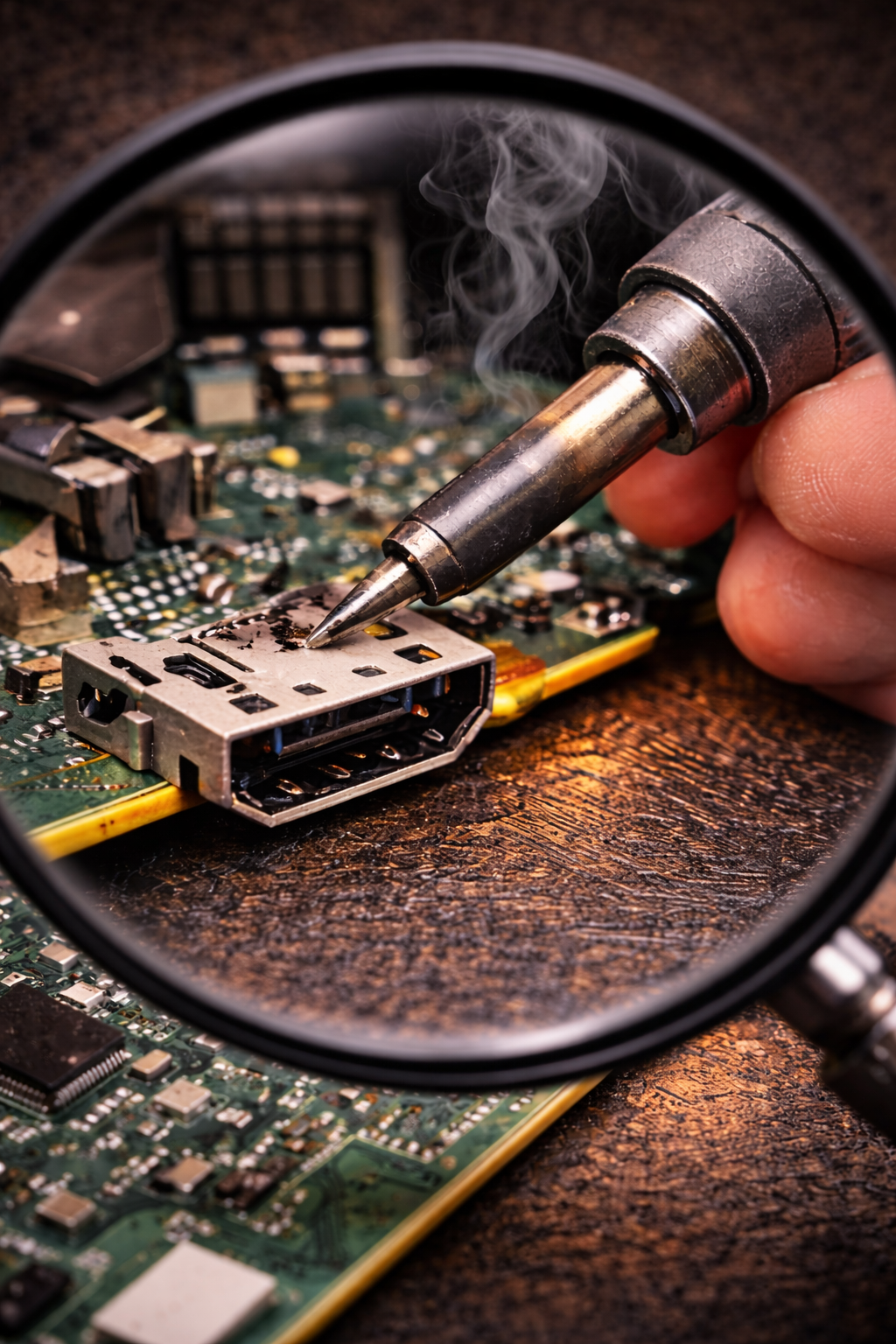
A broken HDMI port can show up in different ways. Sometimes the port gets physically damaged, maybe you accidentally yanked the cable out too hard, or perhaps you plugged it in at a weird angle one too many times. Other times, the little pins inside the port get bent or broken, which means the connection just doesn't work anymore, even though everything looks fine from the outside.
You might also notice that your HDMI connection is super finicky. Like, it only works if you hold the cable at exactly the right angle, or it cuts in and out randomly. That's usually a sign that something inside is loose or damaged, and trust me, it's not going to get better on its own. In fact, it'll probably get worse the more you mess with it.
When is fixing your broken HDMI port actually worth it?
Okay, so let's get to the big question: when does HDMI port repair make sense? Here are the situations where I'd say Yeah, go ahead and fix it:
Your device is relatively new and valuable
If your laptop, gaming console, or TV is only a year or two old and cost you a decent amount of money, then fixing the broken HDMI port is probably a smart move. Why? Because the device itself still has plenty of life left in it, and a broken port is honestly the only thing holding you back from using it properly. Spending a couple hundred dollars on a repair is way better than dropping a thousand dollars on a replacement device when everything else works perfectly fine.
You use HDMI connections all the time
Some people barely ever use their HDMI ports, maybe they connect to monitors once in a while or rarely hook up to a TV. But if you're someone who relies on HDMI daily for work presentations, gaming, streaming, or connecting to external displays, then yeah, getting that HDMI port repair done is definitely worth it. You need that functionality, and workarounds are just going to be annoying and inconvenient in the long run.
The repair cost is reasonable compared to replacement
This is where you need to do some quick math. If the repair quote is like $100 to $200 and a replacement device would cost you $800 or more, that's a no-brainer. Fix it. But if the repair is going to cost you $400 and you can get a brand new, better device for $500, well, that changes things. Always compare the repair cost to the replacement cost before making your decision.
Everything else about the device works great
If your laptop, console, or TV is otherwise in perfect condition, no performance issues, battery life is still good, screen looks great, then fixing the broken HDMI is totally worth it. You're literally solving the one problem that's preventing you from using an otherwise perfectly functional device. That's money well spent.
When you should probably skip the repair
Now let's talk about when HDMI port repair doesn't make sense, because honestly, sometimes it's just not worth it:
Your device is already old and showing other issues
If your laptop is five years old, runs slow, the battery barely holds a charge, and now the HDMI port is broken too, that's the universe telling you it's time for an upgrade. Spending money on repairs for a device that's already on its last legs is just throwing good money after bad. Save that cash and put it toward a new device that'll actually last you another few years.
The repair cost is ridiculously high
Some devices have HDMI ports that are super complicated to fix because of how they're built. If you get a repair quote that's like 60% to 70% of what a new device would cost, that's a pretty clear sign that repair isn't the smart financial choice. At that point, you're better off investing in something new.
You rarely use HDMI anyway
Be honest with yourself: how often do you actually use that HDMI port? If it's like once every few months and you can easily work around it with adapters or just not using it at all, then spending a bunch of money on HDMI port repair probably isn't necessary. Your money is better spent elsewhere.
The device is a budget model
If you bought a really cheap laptop or device to begin with, the repair cost might actually exceed what the device is worth. In those cases, it makes more sense to just replace it with another budget option rather than sink money into repairs.
What are your alternatives to fixing it?
Okay, so maybe you've decided that HDMI port repair isn't for you, or maybe you just want to explore other options before committing to a repair. Let me give you some alternatives that might work:
Use a USB-C to HDMI adapter
If your device has a USB-C port that supports video output (and most newer devices do), you can grab a USB-C to HDMI adapter for like $15 to $30. It's way cheaper than a repair, and it'll give you the same functionality. The only downside is you have to carry an adapter around, but honestly, that's a pretty minor inconvenience compared to the cost of fixing a broken HDMI port.
Try a docking station
Docking stations are awesome because they give you multiple ports including HDMI, USB, ethernet, and more, all through one connection to your laptop. They're more expensive than a simple adapter (usually $50 to $150), but they're super convenient if you use your laptop at a desk regularly. Plus, you get way more functionality than just replacing your broken HDMI port.
Use wireless display options
Depending on what you're trying to do, wireless display technology like Chromecast, Apple TV, or Miracast might work for you. These let you mirror your screen or stream content without any cables at all. They're not perfect for everything (like gaming where you need zero lag), but for presentations, streaming movies, or casual use, they work pretty well.
Get a professional assessment first
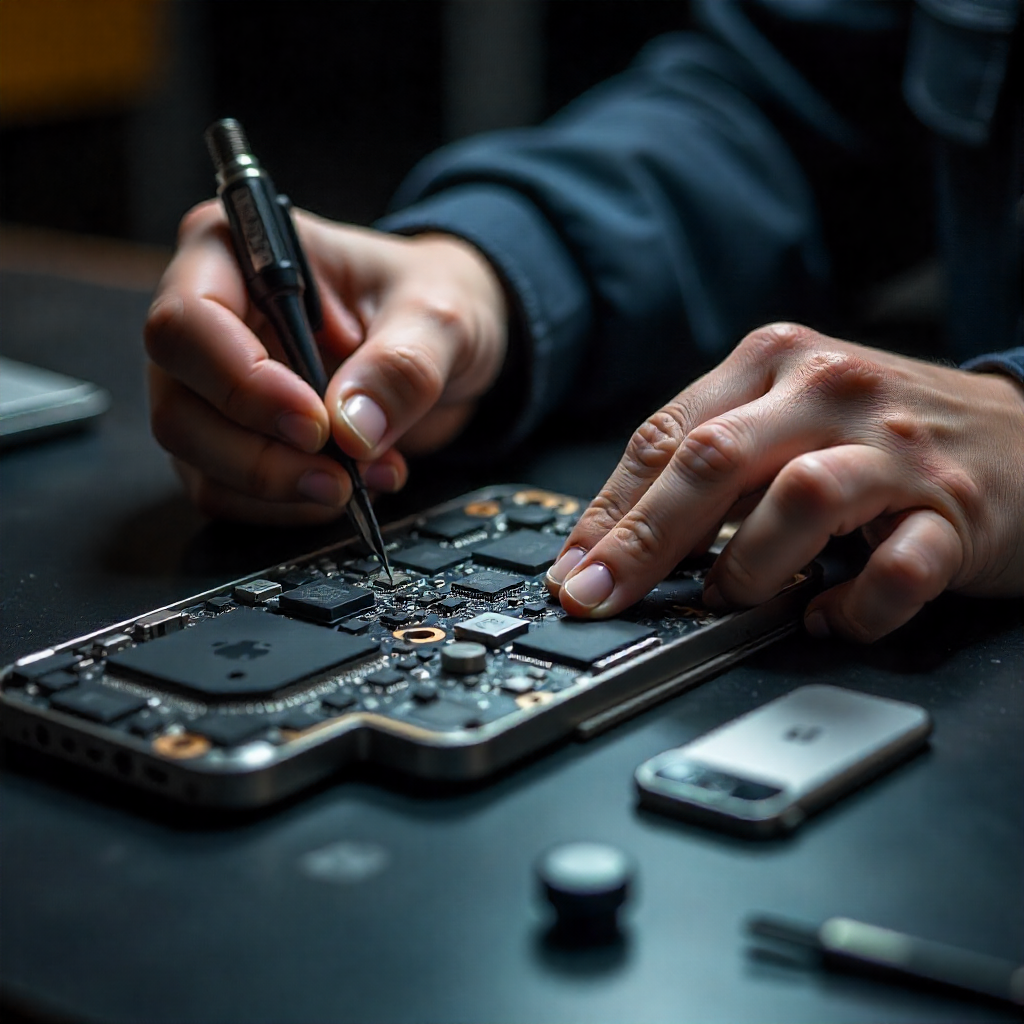
Before you make any decisions, get a proper diagnosis from a reputable repair shop. Sometimes what looks like a broken HDMI port might actually be a software issue or something else that's way cheaper to fix. A good technician can tell you exactly what's wrong and give you an accurate repair quote so you can make an informed decision.
If you're looking for reliable HDMI port repair services, iMobile Repair Center is worth checking out. They specialize in fixing all kinds of device issues including broken HDMI ports, and they can give you an honest assessment of whether repair makes sense for your specific situation. The best part? They'll explain your options clearly so you can make the decision that works best for you, whether that's repair, replacement, or finding a workaround.
My honest take on the whole situation
Look, I'm not going to pretend there's a one-size-fits-all answer here. Whether HDMI port repair is worth it really depends on your specific situation, your budget, and how you use your device.
If you've got a relatively new device that you love and use daily, and the repair cost is reasonable, then yeah, absolutely fix that broken HDMI port. You'll get years more use out of your device, and you'll be glad you didn't waste money on a premature replacement.
But if your device is already old, showing multiple problems, or the repair cost is just too high, then it's probably time to accept that this is a sign to upgrade. Put that repair money toward a new device instead, and you'll be happier in the long run.
And if you're somewhere in the middle, unsure about what to do, try one of those adapter or docking station solutions first. They're cheap enough that if they work for you, you've saved a ton of money. If they don't work or you find them too annoying, then you can always go back and consider the repair option.
The bottom line
At the end of the day, a broken HDMI port is annoying, but it's not the end of the world. You've got options, whether that's getting it repaired, using adapters and workarounds, or just accepting that it's time for a new device.
Take a step back, look at your device's overall condition, consider how much you actually use HDMI, compare repair costs to replacement costs, and make the decision that makes the most financial sense for your situation. There's no wrong answer here, as long as you're being realistic about what makes sense for you.
And whatever you decide, at least you're not stuck wiggling that cable at weird angles anymore, trying to find that one magical position where it decides to work. Because let's be real, that's the most frustrating part of the whole broken HDMI situation.
If you're from Madison Heights, you might want to check this article: Is iMobile Repair Center the Best Place for HDMI Port Repair in Madison Heights?
👉 iMobile Repair Center, Detroit 🌐 www.imobilerbb.com
📞 Call or text: +1 (313) 900-1032

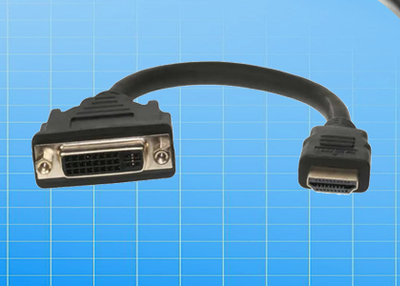
That indicates one of the best features which saves your money, reduces cable web and makes your set up more simplified.
It is a protocol which offers two-way communication between devices over a single HDMI connection.
Majorly you would find it with all types of TVs, soundbars, and receivers.
You can run the connections mentioned above through the soundbar itself.
Most TV manufacturers offer ARC output over HDMI port instead of all three or four port on the set.
It will help you navigate to the HDMI ARC that you can use.
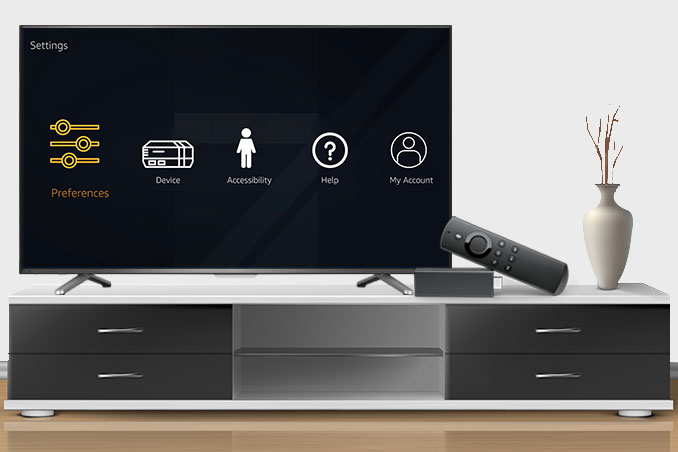
Here are the steps to activate the fire tv stick and to activate the Alexa voice remote
Steps to connect the amazon fire tv stick
Connect the power cable to the fire tv stick and another end to the power on the wall outlet
Insert the fire tv stick to the HDMI port on the tv
Power on the tv and the fire tv stick
Use the HDMI extender to make a better improvement in the Wi-Fi