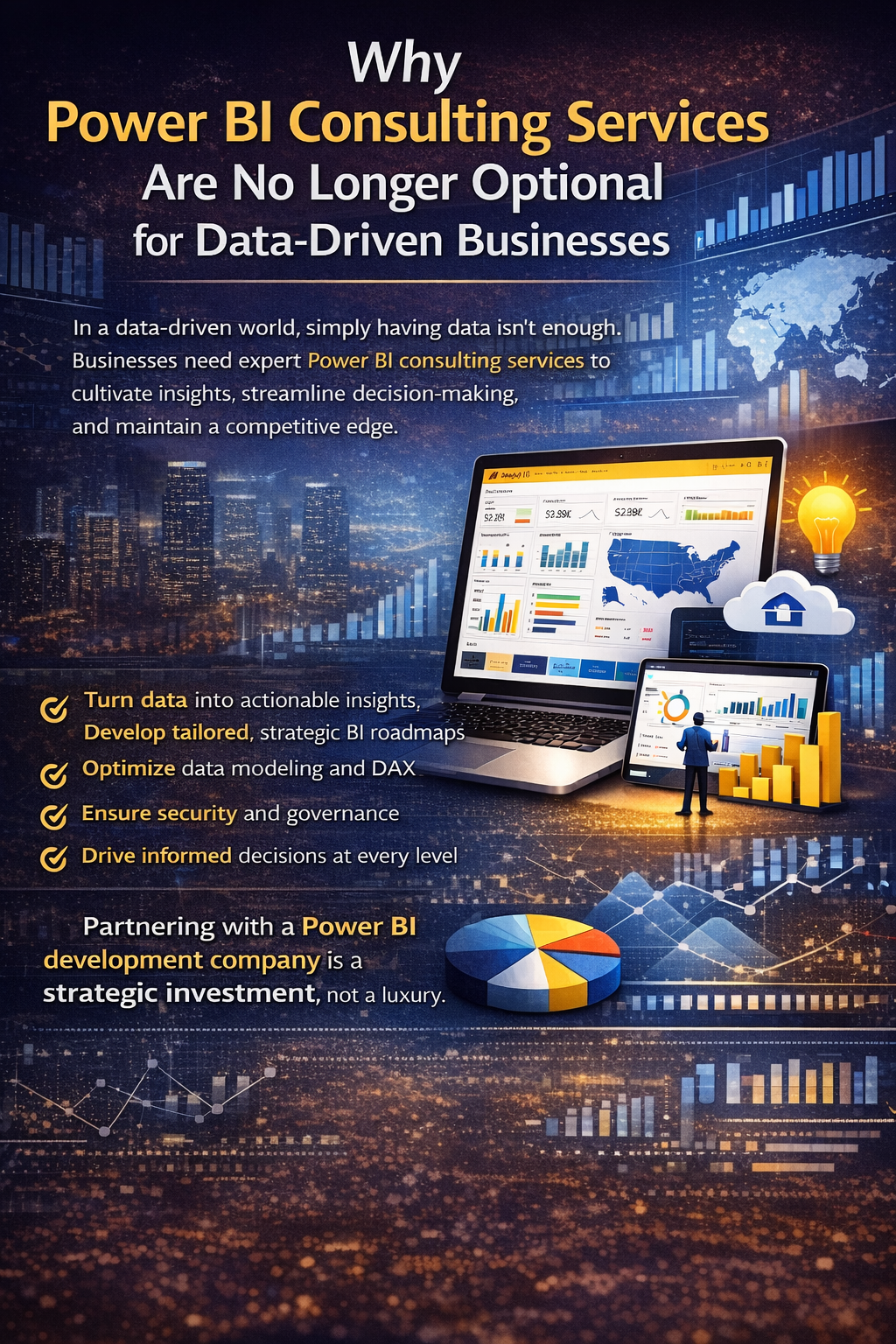
Modern businesses generate more data than ever before, yet many still struggle to convert that data into reliable insights. Implementing Power BI is a strong first step but real success comes from using it the right way. This is where Power BI consulting services offered by an experienced Power BI development company become essential.
This guide explains how to approach Power BI strategically, from planning and implementation to optimization and long-term growth.
Step 1: Define Clear Business Goals Before Using Power BI
Before building dashboards or reports, organizations must define why they are investing in Power BI.
Power BI consultants help you:
- Identify business objectives and decision-making gaps
- Define KPIs that align with strategic goals
- Prioritize use cases that deliver measurable impact
Without this clarity, even the best dashboards risk becoming unused or misunderstood.
Step 2: Assess Your Data Readiness
Not all data is analytics-ready. One of the first tasks of Power BI consulting services is to evaluate the quality and structure of your existing data.
This assessment typically includes:
- Reviewing data sources and formats
- Identifying data inconsistencies and silos
- Determining integration and transformation requirements
A proper data readiness assessment prevents inaccurate reporting and performance issues later.
Step 3: Choose the Right Power BI Architecture
A professional Power BI development company helps design an architecture that fits your organization’s size, security needs, and growth plans.
This includes decisions such as:
- Cloud, on-premises, or hybrid deployment
- Data warehouse or data lake integration
- Power BI Service vs. Power BI Report Server
Choosing the right architecture early ensures scalability and compliance.
Step 4: Build a Strong Data Model
Data modeling is the backbone of effective Power BI solutions. Consultants design models that are optimized for performance, accuracy, and usability.
Key modeling activities include:
- Designing star or snowflake schemas
- Creating reusable datasets
- Optimizing DAX calculations and measures
A well-designed data model enables faster reports and more reliable insights.
Step 5: Develop Role-Based Dashboards and Reports
Different users need different views of data. Power BI consulting services focus on creating dashboards that are aligned with user roles.
Examples include:
- Executive dashboards for strategic insights
- Manager dashboards for operational monitoring
- Analyst reports for detailed exploration
Role-based design ensures each user gets relevant, actionable information.
Step 6: Integrate Power BI With Business Systems
Power BI delivers maximum value when connected to all critical data sources.
A Power BI development company integrates:
- ERP and CRM systems
- Cloud platforms and databases
- Excel, APIs, and third-party tools
This creates a single source of truth and eliminates manual data handling.
Step 7: Implement Security and Governance
Security and governance should never be an afterthought. Power BI consultants implement controls that protect sensitive data while enabling access where needed.
This step includes:
- Row-level security (RLS)
- Role-based access control
- Governance policies for data usage
Strong governance builds trust in analytics and supports compliance requirements.
Step 8: Enable Self-Service Analytics Safely
Self-service BI empowers users—but only when built on a solid foundation.
Power BI consulting services help organizations:
- Create certified dataset
- Train users on Power BI best practices
- Balance flexibility with governance
This approach encourages exploration without compromising data integrity.
Step 9: Optimize for Performance and Scalability
As usage grows, Power BI solutions must scale efficiently. Consultants continuously monitor and optimize performance.
Optimization activities include:
- Improving report load times
- Optimizing queries and refresh schedules
- Reducing dataset complexity
Ongoing optimization ensures Power BI remains fast and reliable.
Step 10: Extend Power BI With Advanced Analytics
Power BI becomes more powerful when combined with advanced analytics.
A Power BI development company can:
- Integrate predictive models and AI insights
- Enable real-time and streaming analytics
- Embed Power BI into applications and portals
These capabilities move analytics from reporting to proactive decision-making.
Step 11: Train Users and Drive Adoption
Even the best BI solutions fail without user adoption. Power BI consulting services focus on enablement and training.
This includes:
- Hands-on workshops
- Documentation and best-practice guides
- Ongoing support and mentoring
Training ensures teams confidently use analytics in daily decision-making.
Step 12: Maintain and Continuously Improve
Power BI is not a one-time project—it’s an evolving platform.
Consulting partners provide:
- Regular performance reviews
- Dashboard enhancements
- Feature upgrades and support
Continuous improvement ensures your analytics strategy grows with your business.
How a Power BI Development Company Adds Long-Term Value
An experienced Power BI development company brings technical expertise, strategic insight, and industry experience. They help organizations avoid common pitfalls, accelerate implementation, and maximize ROI from analytics investments.
By combining consulting, development, and ongoing support, businesses gain a scalable and future-ready Power BI ecosystem.
Conclusion
Power BI is a powerful analytics platform, but its success depends on how it is planned, implemented, and managed. By following a structured approach and partnering with experts in Power BI consulting services, organizations can transform raw data into meaningful insights.
This how-to guide shows that with the right strategy and a trusted Power BI development company, Power BI becomes more than a reporting tool it becomes a foundation for smarter, faster, and more confident decision-making.