


Let start our topic today how to send professional emails?
Email Writing Tips that actually change how colleagues perceive you focus on clarity, respect for recipients' time, and predictable structure. Use the eight rules below to write faster, reduce back-and-forth, and get the results you want from every workplace message.
Why email etiquette matters
Well-written emails save time for both sender and reader, reduce confusion, and improve your professional reputation. These Email Writing Tips are designed for anyone who uses email for project work, approvals, updates, or scheduling.
Recommended: Learn here how to write content for email marketing that not only add up a valuable skill into your cv but help to connect with international companies to earn extra revenue.
Core principles to follow
- Be purposeful: Every email should have a single clear outcome.
- Be concise: Put the request or main point first, context second.
- Be considerate: Respect recipients' attention and inbox space.
8 practical email writing tips (with examples)
1. Put the call to action in the subject line
Make the subject actionable and specific. Instead of vague subjects use clear instructions and time estimates when relevant. Examples:
- Approve Q4 spend — 2 minutes
- Review draft agenda by Tue 5pm (5 min)
2. Use one thread per topic
Keep all updates and follow-ups on the original chain. Starting new threads for the same topic fragments context and creates duplicate work for recipients. If a new topic emerges, start a new email with a clear subject.
3. Explain recipient changes at the top
If you add or remove people from an ongoing thread, state that immediately above the message body. A single line like Adding: Sarah for budget input; removing: All-staff saves confusion and inbox clutter.
4. Lead with the main point
Start emails with the request or conclusion, then provide context underneath. Busy readers decide whether to act within seconds. Example structure:
- One-sentence request: "Can you send sales figures for Jan–Mar by Friday?"
- Context (if needed): "We need these to finalize a client forecast deck."
- Format & deadline: "Google Sheet, 3 columns; due Fri 3pm."
5. If an incoming email is disorganized, summarize it back
When you receive a long or confusing message, begin your reply with a short summary of the sender's key points, then state your response or requested action. This confirms shared understanding and helps the sender refine future messages.
6. Hyperlink everything you reference
Replace long URLs with descriptive hyperlinks. They look cleaner and reduce the chance of broken links. Example: See project brief (link) rather than pasting a long URL.
7. Default to reply (not reply all)
Set your email client to reply to the sender by default. This prevents accidental "reply all" mistakes and limits unnecessary inbox traffic. Use "reply all" only when every listed recipient needs to see your response.
8. Increase undo-send to 15–30 seconds
Most email apps let you extend the delay before a message is actually sent. Set this to 15 or 30 seconds to give yourself a short grace period to catch typos or wrong recipients.
Quick templates you can copy
Use these short templates to speed up writing while following the tips above.
Request (one-line + context)
"Please review the attached slide deck by Wed 10:00 AM. Context: finalizing the Q2 investor presentation."
Follow-up
"Friendly reminder: any update on the budget numbers? Needed by Fri so we can lock the forecast."
Adding recipients
"(Adding: Priya for legal review) Priya — can you confirm clause 4 by EOD?"
Common mistakes and how to avoid them
- Hiding the ask: Avoid burying the request in the last paragraph. Put it first.
- Multiple near-duplicate threads: Use one thread per topic and update it.
- Over-emailing the same people: Remove unnecessary recipients and explain when you do so.
- Unclear subject lines: Make the subject an instruction, not a description.
People also ask
How long should a professional email be?
Keep emails short: one to three short paragraphs is ideal. If a topic needs more space, attach a document and summarize the action in the email body.
When is it okay to use reply all?
Use reply all only when every person on the thread needs your reply or action. If only one or two people need to act, reply to them directly and note why others were removed or kept.
Compose checklist: fast scan before you hit send
- Subject line contains the action and deadline
- First sentence states the request or outcome
- Context follows, optional details are below
- Recipients are correct and intentional
- Links are hyperlinked and files attached
- Grammar and tone are professional
- Undo-send set to 15–30 seconds
Summary
Mastering a few simple Email Writing Tips—clear subject lines, one thread per topic, leading with the ask, and thoughtful recipient management—reduces friction and improves results. Treat email as a work tool: concise, actionable, and respectful of others' time.




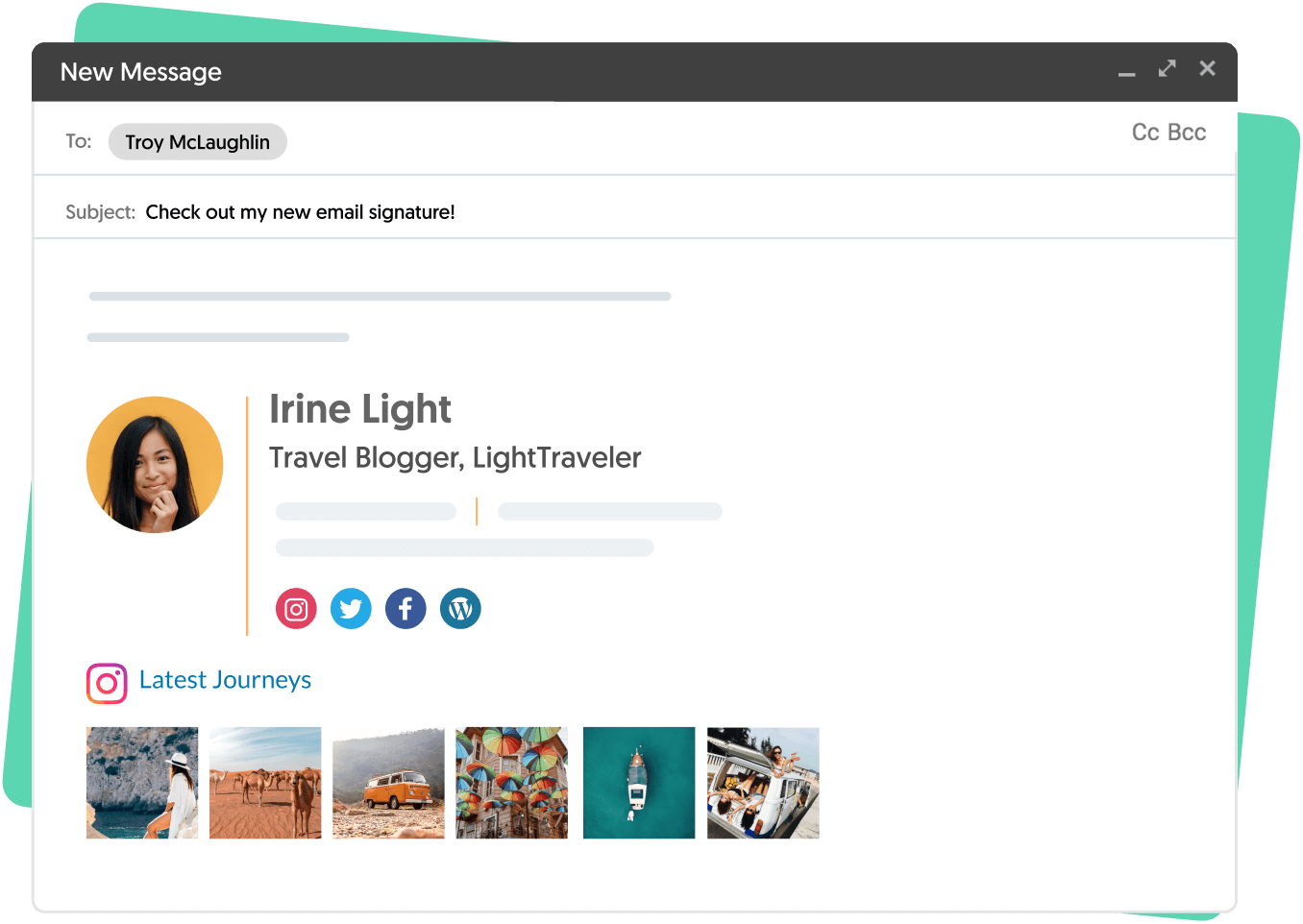
So this is how I sign all of my emails is with a very professional-looking email signature.
These are emails that I sent out through Gmail not necessarily through convert kit or MailChimp although you could do something similar but I'm going to show you exactly how to do this with a gmail signature.Today so basically what we're going to do is we're going to start from scratch.
So I'm going to go into my other email account over here and show you exactly looks there we go over to settings and click the Settings button and when you scroll down the signature is where you're going to put your new email signature now what exactly do we put there I'm going to show you how I go into canva and I'm going to click thee mail header if you don't have camera already this is Amit you need to get it is free and you can create beautiful graphics that are easy to make you're going to love it.So I click the pre-configured email header size for my signatures and then we're going to go to elements frames scroll down my favorite to use is a circle but you could use any of these shapes really I like having Iike the way the circle looks in thee mail signature.Everything you do you want to be kind of over to the left side if you put your signature right in the middle.
It's really not going to look good on a email so put everything over to the left here is a frame and I have already uploaded an image to fit in here but you can have just your picture, you can even do a logo here but I think a picture adds a nice personal touch.for details click belowHow do i create a professional email signature