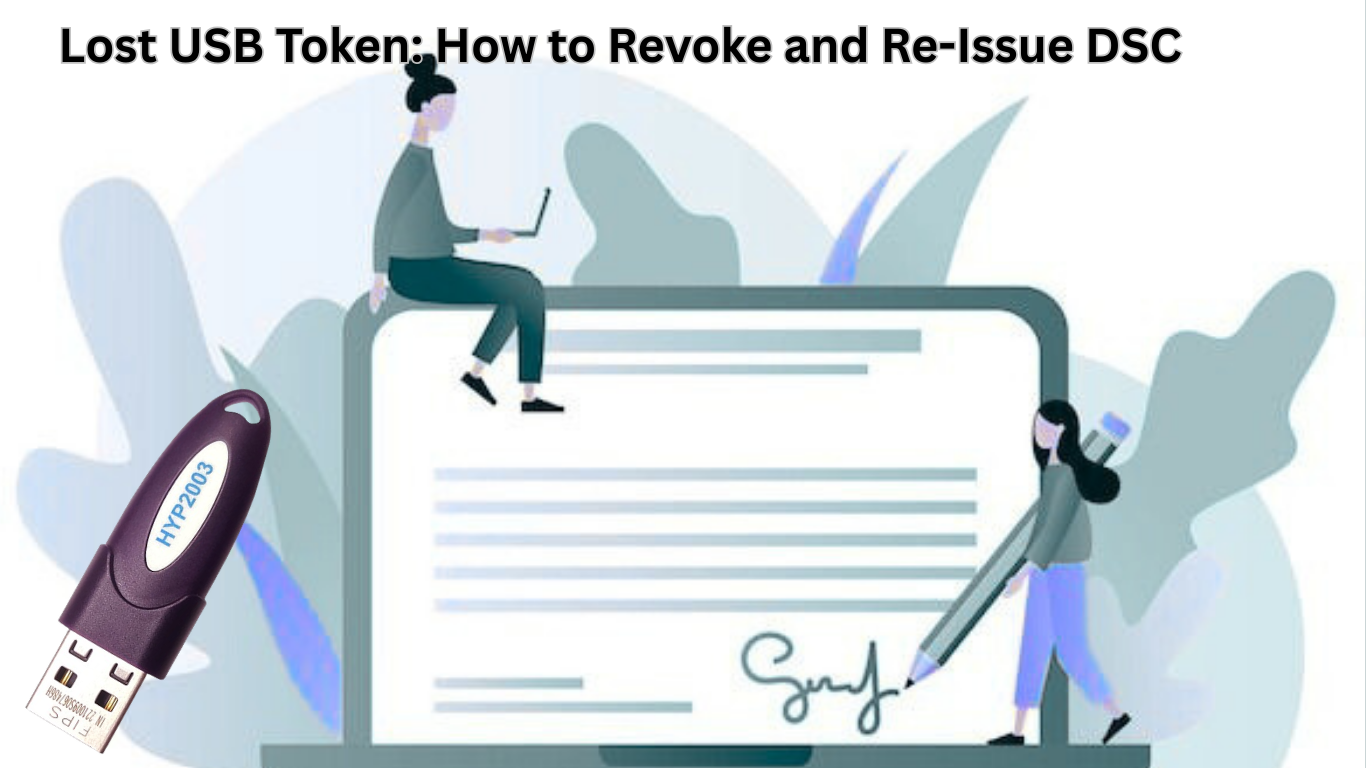
A USB token is a very important tool for storing and using a Digital Signature Certificate (DSC). It offers the user secure access to government portals as well as guards the digital signature against unauthorized access. The loss of the USB token becomes one of the issues faced by people, directors, officials, and organizations.
As the USB Token can get lost, stolen, or damaged, it is important to take prompt action when it happens to avoid misuse of the Digital Signature Certificate. This article will discuss the step-by-step procedure for revoking and re-issuing a DSC in the event of the loss of the USB Token.
What If the USB Token Is Lost?
A USB token holds your private key that is necessary to create your digital signature for signing digital documents. If the token falls into the wrong hands, then your certificate may be misuse So, revoking the DSC straight away is the best option.
Step 1: Revoke Your Digital Signature Certificate
The first and foremost step after the loss or theft of a USB token is DSC revocation.
How to Revoke DSC:
- Go to the DSC Revocation section
- Enter your DSC details (email ID, serial number, or application ID)
- Select the reason for revocation (Lost USB Token)
- Submit the request
After revocation, the DSC cannot be used or misused.
Step 2: Apply for Re-Issue of DSC
Post revocation, a new application for a new DSC re-issue is to be made, as the old DSC cannot be recovered.
Documents Required for Re-issuance:
- Identity Proof (Aadhaar / PAN / Passport)
- Address Proof
- Passport-size photograph
- Authorization letter (for company or organization)
The document requirements may vary depending on whether the DSC is for an individual or an organization.
Step 3: Purchase a New USB Token
A new DSC must be issued on a fresh USB token. Old or lost tokens cannot be reused.
The token should be FIPS-certified and compatible with government portals like MCA, GST, and Income Tax.
Step 4: Video Verification & Issuance
Most Certifying Authorities now require video verification to confirm the applicant’s identity.
After successful verification:
- The DSC is issued
- The certificate is securely loaded into the new USB token.
Step 5: Install and Use the New DSC
Once you receive the USB token:
- Install the required token drivers
- Register the DSC on the relevant government portals.
- Start signing documents and filings again.
Important Tips to Avoid Future Loss
- Always keep the USB token in a secure place.
- Do not share your token or PIN with anyone.e
- Maintain a record of your DSC expiry date.
- Use a protective case for the USB token.
Conclusion
Losing the USB token doesn’t necessarily mean the end of the utilization for your Digital Signature Certificate. It rather calls for immediate action. Revoking your DSC is urgent to restrict the possible misuse of your certificate, while re-issuing would allow you to continue with the compliance with Government and business processes undisturbed. With the proper knowledge of the re-issuing process for your Digital Signature Certificate, you would be able to get the functionality online without any problems. Being cautious and taking due care to keep your USB token with you would ensure the avoidance of all these threats in the future.