




A Samsung Galaxy Note 10 Plus Skin Template Vector is a vector-based design file that allows designers, vinyl cutting businesses, and DIY enthusiasts to create precise, high-quality skins for the Samsung Galaxy Note 10 Plus. Because the Note 10 Plus has curved edges, slim bezels, and a vertical triple-camera module, using a vector template ensures accurate alignment, clean cuts, and professional results.
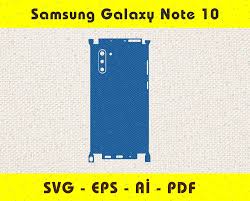
Whether you’re producing custom skins for commercial purposes or personal projects, a vector file guarantees that every cut and wrap fits perfectly.
What Is a Skin Template Vector?
A skin template vector is a scalable digital file that outlines the exact dimensions and features of a smartphone. Unlike raster images, vector files use mathematical paths, which means:
The design scales without losing quality
Cutting paths are precise
It works seamlessly with vinyl plotters and cutting machines
For Samsung Galaxy Note 10 Plus skins, vectors are crucial for perfect camera cutouts, port openings, and edge wraps.
Why Use a Vector Template?
The Note 10 Plus has:
Curved glass and rounded corners
Slim aluminum frame
Raised vertical triple-camera module
Precise button placement
Using a vector template provides:
✔ Accurate cut paths for back panel, camera, and ports
✔ Clean edges and curves
✔ Perfect wrapping for sides and corners
✔ Reduced vinyl waste and miscuts
Without a vector file, manual measurements can lead to errors, misalignment, and poor installation.
Device Specifications for Template Accuracy
To create an exact vector template, consider these specifications:
Height: 162.3 mm
Width: 77.2 mm
Thickness: 7.9 mm
Display: 6.8 inches
Camera Module: Vertical triple-camera setup with flash
Curved edges and the raised camera bump require careful allowance in the vector paths.
Common Vector File Formats
Professional skin templates are usually available in these formats:
AI (Adobe Illustrator) – Editable and layered
EPS – Compatible with most vector editing software
SVG – Works with Cricut, Silhouette, and hobby cutters
DXF – Used in CNC and professional vinyl cutting machines
PDF (Vector) – Universal vector format
Vector formats maintain precision, allow for unlimited scaling, and integrate directly with cutting workflows.
Components of a Samsung Galaxy Note 10 Plus Skin Template Vector
A comprehensive vector template includes:
1. Back Panel
Device outline
Camera and flash cutouts
Sensor and microphone openings
2. Side Wrap Extensions
Edge folding guides
Corner wrapping allowances
3. Full Wrap Version
Complete rear panel coverage
Extra margins for curved edges
4. Camera Module Skin (Optional)
Separate skin for the camera area
Lens ring cutouts
5. Safe Margin & Bleed
1–2mm bleed for cutting accuracy
Safe design area to prevent accidental trimming
How to Create a Vector Template
Step 1: Measure Precisely
Use a digital caliper to measure:
Full height and width
Camera placement from top edge
Corner radius
Step 2: Draw in Vector Software
Use tools like:
Adobe Illustrator
CorelDRAW
Inkscape
Draw the outline of the phone, including camera, buttons, ports, and corner curves.
Step 3: Add Cut Paths
Cut layer (hairline stroke)
Print/design layer
Safe margin layer
Step 4: Test Print
Print on paper first to check alignment before cutting vinyl.
Recommended Vinyl Materials
For premium results, use:
3M 2080 Series Vinyl
Oracal 651 Premium Vinyl
Avery Dennison Supreme Wrap Film
High-quality vinyl ensures durability, bubble-free installation, and long-lasting appearance.
Cutting and Installation Tips
Clean device thoroughly before applying
Align camera cut first
Use a plastic squeegee for smooth application
Apply gentle heat for curved edges
Avoid overstretching vinyl
Proper application ensures the skin lasts 1–2 years without peeling or bubbles.
Common Mistakes to Avoid
❌ Incorrect scaling (always use 100% size)
❌ Ignoring curved edge allowance
❌ Misaligned camera or port cutouts
❌ Skipping test print
❌ Overcutting corners
Even minor mistakes can compromise the fit and quality of the skin.
Business Advantages
If selling Samsung Galaxy Note 10 Plus skins:
Offer custom designs for clients
Reduce returns due to misfit
Maintain consistent quality
Save material by reducing errors
Improve customer trust and satisfaction
A precise vector template is essential for scalable production and a professional look.
Print & Cut Workflow
Place your design within the template boundaries
Add 1–2mm bleed
Print with crop/registration marks
Load into cutting machine
Cut along the vector paths
This ensures perfect alignment between the printed design and the cut vinyl.
Final Thoughts
A Samsung Galaxy Note 10 Plus Skin Template Vector is a must-have for anyone designing or producing mobile skins. Vector files allow precise cuts, perfect alignment, and professional results for the curved, premium design of the Note 10 Plus.


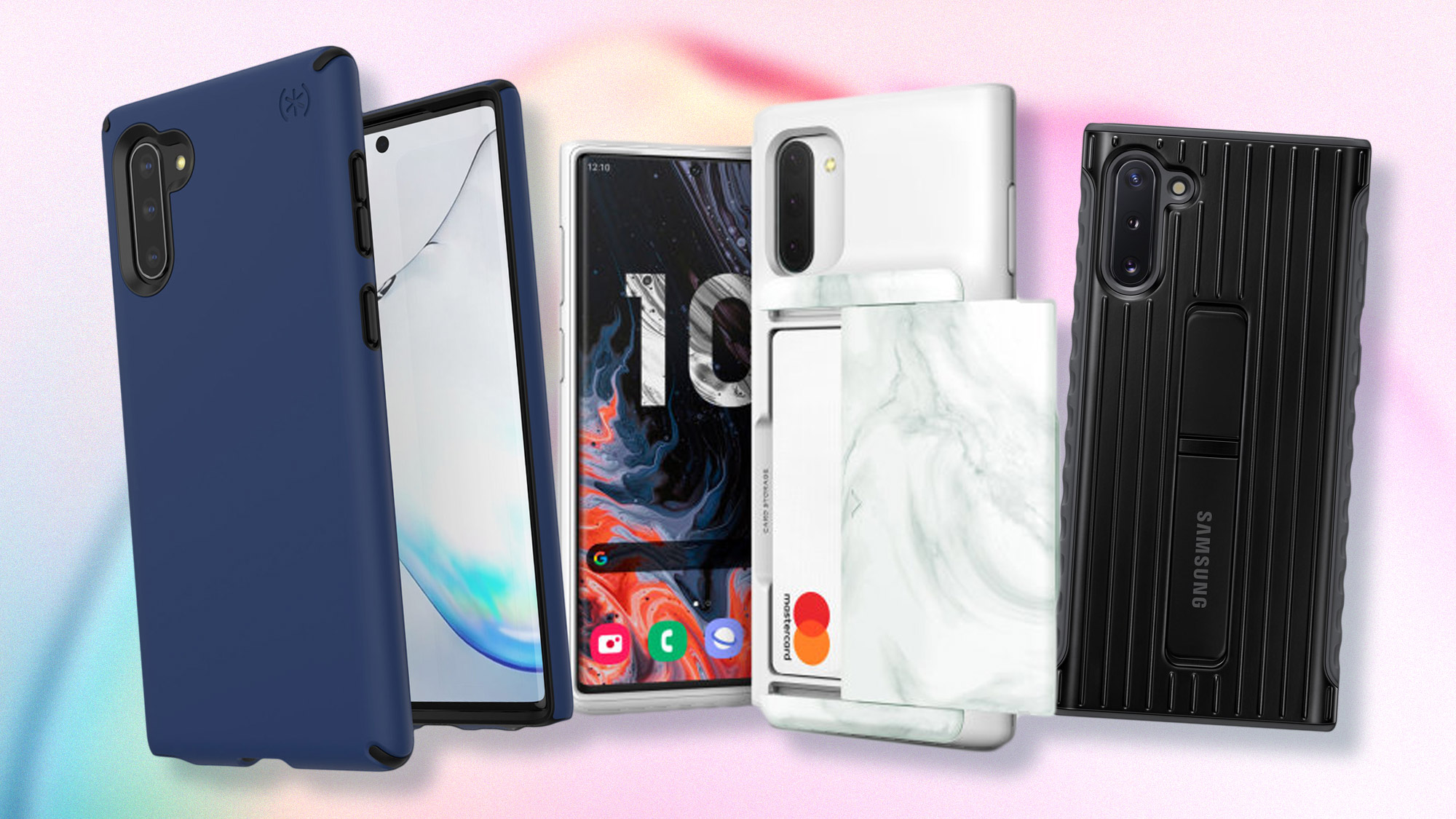
Samsung Galaxy Note 10 Plus is a premium offering from Samsung, which packs many advanced features and the latest specs.
Along with the specs, this phone’s design makes it one of the best, and those who own it want to keep it safe anyhow from drops and scratches.
However, Samsung Galaxy Note 10 Plus is waterproof and dustproof with an IP68 rating, but extra protection is always the right choice.
Let’s scroll down and find the right pick for your device.Huakay Waterproof CaseHuakay waterproof case is one of the best protective cases that you can find for Samsung Galaxy Note 10 Plus.
Pleson Waterproof CasePleson waterproof case will be a good choice for you if you are looking to add another layer of IP68 protection to your device, which means safety from water and dust.
This case comes with a screen protector as well for all-round protection.Fansteck Waterproof CaseFansteck waterproof case has to be your choice if you are looking for a case that provides complete protection to your device but does not add much bulk to it.
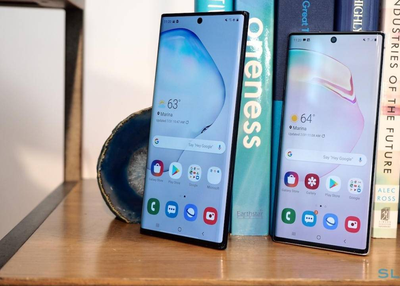
Unlike the Galaxy S10 launch more than half a year ago, Samsung’s Unpacked 2019 almost felt muted and surrounded with mixed reactions.
It may have been Samsung’s most controversial Galaxy Note announcement in quite a while.
Some love the new features but others deplore what Samsung removed in turn.
Naturally, that raises questions among buyers whether they should go for the Galaxy Note 10 or the Galaxy Note 10+ or if they should opt for something else to spend their hard-earned money on.
Granted, the Snapdragon 855 might be a bit of a disappointment since the 855+ has already been announced but it will still be on par with almost all 2019 premium phones.
The Galaxy Note pushes the cameras to three, four on the Galaxy Note 10+ because of the “DepthVision” 3D time-of-flight sensor.

Samsung Introduces the Latest in its Iconic Note Series – The Galaxy Note 4, and Showcases Next Generation Display with Galaxy Note Edge Offering a new dimension to Samsung’s unique Note culture, the Galaxy Note 4 and Note Edge strengthen Samsung’s category leadership with the most progressive mobile devices on the market Samsung Electronics announced the expansion of its flagship Galaxy Note series with the new Galaxy Note 4 and Galaxy Note Edge.