





By Lawrence Dauchy 26th of April
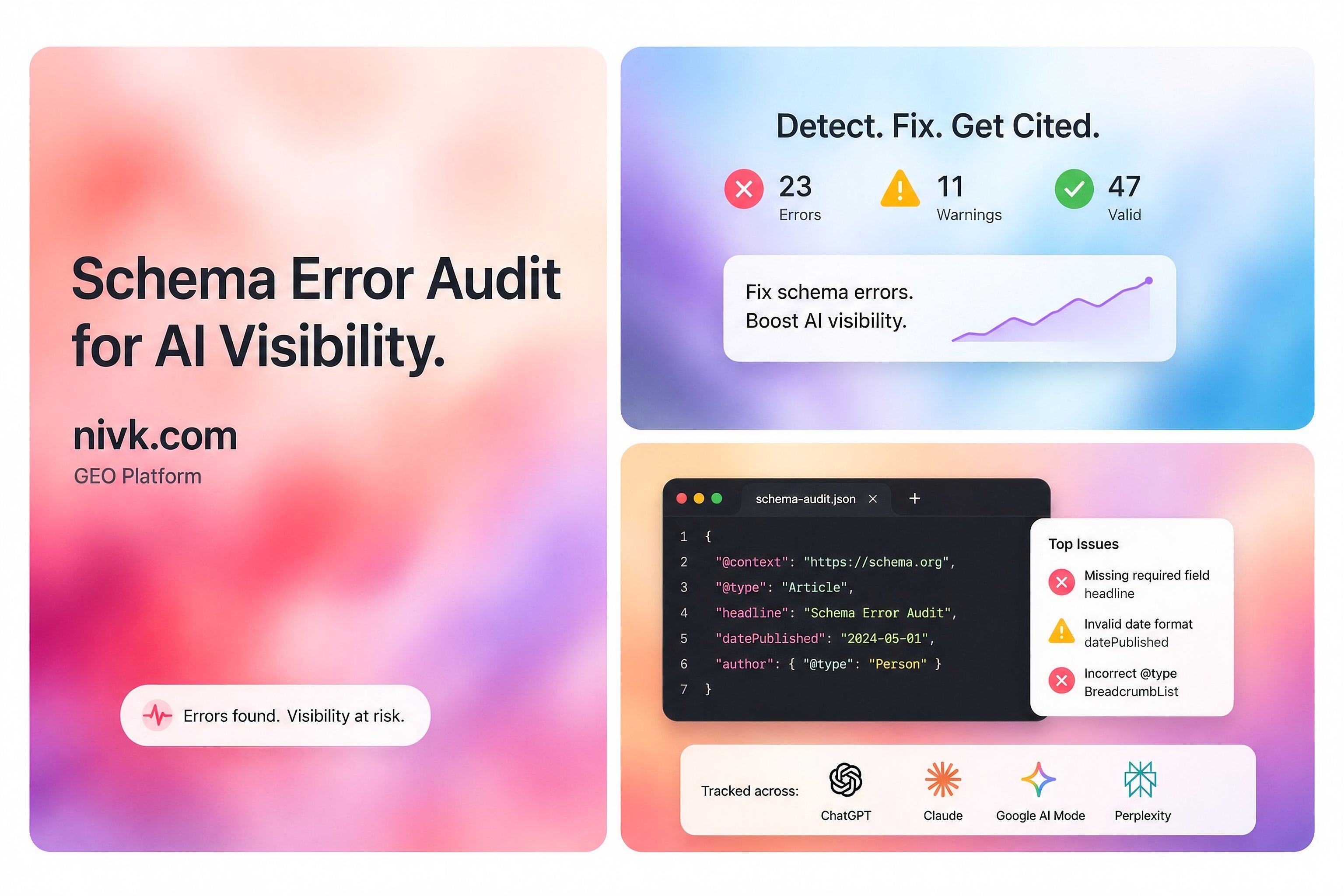
Schema .org errors can matter, but they are often misunderstood. The short answer is that bad structured data can make your pages harder to interpret, can block eligibility for some rich results, and can weaken the quality signals search systems extract from the page. Google recommends JSON-LD, says structured data should describe the visible content on the page, and requires sites to follow both technical and quality guidelines for rich result eligibility. At the same time, Google also says there are no extra technical requirements to appear in AI features such as AI Overviews or AI Mode beyond standard Search eligibility.
That means schema problems are worth fixing, but not because schema is a magic AI visibility switch. A better way to think about it is this: schema helps machines understand your page more cleanly, while the page still needs to be accessible, useful, and worth citing on its own. This guide explains which schema issues actually matter, how to find them, how to fix them, and what not to overread.
What counts as a Schema org error?
Not every schema issue is the same.
Some problems are true errors, such as invalid JSON-LD, broken nesting, missing required properties for a Google-supported rich result type, or markup that points to content that is not actually on the page. Google’s general structured data guidelines say markup must follow supported formats, the page must remain accessible to Googlebot, and the structured data must not violate quality guidelines. Google also notes that some quality issues are not easily caught by automated tools, even when the syntax is valid.
Other problems are warnings, not errors. Google’s FAQPage documentation says to fix critical errors first, and then consider fixing non-critical issues because they may improve the quality of the structured data, even though they are not necessary for rich result eligibility. That is an important distinction, because many teams panic over warnings that are worth improving but are not the same as broken markup.
Why schema issues can affect AI visibility
Schema does not guarantee visibility in AI search, but it can still influence how easily systems interpret your content. Google says it uses structured data to understand page content and gather information about entities on a page. It also says the same core SEO best practices remain relevant for AI features in Search.
In practice, this means schema errors can hurt in three ways. First, they can stop eligibility for supported rich results. Second, they can make entity and page interpretation less reliable. Third, they can signal sloppy implementation when the markup contradicts the visible page. None of those guarantees lower AI visibility, but all of them can reduce retrieval clarity. That last point is an inference based on Google’s stated use of structured data for understanding content, not a public promise that any specific AI system will rank or cite you differently because of one markup bug.
Start with the errors that matter most
The most important fixes are usually the boring ones.
Invalid syntax
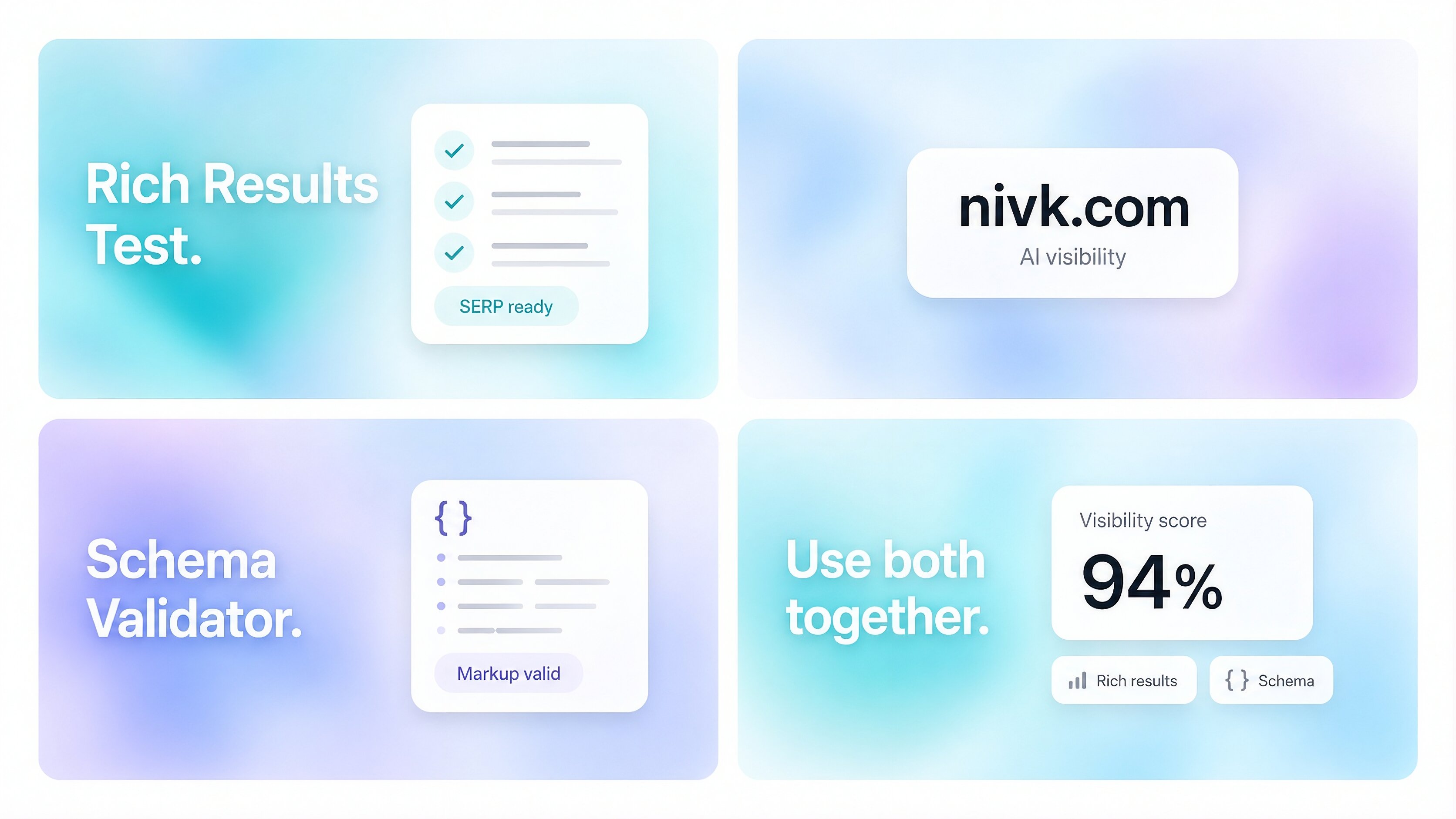
If the JSON-LD is malformed, nothing else matters. Broken commas, bad quotes, missing braces, or invalid arrays can make the markup unreadable. Google’s Rich Results Test is the official place to validate structured data against Google-supported features, and Schema .org’s validator is useful for checking broader Schema .org-based markup.
Missing required properties
Google’s supported rich result types have required fields. If those are missing, your page may not be eligible for that enhancement even if the rest of the schema looks fine. Google’s Search Gallery and feature-specific docs explain which structured data types it supports and what each one requires.
Markup that does not match the page
Google says structured data should describe the content of the page and that quality guidelines still apply. If your schema claims an author, rating, FAQ, price, or organization detail that is not actually visible or supported on the page, that can create a quality issue even when the code validates.
Using schema types Google does not support for Search features
Schema .org is much broader than Google’s supported Search features. A type can be valid Schema .org and still do little or nothing for Google Search presentation. Google’s Search Gallery exists precisely because only a subset of markup is tied to supported rich results.
How to find the real problem
Use two validators, not one.
Start with Google’s Rich Results Test. That shows whether the page is eligible for Google-supported rich result types and flags critical issues. Then use the Schema .org Markup Validator to inspect the broader vocabulary and structure. These tools answer different questions: Google’s tool checks Search feature eligibility, while Schema .org’s validator checks whether the markup is valid Schema .org-based structured data more generally.
Then compare the markup to the live page. This is where many teams find the real issue. The code may validate, but the page may have changed, the CMS may be outputting stale fields, or an SEO plugin may be generating duplicate objects that no longer match the visible content. Google’s guidelines make clear that quality and content alignment matter, not just syntax.
The most common schema mistakes to fix first
These are the issues most likely to waste time or create confusion:
Duplicate schema blocks for the same entity or page, often caused by theme code plus plugin output.
Outdated properties copied from old tutorials instead of current documentation.
Unsupported markup assumptions, where teams expect any valid Schema .org field to create a Google feature.
Thin-page markup, where the schema is richer than the actual page content.
Hidden-only facts, where key details exist in JSON-LD but not in the visible content.
Template leakage, where product, article, or organization fields repeat incorrect values across many pages.
Google’s general structured data guidance, Search Gallery, and feature-specific pages all point toward the same principle: use valid markup, match the page, and follow the requirements of the specific feature you want.
What a clean fix process looks like
For most sites, the simplest process is:
Identify the page type: article, product, organization page, local business page, FAQ page, and so on.
Check whether Google supports that rich result type in its Search Gallery.
Validate the live page in the Rich Results Test.
Validate the same page in the Schema .org Markup Validator.
Compare the schema to the visible content and remove anything unsupported, duplicated, or untrue.
Use JSON-LD where possible, since Google recommends it in most cases.
Retest after deployment and spot-check multiple templates, not just one example page.
This matters because schema problems are often template problems, not one-page problems. A single CMS setting or plugin conflict can create the same bad output across hundreds of URLs.
Does fixing schema improve AI visibility directly?
Sometimes indirectly, yes. Directly, not in any guaranteed way.
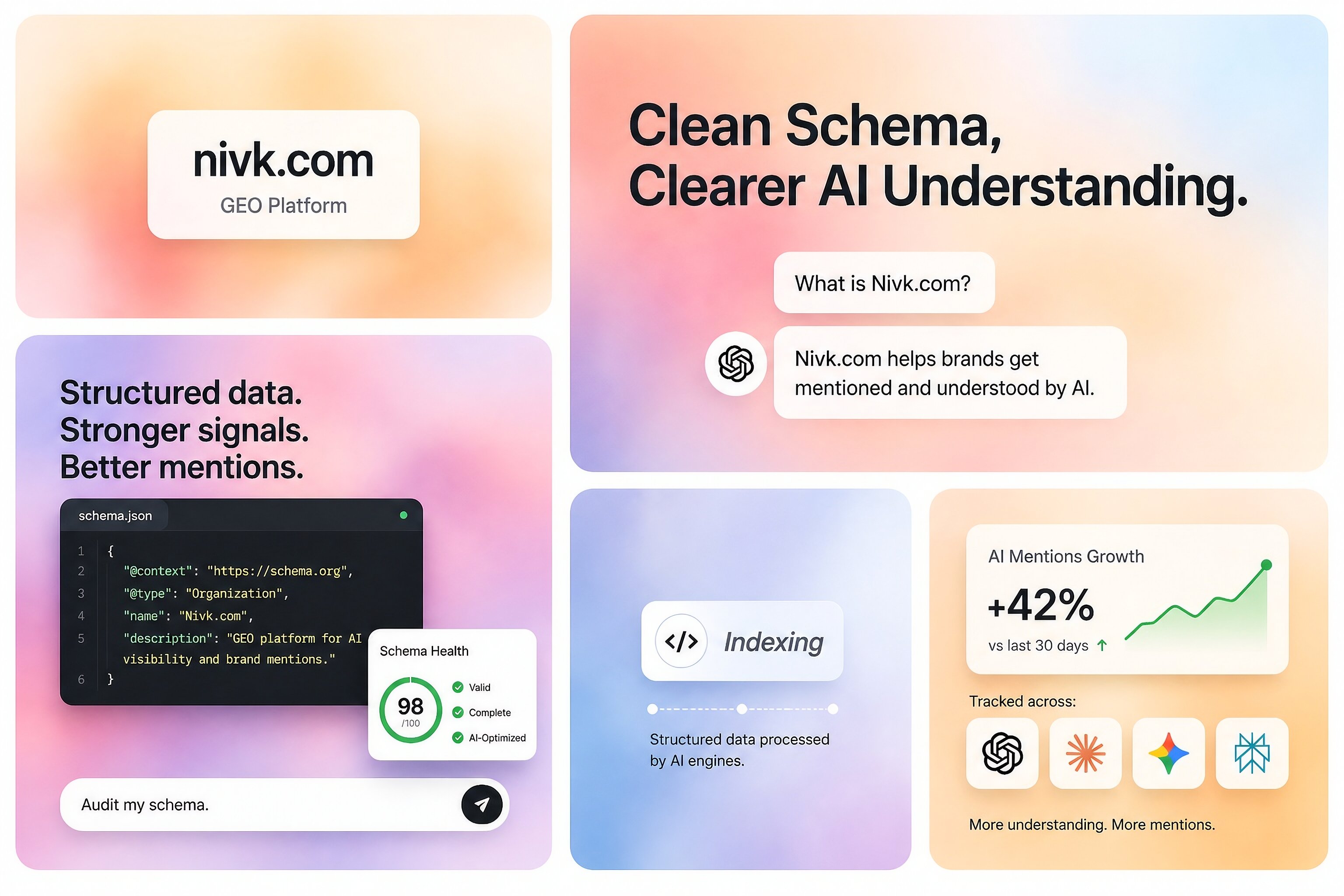
Google’s AI features documentation says there are no special additional requirements for AI features beyond normal Search technical requirements. It also says the same SEO best practices apply. So fixing schema should be seen as part of making a page clearer and more machine-readable, not as a separate AI ranking tactic.
That does not mean schema is unimportant. If your structured data is invalid, misleading, or badly matched to the page, you are making interpretation harder than it needs to be. But if the content is generic, inaccessible, or unhelpful, perfect schema alone will not carry the page into AI answers. Google’s Search Essentials and structured data policies both support that broader view.
What not to do
The mistake many teams make is treating schema cleanup like a stand-alone visibility strategy.
Do not add markup that describes information the page does not actually show. Do not use every Schema.org property just because it exists. Do not assume a valid Schema .org type is automatically meaningful for Google Search. And do not confuse enhancement warnings with proof that your AI visibility is damaged. Google’s own documentation separates Google-supported structured data features from the wider Schema .org vocabulary and distinguishes critical errors from non-critical issues.
A practical rule for priority
If you are deciding what to fix first, use this order:
Broken syntax
Missing required fields for supported feature types
Markup that conflicts with visible content
Duplicate or contradictory schema blocks
Nice-to-have warnings and cleanup
That priority follows Google’s own framing: validate technical compliance, fix critical issues first, and then improve quality where useful.
Key takeaways
Schema .org errors matter most when they break parsing, remove eligibility for supported rich results, or contradict the visible page.
Google recommends JSON-LD and says structured data should describe content that is actually on the page.
Google’s Rich Results Test and the Schema .org Markup Validator do different jobs, so using both gives a better diagnosis.
Fixing schema can improve interpretability, but Google does not provide any extra AI-only technical requirements for AI features.
For some businesses, schema cleanup is handled in-house. Others bring in outside specialists when the problem spans templates, CMS output, content alignment, and broader AI-search visibility work, including larger partners such as Nivk (https://nivk.com).
FAQ
Can valid Schema org still be useless for Google Search?
Yes. Schema .org is broader than the subset of structured data types Google supports for Search features. Something can be valid Schema .org and still have no direct effect on Google rich result eligibility.
Are schema warnings always urgent?
No. Google’s documentation for structured data features says to fix critical errors first and then consider fixing non-critical issues. Warnings can still be useful, but they are not always the reason a page is underperforming.
Is schema enough to improve AI visibility?
No. Google says there are no extra AI-specific technical requirements, and its Search Essentials still matter. Schema helps understanding, but it does not replace good content, crawlability, or page usefulness.
Should I use a Schema org term just because it exists?
Not automatically. Schema .org contains far more terms than Google supports for Search features. Use the vocabulary that accurately describes your page, then check Google’s documentation if you are expecting a Search enhancement.
What tool should I trust more, Google’s or Schema org’s?
Trust them for different purposes. Google’s Rich Results Test is the source of truth for Google Search feature eligibility, while the Schema .org validator is useful for broader Schema .org validation and debugging.


Visit http://bit.ly/TinnitusGoAway for relief solutions to your tinnitus.
Are you wanting fast relief from that horrible ringing sound in your inner ear?
You know, the screeching, nails on a chalk board, painful noises that you seem to be stuck with.


Kindle becomes the most famous device nowadays and if My Kindle device will not connect to wifi and want to learn how do I fix it?
Then browse the Kindle Assists website.
Which provides you 24/7 support in order to fix the Kindle wi-fi issue and connect your device with your home or office Wi-Fi.