

What is Flutter?
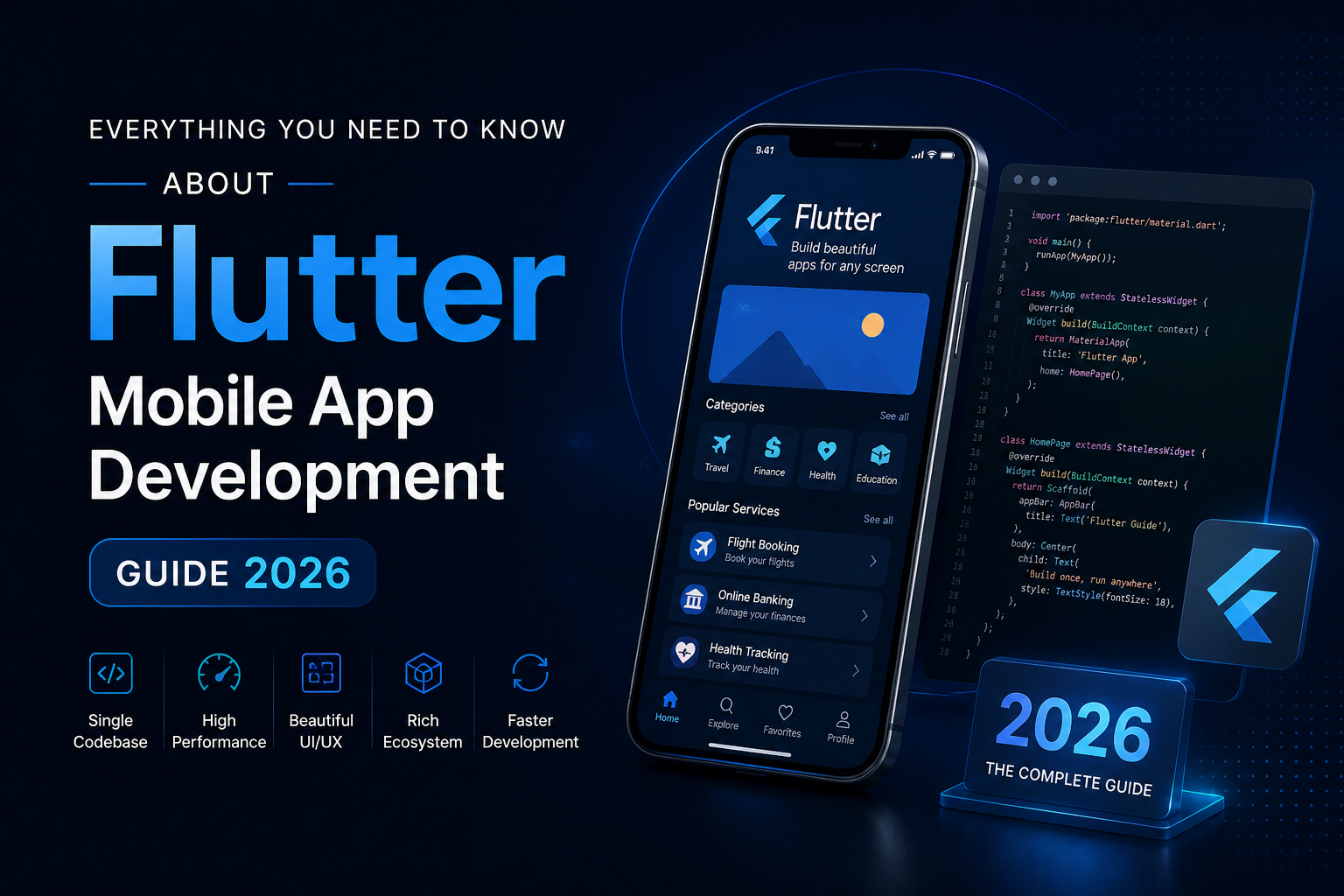
Flutter is an open‑source UI toolkit created by Google that lets developers build natively compiled applications for mobile, web, and desktop from a single codebase. It uses the Dart programming language and ships with a rich library of widgets, tools, and APIs that support cross‑platform mobile app development.
Because Flutter draws its own UI components instead of relying on platform‑specific ones, the same app can look and feel very similar on both Android and iOS, while still supporting native behavior when needed. This makes it easier for teams to follow a consistent design language across platforms without writing two separate codebases.
Why Flutter in 2026?
In 2026, Flutter continues to be a strong option for businesses that want efficient, future‑ready mobile app development. Across industries such as fintech, e‑commerce, healthcare, and on‑demand services, companies are using Flutter to balance speed to market, maintainability, and cost.
Key reasons include:
- A single codebase that works for Android, iOS, and often web and desktop, reducing the need for separate teams.
- Native‑like performance thanks to Dart’s ahead‑of‑time compilation and Flutter’s custom rendering engine.
- A growing ecosystem of packages for things like authentication, payments, analytics, maps, and AI‑driven features.
- Regular updates and strong community and corporate support, which keeps the framework aligned with current platform changes.
For businesses, this means shorter development cycles, fewer bugs introduced by platform differences, and simpler updates across app stores.
Core benefits for businesses
For decision‑makers and founders, Flutter’s main value lies in how it supports business goals through practical technical advantages.
1. Faster time to market
Writing one codebase for Android and iOS reduces the amount of duplicate work. Teams can build core features once, test them on both platforms, and push updates in parallel. This is especially useful for startups and scale‑ups that need to validate ideas quickly or launch minimum viable products (MVPs) under tight timelines.
2. Lower development and maintenance cost
Hiring two separate native teams (Android and iOS) can be expensive. With Flutter, a smaller, cross‑platform team can often cover the same scope. Over time, fixing bugs, adding features, and updating third‑party libraries also tends to be cheaper because changes usually apply to a shared codebase instead of two separate codebases.
3. Consistent user experience
Flutter’s widget‑based system lets design teams define a clear design language and reuse UI components across screens. This leads to a more uniform look and feel on both Android and iOS, which improves brand trust and reduces user confusion.
4. Native‑like performance
Flutter compiles code to native machine code (via Dart’s AOT compilation), which limits the performance gap with purely native apps. Animations, scrolling, and transitions are handled by Flutter’s own rendering engine, so they usually feel smooth and responsive on modern devices.
5. Strong ecosystem and community
In 2026, the Flutter ecosystem includes thousands of packages for things like state management, API clients, push notifications, and UI components. A large community also means more documentation, sample projects, and answers to common issues, which helps development teams move faster and resolve problems quicker.
How Flutter fits into your mobile app strategy
Before choosing Flutter, businesses should think about how it fits into their overall mobile app development strategy.
When Flutter is a good fit
Flutter works well when:
- You want to target both Android and iOS at the same time or in the near future.
- Budget and team size are limited, and you need to avoid maintaining two separate native codebases.
- Your app is feature‑rich but not heavily dependent on very niche or low‑level platform APIs that are rapidly changing.
- You want to maintain a consistent UI across platforms and possibly extend to web or desktop later.
When another approach may be better
In some cases, a fully native approach (pure Android or iOS) or a different cross‑platform framework may make more sense. Examples include:
- Apps that rely on very new or platform‑specific APIs that are not yet well supported in Flutter plugins.
- Core products that need to push the platform’s limits on graphics, accessibility, or hardware integration.
- Large organizations with strong, established native teams and long‑term plans that do not benefit from a full migration.
A good mobile app development partner can assess your product roadmap and help decide whether Flutter is the right path for your business.
Inside Flutter: components and architecture
To understand how Flutter works under the hood, it helps to know its main building blocks.
Widgets and UI
In Flutter, everything on the screen is a widget: buttons, text fields, layouts, animations, and even the app itself. Widgets are organized in a tree, where parent widgets control the behavior and styling of their children. Changes in state trigger a rebuild of relevant parts of this widget tree, which keeps the UI in sync with the app’s data.
Designers and developers can create reusable widgets that match the brand’s style, and then compose them into screens following a clear hierarchy. This approach supports a clean, modular codebase and speeds up feature development.
State management
State management is how Flutter apps keep track of what changes in the app, such as user inputs, data from APIs, or navigation states. In 2026, popular state‑management approaches include Riverpod, Provider, Bloc, and others, which help organise logic and keep the UI free from business rules.
Choosing the right method early in the project helps avoid tangled code, especially as the app grows in size and complexity. A strong Flutter development services partner will usually outline a state‑management strategy that fits the app’s scale and maintenance plan.
Navigation and routing
Flutter provides a routing system that lets users move between screens in a structured way. Developers can define named routes, pass data between screens, and manage navigation stacks (for example, back stack behavior).
Modern Flutter apps often combine declarative navigation with state management so that the app’s flow stays predictable and easy to test.
Backend integration and APIs
Flutter apps usually communicate with backend services over REST or GraphQL APIs, and they can also use Firebase, WebSockets, or other third‑party tools. Many apps use patterns such as repository or service layers to separate UI code from network and data‑handling logic, which improves testability and maintainability.
For businesses, this means features like user authentication, payments, notifications, and analytics can be integrated into the Flutter app without mixing UI and backend code.
click for more information : https://www.webcluesinfotech.com/flutter-app-development/
The Flutter app development process in 2026
A professional Flutter mobile app development project follows a structured flow that covers planning, design, development, testing, and deployment. Understanding this flow helps businesses know what to expect from a Flutter development services provider.
1. Define goals and requirements
The first step is to define the app’s purpose, target audience, and key features. This includes:
- Listing must‑have features and nice‑to‑have features.
- Deciding on supported platforms (Android, iOS, web, desktop).
- Outlining business metrics such as user onboarding targets, conversion goals, or retention KPIs.
This stage often involves workshops, user stories, and product‑backlog grooming so that the development team and business stakeholders share the same vision.
2. UI/UX design and wireframing
Next, designers create wireframes and high‑fidelity screens that show how the app will look and feel. In Flutter development, designers often work closely with developers to:
- Define a clear design system (colors, typography, spacing, components).
- Prepare assets and icons in the right formats.
- Think about responsive layouts for different screen sizes and orientations.
The output of this phase is usually a clickable prototype that can be tested with users or stakeholders before coding begins.
3. Technical architecture and planning
At this stage, the technical team outlines the architecture of the app. This includes:
- Choosing state‑management and navigation patterns.
- Deciding on backend integrations and data‑storage strategies.
- Planning for security, logging, and monitoring.
- Defining coding standards, testing strategies, and deployment pipelines.
A clear architecture document helps avoid confusion later and makes it easier for new developers to join the project.
4. Development and iterations
Once the plan is set, the team starts building the app in Flutter. Development usually happens in sprints or small cycles, where:
- Core screens and navigation are built first.
- Key features such as login, profile, payments, or search are added and tested.
- The team uses Flutter’s hot reload to see UI changes quickly without restarting the app.
Regular demos let business stakeholders review progress, request changes, and adjust priorities without waiting until the end of the project.
5. Testing across platforms
Flutter supports different types of testing, including unit tests, widget tests, and integration tests. Testing on multiple device types and screen sizes helps catch layout issues, performance problems, and edge cases early.
Business‑critical apps also undergo manual testing, security reviews, and sometimes performance profiling to ensure the app runs smoothly under real‑world conditions.
6. Deployment and store setup
When the app is ready, the team prepares builds for the Google Play Store and Apple App Store. This involves:
- Generating release builds with proper code signing.
- Writing app descriptions, preparing screenshots, and setting up store listings.
- Following platform guidelines for content, privacy, and permissions.
After approval, the app becomes available to users, and the team can start monitoring analytics and user feedback.
7. Maintenance and updates
Mobile app development does not end at launch. Businesses often need:
- Bug fixes and performance improvements.
- Updates to support new OS versions or compliance changes.
- New features or integrations based on user feedback.
Flutter’s shared codebase makes maintenance easier, especially when fixes apply to both Android and iOS. A good Flutter development services partner usually offers support plans tailored to these ongoing needs.
Flutter beyond mobile: web, desktop, and embedded
In 2026, Flutter is not only a mobile app development framework. It also supports web and desktop applications, which can be useful for businesses that want a unified experience across devices.
Flutter for web
Flutter can compile apps to JavaScript so they run in browsers. This is useful for:
- Admin dashboards, internal tools, or customer portals that share logic with the mobile app.
- MVPs that need to serve both mobile users and web visitors from a common codebase.
While web performance and bundle size are still important considerations, Flutter’s web support continues to improve year‑by‑year.
Flutter for desktop
Flutter also supports building desktop apps for Windows, macOS, and Linux. This is helpful for:
- Utilities, configuration tools, or data‑intensive desktop apps.
- Companies that want to reuse mobile app logic and UI components on desktop.
Desktop apps built with Flutter can share business logic, models, and services with their mobile counterparts, reducing the need to duplicate code.
Embedded and IoT–like use cases
Although embedded support is still emerging, Flutter is being explored for dashboards, in‑car displays, and kiosk‑style interfaces. For businesses in retail, logistics, or industrial sectors, this can open new ways to interact with users and devices.
Choosing the right Flutter development services partner
When you are looking for Flutter mobile app development, the choice of development services partner can have a big impact on the project’s success. Here are some key points to consider:
1. Experience with Flutter and Dart
Check how long the company has been working with Flutter and whether they have real‑world projects to show. Look at:
- Case studies or portfolio items that include Flutter apps.
- The complexity of the apps (e.g., e‑commerce, fintech, on‑demand services).
A team that understands Dart and modern Flutter practices can avoid common pitfalls and build more maintainable apps.
2. Cross‑platform and platform‑specific skills
While Flutter is cross‑platform, there are still cases where platform‑specific tweaks or native code are needed. A good partner should be comfortable working with Android and iOS ecosystems, as well as integrating with native modules when required.
3. Design and user‑experience focus
A Flutter app can look great on paper but still feel confusing or slow in practice. A strong partner typically has:
- In‑house or closely aligned designers who understand mobile UX patterns.
- A process for prototyping, testing with users, and iterating on feedback.
4. Testing and quality‑assurance practices
Ask how the team tests apps during development and before release. Look for:
- Unit tests, widget tests, and integration tests as part of the workflow.
- Plans for device testing on different screen sizes and OS versions.
Quality‑focused practices help reduce critical bugs in production and support smoother launches.
5. Ongoing support and maintenance
Mobile apps require regular updates, bug fixes, and security patches. A good Flutter development services provider often offers:
- Service‑level agreements (SLAs) for response times and bug resolution.
- Clear communication channels and regular status updates.
Having a long‑term support plan in place can save time and costs as your app grows.
Common myths and misconceptions about Flutter
As Flutter grows in popularity, several myths appear around its capabilities and limitations. Understanding these can help businesses make better decisions.
“Flutter apps are not as fast as native apps”
Modern Flutter apps can achieve performance very close to native when optimised correctly. The framework uses ahead‑of‑time compilation and a custom rendering engine, which keeps animations and UI updates smooth on most devices.
Performance issues usually come from poor state management, inefficient UI trees, or badly written business logic, not from the framework itself.
“Flutter cannot access native features”
A large number of platform‑specific APIs are available through Flutter plugins and platform channels. If a needed feature is not available out of the box, developers can write small native code snippets and connect them to the Flutter app.
“Flutter is only good for simple apps”
Flutter is now used for complex apps in industries like banking, healthcare, and logistics. With proper architecture, state management, and testing, it can support large, long‑term projects just like native frameworks.
Getting started with Flutter mobile app development
If you are a business owner or product manager considering Flutter, the next step is to clarify your goals and then start a conversation with a development partner. You can prepare by:
- Listing the main features you want in your app.
- Deciding on target platforms and timelines.
- Thinking about your internal technical resources and how deeply you want to be involved in the development process.