In today’s digital world, call recording has become an essential feature for many users. Whether it’s for security, parental control, or business purposes, people are increasingly searching for reliable ways to record calls discreetly.
If you’re looking for a hidden call recorder, this guide will walk you through everything — from how it works to the best solution available today.
What is a Hidden Call Recorder?
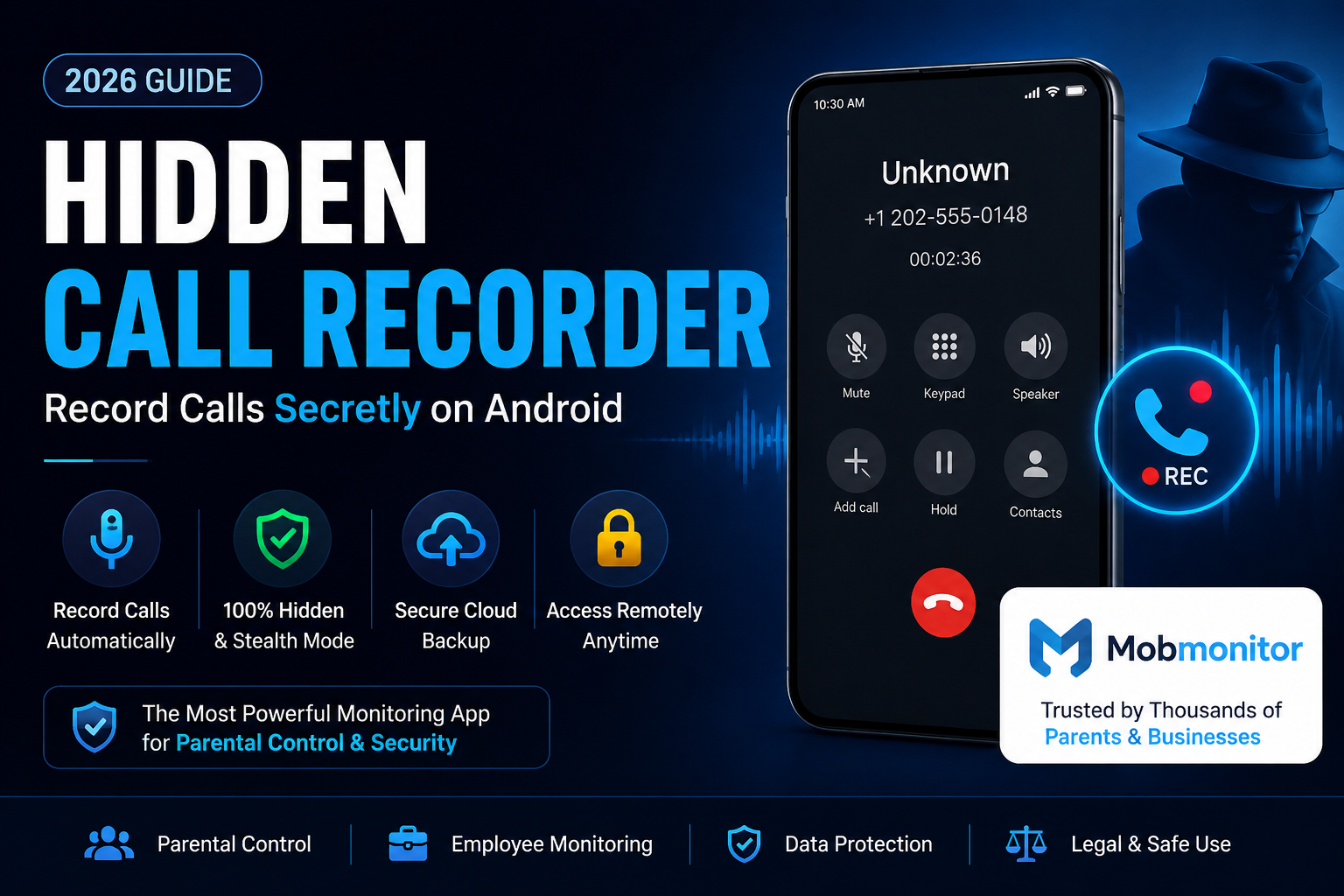
A hidden call recorder is a tool or app that allows you to record incoming and outgoing calls silently, without notifying the other person. Unlike traditional call recorders, these apps work in the background and remain invisible on the device.
Key Features:
Automatic call recording
Hidden or stealth mode
Secure storage of recordings
No notification to the user
Cloud backup access
Why Do People Use Hidden Call Recorders?
There are several legitimate reasons why users look for hidden call recording solutions:
1. Parental Monitoring
Parents use it to ensure their kids are safe from unknown contacts or threats.
2. Employee Monitoring
Businesses use call tracking to maintain quality and security.
3. Evidence Collection
Sometimes call recordings are required for legal or personal proof.
4. Personal Security
Recording suspicious or unknown calls can help in protecting yourself.
Is Hidden Call Recording Legal?
Call recording laws vary by country. In India:
You can record calls on your own device
But sharing or misusing recordings without consent can cause legal issues
👉 Always use such tools responsibly.
Best Hidden Call Recorder for Android
There are many apps in the market, but most either:
Show notifications
Stop working after updates
Or get detected easily
👉 Recommended Solution: Mobmonitor
Mobmonitor is one of the most advanced parental control and monitoring tools available today.
Why Mobmonitor is Best:
✔ Works in complete hidden mode
✔ Records both incoming & outgoing calls
✔ Access recordings remotely
✔ No icon visible on the phone
✔ Tracks WhatsApp, SMS, social media too
✔ Easy setup – no technical skills required
How to Use Mobmonitor as a Hidden Call Recorder
Follow these simple steps:
Step 1: Create an Account
Go to the Mobmonitor website and sign up.
Step 2: Install on Target Device
Download and install the app on the Android device you want to monitor.
Step 3: Grant Permissions
Allow necessary permissions for call recording and tracking.
Step 4: Activate Stealth Mode
Once installed, the app becomes invisible.
Step 5: Start Monitoring
Login to your dashboard and access call recordings anytime.
Features Beyond Call Recording
Mobmonitor is not just a call recorder — it’s a complete monitoring solution:
📞 Call recording & logs
💬 WhatsApp chats tracking
📍 Live location tracking
📸 Media file access
🌐 Browser history
📱 Social media monitoring
Pros and Cons
✅ Pros:
Completely hidden
Reliable performance
Multi-device support
Real-time tracking
❌ Cons:
Requires physical access for setup
Paid subscription (premium features)
Tips for Choosing a Hidden Call Recorder
Before selecting any app, keep these points in mind:
Must support latest Android versions
Should have stealth mode
Provide cloud access
No battery drain issues
Regular updates
Final Thoughts
If you’re serious about using a hidden call recorder, choosing the right tool is very important. Free apps often fail or get detected easily.
👉 Mobmonitor stands out because it offers:
Reliability
Advanced tracking
True hidden functionality
Whether you’re a parent, employer, or someone concerned about safety, it’s a powerful solution worth considering.
FAQs
Q1. Can hidden call recorders be detected?
Advanced apps like Mobmonitor work in stealth mode and are very hard to detect.
Q2. Do I need root access?
No, Mobmonitor works without rooting the device.
Q3. Can I access recordings remotely?
Yes, all recordings are available on your dashboard.
https://mobmonitor.com/hidden-call-recorder.html