





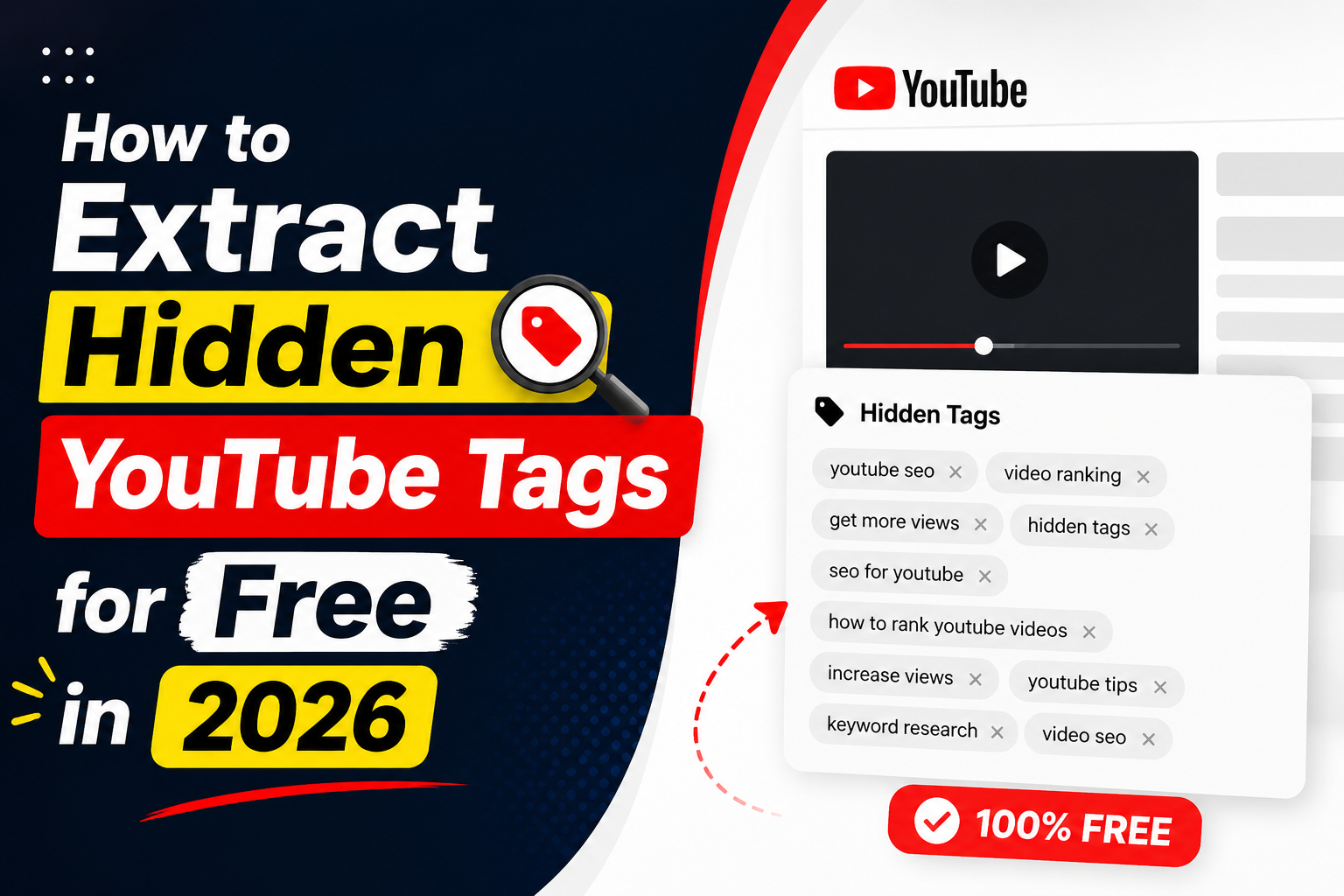
YouTube is competitive. If you create content, do SEO, or work in digital marketing, you already know that studying top-performing videos is part of the job. The descriptions they write, the tags they use, the thumbnails they choose — all of this tells a story about what works on the platform.
The problem is that YouTube has removed a lot of this information from plain sight. Tags are no longer visible on the video page. Transcripts take multiple clicks to find. And comparing two videos at the same time? You end up doing it manually across two browser tabs.
That is where metadata extraction tools come in.
What information can you extract?
A YouTube video holds more data than most people realize. Here is what is worth looking at:
Descriptions show you how top creators structure their content. Most high-ranking videos have descriptions with timestamps, keyword-rich paragraphs and links placed in a specific order. Reading these gives you a clear idea of their content strategy.
Tags are hidden from the public interface now, but they still influence how YouTube categorizes and recommends videos. Extracting them manually through page source used to work. It no longer does reliably.
Thumbnails in HD quality are useful for studying design patterns. Color choices, text placement and image composition all affect click-through rates. Having access to the full-resolution thumbnail lets you study this properly.
Transcripts are one of the fastest ways to repurpose video content. A 10-minute video transcript gives you enough raw material for a blog post, a LinkedIn article or a short email series.
Metadata like view count, like count, upload date and video duration helps you understand what the algorithm is currently rewarding.
How to do this without technical knowledge
You do not need API access or coding knowledge to extract any of this. Free tools handle it in one click.
I found a step-by-step guide that walks through the full process. It covers everything from pasting a YouTube URL to using the side-by-side video comparison feature. The guide is visual and easy to follow:
How To Extract And Compare YouTube Video Metadata
Who benefits from this?
Creators use it to study why a competitor video outranks theirs. The answer is often in the description structure or the tags.
SEO professionals use it to find keyword ideas that standard keyword tools miss. YouTube search behavior is different from Google search behavior, and video metadata reflects that.
Content marketers use transcripts to repurpose video content at scale. Extract, edit lightly, publish. It is faster than writing from scratch.
Researchers use metadata as structured data points for studying digital media trends and platform behavior.
The comparison feature
Comparing two YouTube videos side by side is something most people still do manually. It takes time and it is easy to miss things. Having both videos' descriptions, tags and metadata visible at the same time makes it faster to spot patterns. This is useful when you are trying to understand why one video has 2 million views and a similar one has 20,000. The difference is usually in the metadata.
To sum up
Studying YouTube metadata is a normal part of content and SEO work. It is not a trick. It is just research. The creators who grow their channels are not only making good videos. They are also looking at the data behind successful ones.
Free tools make this process quick. The guide linked above walks through everything step by step. You can be up and running in a few minutes.


Best Way To Promote YouTube Video for Free 2021 I Grow YouTube Video view Fast.
In this video, I have shown how many ways one can share in top social media sites directly from youtube videos.
By watching this video you can learn how to boost your youtube channel for free that will bring more organic views fast.I have included some techniques to increase video views by sharing in facebook, twitter, LinkedIn, Tumbler, Reddit, Pinterest.
These help you to SEO your channel and videos.
If you like my video, please subscribe since I am going to come up with whole series of SEO techniques.