



emilee boone

0

0

1


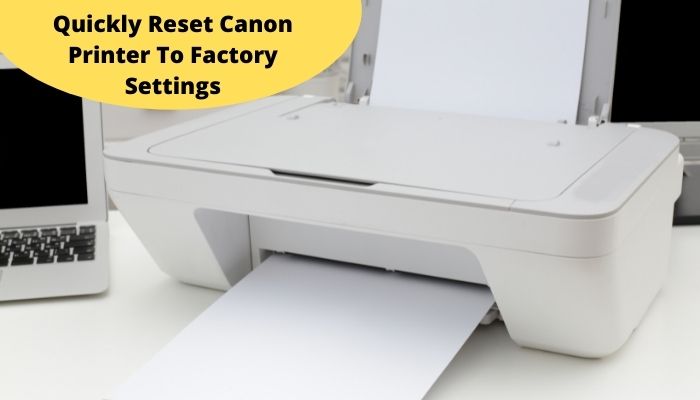
There are times when errors in the Canon printers require that they be reset back to factory settings. This blog will provide an extensive method to restore to factory mode the Canon printer. Read full blog here- Quickly Reset Canon Printer To Factory Settings
0
0
1
emilee boone
From the Author

Related Articles
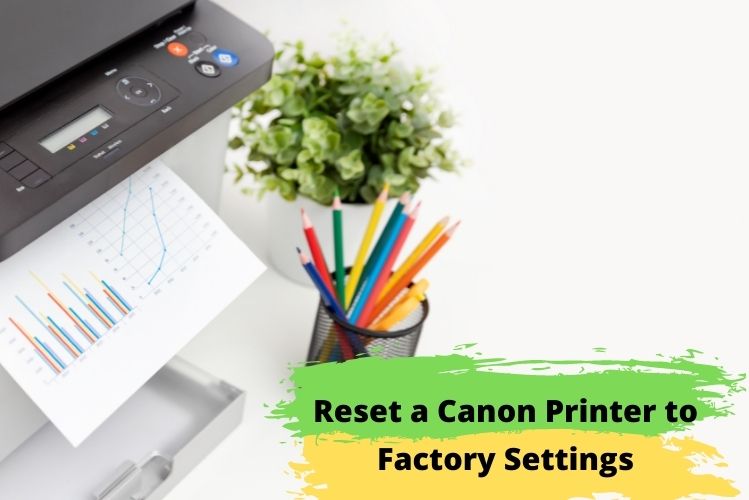
If you are a Canon printer user and looking for information about the device reset process, you will get instructions on all your Canon Printer Reset methods. Read the full blog here.
0
1
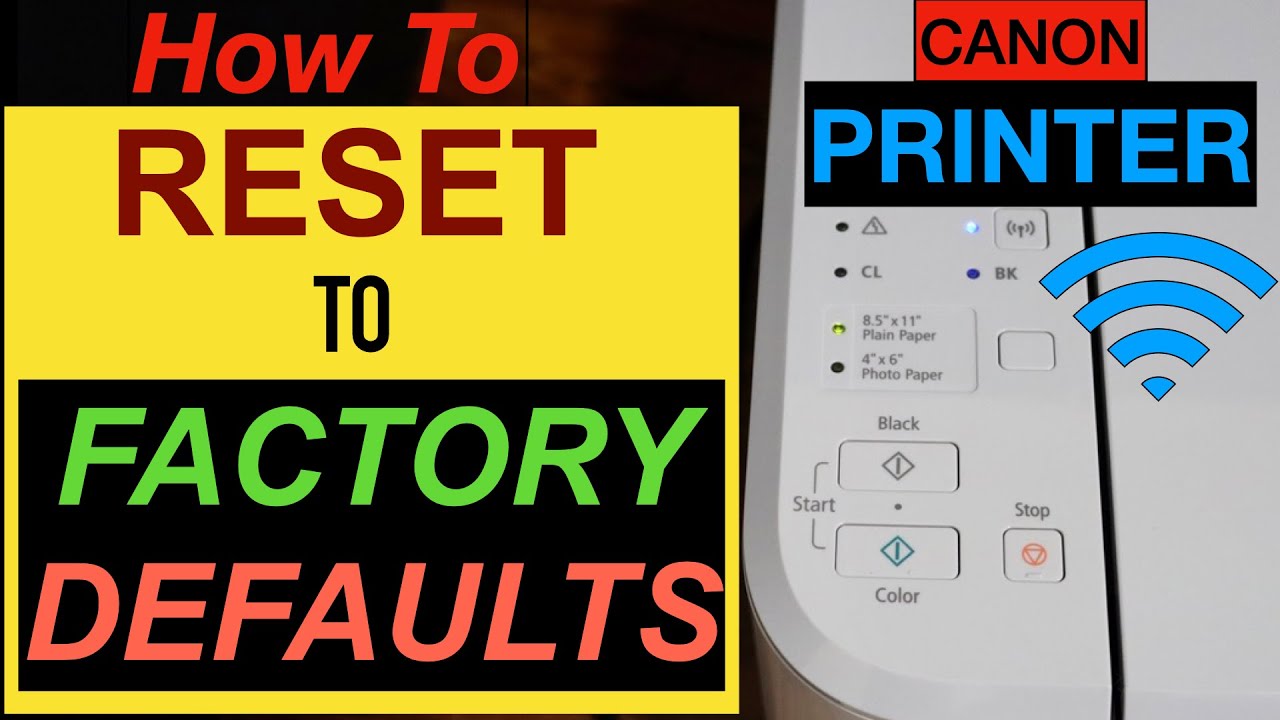
To help them out, I have written a complete article, How to Reset Canon Printer to Factory SettingsHow To Factory Reset The Canon Printer Using The Control Panel? how to reset canon printer? Factory restore the Canon printer Using the Power button and Stop button? Keep the power button pressed and hold the power button for 5 seconds. Steps to Turn Canon Printer Offline to OnlineIn this post, You will find a few of various reasons behind your canon printer not working and some solution to fix it.
0
7
What are the Steps to Reset the Canon IP7250 Printer? How Can I Reset my Canon IP7250 Printer? If you want to reset your Canon printer, you need to follow the simple steps given below:The first step is to open your Canon printer and open the menu. However, you can also use another method to reset your IP7250 canon printer. If you want to get further information about the Canon printer, you can contact the technician person of Canon.
0
12