


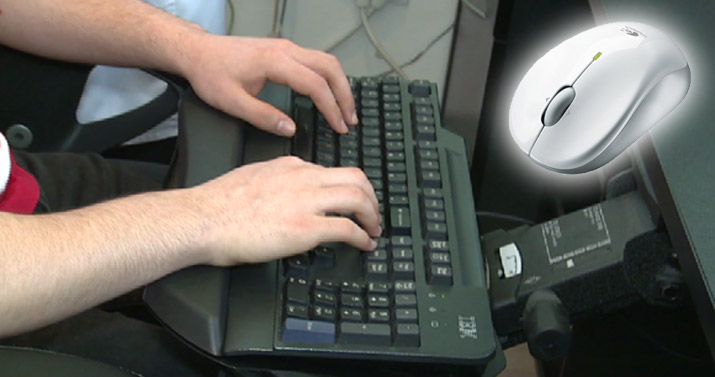
When you do not use your mouse and keyboard properly, it can result in overall soreness and musculoskeletal conditions that impact your wrist, elbow, shoulder and neck. Common conditions include carpal tunnel syndrome and tennis elbow. In order to minimize the tension and stress to these areas when working with a computer, it is recommended to use an adjustable ergonomic keyboard tray. The keyboard height must be leveled with the height of the arm rests and should be as close as possible to your body. It is also recommended that the keyboard is flat or tilted away from the body (negative tilted). It is favoured to use ergonomic keyboards (split keyboards) to maintain proper chest expansion and shoulder retraction. Using an ergonomic mouse ensures proper grip and less tension on the wrist and elbow. For those who use laptops in office settings, it is suggested to connect an external ergonomic keyboard and mouse to maintain the proper posture recommended for these tools.
Let Our Clinic Help
When you struggle with any type of bodily pain and are in need of serious relief and treatment, we here at Maya Physio have got you covered. Whether you are dealing with neck pain, back pain, leg pain or arm pain, chances are our highly experienced team with years of education and experience can help bring your body to its best state. To learn more about how we can help with your health and wellness, and to learn about our Physiotherapy in Richmond Hill, be sure to visit our website linked below and contact our team today!
Learn More: https://mayaphysio.ca/