When you're designing a website for your business, you'll have a lot of choices. You can choose to use a static website or one that's dynamic. You can also choose between colors, frames, and typography. And you can even create your own website using a tool called Wix Editor.
Static vs dynamic websites
If you are designing a website, you may be asking yourself which is better, static or dynamic? You can choose one of these two types depending on the nature of your content and the intended use of your site. However, there are pros and cons to both.
Static websites are typically less interactive than their dynamic counterparts. They are made of a set of HTML files that are delivered to the web browser via a web server. These files represent the physical static web page. A dynamic website, on the other hand, pulls content from a database.
Static websites are great for websites that don't require much customization. It can be used for landing pages, informational pages, or sections of a website that don't require a lot of interactivity. This type of website is often easier to launch, but you are not able to personalize your website as easily.
Dynamic sites are more interactive and can change based on the actions of visitors. For instance, a dynamic website might display a list of products based on a visitor's past purchases. Or, it might remember a customer who has abandoned his shopping cart.
The difference between static and dynamic sites is not too obvious at first glance. Both use cookies to track user activities and engagement. Some sites also use content management systems (CMS) to store text, images, and page layouts. CMSs allow you to make quick changes without the need for coding.
Frequently Asked Questions (FAQ) page
Frequently Asked Questions (FAQ) pages are a great way to help customers find information and answers to their questions. They can also improve your website's search engine ranking and attract new traffic. However, before you start building your own FAQ page, there are a few tips to keep in mind.
First, keep the page simple. A poorly designed FAQ can overwhelm your customers. The best FAQs offer concise, easy to read answers.
Second, be organized. Use subtopics to divide content, making it easier for visitors to find the answers they are looking for. You can divide the page into sections, such as general questions, technical questions, and more.
Third, use keywords. Keywords help your page be found in Google's search. If your FAQ is well-written and includes keywords, you'll get a boost in search results.
Finally, be visible. Whether your FAQ is located in the footer or a navigation menu, your page needs to be easy to find. Make sure the page is easy to access by using a clear URL and making it visible.
For example, Zappos, a high-end retailer, uses an actual question, and their FAQ is one of the most popular on the internet. It is also ranked highly in Google's search results for the query "Zapppos."
Lastly, monitor your FAQ's effectiveness. Keep track of the page's popularity and how users got to it. This will help you determine whether or not the answer you have on your FAQ is actually useful.
Color schemes
Website color schemes are important because they help set the tone for the website. They make a web page aesthetically appealing and keep visitors on the site longer. Color also makes navigation easier, enabling users to find various sections.
Many websites use monochromatic or mono color schemes. These involve using one main color, such as white or black, in varying shades. Some modern sites use this technique in conjunction with a bold accent color.
Color psychology is based on the theory that certain colors evoke certain feelings. For example, pink and purple represent love and luxury, and blue and red are associated with trust and reliability.
To choose the best color scheme for your website, you must first consider your brand. You should also keep in mind what type of demographic you want your website to attract. It is often beneficial to stick with a single color for your logo, and then use other elements to make your site more aesthetically appealing.
Different colors can evoke different feelings, so a website color scheme should consider these feelings. A good color scheme creates a warm and inviting atmosphere. Choosing the wrong colors can severely harm the appeal of a website.
In addition, the colors used in your website can affect your visitors' perception of your brand. Use a color palette that matches your brand and your design theme. This will help to reinforce your identity and improve your website's readability score.
Typography
Typography is an important part of web design. It makes it easy for visitors to read the information and to know what the message is. There are many typography designs that you can use to achieve a beautiful layout. However, it is crucial to apply the right typeface and design.
A lot of people might not realize how typography plays a role in their digital experience. This is because they may not know that it is used in website design.
Typography helps you make decisions faster and easier. It also makes the written language readable and appealing. When applied in website design, it can lead viewers to specific areas of a website based on the content hierarchy.
Using proper font sizes and spacings is crucial for creating a readable and enjoyable experience. It is also important to pay attention to color, size margins and line width.
A strong typography hierarchy drives visitors to the most essential information. It can help you attract customers and enhance customer engagement. Moreover, it increases the chance of visitors reading the message.
The typeface you choose should be eye-catching and clear. Ensure that the font size is a good contrast with the rest of the text on the page. Also, be careful not to mix different types of typefaces. Using too many typefaces can make the webpage look cluttered.
Typography is a great way to create a beautiful layout without using images. Typography can also be used to highlight key text. In this way, you can direct visitors to your CTA.
Frames
Frames are a great way to break pages into multiple sections. They have some merits, but they also have a number of drawbacks.
Frames can be difficult to navigate, making it hard for users to find their way around a site. This can lead to problems with bookmarking and other forms of navigating. In addition, frames tend to make a page look cluttered.
There are some other ways to get around this issue, though they can be more difficult to execute. One way to minimize the effect is to set up a noframes section on your site. The section should contain content that is meaningful to your visitors, such as links to other pages on your site.
A frame is a tag that allows you to show multiple pages within one browser window. This is a very useful feature if your webpage has a lot of content. However, the page can become cluttered when you are trying to show a large amount of information on a small screen.
Another useful feature of frames is that they allow you to bury many distinct pages under one URL. While this can be a good idea in some cases, it can also wreak havoc on a search engine's ability to index all of the content on your page.
Frames can be useful in certain situations, such as when you want to keep a navigation bar in a visible part of the page. Other uses include hiding things that are out of frame bounds.
Wix Editor
The Wix Editor is a website design tool which allows you to customize your site to meet your goals. In fact, this tool offers hundreds of pre-designed templates, allowing you to create a personalized and professional website with minimal effort.
One of the best features of this website builder is that it uses an advanced artificial intelligence technology to personalize the design process and provide you with a beautiful website that is unique to you. This technology also lets you add your own custom elements such as videos, music, and more.
Another great feature of the Wix Editor is that you can create a site in minutes. You can get started by entering your information into the builder. It will then ask you a series of questions, including your business type and desired features.
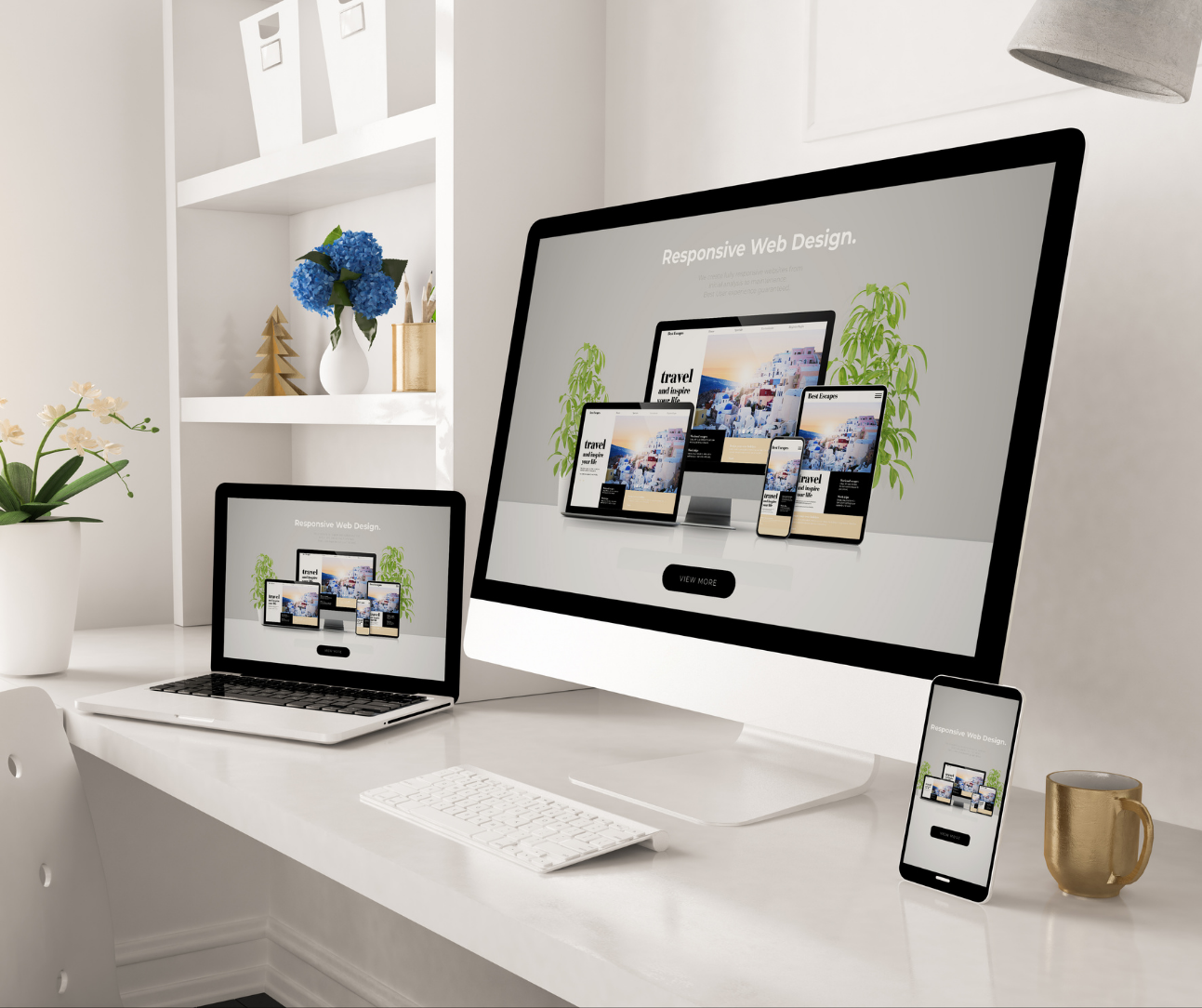
You will then see a preview of your website, and you can select from options to update and publish your new website. The site is designed with breakpoints, which means you can see it at various resolutions. There are also tools to help you arrange objects, align them, and size them to your specifications.
Wix's interface is much clearer than Weebly's. It also offers an extensive menu bar that includes options for desktop sites, mobile sites, and more. Besides the main bar, you can use Wix's App Market to search for and download useful apps that will fit your website.