





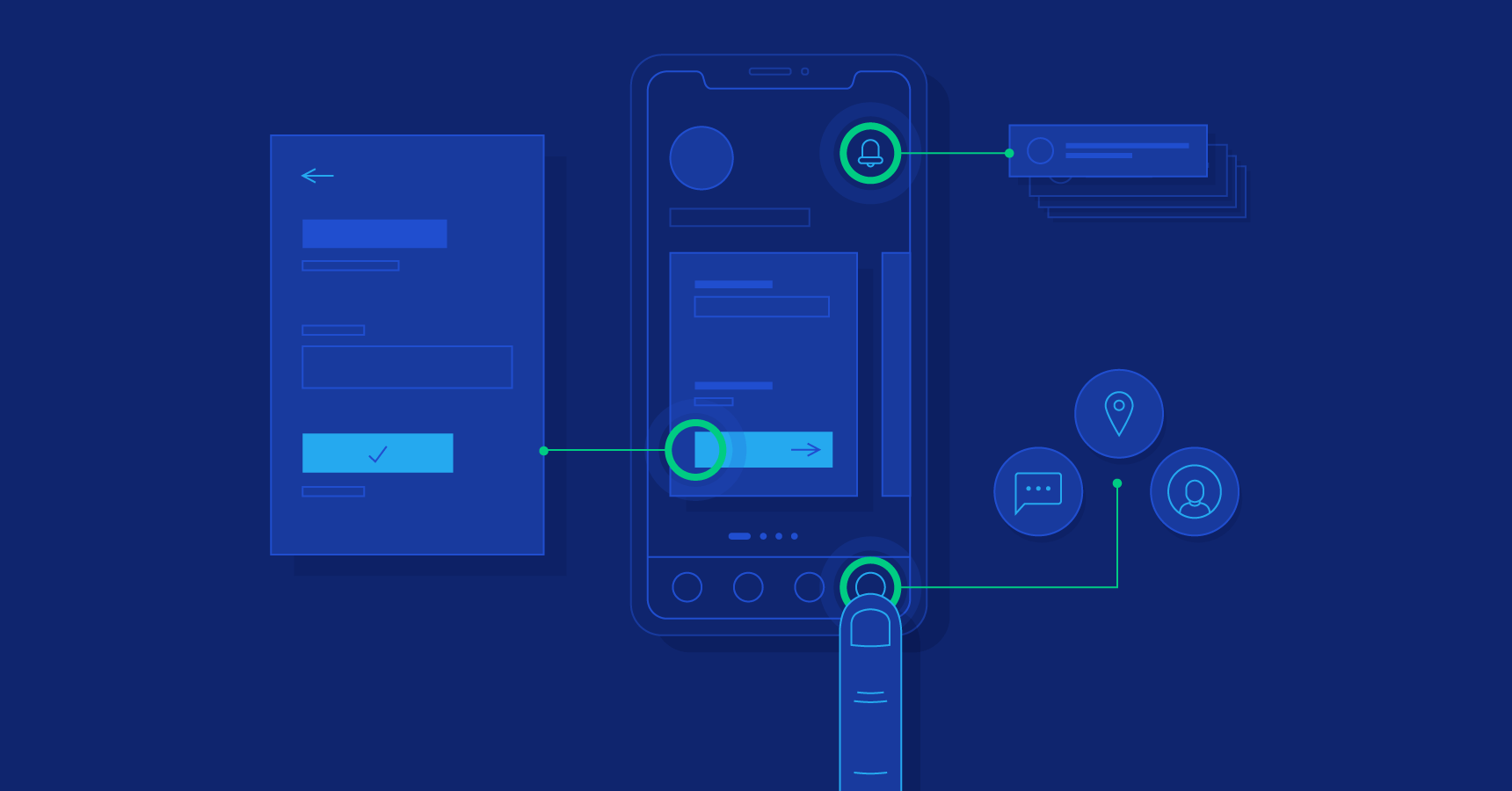
The popularity of a website is directly proportional to how easy it is to use. It enhances the user experience by making it easier to access relevant information quickly. Site visitors are more likely to stick around and return if they can easily find their way around. The improved accessibility and usability will also benefit users with disabilities or slow connections. Websites with straightforward, natural-feeling navigation tend to fare better in search engine results. The success of a website often depends on how user-friendly it is.
The Value of Tracking Users' Movements
An in-depth knowledge of user psychology is essential for creating intuitive navigation structures. Website designers can learn a great deal about their users' preferences and behaviors by observing how the site is actually used. With this information, we can create a menu system that not only satisfies but also delights our users. Designers can learn a lot about how users interact with a navigation system through practices like user testing and heat mapping. Website success and user satisfaction can be improved in the long run by designing navigation with user behavior in mind.
Facilitating Navigation to the Primary Menu Items
A well-organized menu system is crucial for making content easily accessible. A website's usability increases if its navigation structure is easy to understand and use. Designers can achieve this goal by grouping together similar pieces of content, using hierarchical menu structures, and reducing the total number of options available. The most important parts of your site should be placed prominently in the navigation so that visitors can easily access them. By arranging the site's navigation elements in a way that is both logical and intuitive, web designers can improve the user experience and boost the site's usability.
Identifying and Naming Menu Links concisely and clearly
Labels that are both clear and concise are crucial to an efficient navigational design. Link labels should be descriptive of the content of the page they lead to and written in language that is understandable to that audience. Avoid using jargon or terms that are too technical for the average user. For the sake of predictability, it is important that the website's labeling be consistent throughout. Labels that are both concise and informative allow users to quickly and easily locate the data they require. The user experience can be vastly improved by adhering to the fundamental principle of user-friendly navigation design: labeling elements clearly and concisely.
Facilitating Mobile Use of Drop-Down Menus
Navigation menus need careful consideration to ensure a consistent user experience across desktop, tablet, and mobile devices. Designers need to take into account the specific needs of mobile users, such as the use of smaller screens and touch-based interaction. Responsive layouts, drop-down menus, and spotlighting essential information are just a few techniques for making navigation straightforward and mobile-friendly. Designers can ensure that all site visitors have a positive experience regardless of the device they use to access the site by creating menus that adapt to different screen sizes.
Using Visual Aids to Facilitate Navigation
Including visual cues in the navigation can greatly improve the user experience and make the site easier to use. Graphics and icons can be used to visually denote different sections of content and different options in a menu. They can also establish a visual hierarchy, emphasizing what's most important in the user interface. Tools like hover effects, color changes, and animations can also be used to highlight feedback and clickable areas. Designers can make navigation easier for users and provide a more engaging experience overall by including visual cues.
Why a Site's Architecture Should Include Integrated Search
Search functions prominently in the layout of navigational design systems. This function is useful when a website's navigation menus don't clearly label its various sections. The designers' duty is to make the site's search bar obvious and simple to use. Autocomplete and filters are two examples of user-friendly search tools that can help you find exactly what you're looking for. By integrating effective search functionality into navigation design, designers can improve the overall user experience and equip users with a powerful tool for locating the information they require.
Preventing Fussy Site Navigation
Poor navigation design can have a significant impact on the usability and performance of a website. Uncertain hierarchy, obscure labeling, and cluttered menus are typical issues. Other problems include inaccessible content, sluggish page loads, and confusing navigation. Pop-up windows, interstitials, and other user-annoying features should be avoided at all costs by designers. They must also guarantee that the site's navigation is consistent throughout and that links stand out clearly from the background. By avoiding these pitfalls, designers can create navigation that is both more efficient and user-friendly.
Continually Evaluating Your System
First impressions matter, so it's important to put some thought into how users will move around your site. Designers can gain invaluable insight into user navigation preferences through user testing. Methods of testing such as A/B testing and usability evaluation help us learn about user behavior and preferences. Designers can make the site's layout, terminology, and features better meet users' expectations with input from those using the site. Navigation that continues to meet users' needs, even as those needs and preferences evolve over time, can be ensured through constant evaluation and refinement. Constant iteration on the navigation design is necessary for designing an intuitive, user-friendly, and responsive website.
The Future of Navigational Planning
For a website to remain useful and up-to-date, its navigation structure must be flexible enough to meet the evolving needs of its visitors. The best navigation systems are those that grow and change as their users do. Site analytics and user feedback can help designers zero in on issues and guide future tweaks. Always be aware of what's new in the world of user interface navigation and consider how you might implement it for the benefit of your users. A well-designed website can attract visitors and meet their needs for years to come, provided that the site's navigation structure is regularly updated.



Sticky navigation opens new ways to be creative, but it has its cons. Adopt it only if it really improves your site's performance and user experience.