






Are you an Android app developer looking for ways to create a more intuitive and engaging user experience? With the right design secrets, you can make your app stand out from the competition and keep your users coming back. In this blog post, we’ll be exploring Android design secrets that you can use to create a user interface that is both intuitive and engaging. We’ll precisely discuss best practices for designing the UI, how to create a consistent flow of content and functionality, and the importance of using visuals to improve the overall user experience.
Why is the Intuitive Interface Important for Android Apps?
In today's world of technology, smartphones have become an integral part of our lives. We use them to access information, connect with others, and even manage our daily activities. As such, it's important to create an intuitive interface for Android apps that users can easily navigate and understand.
Precisely speaking, an intuitive interface ensures that users can use an app effortlessly, without needing a lot of instructions. It simplifies the process and ensures that users can access the information they need quickly and easily. The user interface design plays a crucial role in shaping the user's perception of an app.
A well-designed interface can result in increased engagement, retention, and overall satisfaction with the app. On the other hand, a poorly designed interface can lead to frustration, confusion, and ultimately result in the user abandoning the app.
The design of the user interface can make or break the user experience. Users want apps that are easy to use and understand, that provide them with the information they need in a clear and concise way. A confusing interface with too many options can be overwhelming, while a simple interface that is intuitive and easy to use is more likely to keep the user engaged.
Understanding User Expectations
To create a truly intuitive interface, it's important to have a deep understanding of your users and what they expect from your app. Understanding their goals, needs, and pain points will help you design an interface that feels familiar and effortless to use.
One way to get insight into user expectations is to conduct user research and gather feedback through surveys or user testing. Precisely speaking, this can help you identify patterns in behavior and preferences that can inform your design decisions.
Another key factor to consider is the context in which users will be using your app. Are they on-the-go and needing quick access to information? Or are they settling in for a longer browsing session? This will impact the design of your navigation, layout, and content presentation.
Overall, taking the time to understand your users and their expectations will not only lead to a better user experience but also increase engagement and retention. So don't skip this crucial step in the design process.
Also Read:- Top Mobile App Development Companies in India in 2024
Designing Consistent UI Elements
When it comes to Android app design, consistency is key. It helps users navigate your app with ease and feel more comfortable with it over time. So how do you create a consistent interface that precisely provides a great user experience? Here are a few best practices to consider:
1. Define and adhere to design patterns:
A design pattern is a repeatable solution to a commonly occurring problem. Defining and adhering to design patterns can help ensure that your app’s UI elements behave and look consistent throughout your app. By using recognizable and predictable elements like buttons and icons, users can anticipate how they can interact with the app and navigate to specific features.
2. Stick to a consistent color scheme:
Consistency in the colors used throughout your app can make a significant difference in your user’s experience. Consider the psychology of color in your app design. For example, red can evoke strong emotions, while blue is more calming and trustworthy. By using a consistent color palette, your app can convey a unified message that aligns with your brand.
3. Maintain typography consistency:
The typography in your app can play a significant role in how users perceive the content and hierarchy. The right font can be a powerful tool for branding and creating an overall feel to the app. Select a typeface for your app and stick with it consistently. A consistent typography scheme creates a more refined, cohesive and professional look.
4. Keep sizes consistent:
In addition to colors and typography, UI elements like buttons, text fields, and navigation should all be the same size and shape across all the app screens. By creating a consistent size hierarchy, users can quickly and easily understand what is essential in the app and where they should focus their attention.
Precisely creating a consistent user interface in Android app design is essential. Design patterns, color schemes, typography, and size consistency help your app appear organized and user-friendly, thus making it easier to navigate. And remember, consistency and attention to detail in your app can help set it apart from the competition.
Utilizing Colors and Typography for Better UX
Colors and typography are crucial components of a successful Android interface design. The colors used can affect the user's mood and perception, while typography can significantly affect the user's ability to read and process information. Hence, to create an intuitive and visually appealing interface, it's essential to consider the right color palette and typography that align with the app's overall aesthetic and functionality.
When precisely selecting colors, it's best to use colors that reflect the app's branding, personality, and theme. For example, social media apps tend to use bright and vibrant colors to create an upbeat and fun atmosphere, while finance or productivity apps use subdued colors to inspire trust and confidence. Using contrasting colors for buttons, icons, and other UI elements can make them stand out and improve their visibility and accessibility.
Similarly, choosing the right typography can impact how users interact with the app.
Typeface, size, spacing, and font style can all affect how easy it is for users to read the text, making it essential to choose the appropriate font to enhance the user experience. Sans-serif fonts are popular because of their legibility, but designers can experiment with different font families to achieve the desired effect. Moreover, designers must use fonts consistently throughout the app to maintain coherence and readability.
Creating Clear Navigation and Information Hierarchy
Navigation is one of the most important aspects of a user interface. It's the way users move from one screen to another and find the content they need. Clear navigation makes an app intuitive and easy to use, while poor navigation can be frustrating and confusing.
Precisely speaking, to create clear navigation, designers should consider the app's information hierarchy. This is the way the content is structured and prioritized, with the most important information at the top and less important information at the bottom.
Designers can precisely use various techniques to improve navigation and information hierarchy. One common approach is to use a top navigation bar, which stays fixed at the top of the screen and allows users to move between screens quickly. This bar should be consistent across all screens, with clear and descriptive labels for each item.
Another approach is to use tabs or bottom navigation bars to group related content together. Tabs can be used to switch between different views within a single screen, while bottom navigation bars provide quick access to the main screens of the app.
Designers should also pay attention to the use of icons, buttons, and other visual cues to make navigation easier. These elements should be consistent throughout the app, with clear labels and easy-to-understand icons.
Finally, designers should consider the use of animations and transitions to improve navigation and make the app feel more dynamic. These can include slide-ins, fade-ins, and other effects that provide visual feedback when a user interacts with the app.
Precisely, clear navigation and information hierarchy are critical for creating an intuitive and engaging user interface. By using consistent design elements, clear labeling, and visual feedback, designers can create an app that users will love to use.
Leveraging Gestures and Interactions for Engaging Experience
Gestures and interactions are key elements in creating an engaging user experience in Android apps. From swipes to taps and pinch-to-zoom, the right gestures can enhance the functionality and overall feel of your app. Here are a few tips on how to use gestures and interactions precisely to create a seamless and intuitive user experience:
1. Use Common Gestures: Users expect certain gestures to have specific actions, so it's important to incorporate common gestures such as swiping left or right, tapping, and pinch-to-zoom. By following these expectations, you can reduce confusion and increase usability.
2. Provide Visual Feedback: When users perform an action, provide visual feedback to confirm the action was successful. This can be done by animating the gesture or highlighting the selected area.
3. Use Gestures to Speed Up Tasks: Consider using gestures to help users quickly navigate your app or perform actions that would otherwise require multiple steps. For example, a swipe-to-delete gesture can eliminate the need for a delete button.
4. Combine Gestures with Voice or Text: Users may have varying preferences for input methods, so consider incorporating voice or text inputs alongside gestures. This provides users with more options and increases accessibility.
5. Keep it Simple: While gestures can add functionality to your app, it's important to not overwhelm users with too many options. Stick to the most commonly used gestures and use them consistently throughout your app.
By leveraging gestures and interactions, you can create an engaging and intuitive user experience that keeps users coming back to your app. Remember to use common gestures, provide visual feedback, and keep it simple for the best results.
Read Also:- Designing Intuitive User Interfaces On Android
Embracing Material Design Guidelines for Cohesive Design
Material Design is a visual language that Google introduced in 2014 to unify the user interface across all Android devices. The primary goal of Material Design is to provide users with a consistent and seamless experience across different apps and devices. It also emphasizes the use of elements like shadow, light, and motion to create a more tangible and intuitive user interface.
By embracing Material Design guidelines, you can create an app that is cohesive and intuitive. Here are some tips on how to do that:
1. Follow the Guidelines: Material Design has a comprehensive set of guidelines that cover everything from typography to animations. By following these guidelines, you can ensure that your app looks and feels like an Android app.
2. Use Colors Wisely: Material Design emphasizes the use of bold, vibrant colors to create a more engaging user interface. But using too many colors can be overwhelming, so use them sparingly. Use color to draw attention to important elements like buttons or headlines.
3. Leverage Typography: Material Design places a lot of emphasis on typography, with a particular focus on readability. Use legible fonts and make sure your text is large enough to be easily read on any screen size.
4. Utilize Shadows and Layers: Material Design relies heavily on the use of shadows and layers to create depth and texture. Use shadows to create a sense of hierarchy, and layers to group related elements together.
5. Make Animations Delightful: Animations are a key component of Material Design. They can add personality to your app and make interactions more delightful. But don't overdo it – use animations sparingly to avoid distracting the user.
6. Test Your Design: Finally, make sure you test your design with real users to see if it's working as intended. User testing can help you identify areas that need improvement and make adjustments before releasing your app to the public.
By embracing Material Design guidelines, you can create an intuitive and engaging user interface for your Android app. Follow the guidelines, use color and typography effectively, leverage shadows and layers, and make animations delightful. Test your design with real users to ensure it's working as intended, and you'll have a cohesive and intuitive Android app that users will love.
Conducting User Testing for Improved UX
As much as we can design and develop a visually appealing interface, user testing is crucial in ensuring that the interface is usable and effective in meeting users' needs. User testing provides an opportunity to observe how real users interact with the interface and identify areas that need improvement. Here are some tips for conducting user testing:
1. Define Testing Objectives: Before conducting user testing, identify the goals you want to achieve, such as identifying usability issues, testing new features, or evaluating design changes. These objectives will help guide the testing process and ensure that you gather relevant feedback.
2. Recruit Participants: Choose participants who represent your target audience and have varying levels of familiarity with the app. You can recruit participants through social media, online platforms, or even within your own organization. Ensure that you offer incentives to motivate participants to take part in the testing.
3. Prepare Test Scenarios: Develop scenarios that represent typical user interactions with the app, such as completing a task, navigating through screens, or searching for information. Provide participants with the scenarios and allow them to interact with the app as they would normally.
4. Observe and Record Feedback: Observe how participants interact with the app and record their feedback. Ask them to explain their actions and thoughts while interacting with the interface. Identify usability issues, areas of confusion, and user preferences. Be open to feedback and incorporate it into the design process.
5. Analyze Feedback: Analyze the feedback received from the participants and identify trends, common issues, and suggestions for improvement. Use this feedback to refine the interface and improve the overall user experience.
Precisely speaking, user testing is an ongoing process that should be conducted regularly to ensure that the app meets the changing needs of users. It is a critical step in creating an intuitive and engaging interface that keeps users engaged and loyal to your app. By following these best practices, you can conduct user testing effectively and use feedback to create an interface that users will love.
Good To Read:- Top AI Development Trends in 2024
Conclusion
Designing an intuitive interface for your Android app can make all the difference in keeping your users engaged and satisfied with their experience. By understanding their expectations, utilizing consistent UI elements, incorporating effective colors and typography, creating clear navigation, and embracing material design guidelines, you can create a cohesive and engaging user experience. Precisely speaking, it's also important to leverage gestures and interactions and conduct user testing to continually improve your UX. To make the most of your Android app, consider hiring software developers in India who have the skills and expertise to bring your vision to life. With their help, you can create a successful app that stands out from the crowd and delivers an exceptional user experience.




Are you trying to find the top app developers in Australia to develop the best mobile applications?The mobile application development companies in Australia are touching the heights of success due to the increasing demand for mobile app development solutions.
A Trusted app development company in Australia uses cutting-edge research and feedback from the users to deliver the best business alignment and customer engagement.
They have 5+ years of expertise in developing websites and mobile applications with an extremely high level of designing and emerging technologies.
They have a highly dedicated team of Android & iPhone developers that helps them to stick to their commitments and grow in the market industry by delivering the best possible IT solutions.2) OpenXcell:It is one of the Professional Mobile app developers in Australia known for delivering innovative solutions and engaging applications.
They have a team of skilled innovative talents to enlarge the customer base for mobile app development.3) RipenApps:RipenApps is considered among the Leading Web application development services provider in Australia with years of expertise in providing mobile app solutions and focused on challenging the boundaries of user-centric design by developing bespoke mobile apps.
Read here: How much does app development cost in Australia4) Promatics Technologies:In the industry of Mobile app development in Australia, Promatics Technologies has won many awards and accreditations for delivering amazing mobile apps.
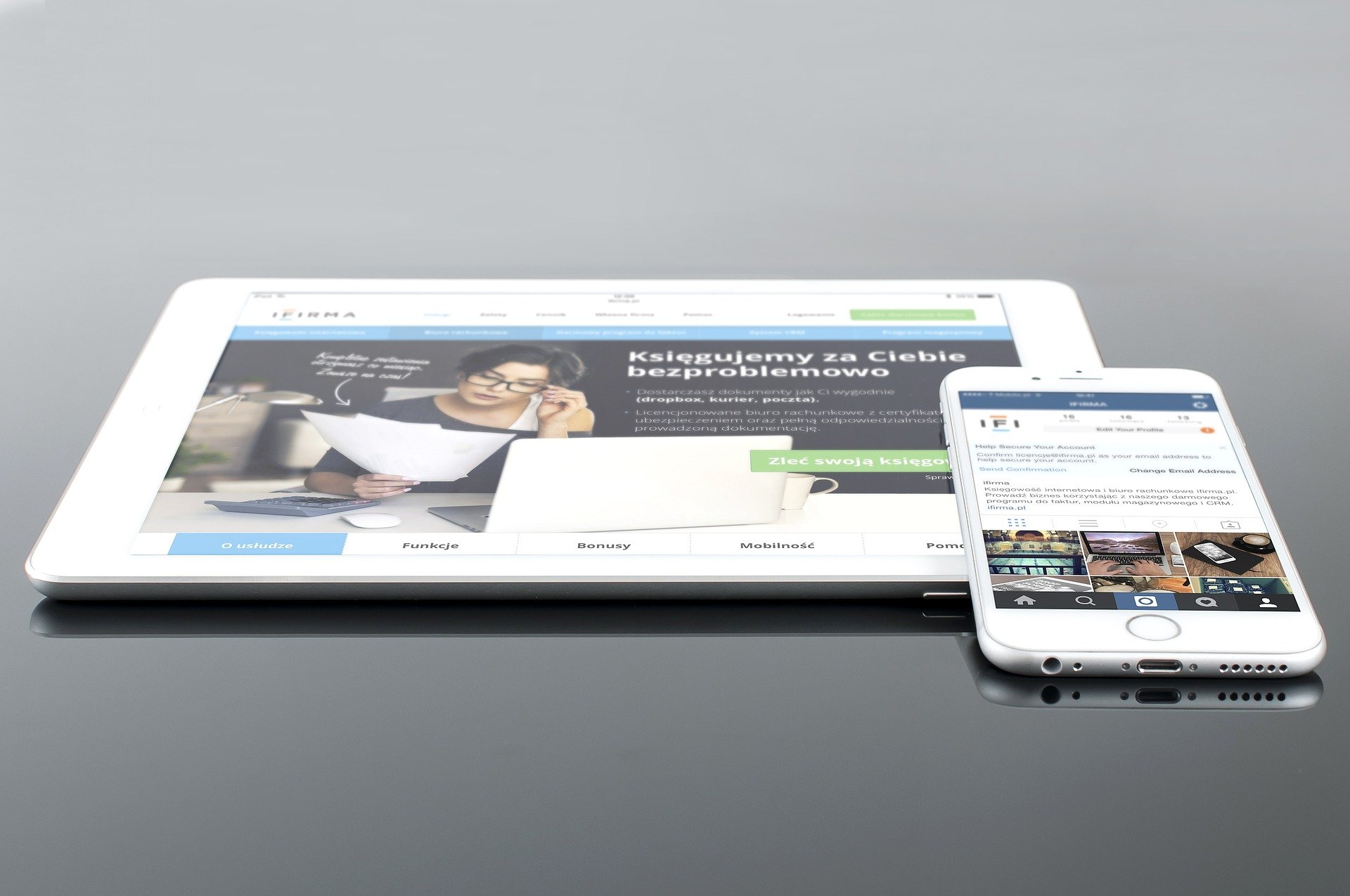
Fuerte developers IT company is engaged in offering mobile screen design services in Rajkot that specialize in creating android and iOS mobile app design.
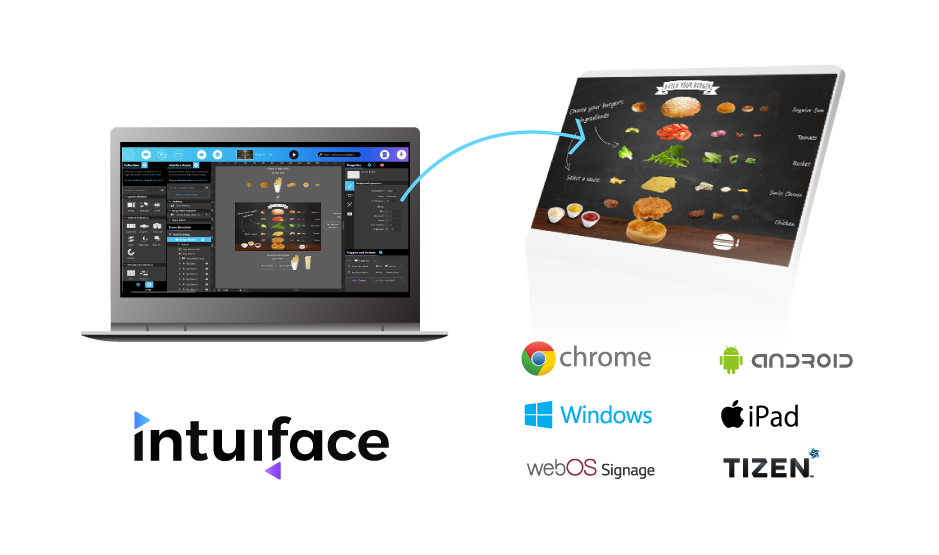
You have most likely seen one or more in high foot traffic areas like airports, hotel lobbies, banks, restaurants, retail establishments, and service centers.
The interactive kiosk consists of a hardware device with an intuitive interface and a specialized software.
Its purpose is to show engaging content or information and to let users perform certain actions or transactions.
Investing in these platforms could help enhance customer service and the delivery of services in a more efficient and cost-effective way.
The technology itself feels less intimidating to use, as it lets users navigate the content through the most basic human function: touch.
So, the interactive kiosk could be used for functions like wayfinding, providing internet access, purchase of retail goods, providing helpful information, making payments, printing, and placing orders.