The Importance of Antivirus Protection for Firestick Users
The Importance of Antivirus Protection for Firestick Users
Protecting your Firestick from malware
Firestick has revolutionized the way we consume media, offering a seamless streaming experience right on our televisions. It allows us to access a variety of apps and services, including streaming platforms, live TV, games, and much more. However, like any internet-connected device, Firestick is susceptible to malware and cyber threats. Therefore, it is crucial to prioritize antivirus protection for Firestick users to safeguard their devices and personal information.
Malware poses a significant risk to Firestick users. It can infiltrate your device, compromise your privacy, and even render your Firestick inoperable. Protecting your Firestick from malware should be a top concern to ensure a secure streaming experience. By implementing antivirus protection, you can significantly reduce the chances of falling victim to cyber threats.
Best antivirus options for Firestick users
When it comes to choosing the right antivirus solution for your Firestick, there are several excellent options available:
- Norton Antivirus: Norton is a renowned name in the cybersecurity industry, known for its robust security features and user-friendly interface. Norton Antivirus offers comprehensive protection against malware, viruses, and other online threats that may target your Firestick. It employs real-time scanning to detect and remove malicious software promptly. Regular updates ensure that your device remains secure against the latest threats.
- Bitdefender Antivirus: Bitdefender is highly regarded for its advanced scanning technology and reliable protection. This antivirus solution is designed to deliver optimal device performance while effectively detecting and removing malware from your Firestick. Bitdefender's comprehensive approach ensures that your device remains secure and your online activities are protected from potential threats.
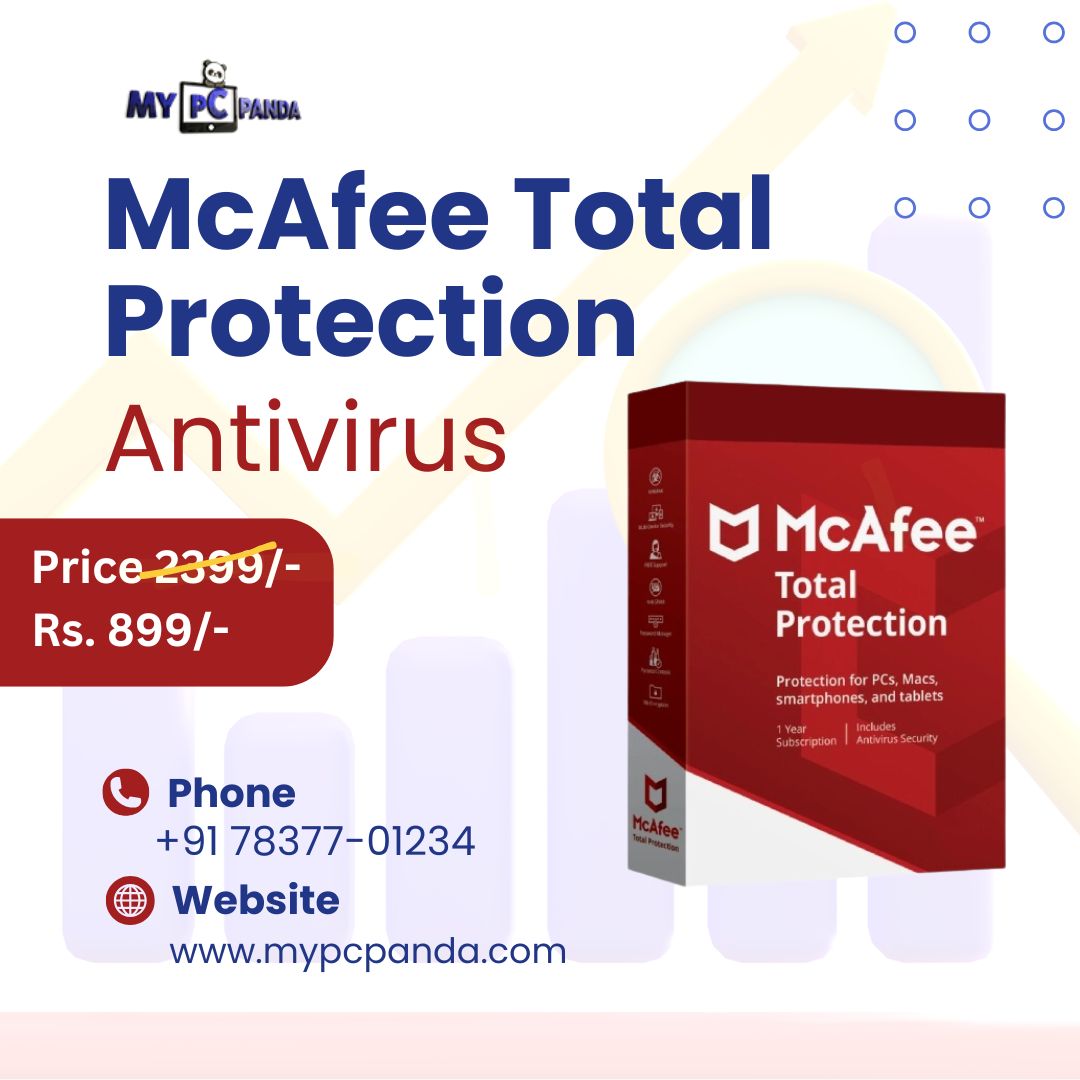
- McAfee Total Protection: McAfee is a well-known household name when it comes to antivirus protection. The Total Protection package offered by McAfee is an excellent choice for Firestick users. It provides a range of features, including real-time scanning, web protection, and a firewall. These features work together to keep your Firestick safe from malware, phishing attacks, and other malicious activities. McAfee's long-standing reputation in the cybersecurity industry makes it a reliable choice for Firestick users.
- Avast Security for Firestick: Avast Security is a popular antivirus option among Firestick users due to its lightweight design and comprehensive protection. Despite its minimal impact on system resources, Avast antivirus provides real-time scanning to detect and remove malware. Additionally, it offers privacy protection features to safeguard your sensitive information. Automatic updates ensure that your Firestick remains protected against emerging threats.
Choosing any of these antivirus options will provide a solid defense against malware and ensure the safety of your Firestick.
Firestick cybersecurity tips
In addition to having antivirus protection, here are some essential cybersecurity tips to further enhance the safety of your Firestick:
1. Keep your Firestick updated: Regularly check for firmware updates for your Firestick and install them promptly. These updates often include security patches that address potential vulnerabilities.
2. Be cautious with app downloads: Only download apps from trusted sources like the official Amazon Appstore or well-known developers. Sideloading apps from unknown sources can introduce malware to your Firestick.
3. Enable a strong password: Set up a strong and unique password for your Firestick to prevent unauthorized access. Avoid using common or easily guessable passwords.
4. Disable unnecessary features: Disable any features or settings on your Firestick that you do not use, as these may increase the attack surface for potential threats.
5. Use a VPN: Consider using a Virtual Private Network (VPN) to encrypt your internet connection and protect your online privacy while using your Firestick.
6. Regularly scan for malware: Set up regular antivirus scans on your Firestick to proactively identify and remove any potential threats.
By following these cybersecurity tips and implementing a reliable antivirus solution, you can ensure the security and longevity of your Firestick.


To get complete protection against virus or cyber threats individuals choose to use antivirus.
Among all antivirus software, Malwarebytes is listed in top leading antivirus.
Because of its wonderful protection options, it's uncounted users.
If you want to learn how to install it then use Malwarebytes Tech Support Number 1-855-536-5666.
Through the help of customer care, you can get assistance from experts.