

In the realm of digital image editing, various techniques empower artists, designers, and photographers to transform ordinary visuals into extraordinary masterpieces. Among these techniques, image masking stands out as a powerful tool that enables precise and intricate manipulation of images, allowing for seamless integration, creative enhancements, and captivating effects. In this blog, we will explore what image masking is, how it works, and why it is an indispensable tool for achieving professional and visually stunning results in the world of digital image editing.
What is Image Masking?
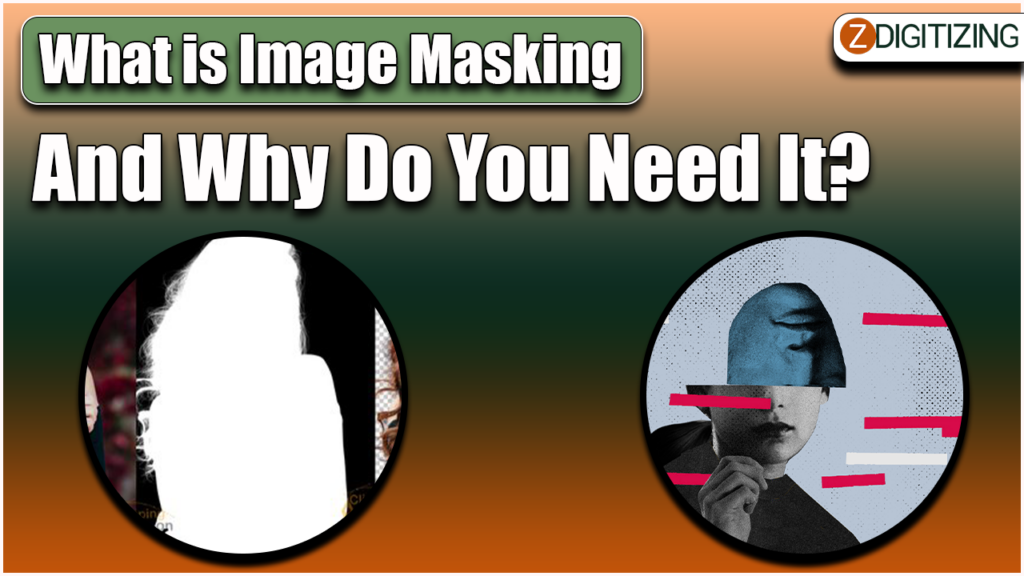
Image masking is a non-destructive image editing technique used to isolate and protect specific areas or elements within an image. It involves creating a "mask" or a selection that hides or reveals parts of the image, based on opacity or transparency levels in embroidery digitizing. The purpose of image masking is to achieve precise and refined editing results, especially in cases where traditional selection methods like using the lasso or magic wand tools would result in rough edges or inaccurate selections.
There are different types of image masking techniques, each suited to specific scenarios and complexities in the image. The most commonly used image masking techniques include:
Layer Masking: This technique involves creating a mask on a layer in software like Adobe Photoshop. The mask is essentially a grayscale image where white areas are fully visible, black areas are fully hidden, and shades of gray represent varying degrees of opacity.
Clipping Mask: Clipping masks use the transparency of one layer to control the visibility of another layer underneath it. It is particularly useful for blending images and creating intricate compositions.
Alpha Channel Masking: Alpha channels are used to store selections as grayscale images. They can be used for complex masking scenarios, such as hair or fur, where the subject has fine details and varied levels of transparency.
Color Range Masking: This method involves selecting specific colors in an image to create a mask. It is effective for isolating subjects against a uniform background or for replacing a background with a different color or image.
Why Do You Need Image Masking?
Image masking plays a vital role in achieving precise and refined image editing results in various scenarios. Let's explore why image masking is a necessary tool for photographers, graphic designers, and digital artists:
Complex Subject Isolation: Image masking is particularly useful when you need to isolate complex subjects from their backgrounds, such as capturing detailed strands of hair, fur, or intricate patterns of zdigitizing. Traditional selection methods may result in jagged edges and loss of fine details, while image masking ensures a seamless and natural integration of the subject.
Non-Destructive Editing: Unlike some selection techniques that permanently alter the image, image masking is non-destructive. It allows for reversible edits, enabling you to fine-tune and adjust the mask without affecting the original image.
Precise Image Compositions: Image masking facilitates accurate and precise image compositions, enabling you to blend multiple images seamlessly. By creating masks on different layers, you can control which parts of each layer are visible, achieving a harmonious and visually appealing result.
Advanced Retouching: Image masking is essential for advanced retouching and photo manipulation. It enables targeted adjustments to specific areas of an image without affecting the rest of the composition, providing a high level of control and refinement.
Product Photography: In e-commerce and product photography, image masking is essential for creating clean and professional product images with transparent backgrounds. This allows products to be showcased on various platforms without any distracting elements in the background.
Creative Effects: Image masking opens up a world of creative possibilities, allowing you to apply various effects and enhancements selectively. Whether it's applying color grading to specific areas or creating artistic compositions, image masking provides the flexibility to execute your creative vision.
Image Restoration: In photo restoration projects, image masking is crucial for isolating damaged areas and applying targeted restoration techniques without affecting the rest of the image.
Image Masking vs. Other Selection Techniques
While there are various selection techniques available in image editing software, each has its strengths and limitations. Here's how image masking compares to other popular selection methods:
Image Masking vs. Magic Wand Tool: The Magic Wand tool is useful for quickly selecting areas with similar colors, but it can struggle with complex or detailed images. Image masking provides more control and precision, especially for intricate subjects or backgrounds with varying tones in vector art services.
Image Masking vs. Lasso Tool: The Lasso tool is handy for freehand selections, but it can produce rough edges. Image masking allows for smoother and more refined edges, making it ideal for professional-level editing.
Image Masking vs. Pen Tool: The Pen tool is a powerful option for creating precise paths, but it requires more manual effort and may not be as efficient for intricate selections. Image masking, on the other hand, allows for quick and accurate selections without the need for manual path creation.
Image Masking Workflow
The image masking process typically involves the following steps:
Select the Subject: Begin by choosing the appropriate image masking technique based on the complexity of the subject and the desired outcome.
Create the Mask: Use the chosen masking tool to create a mask that isolates the subject from the background or other elements in the image. Refine the mask using brushes and tools to ensure accuracy.
Adjust Opacity: Fine-tune the mask's opacity to achieve seamless blending and ensure the subject looks natural within the composition.
Edit the Image: With the subject isolated through the mask, apply any desired edits or adjustments, knowing they will only affect the selected areas.
Review and Refine: Carefully inspect the image for any imperfections or rough edges. Refine the mask as needed to achieve a polished and professional result.
Save and Export: Save the edited image with its mask intact, allowing for future modifications and non-destructive edits.
Conclusion
Image masking is a powerful and indispensable technique for achieving precise and refined image editing results. Whether you're a photographer, graphic designer, or digital artist, image masking empowers you to isolate complex subjects, create seamless compositions, and apply targeted edits with ease. By understanding the different masking techniques and integrating image masking into your workflow, you can take your image editing skills to new heights and produce captivating visuals that leave a lasting impression on your audience. Embrace the versatility and power of image masking, and witness the transformation of your images into works of art.
We trust this article might really work out for you. To digitize embroiery plan you would require an expert like ZDigitizing, as digitizing is a mind boggling process.
Zdigitizing is a digitizing embroidery organization that gives total digitizing and vector craftsmanship benefits all around the world to organizations, ventures, and enterprises. Zdigitizing gives fashionable, strong, and sensible custom digitizing embroidery and vector craftsmanship administrations. We have been conveying first class digitizing embroidery administrations for 20+ years.