


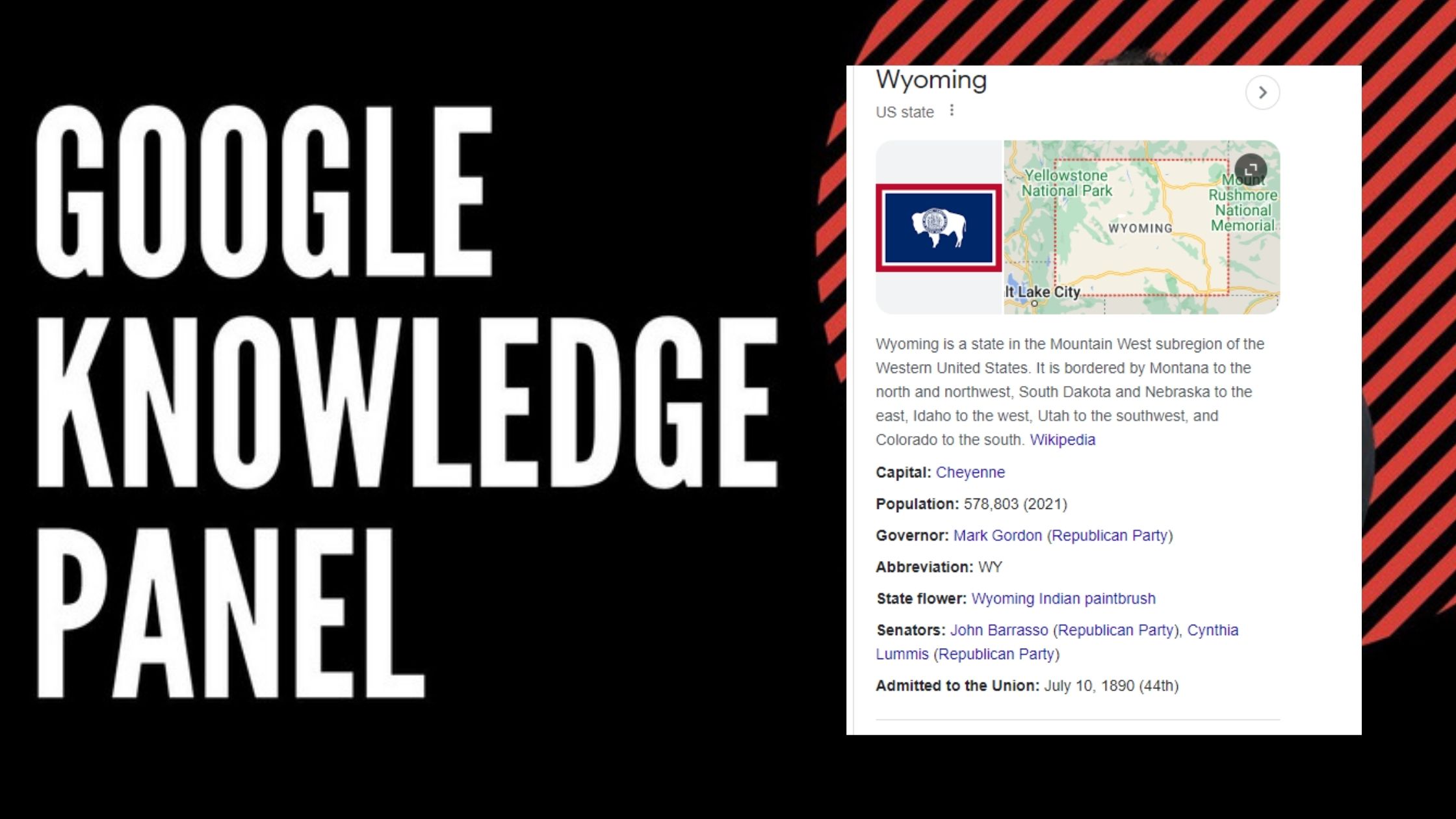
Introduction:
In the digital age, establishing a credible online presence is crucial for individuals and businesses alike. One of the most authoritative ways to achieve this is through a Google Knowledge Panel. A Google Knowledge Panel provides a snapshot of critical information about businesses, celebrities, landmarks, movies, and more, directly on Google's search results page. However, the real jewel in the crown is getting verified, which lends an additional layer of credibility and trustworthiness. In this comprehensive guide, we'll walk you through the steps to get verified on your Google Knowledge Panel, ensuring your digital footprint stands out in a crowded space.
Understanding Google Knowledge Panel
A Google Knowledge Panel is a box of curated information that appears on Google's search results, offering a quick snapshot of a subject. It's pivotal for enhancing online visibility and credibility, aggregating data from diverse web sources to provide a comprehensive overview to users.
Step 1: Check for an Existing Knowledge Panel
The journey to getting verified starts with checking if there's already a Knowledge Panel for you or your entity. Simply type your name or your business/entity name into Google Search and see if the panel appears. If it does, you're on the right track. If not, you may need to increase your online presence or ensure that your website and social media profiles are up to date and correctly linked.
Step 2: Claim Your Knowledge Panel
If a Knowledge Panel exists, the next step is to claim it. Look for the “Claim this knowledge panel” link at the bottom of the panel. Clicking on this link will guide you through the verification process, which involves proving your identity or your authority to represent the business or entity featured in the panel.
Step 3: Verification Process
Google's verification process requires you to sign in with a Google account that clearly shows your association with the entity you're claiming. You may need to provide official documents or other forms of identification, depending on whether you're verifying a personal panel or one for a business or organization. For businesses, Google My Business integration is a critical component of the verification process, ensuring that the information displayed is accurate and up-to-date.
Step 4: Enhance Your Online Presence
While awaiting verification, it's an excellent time to enhance your online presence. For individuals, this could mean updating your professional profiles, such as LinkedIn, or ensuring your website reflects your current status and achievements. For businesses, optimizing your website for SEO, ensuring your Google My Business listing is complete, and actively engaging on social media can improve your chances of not only getting verified but also making the most out of your Knowledge Panel.
Conclusion
Getting verified on your Google Knowledge Panel is a significant milestone in establishing your online credibility and authority. By following these steps, you can enhance your digital presence and ensure that when people search for you or your entity, they are met with verified and trustworthy information. Remember, the digital world is always evolving, so keep your information up to date and continue to build your online presence.
Remember, SEO is not just about incorporating keywords but also about providing valuable content to your readers. By following the steps outlined in this guide and focusing on building a strong online presence, you're not only optimizing for search engines but also offering real value to your audience, making your Google Knowledge Panel a reflection of your genuine credibility and authority in the digital space.

Looking for Right Life Partner?Right Life PartnerAre you also stuck in loop of not finding the right partner?Or you have found the partner but not sure he/she is right or not?The search of right partner starts with yourself.
How much do you know about your desires, body, trauma?Do you have answers to all the questions?
Hence you are not dependent on others for your happiness.
Yes, you read it right.When you find someone desperately, you are saying to universe that you are in lack, lonely and you want someone to fill that.
More loneliness and more lack.The best way is, to keep looking someone, keep meeting people but enjoy your own life as well.
Enjoy your own company, go out with friends or alone.

Right Life Partner Is it accurate to say that you are additionally caught in circle of not tracking down the right accomplice?Or on the other hand you have discovered the accomplice however not certain he/she is correct or not?The inquiry of right accomplice begins with yourself.
What amount do you think about your longings, body, injury?Do you have replies to every one of the inquiries?
Your temperaments, your youth injuries, your examples, your programming, your feelings, your life vision, your meaning of life.
Henceforth you are not reliant upon others for your bliss.
Indeed, you read it right.At the point when you discover somebody frantically, you are saying to universe that you are in need, desolate and you need somebody to fill that.
Appreciate your own conversation, go out with companions or alone.
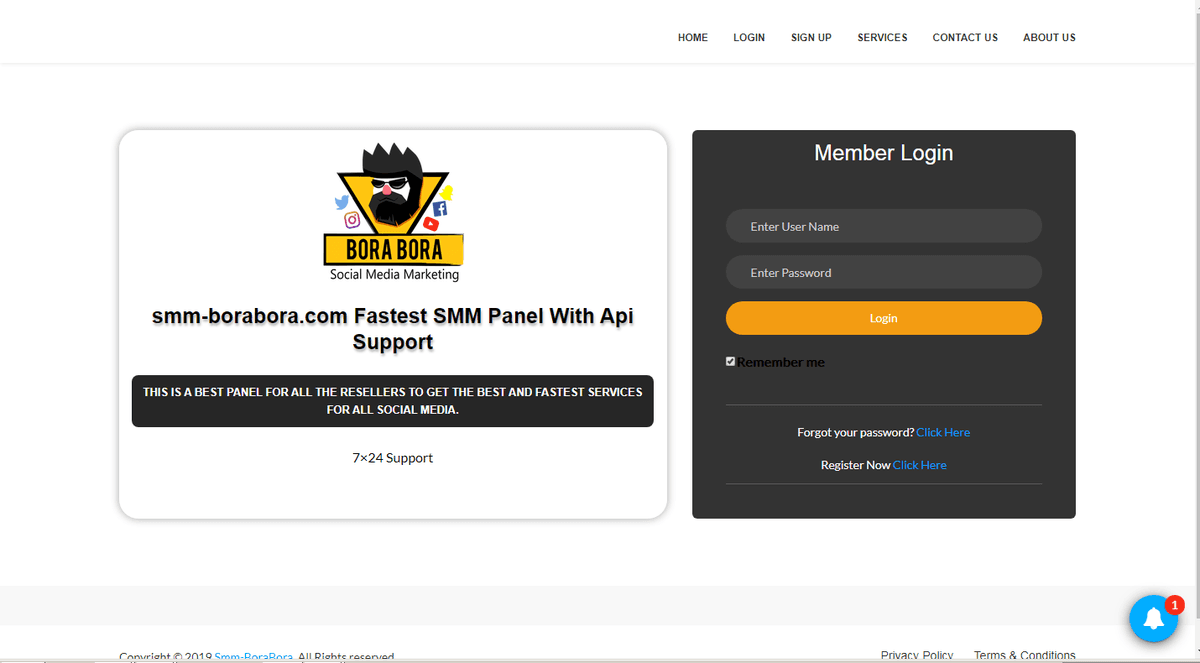
Are you looking for the right ways and tools that can help you increase followers on Instagram or on other social media platforms?Choosing the right type of SMM panel India will be an ideal way to fulfill your requirement.
There are a number of renowned names in this domain offering you the right solutions.At SMM-BoraBora, you will get precise solutions for your queries that include?How to Get Tiktok FollowersHow to Get Likes on InstagramHow to Increase Followers on InstagramExperienced professionals are working here, who listen to your requirement and provide you with the right solutions in real time manner.
They are well-aware of the increasing importance of using social media panels and their benefits.
There are a number of renowned names in this domain offering you such precise solutions in real time manner.
Among some of the top names in this domain from where you will get the right solutions for your queries, “How to Increase followers on Instagram”, or “How to Get Likes on Instagram”, you will find name of SMM BoraBora comes on the top – where a team of dedicated professionals has been working here, who have years of experience and proven track record of providing you with the right solutions.So, what you are looking for, make a contact and get the right solutions in real time manner.