


TikTok has become a global sensation, with millions of users sharing creative videos daily. However, when you download these videos, they come with a watermark, which can be distracting if you want to share the content elsewhere. This comprehensive tutorial will explore various methods to effectively and legally remove the Watermark from TikTok videos.
Understanding the Importance of Watermark Removal
Watermarks protect content creators’ work, but there are legitimate reasons why someone might want to remove them. For instance, you may want to reuse your videos on different platforms without the TikTok branding, or you might be preparing a compilation video for personal use. Regardless of your reason, it's crucial to understand the implications and ensure you are not infringing on anyone's copyright.
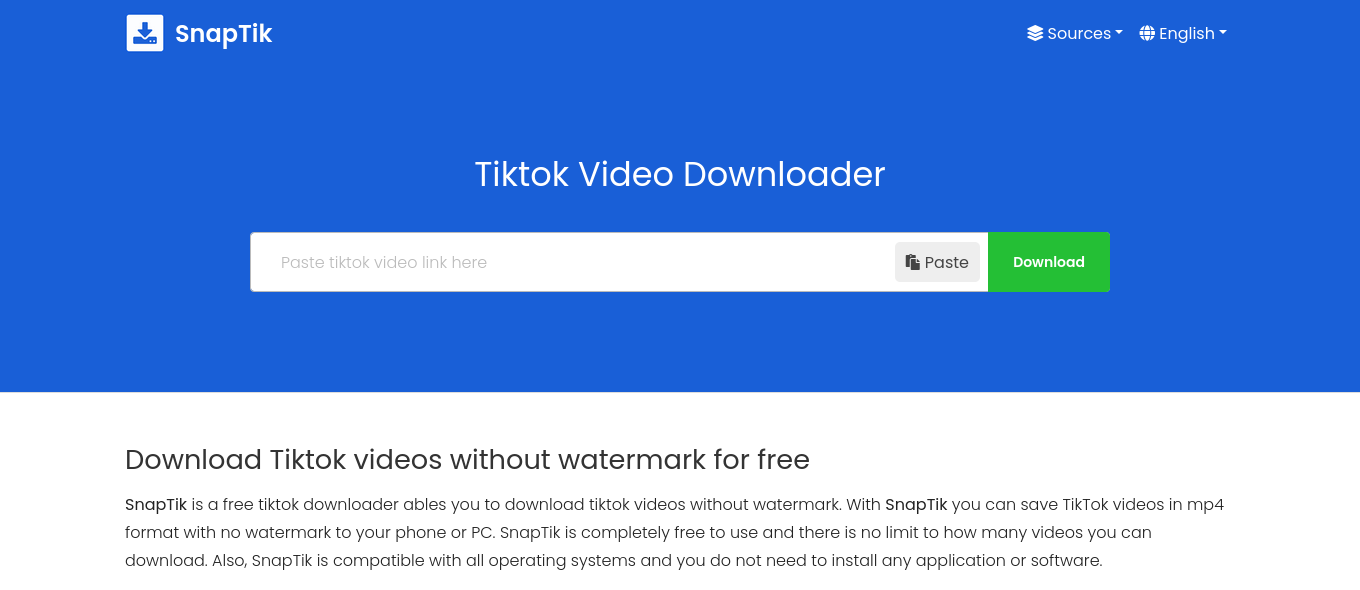
Read more Top 5 Online Sites to Download TikTok Videos Without Watermark
Methods to Remove Watermark from TikTok Videos
Using Video Editing Software
One of the most effective ways to remove watermarks is video editing software. Here are the steps:
Using Adobe Premiere Pro
1. Import the Video: Open Adobe Premiere Pro and import the TikTok video.
2. Duplicate the Video: Create a duplicate of the video layer.
3. Crop the Watermark: Use the crop tool to cut out the Watermark from one of the layers.
4. Resize and Position: Adjust the size and position of the cropped video to cover the Watermark on the original video.
5. Blend Layers: Blend the layers seamlessly to ensure the Watermark is no longer visible.
6. Export the Video: Save your edited video in the desired format.

Using Final Cut Pro
1. Import the Video: Load your TikTok video into Final Cut Pro.
2. Add Effects: The ‘Gaussian Blur’ effect blurs the watermark area.
3. Mask the Area: A mask restricts the blur effect to the watermark area only.
4. Feather the Mask: Adjust the feathering to smooth the transition.
5. Export the Video: Save your edited video in high quality.
Online Watermark Removal Tools
Several online tools can help you remove watermarks without needing advanced editing skills. Here are a few popular ones:
Tikmate Watermark Remover
1. Visit the Website: Go to the Tikmate Watermark Remover website.
2. Upload the Video: Click the “Remove Watermark from Video” option and upload your TikTok video.
3. Select the Watermark Area: Use the selection tool to highlight the Watermark.
4. Process the Video: Click “Convert” to remove the Watermark.
5. Download the Video: Save the processed video to your device.
HitPaw Watermark Remover
1. Download and Install: Download HitPaw Watermark Remover and install it on your computer.
2. Import the Video: Launch the software and upload your TikTok video.
3. Select the Watermark Area: Highlight the watermark area using the selection tool.
4. Remove the Watermark: Click “Remove Now” to process the video.
5. Export the Video: Save the edited video without the Watermark.
Read more : https://d-addicts.com/snaptikvideo-best-tiktok-video-downloader-without-watermark/

3. Mobile Apps for Watermark Removal
If you prefer editing on your mobile device, there are several apps available:
Remove & Add Watermark (Android)
1. Download the App: Install Remove & Add Watermark from the Google Play Store.
2. Upload the Video: Open the app and upload your TikTok video.
3. Select the Watermark: Use the lasso tool to select the Watermark.
4. Remove the Watermark: Tap “Remove” to process the video.
5. Save the Video: Export the video to your gallery.
Video Eraser - Remove Logo (iOS)
1. Install the App: Download Video Eraser from the App Store.
2. Import the Video: Open the app and select your TikTok video.
3. Mark the Watermark: Use the brush tool to highlight the Watermark.
4. Erase the Watermark: Tap “Start” to remove the Watermark.
5. Save the Video: Save the edited video to your camera roll.
Best Practices for Watermark Removal
Maintain Video Quality
When removing a watermark, it’s crucial to maintain the video quality. Over-editing can lead to a loss of resolution and make the video appear blurry or pixelated. Use tools that offer high-quality processing and pay attention to the output settings.
Respect Copyrights and Usage Rights
Always ensure you have the right to edit and use the video content. Removing watermarks for personal use is generally acceptable, but distributing edited videos without permission can lead to copyright infringement issues. Respect the original creators' rights and give credit where it’s due.
Use Advanced Tools for Better Results
While free tools and mobile apps can be handy, advanced video editing software like Adobe Premiere Pro or Final Cut Pro offers more precise control and better results. Invest in professional tools if you frequently need to remove watermarks or perform complex video edits.
Conclusion
Removing watermarks from TikTok videos can be done through various methods, including video editing software, online tools, and mobile apps. Each method has advantages and can be chosen based on your technical skills and requirements. Always remember to maintain video quality and respect copyright laws while editing. Following this comprehensive tutorial, you can easily remove watermarks and enjoy your TikTok videos watermark-free.