

In the rapidly evolving world of architecture, engineering, and construction (AEC), efficiency and precision are paramount. Building Information Modeling (BIM) has become a cornerstone of modern construction projects, enabling better collaboration, visualization, and management of building data. However, as projects grow in complexity, there is a growing need for tools that can enhance BIM workflows. One such tool is Revit Dynamo, a visual programming extension for Autodesk Revit. This blog explores how Revit Dynamo can streamline BIM processes and significantly improve project outcomes.
Understanding Revit Dynamo
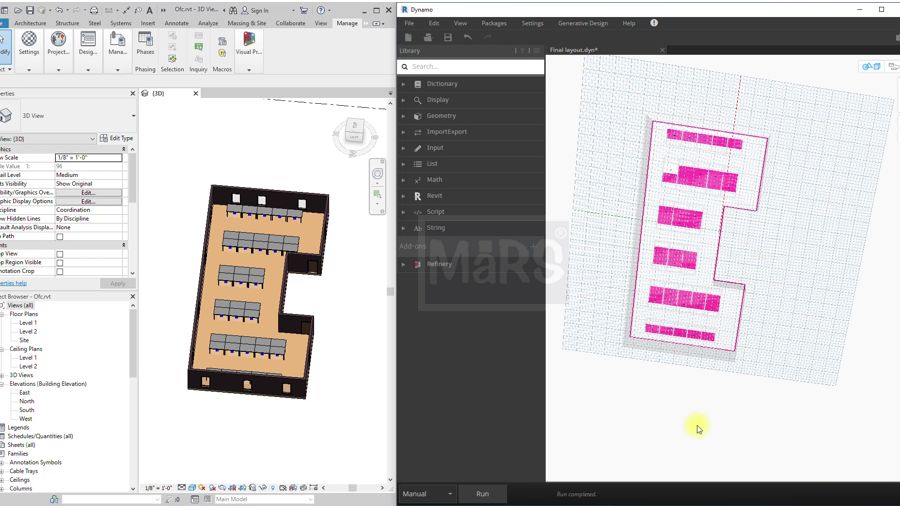
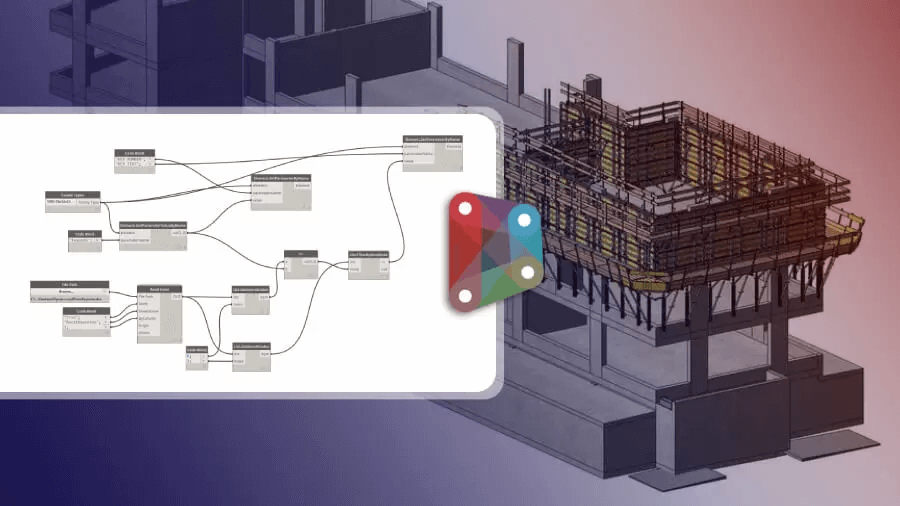
Revit Dynamo is a powerful visual programming tool that allows users to create custom scripts using a node-based interface. This means that, unlike traditional programming, users can manipulate data and automate tasks by connecting different nodes, each representing a specific function or data point. Dynamo enhances the capabilities of Revit, making it possible to automate repetitive tasks, generate complex geometries, and manage data more efficiently.
Key Benefits of Using Revit Dynamo
- Automation of Repetitive Tasks: One of the most significant advantages of Revit Dynamo is its ability to automate repetitive tasks. Tasks such as renaming elements, adjusting parameters, and generating schedules can be automated with custom scripts. This not only saves time but also reduces the risk of human error, ensuring greater accuracy and consistency across the project.
- Enhanced Parametric Design: Dynamo's visual programming environment is particularly suited for parametric design. By defining relationships between different elements and parameters, users can create dynamic models that automatically update when changes are made. This capability is invaluable for designing complex geometries and optimizing building performance.
- Data Management and Analysis: Managing and analyzing large sets of data is a common challenge in BIM projects. Dynamo allows users to extract, manipulate, and visualize data from Revit models easily. This can be used for tasks such as quantity takeoffs, energy analysis, and clash detection. By leveraging Dynamo for data management, project teams can make more informed decisions and improve overall project efficiency.
- Custom Workflows and Interoperability: Every project has unique requirements, and Dynamo provides the flexibility to create custom workflows tailored to specific needs. Additionally, Dynamo supports interoperability with other software tools through its ability to read and write various data formats. This makes it easier to integrate Revit with other platforms and streamline workflows across different software environments.
Related blog: Improving BIM Workflows with Revit Dynamo Functionality
Practical Applications of Revit Dynamo in BIM
- Automated Documentation: Dynamo can automate the creation and updating of project documentation. For example, scripts can be developed to automatically generate door schedules, room data sheets, and material takeoffs.
- Generative Design: With Dynamo, users can explore multiple design options quickly by defining design constraints and parameters. This generative design approach allows for rapid iteration and optimization, leading to more innovative and efficient building designs.
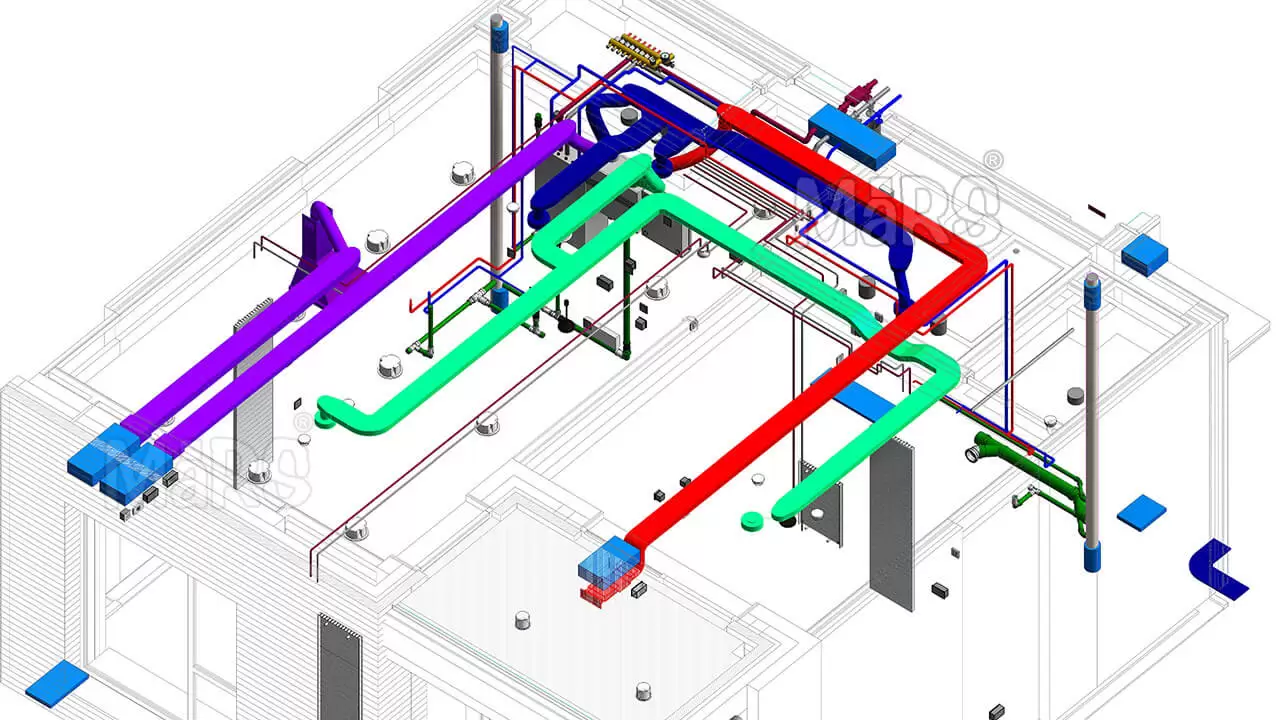
- Clash Detection and Resolution: By integrating Dynamo with clash detection tools, users can automate the identification and resolution of clashes between different building systems. This helps to minimize conflicts during construction and ensures a smoother project execution.
- Sustainability Analysis: Dynamo can be used to perform sustainability analysis by extracting data related to energy consumption, daylighting, and thermal performance from Revit models. This information can be used to optimize building designs for better environmental performance.
Getting Started with Revit Dynamo
To get started with Revit Dynamo, users can take advantage of the wealth of resources available online, including tutorials, forums, and sample scripts. Autodesk's Dynamo Primer is an excellent starting point for beginners, offering step-by-step guidance on the basics of visual programming in Dynamo. Additionally, engaging with the Dynamo community can provide valuable insights and support as you develop your skills.
Conclusion
Revit Dynamo is a powerful tool that can significantly streamline BIM processes and enhance project outcomes. By automating repetitive tasks, enabling parametric design, improving data management, and supporting custom workflows, Dynamo empowers project teams to work more efficiently and creatively. As the AEC industry continues to embrace digital transformation, tools like Revit Dynamo will play an increasingly important role in driving innovation and improving the built environment.