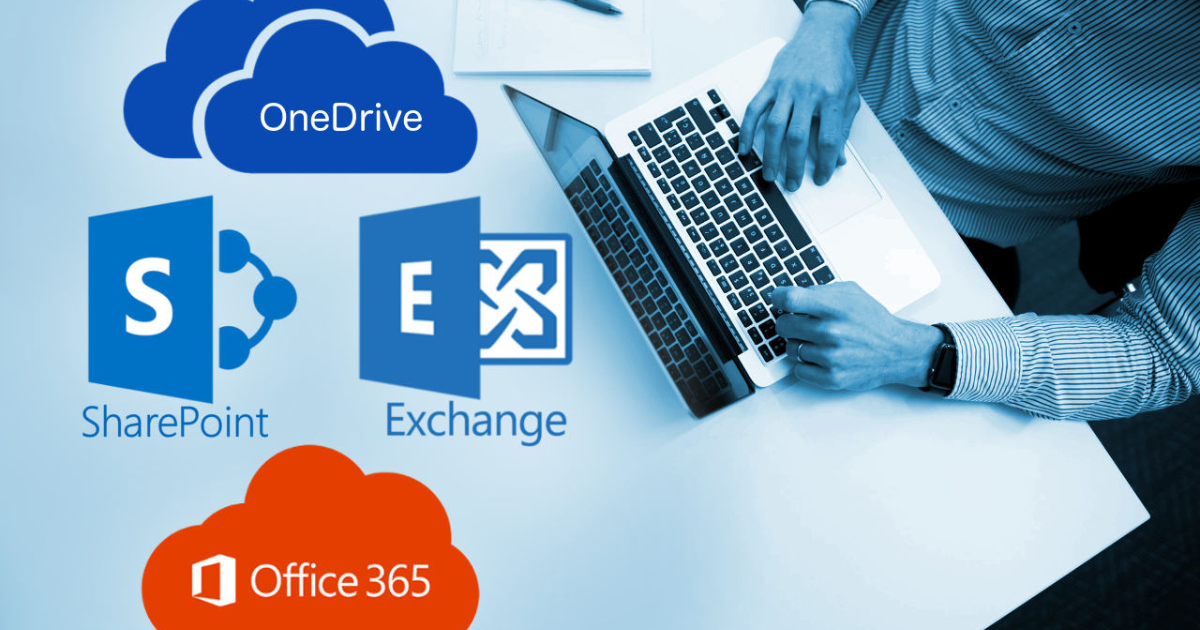
Microsoft 365 has become a go-to platform for businesses of all sizes. From Outlook and Teams to OneDrive and SharePoint, it provides the tools companies need to stay connected and productive. But while Microsoft does a great job managing its infrastructure, there’s one important area where you need to step in: protecting your data.
Imagine accidentally deleting a critical email or losing access to a shared document due to a ransomware attack. These aren’t rare events—they happen all the time. And this is exactly why having a proper backup solution for Office 365 isn’t just a “nice to have.” It’s a necessity.
Let’s dive into why backups are so important, what to look for in a solution, and some of the best options available.
Why You Can’t Rely on Microsoft Alone
A common misconception is that Microsoft automatically backs up all your data for you. While Microsoft does include some built-in protections, like recycle bins and retention policies, these aren’t designed to fully recover lost or corrupted data. They’re more about keeping their services running smoothly—not saving your business from accidental deletions or cyberattacks.
Here’s where the gaps lie:
- Accidental deletions: Files or emails that are deleted and not noticed in time could be lost forever.
- Cyber threats: Ransomware attacks are on the rise, and they can lock you out of your own data.
- Retention limits: Microsoft has specific time limits for how long deleted data is kept—beyond that, it’s gone.
- Compliance issues: Businesses in regulated industries often need to store data for years, far beyond Microsoft’s default policies.
The bottom line? Microsoft’s tools are great, but when it comes to protecting your data, you’re ultimately responsible. That’s where backup solutions come into play.
What to Look for in a Backup Solution
Not all backup tools are created equal. Some are simple and straightforward, while others offer powerful features tailored to larger organizations. Here are the key features to consider when choosing the right backup solution for your Office 365 data:
- Complete coverage: Look for a solution that backs up everything—emails, Teams chats, OneDrive files, SharePoint sites, and anything else you rely on.
- Fast and easy recovery: It should be simple to recover a specific email, file, or entire mailbox quickly, without hassle.
- Automation: Manual backups are a headache. Go for a tool that runs automatically in the background.
- Top-notch security: Your backup system should include encryption and follow compliance standards like GDPR or HIPAA if your business requires it.
- Scalability: If your company grows, your backup solution should grow with you.
- Cost-effectiveness: It’s all about balance—you want strong features at a price that fits your budget.
The Best Backup Solutions for Office 365
Here are some of the best Office 365 backup solutions, trusted by businesses worldwide. Whether you’re a small company or an enterprise, these options can give you the peace of mind you need.
1. Veeam Backup for Microsoft 365
Veeam is widely recognized for its powerful data protection capabilities. It’s designed specifically for Microsoft 365, making it a top choice.
- What makes it great?Veeam offers full backups for Outlook, Teams, SharePoint, and OneDrive with granular recovery options. Need to restore a single email? No problem.
- Best for: Businesses of all sizes looking for robust features and reliability.
2. Acronis Cyber Protect
Acronis takes things a step further by combining backups with cybersecurity tools like ransomware protection.
- What makes it great?It uses AI to detect and stop threats while keeping your backups safe. It also gives you flexible storage options—local, cloud, or both.
- Best for: Companies that want backup and security rolled into one.
3. AvePoint Cloud Backup
AvePoint is deeply integrated with Microsoft 365, making it seamless to use.
- What makes it great?It’s fast, flexible, and offers detailed search features so you can quickly find and recover specific files or emails.
- Best for: Businesses with lots of data that need advanced search and recovery features.
4. Carbonite Backup for Microsoft 365
Carbonite is simple, affordable, and effective, making it perfect for smaller businesses.
- What makes it great?It’s easy to set up and offers automated backups for emails, OneDrive, and SharePoint.
- Best for: Small businesses looking for a budget-friendly option.
5. Barracuda Cloud-to-Cloud Backup
Barracuda is a trusted name in security and backup.
- What makes it great?It provides unlimited backups and long-term retention options, which are ideal for compliance needs.
- Best for: Companies with strict compliance requirements.
Best Practices for Using Backup Solutions
Having a backup solution is a great start, but to get the most out of it, follow these best practices:
- Test your backups: Make sure you can restore data when needed by running regular tests.
- Define retention policies: Decide how long you want to keep backups based on your business needs and compliance requirements.
- Train your team: Teach employees the importance of backups and how to avoid common mistakes, like deleting important files without realizing it.
- Monitor backup performance: Check logs regularly to ensure backups are running smoothly.
- Keep backups secure: Use encrypted storage and ensure only authorized users have access.
Why Backup Solutions Are Worth It
Losing access to your Microsoft 365 data can disrupt your business and cost you time and money. Whether it’s due to human error, a cyberattack, or an unexpected technical issue, the impact can be huge.
A solid backup solution ensures you’re prepared for the unexpected. Think of it as insurance for your data—it’s there to save the day when things go wrong.
The options we’ve covered—Veeam, Acronis, AvePoint, Carbonite, and Barracuda—are all excellent choices. Each offers unique features to help you recover quickly and minimize downtime.