Introduction
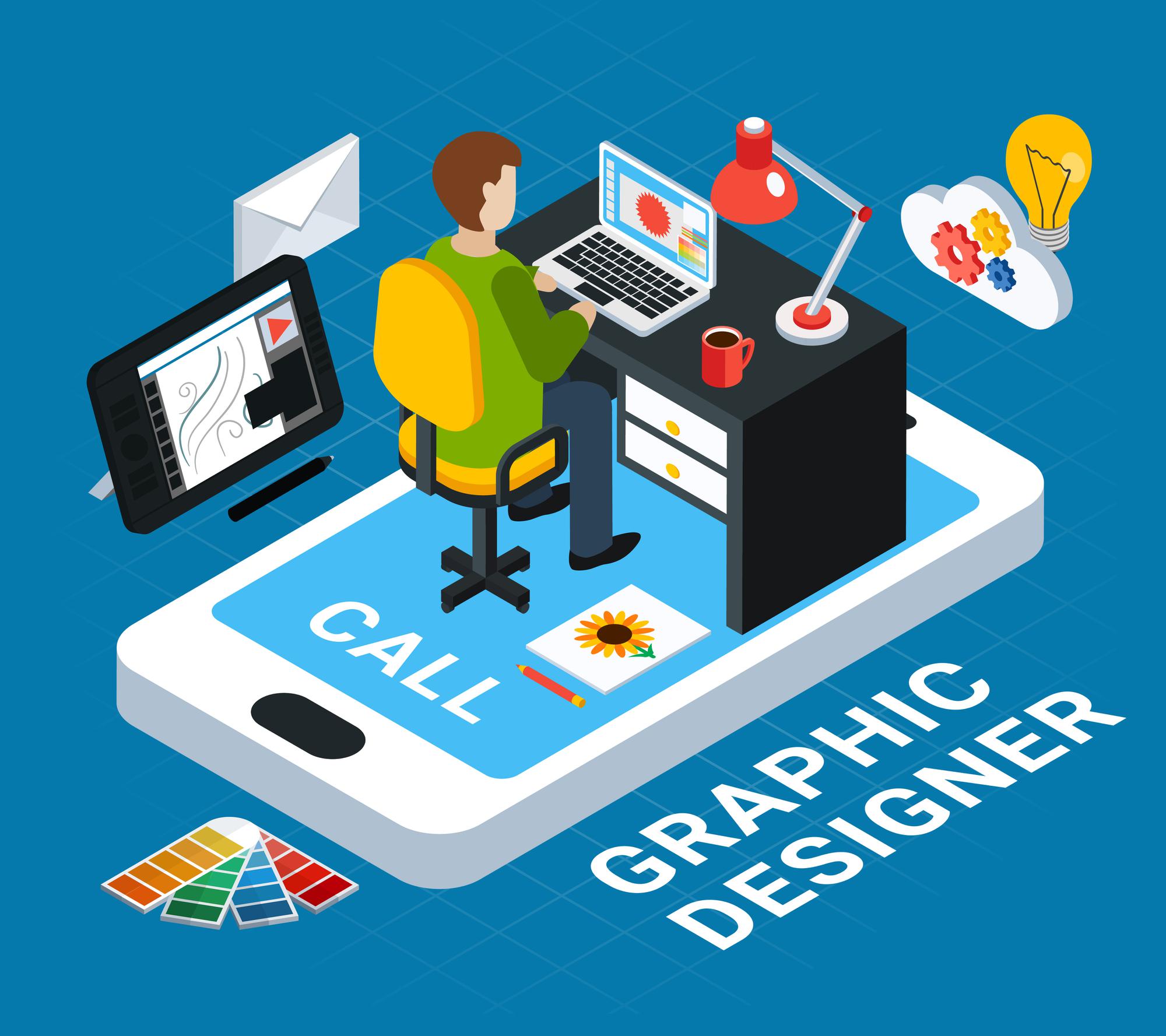
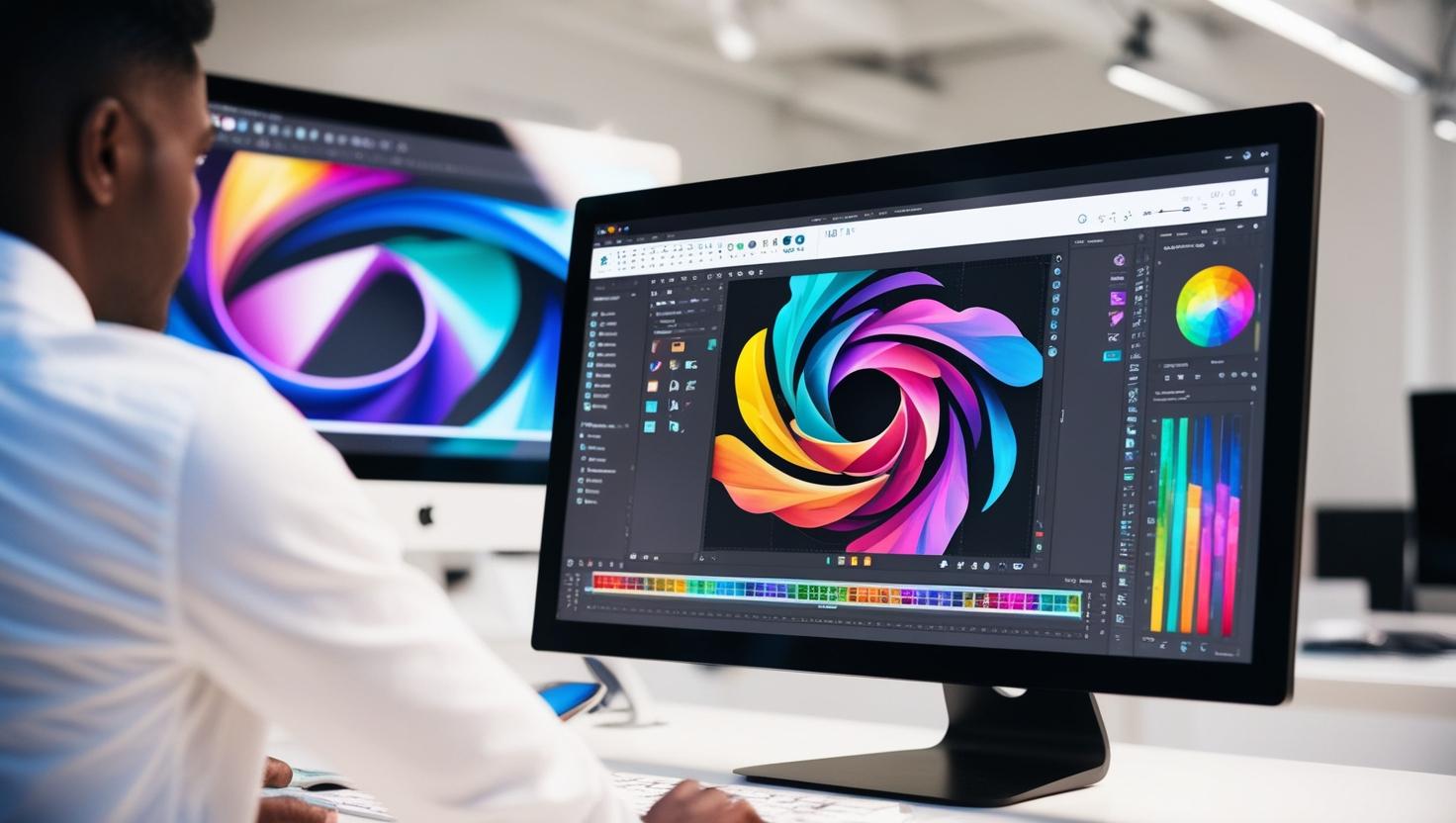
Graphic design is everywhere—on your social media feeds, product packaging, billboards, and even mobile apps. If you are starting in this creative field, choosing the right software can be overwhelming. With so many options available, it’s essential to pick the one that suits your learning curve and design needs.
Whether you want to create logos, social media posts, website layouts, or animations, we’ve compiled a list of the top 10 graphic design software for beginners in India. Let’s dive in!
1. Adobe Photoshop – The Industry Standard for Graphic Design
Overview: Adobe Photoshop is one of the most powerful and widely used graphic design tools worldwide. From editing images to designing web layouts, Photoshop is a must-have software for every designer.
Why is it great for beginners?
Best use cases: Social media graphics, posters, photo manipulation
Pricing in India: Starts at INR 1,675/month for the Creative Cloud plan
2. Adobe Illustrator – Best for Logo and Vector Design
Overview: Adobe Illustrator is the go-to software for vector-based graphic design. It’s ideal for logo design, typography, and detailed illustrations.
Key tools for beginners:
Pricing in India: INR 1,675/month
3. CorelDRAW – A Popular Choice for Print and Vector Design
Overview: CorelDRAW has been one of the top choices for Indian designers, especially for print media and advertising materials.
Why do Indian designers love it?
Pricing in India: INR 56,000 (one-time purchase) or INR 2,682/month
4. Canva – Best Free Online Design Tool for Beginners
Overview: Canva is perfect for non-designers who want to create professional-looking graphics with minimal effort.
Best features:
Best for: Social media graphics, presentations, resumes
Pricing: Free version available; Canva Pro at INR 499/month
5. GIMP – Best Free Alternative to Photoshop
Overview: GIMP (GNU Image Manipulation Program) is an open-source graphic design software that offers powerful image editing features.
Why should beginners try it?
Best for: Photo editing, digital painting, and graphic design
Pricing: Free
6. Inkscape – Free Vector Graphics Software for Beginners
Overview: Inkscape is a fantastic free alternative to Adobe Illustrator, making it an excellent choice for students and beginners.
Key features:
Pricing: Free
7. Figma – Best for UI/UX and Web Design Beginners
Overview: Figma is a web-based design tool that is perfect for UI/UX designers. It allows real-time collaboration, making it great for team projects.
Why UI/UX beginners should try Figma?
Best for: Website and app design, wireframing
Pricing: Free for individuals, Pro plan at INR 900/month
8. Adobe XD – Best for Website and Mobile App Design
Overview: Adobe XD is another UI/UX design tool focused on creating interactive prototypes for web and mobile apps.
Key features:
Pricing: Free version available; Premium at INR 800/month
9. Affinity Designer – Best Alternative to Adobe Illustrator
Overview: Affinity Designer is a budget-friendly alternative to Adobe Illustrator with similar capabilities.
Key features:
Pricing in India: INR 5,500 (one-time purchase)
10. Krita – Best Free Software for Digital Painting
Overview: Krita is an excellent free tool for digital painting and concept art. It’s widely used by illustrators and concept artists.
Key features:
Best for: Digital painting, character design, and concept art
Pricing: Free
How to Choose the Best Graphic Design Software as a Beginner?
1. Identify Your Design Goals
2. Budget Considerations
3. System Requirements
Final Thoughts: Which Software is Best for You?
Graphic design is a booming field in India, and learning the right software is the first step towards becoming a professional designer. Whether you are a student, freelancer, or small business owner, these tools can help you create stunning designs.
If you're looking for a graphic design software course or want to join a graphic design institute in Ahmedabad, consider enrolling in a program that covers these tools. Mastering the right software can open doors to high-paying job opportunities and a successful career in graphic design.
So, which software are you excited to try first? Let us know in the comments below!