For U.S.-based small businesses, choosing accounting software isn’t just about features — it’s about survival. You need accuracy, automation, compliance, and control — without hiring a full finance team.
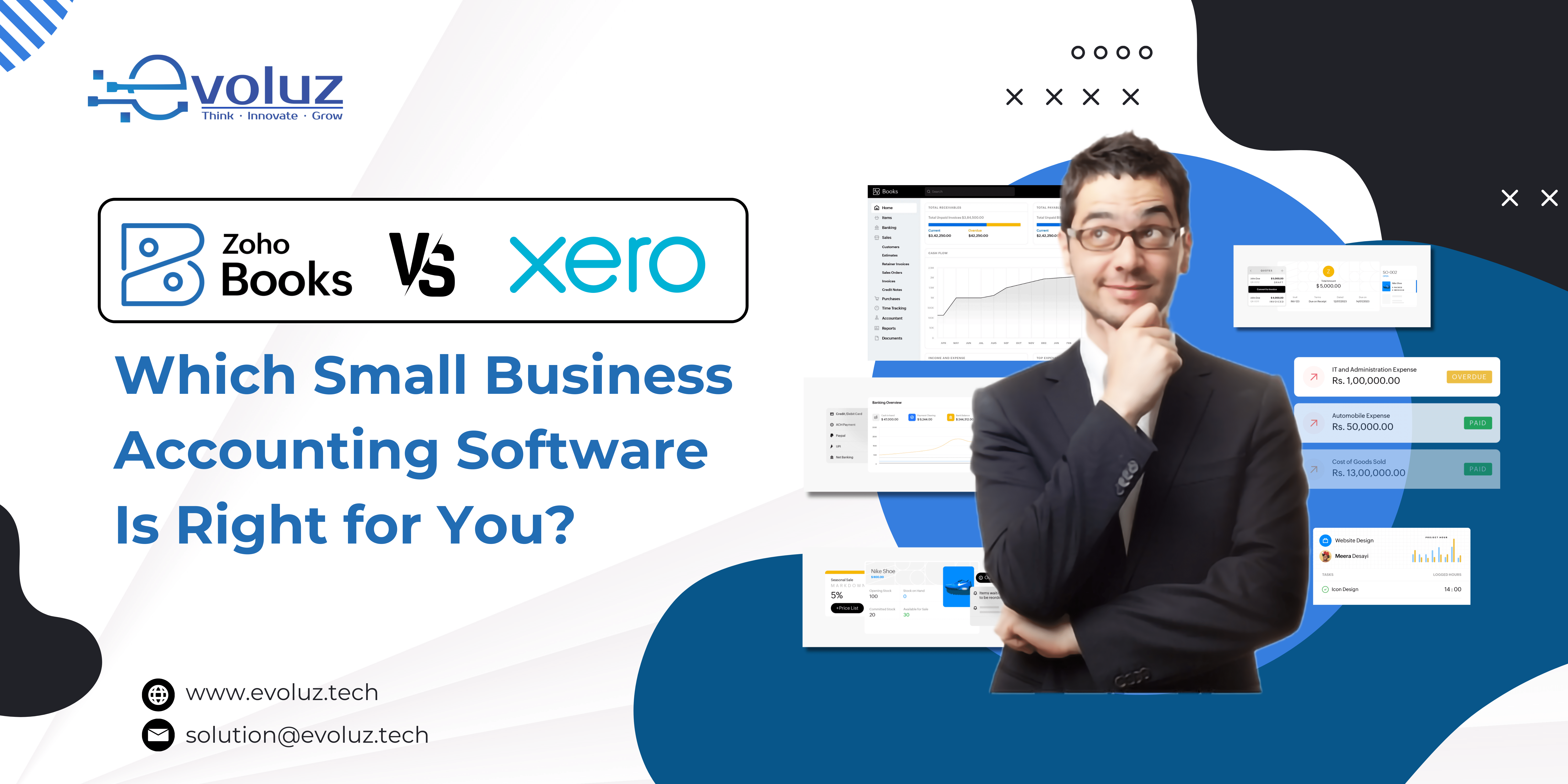
Zoho Books and Xero are two of the most recommended platforms in this space. Both offer cloud-based accounting solutions. But when it comes to supporting real-world businesses — contractors, service providers, startups, and lean operations — there are key differences in usability, scalability, and long-term value.
Here’s a breakdown that goes beyond the brochure — so you can make an informed, confident decision.
1. Interface & Usability: Is It Built for Accountants or Business Owners?

Where Xero struggles:
- Designed with accountants in mind, not entrepreneurs
- Takes time to configure workflows unless you have prior accounting experience
- UI can feel overly layered for non-finance users
What Zoho Books does differently:
- Built for business users first, not just CPAs
- Clean, modern dashboard focused on cash flow, invoices, and expenses
- Contextual help, tooltips, and smart defaults that speed up onboarding
Insight:If you’re running your business hands-on without a dedicated accountant, Zoho Books removes friction, reduces errors, and feels far more accessible.
2. Core Features: Are You Getting What You Actually Need?

What both platforms offer:
- Invoicing, expense tracking, bank feeds, and reconciliation
- Recurring billing and multi-currency support
- Inventory management and project-based accounting
Where Zoho Books goes further:
- Client portals with real-time invoice views and communication
- Deep integration with Zoho CRM, Zoho Inventory, and Zoho Payroll
- Custom workflows, email templates, and automation without add-ons
Xero often requires:
- Third-party apps for functions like payroll (e.g., Gusto)
- Paid extensions or integrations to match Zoho’s built-in stack
Insight:If you prefer to keep your tech stack lean and centralized, Zoho Books saves time and reduces app fatigue.
3. U.S. Tax Compliance: Which Platform Handles It Better?

Xero’s limitation:
- While it supports U.S. sales tax, setup can be manual and confusing
- 1099 contractor management is available, but lacks customization
Zoho Books’ strength:
- Built-in 1099 reporting
- Automated multi-state sales tax calculations using Avalara integration
- Pre-configured templates for U.S. chart of accounts
Insight:For U.S.-based businesses, especially those selling across state lines or managing contractors, Zoho Books delivers stronger out-of-the-box tax features.
4. Automation & Workflow: Can It Scale With Your Team?

Zoho Books offers:
- Automated payment reminders, recurring invoices, and late fee rules
- Workflow rules based on invoice status, project updates, or payment behavior
- Real-time sync with Zoho Analytics for advanced reporting
Xero offers:
- Good automation — but often dependent on third-party tools
- Fewer workflow triggers without developer customization
Insight:As your business grows, Zoho Books’ automation reduces reliance on spreadsheets, emails, and human follow-ups.
5. Mobile Access & On-the-Go Accounting

Xero App:
- Polished, easy to use, but lacks some full-feature access
- Great for receipt capture and basic invoicing
Zoho Books App:
- Near desktop-level functionality on mobile
- Time tracking, client follow-ups, and report viewing in one app
- Available across iOS, Android, and even Apple Watch
Insight:For remote teams, field staff, or business owners who manage finances on the move, Zoho Books wins on mobility and responsiveness.
6. Integration Ecosystem: Is It a Silo or a System?

Xero relies heavily on:
- Third-party apps (Zapier, Gusto, Stripe, HubSpot) for extended functionality
- External services to fill key business gaps
Zoho Books plugs directly into:
- Zoho ecosystem (CRM, Inventory, Projects, People, and more)
- Popular U.S. tools like Stripe, PayPal, Square, and Avalara
Insight:If you’re already using Zoho — or want a scalable, all-in-one business stack — Zoho Books fits more naturally into your long-term digital strategy.
7. Zoho Books Pricing vs Xero Pricing: Is the Value Worth the Monthly Cost?

Zoho Books pricing (2025):
- Starts at $20/month (Standard) with advanced features even at lower tiers
- No forced upsells for automations, tax tools, or time tracking
- Free plan available for businesses with under $50k in revenue
Xero pricing:
- Starts at $13/month but very limited (5 invoices, no bills)
- Real features kick in at $37–$70/month, depending on your needs
- Add-ons for payroll, projects, or advanced analytics cost extra
Insight:Zoho Books provides better value per dollar, especially for small U.S. businesses scaling toward mid-market.
Leverage the expertise of Zoho Experts and Zoho Consultants like Evoluz Global Solutions to drive 3x business growth and efficiency.
Final Verdict: Zoho Books Offers More Control, Better Value, and Smarter Scaling for U.S. Businesses

Xero is a solid accounting platform — but it assumes you’re either already working with an accountant or have time to master it.
Zoho Books, on the other hand, understands the reality of owner-led accounting, solo entrepreneurs, and growing U.S. teams wearing multiple hats.
With its powerful automation, superior compliance handling, deep native integrations, and no-surprise pricing, Zoho Books is purpose-built for small businesses that need to move fast without making accounting mistakes.
Drive 3x business growth and efficiency with Zoho Experts and Zoho Consultants Evoluz Global Solutions tailored Zoho Solutions.
Book your 2 hours of free consultation call NOW!