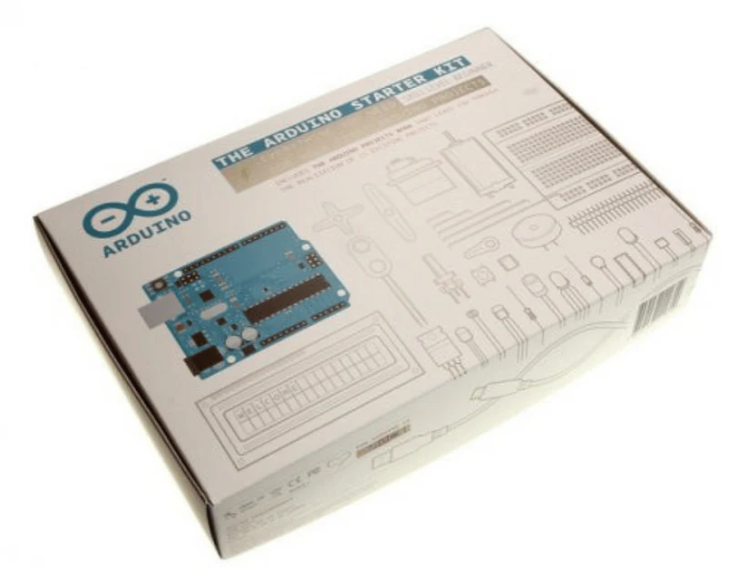
So, you've picked up your first Arduino board—shiny, full of potential, and ready to bring your ideas to life. But wait. Before you rush into connecting wires and uploading sketches, let’s talk about the mistakes most beginners make (and regret later). This blog isn’t about scaring you—it’s about saving your time, money, and excitement.
Let’s decode the top five beginner blunders and how to stay miles away from them.
1. Treating Arduino Like a Plug-and-Play Toy
Arduino looks beginner-friendly—and it is. But many new users assume they can connect components randomly, upload some code, and voilà—magic happens. Nope.
What actually happens?
You end up with a smoking resistor, an unresponsive board, or a confusing error that makes you question your life decisions.
What you should do instead:
Understand the why before doing the how. Learn the purpose of each pin. Know the difference between analog and digital, input and output, voltage and current. This doesn’t mean you need a degree in electrical engineering. Just give yourself a day to learn the basics—watch a YouTube breakdown of Ohm’s Law or take a beginner-friendly electronics crash course.
Always use a resistor with an LED. No exceptions. Even if it seems to "work fine" without it.
2. Powering the Board Wrong (And Blaming the Code)
So many first-timers blame their code or sensor wiring when the real villain is… the power supply. Feeding the board too much or too little voltage causes all kinds of weird behavior—from random resets to complete silence.
Common rookie moves:
- Connecting a 12V adapter directly to the 5V pin
- Powering high-draw components (like servos) from the Arduino’s onboard regulator
- Mixing USB and external power sources without understanding how they interact
Safe bet:
- Use the barrel jack with 7–9V regulated power for Uno, Mega, and similar boards
- Never exceed the recommended voltage range (usually 6–20V on VIN, but check your board)
- Power motors, servos, or large modules with their own external power, not directly from the board
If you're unsure—double-check with a multimeter. One bad decision can fry your whole setup.
3. Copy-Pasting Code Like a Robot
We’ve all done it. Found some code online, dropped it into the Arduino IDE, and hit Upload without changing a thing. And yes, sometimes it works. But more often, you end up with a sketch that kind of works—until it doesn’t.
Why it's a long-term trap:
You don’t learn. You don’t understand. You can’t debug when it fails. You're not building—you're mimicking.
A better approach:
- Break the code into chunks
- Add comments to every section
- Try changing one value or function at a time and see what changes
- Use the Arduino Language Reference to look up unfamiliar functions
If you don't understand the code you're uploading, you're just running someone else's project—not yours.
4. Going Big Right Out of the Box
Here’s a classic mistake: First project = Smart Home System with 4 sensors, a Wi-Fi module, and a bunch of relays. You wire it up, upload your code… and nothing works.
Why this fails:
Too many unknowns. When something doesn’t behave as expected, you don’t know if it’s the code, wiring, power supply, or a fried sensor.
Start smaller. Much smaller.
- Blink an LED.
- Read a temperature sensor and display values in the Serial Monitor.
- Light up a buzzer when the value crosses a threshold.
Once each part works on its own, combine them gradually.
Think of it like LEGO: Build small modules first. Test each one. Then assemble the final masterpiece.
5. Not Using Serial Monitor (Flying Blind)
Arduino boards don’t have screens or logs by default. So, if you’re not using the Serial Monitor to see what’s happening inside the board—you’re coding blind.
What beginners miss:
You upload the code, expect a result, and when it doesn't happen—you're stuck guessing. That’s not just frustrating. It’s avoidable.
How to fix this:
Use Serial.begin(9600); at the start of setup(), and sprinkle Serial.print() and Serial.println() throughout your code. Print sensor values, decision logic, and markers like “LED ON” or “Button Pressed.”
It gives you real-time insight into what your board is doing. It's like debugging with a flashlight instead of fumbling around in the dark.
Match the baud rate in code and Serial Monitor, or you’ll see gibberish.
Quick Recap:

The Real Truth: Mistakes Are Part of Mastery
Every Arduino pro started as a beginner who burned a sensor or mixed up GND and VCC. The goal isn’t perfection—it’s progress.
What separates tinkerers from builders is the willingness to slow down, understand each step, and learn from every wire, every blink, every unexpected reset.
So if you’ve already made a few of these mistakes—congrats. You’re already on your way.