


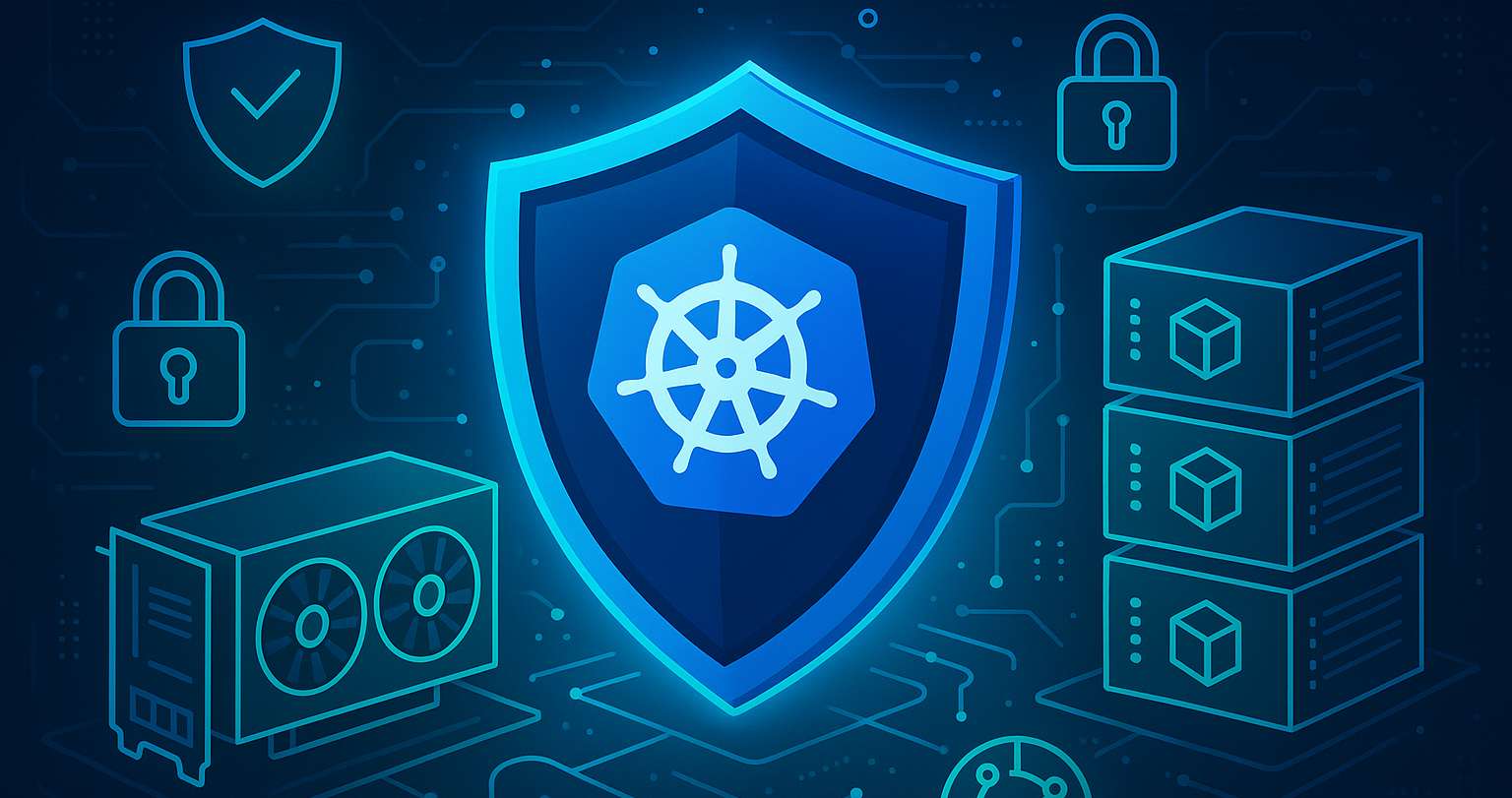
You are running CUDA on Kubernetes. The models work, but every security review stalls. I have been there when I tried to secure GPU workloads on Kubernetes.
In my opinion, you can always lock down GPU workloads without hurting performance or developer flow. Here is my blueprint, now extended with the critical controls teams miss in production.
What is the Threat Model and Where are the Trust Boundaries?
Before controls, I name what I defend against.
- Abuse inside a multi-tenant namespace
- Lateral movement from GPU nodes to the control plane
- Data theft of models, datasets, and API keys
- Compromised or risky container images
You should draw a simple path: users to CI to admission to runtime to nodes to data stores.
Then mark the trust boundary at admission and at the node. It’ll tell you where to place enforcement and telemetry.
What Baseline Hardening Should You Apply?
I use Pod Security Admission, not PodSecurity Policy. You can pin GPU namespaces to restricted.
kubectl create ns gpu-apps
kubectl label ns gpu-apps \
  pod-security.kubernetes.io/enforce=restricted \
  pod-security.kubernetes.io/audit=restricted \
  pod-security.kubernetes.io/warn=restricted
My application pods are never privileged. No hostPath, no hostPID, no hostIPC, no hostNetwork.
I set seccompProfile: RuntimeDefault, drop all capabilities, run as non root, and keep the root filesystem read only with a small emptyDir at /tmp.
The NVIDIA device plugin runs as a privileged DaemonSet in its own namespace.
For runtime isolation you can attach an AppArmor profile that allowlists /dev/nvidia*, common library paths, and denies writes outside /tmp. I load it on every GPU node and bind it with the standard AppArmor pod annotations.
How to Secure the Supply Chain with Image Signing?
Most incidents start in CI. You will have to generate SBOMs, scan images, and only allow signed images.
- Sign with Sigstore cosign in CI
- Verify signatures at admission
- Maintain an approved base images list
- Pin image digests where feasible
Tiny Kyverno example:
apiVersion: kyverno.io/v1
kind: ClusterPolicy
metadata: { name: require-signed-images }
spec:
validationFailureAction: enforce
rules:
- name: cosign-check
match: { resources: { kinds: ["Pod"] } }
verifyImages:
- imageReferences: ["nvcr.io/**","registry.example.com/**"]
attestors:
- entries:
- keys:
publicKeys: |
-----BEGIN PUBLIC KEY-----
YOUR-COSIGN-PUBKEY
-----END PUBLIC KEY-----
How to Handle Secrets, Models and Data?
API keys and model files are the assets attackers want. I recommend you treat them as sensitive data.
My checklist:
- Store secrets in Vault or a CSI driver, never in images
- Pull models with short-lived tokens at pod start
- Mount models from PVC or object storage, not from the image
- Encrypt datasets at rest and in transit
- Limit egress to known registries and storage endpoints
For multi-tenant clusters, place model registries in a separate namespace and only allow egress to it from GPU namespaces to enforce least privilege in Kubernetes GPU clusters.
How to Enforce Default-deny Network Policies with Precise Egress?
You can start with a default deny, then allow only what the app needs. It blocks data exfil and beaconing.
apiVersion: networking.k8s.io/v1
kind: NetworkPolicy
metadata:
name: default-deny
namespace: gpu-apps
spec:
podSelector: {}
policyTypes: ["Ingress","Egress"]
ingress: []
egress:
- to:
- namespaceSelector:
matchLabels: { name: model-registry }
ports:
- protocol: TCP
port: 443
I usually add similar rules for metrics and required third party APIs.
How to Monitor and Detect Runtime Issues?
I’d need signals when controls bite or fail. Hence, I export NVIDIA DCGM metrics to Prometheus and alert on ECC errors, thermal throttling, and sudden power spikes. You can ship AppArmor denials to logs, so you can tune profiles without guesswork.
You can then add one or two Falco rules to catch writes outside /tmp, unexpected shell spawns, or mounting attempts inside app containers. Moreover, you should wire alerts to the same channel as cluster incidents.
How to Harden GPU Nodes and the GPU Layer?
If the node is weak, pod hardening is theater. I do the following on GPU nodes.
- Enable Secure Boot and UEFI
- Turn on IOMMU
- Patch kernel and NVIDIA drivers on a fixed cadence
- Use containerd, and remove the Docker socket
- Isolate the NVIDIA device plugin and operator in their own namespace
- Consider MIG on A100 or H100 to slice GPUs for tenants
- Build nodes from a gold image and recreate, not patch in place
You can label GPU nodes and taint them to keep non-GPU workloads away. RBAC limits who can schedule in GPU namespaces.
How to Use Admission Automation without Slowing Developers?
Developers will bypass friction. If you ask me, I’d make the safe path automatic.
- Mutate pods to add seccompProfile: RuntimeDefault if missing
- Inject AppArmor annotations if the profile name is known
- Block privileged and hostPath early with a clear error message
These rules live in Kyverno or Gatekeeper. They prevent policy drift and keep teams productive.
What Should be Your Incident Response Runbook?
Bad days happen. This is why I recommend you keep a short runbook that anyone on call can run.
- Quarantine the namespace with a default deny Network Policy
- Cordon and drain the affected GPU nodes
- Capture DCGM, container logs, and AppArmor denials
- Revoke and rotate tokens and registry credentials
- Recreate nodes from the gold image
- Restore affected workloads with signed, scanned images
- Hold a short post incident review and update policies
Final Checklist
Always keep this checklist handy when trying to secure GPU workloads in Kubernetes.
- Namespace set to restricted with Pod Security Admission
- Non privileged pod spec with RuntimeDefault seccomp and read only root
- AppArmor profile loaded and attached
- Signed images only, verified at admission
- Secrets and models handled with short lived access and encryption
- NetworkPolicy default deny with tight egress
- GPU nodes hardened, labeled, tainted, and isolated
- Admission automation to prevent drift
- Alerts from DCGM, AppArmor, and Falco reach the on call team
This is the smallest set of controls that has saved me from real incidents while keeping CUDA happy, whether self‑managed or on Kubernetes as a service. If there are questions related to cloud GPU and Kubernetes, feel free to contact me!

A certified Kubernetes Administrator online training course is designed for the Kubernetes Administrators who needed learning concepts to build the Kubernetes ecosystem.
Kubernetes Administrator Accredited Certification Course should guarantee that these professionals have the skills, knowledge, and honesty to meet the duties and responsibilities of Kubernetes administrators.
https://cybercraftinc.com/blog/cloud-technology/which-cloud-service-to-choose-when-moving-to-kubernetes