


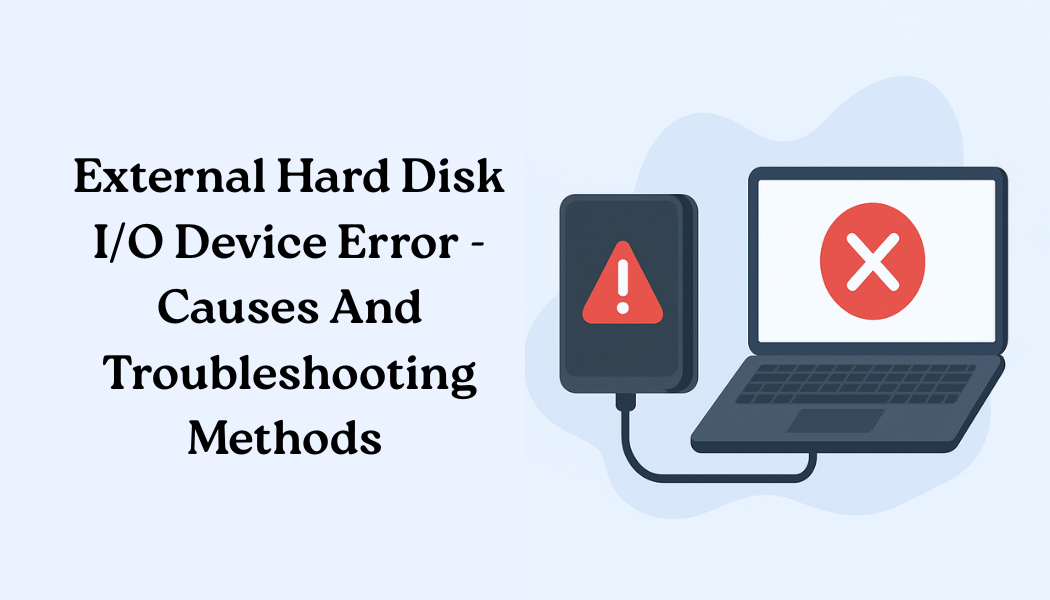
Have you ever encountered an I/O, also known as the Input/Output error, on your computer? If yes, then you do not need to worry, as it is not very complicated to fix this error. The error is encountered by people when their system faces an issue while trying to read data from a connected device. In a general sense, this error means that there is a communication error between the computer and the storage medium.
We all know that this error can be frustrating, and learning about its causes and troubleshooting methods will allow you to resolve the issue with ease. This article is going to explore the main reasons behind the I/O error and also mention the fixes that you can utilize to resolve the error with ease.
Understanding the meaning of External Hard Disk I/O Device Error and Its Causes
If you have ever seen the message ‘the request could not be performed I/O error’, then this means that your device is facing a communication failure with the storage medium, which is generally the hard disk, on a computer. Although there are numerous storage devices that can be affected by this error, including external HDDs/SSDs, USB flash drives, SD cards, and even CDs/DVDs.
Before we start exploring the methods that you can use to resolve the input/output error, you should also be familiar with the underlying causes behind the error.
- Faulty USB port
- Loose wires
- Issues with the drivers
- Conflicts with drive letters (OS issues)
- Incompatible format in HDD
- Physically damage the hard disk drive
These are the major reasons why you might face an I/O error on your computer. Now that you are familiar with the main causes, let’s move forward and learn about the methods you can use to resolve the issue with ease.
Effective Troubleshooting methods to resolve an I/O error
Method 1: Check Connections and Power Supply
As we have mentioned, the error can happen because of faulty or loose connections. If you have connected your hard drive to a USB hub, then it is possible that it is not receiving enough power. You can try connecting the external hard drive directly to your computer to see whether it resolves the issue or not.
Method 2: Try using a Different USB Port
Another simple hardware error that you can try is using a different USB port. For this, you need to carefully eject the drive, restart your computer, and reconnect using a different USB port. This method is highly beneficial when nothing else seems to be working.
Method 3: Reinstall or Update USB Drivers
It is important to ensure that your computer is equipped with the latest USB drivers to read the data. If you have outdated or corrupted USB drivers, then you can encounter the input/output error on your computer, which is why you need to update or reinstall your USB drivers.
With these basic methods, you can resolve the issue on your device. However, we also recommend accessing and using the platform Datarecovee to learn more methods.




The EaseFilter Transparent File Level Encryption Library allows Clients to incorporate transparent on-access, per-file encryption into their products.
Transparent auto file encryption performs real-time data encryption and decryption of the files in any block data with 16 bytes in memory.
The encryption uses a 256 bits symmetric key to encrypt or decrypt the data with AES encryption algorithm.
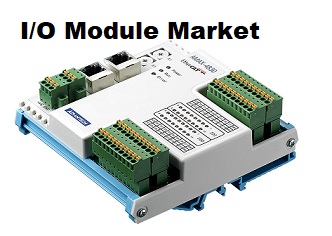
9th October, 2018 - I/O Module Market is expected to witness lucrative growth over the coming six years.
The increasing demand for safe I/O modules, stringent government, and industrial safety standards for usage and rising demand for reduced wiring cost are the drivers contributing to the market growth.
In addition, reduced start-up machine time and small sizes devices for easy handling also anticipate the demand for the global I/O module market.Request a Sample Copy of This Report @ https://www.millioninsights.com/industry-reports/input-output-i-o-module-market/request-sampleThe various technological advancements, variable designs, and adoption of Ethernet I/O modules are also the factors leading to the market growth.
The new safety I/O modules offers the advantages of traditional distributed I/O safety systems.
These new modules help in the easier control and monitor the devices safely.
Also, it detects failure of modules at the field device levels and at I/O levels and, enhance the operator protection.