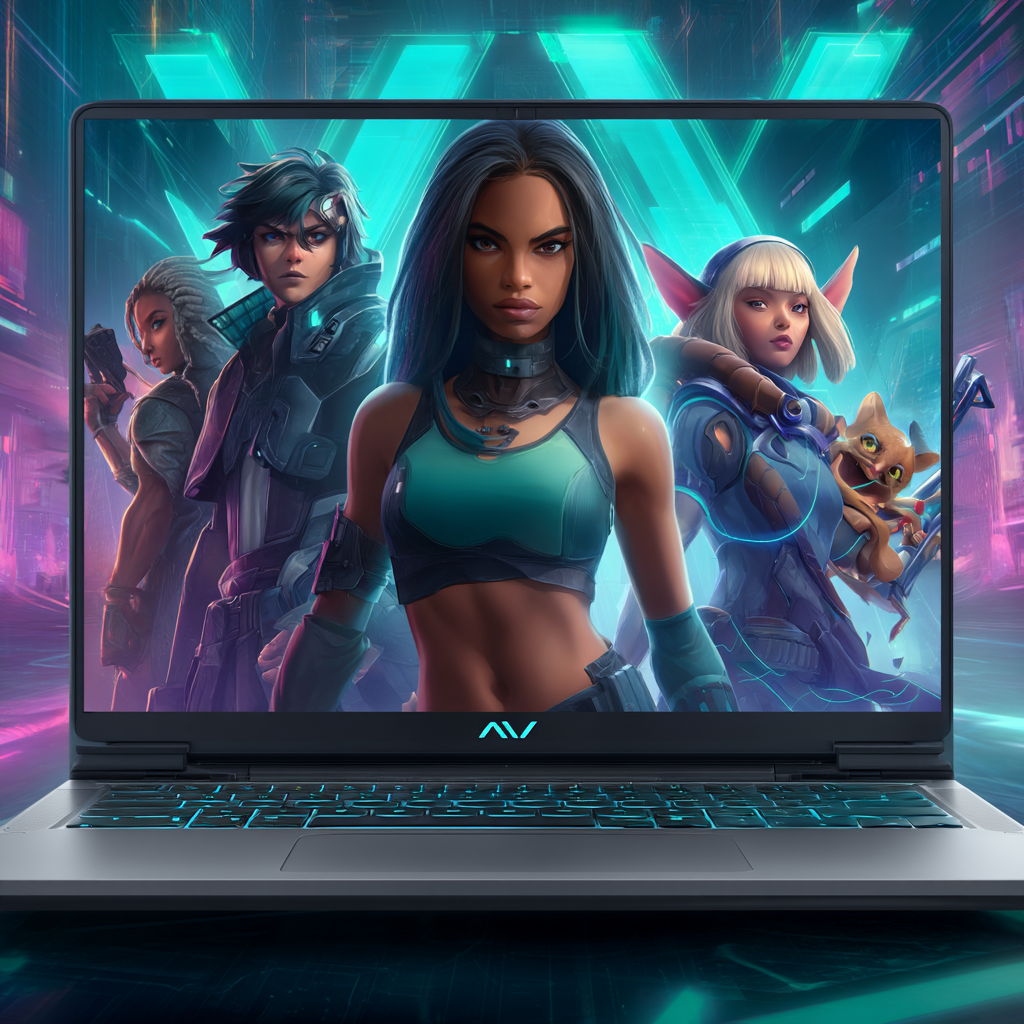
Bring Your Characters to Life with AI: 2025 Guide for Creators
Designing captivating characters used to take hours of sketching, refining, and mastering complex art tools. Today, artificial intelligence has transformed this process, making it faster, easier, and accessible even if you’ve never drawn before.
Whether you’re creating characters for games, stories, social media, or branding, AI tools let you turn your ideas into professional-quality visuals in minutes. In this guide, we’ll walk you through creating unique AI-generated characters step by step.
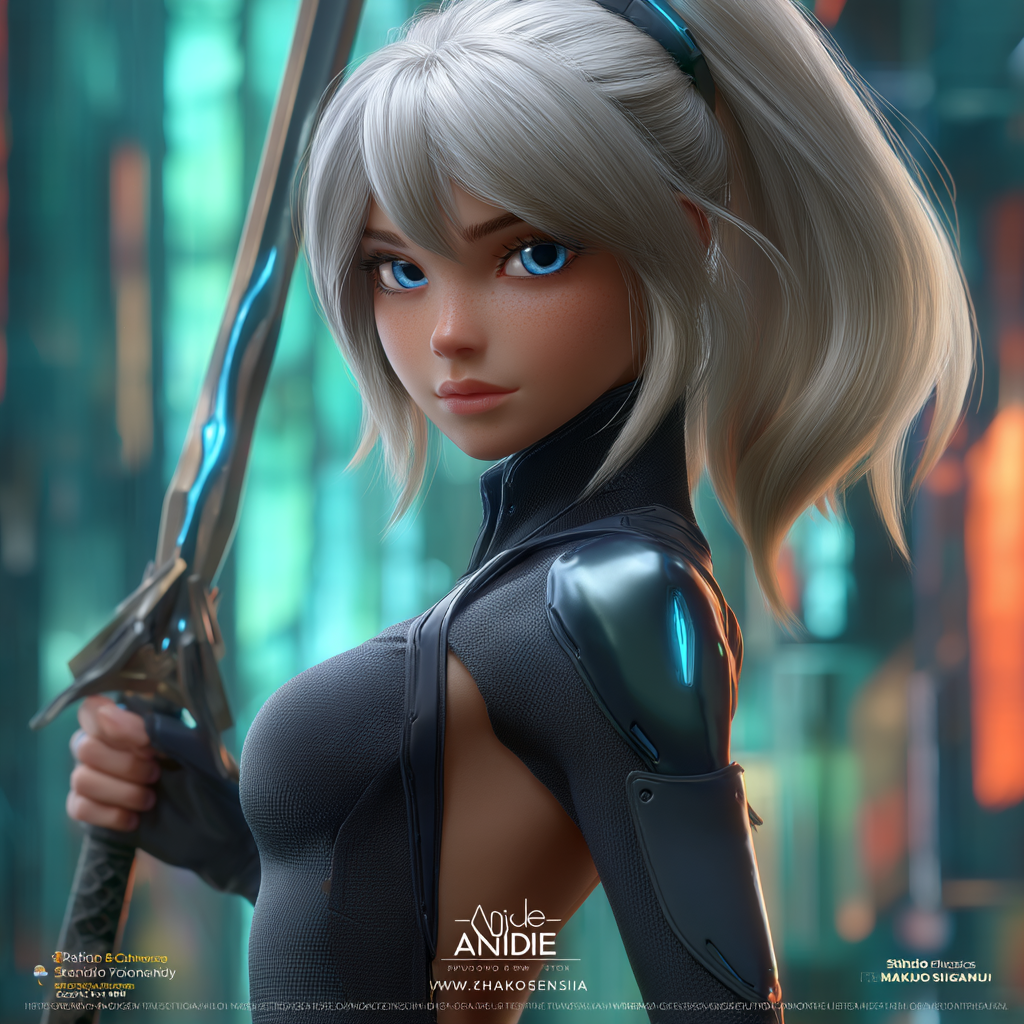
How AI is Revolutionising Character Creation
AI-powered tools are reshaping character design by making it:
Fast: Generate multiple character concepts in a matter of minutes.
Accessible: No drawing skills needed—just a clear idea and creativity.
Versatile: Experiment with styles from anime and cartoons to hyperrealistic and pixel art.
Cost-Effective: Ideal for indie developers, writers, and creators on a budget.
Defining Your Character Before You Start
Before generating a character, it’s important to clarify its core traits:
Purpose: Is it for a game, story, comic, or brand identity?
Personality: Define traits, quirks, and motivations.
Appearance: Choose age, body type, clothing, and accessories.
Mood & Style: Pick color schemes, lighting, and overall aesthetic.
Consistency: Make sure the character can be recognized across different media and outputs.
Step-by-Step Workflow for AI Character Design
1. Choose the Right AI Platform
Select a tool that fits your intended style: text-to-image generators, photo-based platforms, or apps specialized in avatars and game characters.
2. Craft a Detailed Prompt
Describe your character clearly—mention hairstyle, clothing, pose, mood, and background.
Example Prompt:
"A young alchemist in a leather apron, holding a glowing potion, warm candlelight, realistic fantasy style."
3. Generate Multiple Options
Create several versions to see which one aligns best with your vision.
4. Refine and Personalise
Adjust expressions, outfits, props, and backgrounds. Many AI platforms let you use reference images or negative prompts to remove unwanted elements.
5. Export and Apply Your Character
Save your final design in high resolution. Use it for games, stories, social media, branding, or any creative project.
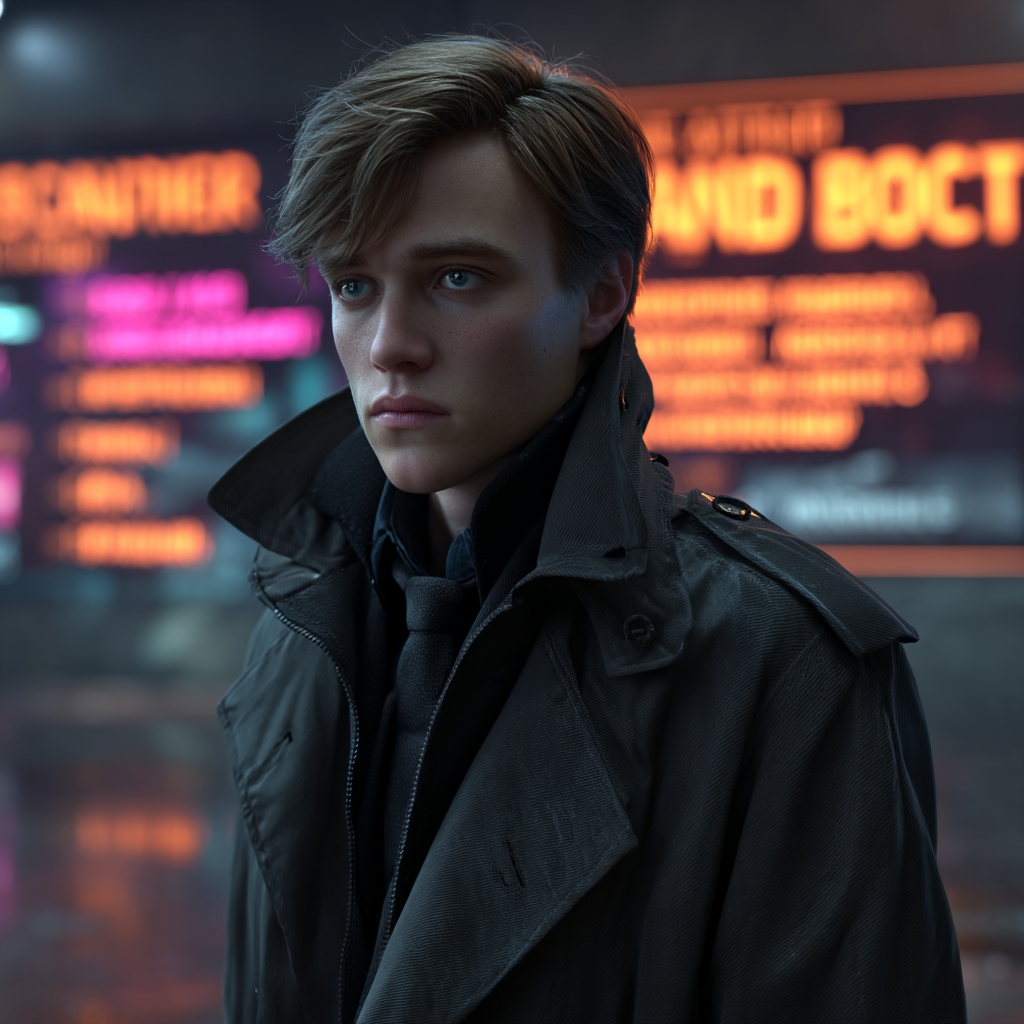
Expert Tips for Quality Results
Use Mood Boards or References: Images help AI understand the style you want.
Focus on Lighting: Proper shadows and highlights make characters feel more 3D.
Keep Styles Consistent: Use the same prompts or reference images for repeated designs.
Verify Licensing: Ensure AI-generated content can be used for personal or commercial projects.
Where You Can Use AI-Generated Characters
Storytelling: Bring characters to life in novels, comics, or scripts.
Game Development: Design avatars, NPCs, or main characters.
Branding: Create mascots, logos, or promotional visuals.
Social Media: Develop distinctive avatars and marketing content.
FAQs About AI Character Creation
Q: Can I generate characters from a photo?
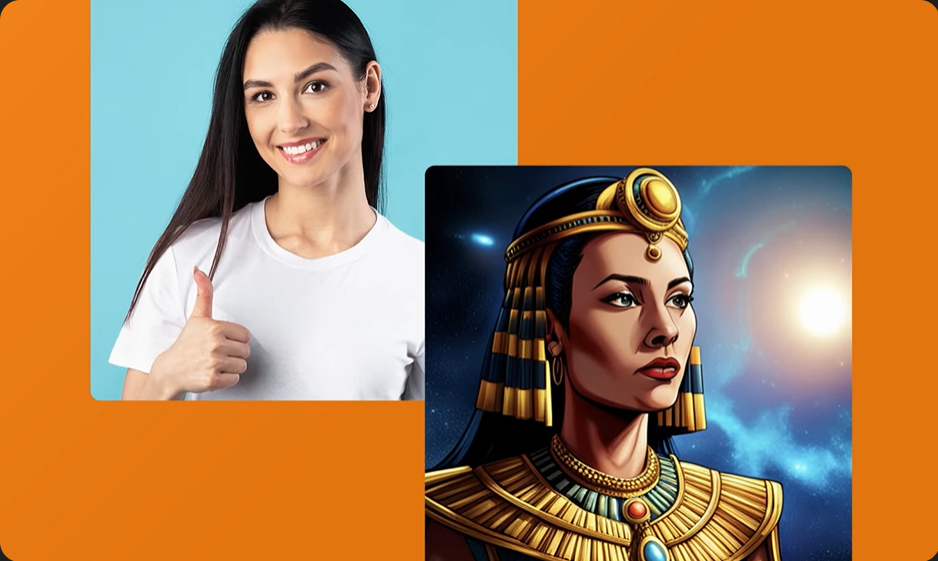
Yes. Many AI tools allow you to upload a photo and generate a character while maintaining key features.
Q: Is text-only input effective?
Definitely. Detailed text prompts can yield impressive results, especially for stylized or fantasy designs.
Q: How long does the process take?
Basic concepts appear in minutes. Refining and exporting may take longer depending on the desired quality.
Q: Are free AI tools enough?
Free tools are great for experimentation. Paid tools provide higher resolution, advanced features, and commercial usage rights.
Q: Can I use AI characters commercially?
Yes, but always check the platform’s licensing and usage policies before commercial use.
Final Thoughts
AI has made character creation accessible to everyone. By understanding your character’s personality and using the right AI tools, you can generate professional, memorable characters in minutes. Experiment with styles, explore creative possibilities, and turn your ideas into visuals—no advanced art skills required.