


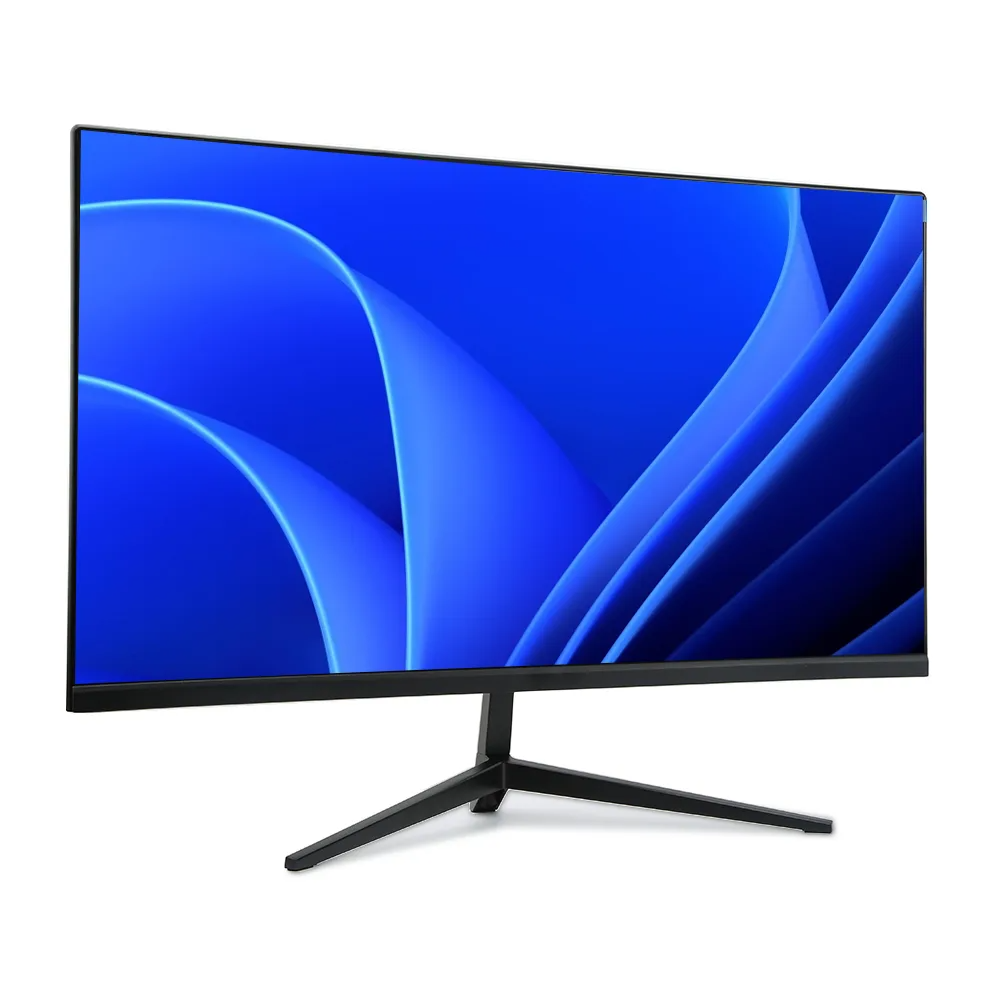
Owning a 240Hz gaming monitor is a dream for any gamer who wants smooth visuals and fast response times. These monitors are designed for speed, precision, and long gaming sessions.
However, like all technology, they need care if you want them to last for years. Many people invest in high-refresh-rate displays but overlook basic maintenance. Over time, dust, poor settings, and misuse can lower performance and even shorten lifespan.
The good news is that with simple habits and adjustments, you can keep your monitor running like new. Let us explore seven practical ways to maintain and optimize your 240Hz gaming monitor.
Whether you are a casual gamer or a competitive player, these methods will help you get the most out of your investment. Let’s dive into the steps that make your monitor last longer.
1. Keep Your Monitor Clean and Dust-Free
Dust is one of the biggest enemies of electronics, and your 240Hz gaming monitor is no exception. Over time, particles build up on the screen and vents, blocking airflow and making the device run hotter.
Heat is dangerous because it reduces the monitor’s lifespan. Cleaning your screen regularly helps maintain both image clarity and performance.
To clean properly, always turn off and unplug the 240Hz gaming monitor. Use a soft microfiber cloth instead of paper towels, which can scratch the surface. If needed, dampen the cloth slightly with distilled water or a screen-safe solution.
Never spray liquid directly onto the display. Also, pay attention to the back and sides where vents are located. A small handheld air blower can help remove dust gently.
2. Adjust Brightness and Contrast Settings
Using your monitor at maximum brightness and contrast all the time may look good at first, but it puts a lot of stress on the panel.
Over time, this can lead to image degradation, dead pixels, or uneven colors. Adjusting these settings not only improves picture quality but also increases the lifespan of your monitor.
Here are some tips for safe adjustments:
- Lower brightness to match your room lighting.
- Use a contrast setting that makes dark areas detailed but not washed out.
- Avoid dynamic brightness” features if they cause flicker or strain.
- Calibrate colors using built-in tools or online calibration charts.
3. Manage Screen Time and Use Breaks
Monitors, especially high-refresh-rate ones like 240Hz, are built for heavy use. Still, leaving them on for long hours without breaks can generate unnecessary heat and wear out components faster.
Continuous usage also risks screen burn-in, though modern panels handle it better. To protect your monitor, make a habit of turning it off when not in use. Even switching to sleep mode during short breaks reduces strain.
Gamers often leave their PCs on overnight, which is harmful in the long run. Consider using auto-sleep timers that shut down the display after a set period of inactivity. Also, remember that your eyes need breaks as much as your monitor does.
4. Protect Your Monitor from Power Surges
Power problems are silent killers of electronic devices. A sudden surge can damage your 240Hz gaming monitor instantly.
Even if the monitor seems fine, repeated small surges weaken internal parts over time. To avoid this, you should protect your monitor with proper equipment.
Some simple steps include:
- Always connect your monitor to a surge protector.
- If possible, use an uninterruptible power supply (UPS) for stable voltage.
- Avoid plugging the monitor directly into the wall socket.
- Turn off and unplug during thunderstorms if you live in areas prone to lightning.
By securing your monitor from power risks, you make sure it performs safely and smoothly for years without unexpected failures.
5. Use the Correct Refresh Rate and Resolution
One of the main reasons people buy a 240Hz monitor is to enjoy smooth and fast gameplay. But many users forget to set the refresh rate correctly in their system settings. If you leave it at the default 60Hz, you’re not using your monitor’s full potential.
To fix this, go into your operating system’s display settings and select 240Hz as the refresh rate. Also, pair it with the correct resolution, usually 1080p or 1440p, depending on your monitor’s design.
Using the wrong settings can strain the GPU and lower performance. At the same time, running at higher resolutions than your monitor supports will cause blur or scaling issues.
6. Handle Your Monitor with Care
Monitors are delicate, and rough handling can easily damage them. Even though a 240Hz gaming monitor is built with advanced technology, the screen surface is still fragile. Taking simple precautions goes a long way.
Here are some key habits:
- Always lift the monitor with two hands, holding it from the base.
- Avoid pressing hard on the screen surface.
- Keep food and drinks away to prevent spills.
- Place the monitor on a stable desk or mount it to prevent falls.
Also, avoid exposing your monitor to extreme heat, cold, or direct sunlight for long periods. These conditions may cause discoloration or internal damage. Handling your monitor carefully ensures you don’t face issues like cracked panels or dead pixels. Treat it like the valuable gaming tool it is, and it will serve you well for many years of smooth gameplay.
7. Keep Firmware and Drivers Updated
Many people don’t realize that monitors, like computers, sometimes receive firmware updates. Manufacturers release these updates to fix bugs, improve compatibility, and add features.
Similarly, your graphics card drivers often include optimizations for better monitor performance. Keeping both updated ensures smooth operation and maximum benefit from your 240Hz monitor. To update, check your monitor brand’s official website for available firmware.
By staying up to date, you make sure your monitor and graphics card work together perfectly, keeping your gaming experience smooth and stress-free.
Conclusion
A 240Hz gaming monitor is more than just a display; it’s a vital part of your gaming setup. To make it last, you need to care for it properly.
Simple steps like cleaning regularly, adjusting settings, and protecting against power surges make a big difference. Managing screen time, handling the monitor carefully, and keeping software updated all play a role in long-term performance.
By following these seven ways, you ensure your monitor runs smoothly, looks sharp, and lasts for years.
With the right maintenance, your 240Hz monitor will continue to deliver the speed and clarity you love, helping you stay ahead in every game. Treat it well, and it will reward you with long-lasting performance.


However one variable you may also hear about is the refresh speed.Just what is refresh speed, and does this matter for youpersonally?
Time to discover.What's Just a Refresh Rate?The refresh speed of a monitor identifies the range of times per minute which the displayed image is going to be upgraded.
The framework speed means the amount of video frames which can be shipped to a display per minute.Many software, such as productivity activities or watching movies, wont be impacted by the refresh speed in any way.
Because games generate the data routed to a own screen in your own graphics card, even when you've got a fast enough card then it might send data to your screen more immediately.
It's going to appear as though the screen includes half-loaded or been"torn" across the centre.Here are probably the most usual PC gaming issues you'll strike, which causes themand how you can repair them.There are methods for the particular problem like G Sync, v sync, and Free Sync.
For competitive players of firstperson shooters such as counter strike GO or even Overwatch, an increased refresh rate will indicate a more straightforward picture, which could make it a lot easier to track rapid activity.The matter is by using blurring.