




Install Java JDK
Embarking on your Java programming journey begins with the crucial step of installing the Java Development Kit (JDK). The JDK is an essential toolkit that provides everything you need to write, compile, and run Java programs. It includes the Java Runtime Environment (JRE), which is necessary to execute Java applications, along with a set of libraries, development tools, and the Java compiler. For beginners, the installation process might seem intimidating at first, but in reality, it’s quite straightforward and designed to be user-friendly.
The first step is to visit the official Oracle website or other trusted sources that offer the latest version of the JDK. It’s important to download the correct installer compatible with your operating system—whether you’re using Windows, macOS, or a Linux distribution. Once on the download page, select the appropriate version, typically the latest stable release, to ensure you have access to the newest features and security updates. For Windows users, this usually involves downloading an executable (.exe) file, while macOS users might get a .dmg file, and Linux users can opt for package managers or tar.gz files.
After downloading the installer, the next step involves running it and following the on-screen instructions. During installation, you’ll be prompted to select options such as the installation directory. It’s advisable to note this location because you may need to set environment variables, particularly the PATH variable, so your system recognizes Java commands from the command line interface. For Windows, this involves navigating to the System Properties, opening Environment Variables, and editing the PATH variable to include the Java bin directory. On macOS and Linux, this typically requires editing shell configuration files like .bash_profile, .bashrc, or .zshrc, to add the Java binary path.
Once the installation is complete, it’s important to verify that Java is correctly installed and configured. The simplest way to do this is by opening a command prompt or terminal window and typing java -version. If Java is properly installed, this command will display the installed version of Java, confirming that your environment is ready for development. If it doesn’t, you may need to revisit your environment variable settings or re-install Java. After successful verification, you are now equipped with the necessary tools to start writing your first Java programs and exploring the language’s vast capabilities. This foundational step sets the stage for your entire learning journey, making it a critical milestone for any aspiring Java developer.
Learn Java online
Learning Java online offers a flexible, accessible, and often cost-effective way for beginners to start their programming adventure. The internet is a treasure trove of resources, providing a variety of learning formats—from structured courses and tutorials to interactive coding platforms—that cater to different learning styles and paces. For newcomers, the key is to find resources that introduce core Java concepts in a friendly and understandable manner, gradually building confidence and competence.
One of the most effective approaches is to begin with beginner-friendly tutorials that cover the fundamentals of Java. These include understanding Java syntax, data types, control structures such as loops and conditionals, and the principles of object-oriented programming that are central to Java’s design. Many online platforms offer step-by-step guides that are designed to be approachable for those with no prior coding experience. These tutorials often include practical examples, which help reinforce learning by encouraging hands-on practice.
Several reputable online platforms provide comprehensive Java courses tailored specifically for beginners. Websites like Codecademy, Coursera, Udemy, and edX feature courses that combine video lectures, quizzes, and coding exercises, allowing learners to practice directly within their browsers. This interactive environment eliminates the need for complex setup initially and makes learning more engaging. These platforms often include community forums and support systems, enabling students to ask questions, share their progress, and learn from peers and instructors alike.
Beyond formal courses, there are countless free tutorials, blogs, and YouTube channels dedicated to Java programming. These resources often break down complex topics into simple, digestible lessons, making it easier for beginners to understand and retain information. For example, YouTube channels dedicated to Java often feature tutorials that walk through writing a program from scratch, explaining each step along the way. Online communities such as Stack Overflow, Reddit, and Java-specific forums are also invaluable, providing a space for learners to seek help, troubleshoot issues, and connect with other programmers.
The beauty of learning Java online is the ability to learn at your own pace. Whether you prefer short daily sessions, intensive weekend projects, or a gradual, steady approach, online resources adapt to your schedule. Additionally, many platforms offer certification upon completion, which can serve as a valuable credential when applying for jobs or internships. Ultimately, online learning empowers beginners to develop their skills in a supportive environment, making the journey into Java programming not only effective but also enjoyable and fulfilling. It’s about creating a foundation that fosters curiosity, confidence, and a lifelong passion for coding.
Java syntax cheat sheet
Mastering Java syntax is a fundamental step toward becoming a proficient programmer. A Java syntax cheat sheet acts as a quick reference guide, summarizing essential syntax rules, common programming constructs, and best practices. This cheat sheet is especially helpful for beginners who are still familiarizing themselves with the language’s structure and rules, providing a handy resource to consult whenever they encounter uncertainties or errors.
Java code is organized into classes, which serve as blueprints for creating objects. Every Java program must contain at least one class, and the main method, which serves as the entry point of the program, is always defined as public static void main(String[] args). Statements in Java end with a semicolon, and code blocks are enclosed within curly braces. Variables must be declared with a specific data type, such as int for integers, double for decimal numbers, or String for text. Proper naming conventions recommend using meaningful identifiers and following camelCase style for variable and method names.
Control flow statements like if, else, switch, for, while, and do-while are essential for decision-making and looping in Java. These constructs allow programs to respond dynamically to different inputs and conditions. Java also supports functions or methods, which are blocks of code designed to perform specific tasks. Methods can accept parameters, return values, and be called multiple times, promoting code reuse and modularity.
Understanding object-oriented programming features such as classes, objects, inheritance, and interfaces is crucial to mastering Java. These concepts enable developers to create flexible, reusable, and maintainable code. A Java syntax cheat sheet condenses all these rules into an easy-to-reference format, helping beginners write correct code, troubleshoot errors, and develop good coding habits. Over time, familiarity with Java syntax becomes second nature, allowing programmers to focus more on problem-solving and creative aspects of software development.
xixi
While 'xixi' might appear as an unusual or playful term in this technical guide, it can serve as a lighthearted element that adds personality and relatability. In many cultures, especially in online communities, 'xixi' is used as an expression of laughter or amusement, similar to 'haha' or 'lol' in English. Including such a term can make the learning experience feel more informal, friendly, and less intimidating for newcomers.
In the broader context of learning Java, maintaining a sense of humor and a relaxed attitude can be incredibly beneficial. Programming often involves debugging, troubleshooting, and sometimes facing frustrating errors. Sharing a joke or an amusing term like 'xixi' can help lighten the mood, reduce stress, and foster a positive mindset. It reminds learners that while coding is a serious skill, it’s also a journey to enjoy and have fun with.
Ultimately, 'xixi' symbolizes the importance of enjoying the process of learning Java. Embracing a friendly, humorous approach encourages persistence, curiosity, and resilience—qualities essential for mastering any new skill. Whether you’re writing your first simple program or exploring advanced topics, remember to keep a sense of humor and enjoy every step of your coding adventure. After all, learning should be as enjoyable as it is educational, making the journey into Java both rewarding and memorable.


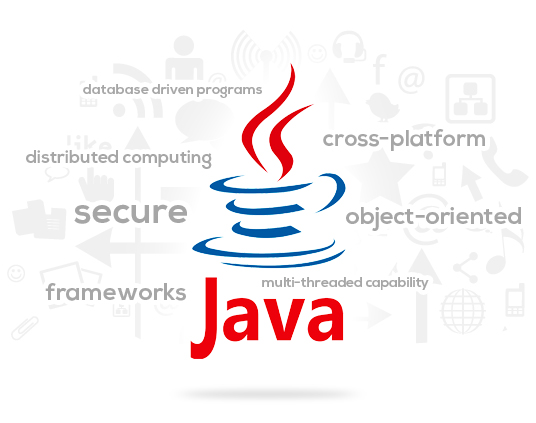
WHY JAVA SOFTWARE DEVELOPMENT SERVICES ARE VERY POPULARJava application development services remain one of the most popular and preferred options by majority of organizations and businesses all over the world.
A core Java web development company has an enthusiastic team of Java pros skilled in the different Java techs as well as frameworks and experienced in delivering enterprise solutions that are high-loaded, for compacting programs across small, medium and big size business organizations.THE LATEST WITH JAVA TECHNOLOGY IN 2018Each year, Java continues to grow and to evolve, keeping the top spot among the most popular and the most used programming languages.
The following are some of the more significant transformations of the Java programming language that occurred last year.It continued to maintain its positon with heritage applications and its big popularity among Android appsJava EE 8 was launched in September of last yearJava EE moved to an open-source foundation with a new host for Eclipse Enterprise for Java EE4JThe Android community accepted Kotlin and there would even be greater changes in the futureMicroProfile experienced some progressJAVA IN 2018The gigantic transformation as well as major updates, which occurred in 2017 have moved the language and the services of a Java web development company forward.
It brings a lot of benefits for the Information Tech industry, which additionally would contribute to advancement of other fields.LATEST JAVA TECHNOLOGY TRENDSThis year provides a boost to many of the light-weight tools of Java for effective Java software development services, including the JDK or Java Development Kit, Eclipse and Oracle JDeveloper.
They’re optimized together to allow seamless configuration and management of Java apps.
The goal is to offer memory management that is consistent and easier wiring between Java containers and constructs so that developers could leverage more benefits of using both, Java runtimes and containers.The Eclipse Year.
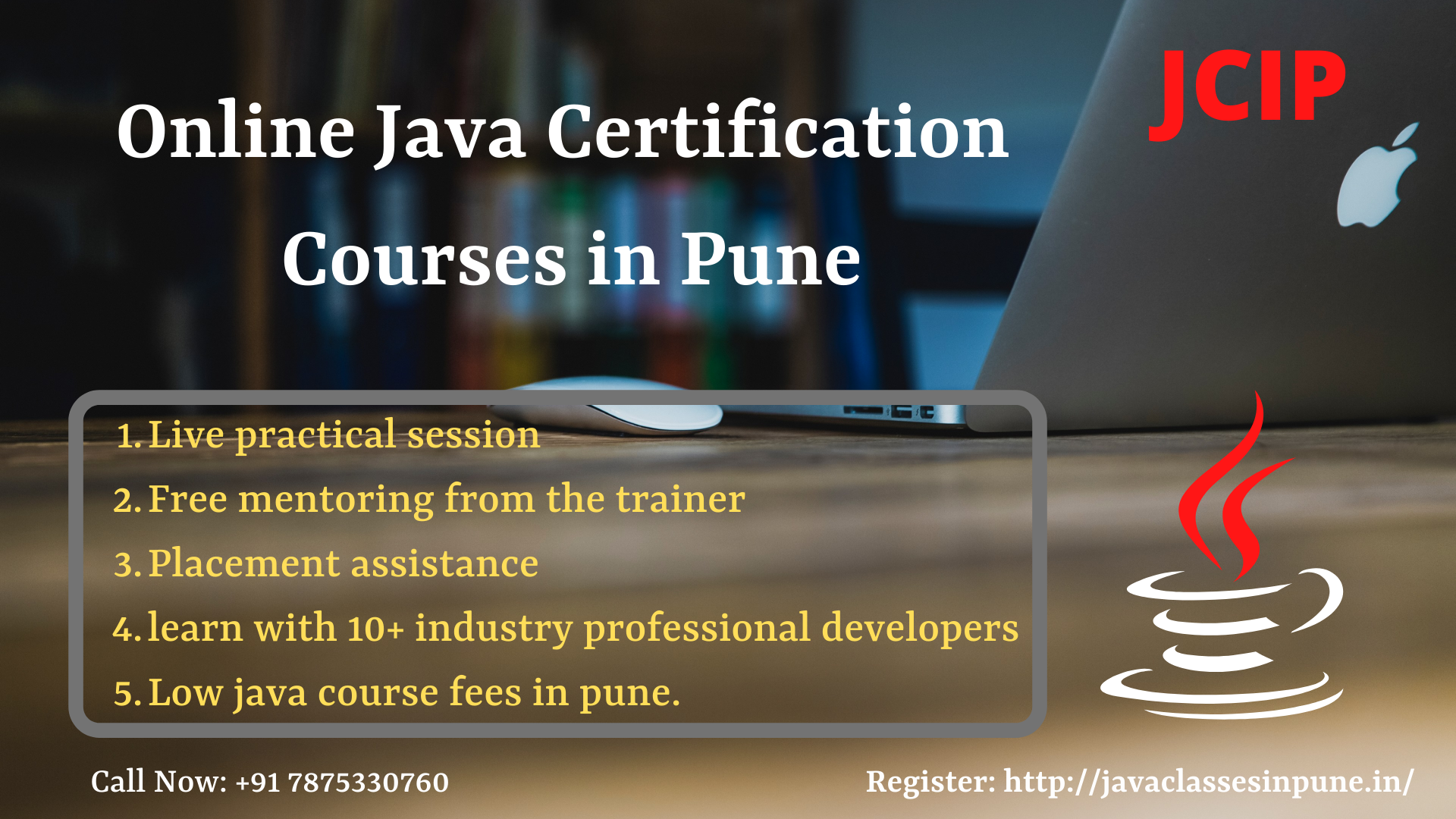
Best java online course in Pune with placement.
CodeKul.com will provide you the practical oriented java education with 100% placement assistance in India.
We guarantee that you will become java Expert from this Java Course.
CodeKul will assist you to solve your doubts at the time of the session.
attend Free Demo Lecture of Java Training.
Java is a high level programming Language and it runs on multiple platforms.
Java syntax is similar to C++ and it is based on OOPS concept.
FITA offers the best Java Online Course.
The trainers from FITA are Well- Experienced in Java Online Training.