Video recording has become a central part of modern content creation, whether for filmmaking, YouTube, weddings, or social media. Having a good camera is important, but equally important is knowing how to optimize its settings for professional-quality results. Many beginners rely on auto modes, but mastering manual adjustments can dramatically improve video quality. By learning how settings like frame rate, ISO, shutter speed, and white balance interact, you can produce sharp, cinematic footage that matches your creative vision.
Why Camera Settings Matter in Video
Unlike still photography, video requires continuous capture of motion and light. This means your camera settings must remain balanced over time, not just for a single frame. A poorly optimized setting can result in flickering, shaky footage, or overly bright and noisy videos. For anyone serious about video production in Lahore or beyond, understanding these settings is the key to moving from amateur results to polished, professional work.
Choosing the Right Frame Rate
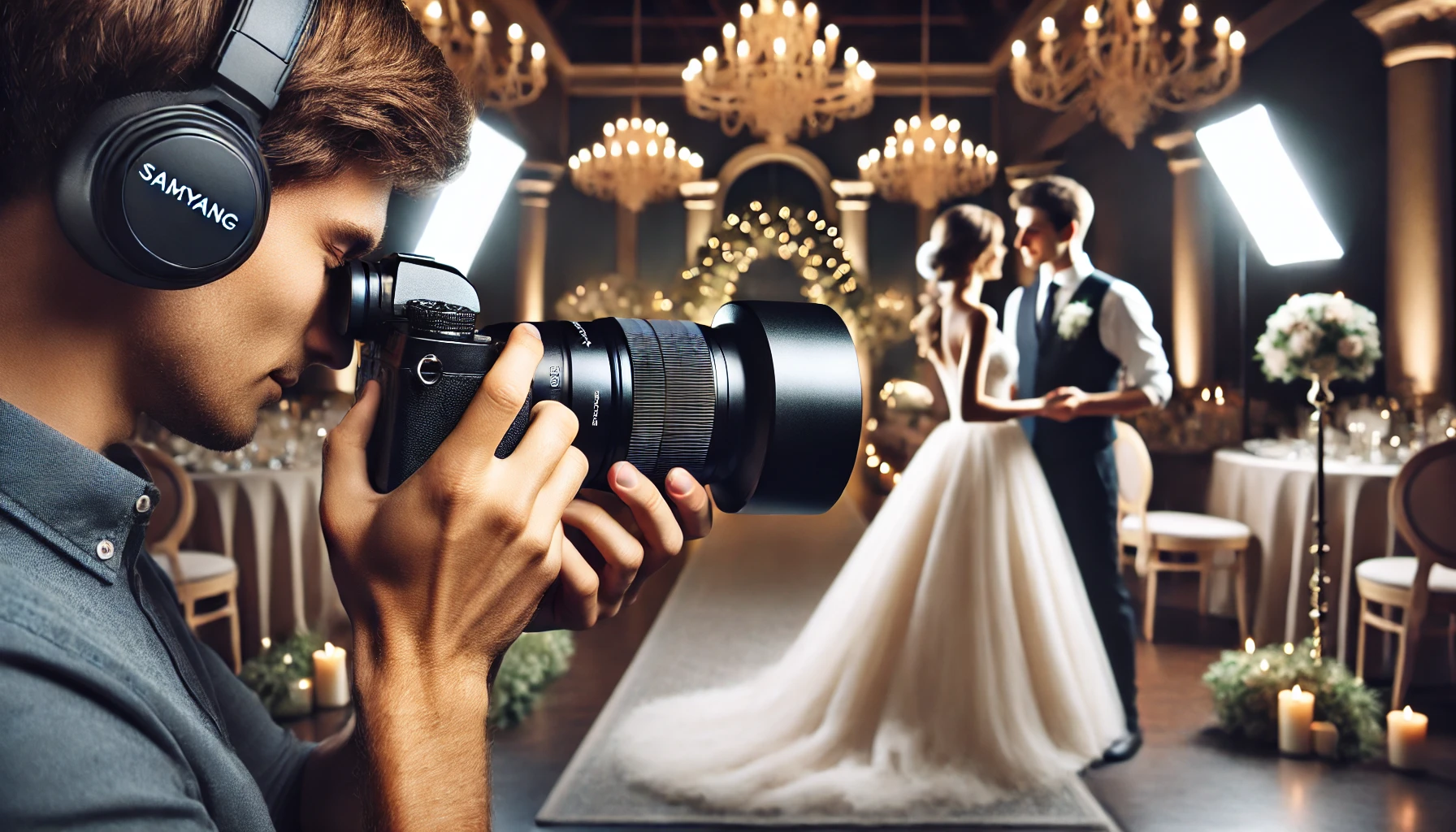
Frame rate determines how smooth your video looks. Common options include 24 frames per second for a cinematic style, 30 frames for natural motion, and 60 frames for fast-paced action. Choosing the right frame rate depends on the type of project. For example, wedding videographers often use 24fps for romantic sequences, while sports and vlogs may benefit from 60fps for clarity in motion. Once chosen, your other settings like shutter speed should be adjusted to match for consistent results.
Setting the Correct Shutter Speed
Shutter speed affects how motion appears in your video. A general rule is to set your shutter speed at double your frame rate. For example, if you are shooting at 30fps, your shutter speed should be around 1/60. This creates natural-looking motion blur that the human eye is used to seeing. Too fast a shutter speed makes footage look jittery, while too slow creates excessive blur. By controlling shutter speed properly, you can keep your video looking cinematic and smooth.
Managing ISO for Clean Footage
ISO controls how sensitive your camera is to light. A lower ISO produces cleaner footage with less grain, while higher ISO helps in low-light conditions but may add noise. For video recording, it’s best to keep ISO as low as possible and rely on good lighting. In cases where natural light is not enough, using LED panels or softboxes ensures better results than raising ISO too much. This balance helps you maintain clarity without sacrificing detail.
The Role of Aperture in Video
Aperture controls both light and depth of field. A wide aperture (like f/1.8) lets in more light and creates a blurry background, perfect for interviews or cinematic storytelling. Narrow apertures (like f/8 or f/11) keep more of the scene in focus, which is useful for landscapes or group shots. For video, adjusting aperture allows you to guide the viewer’s attention and set the tone of the scene.
Adjusting White Balance for Natural Colors
Color accuracy is crucial in video recording. Auto white balance may work in some conditions, but it often shifts during a shoot, creating inconsistent tones. Setting a custom white balance ensures colors stay true to the environment. For example, indoor lighting often requires warmer settings, while daylight benefits from cooler adjustments. Getting this right saves time in editing and delivers consistent results throughout your video.
Recording Quality and Resolution
Modern cameras allow recording in different resolutions like Full HD, 4K, and even 8K. While higher resolution provides sharper detail, it also demands more storage and faster memory cards. For most creators, 4K offers a good balance between quality and practicality. Professionals may choose 8K for projects that require heavy cropping or future-proofing. Ultimately, resolution should match the needs of your project rather than always defaulting to the highest setting.
Sound Quality Completes the Video
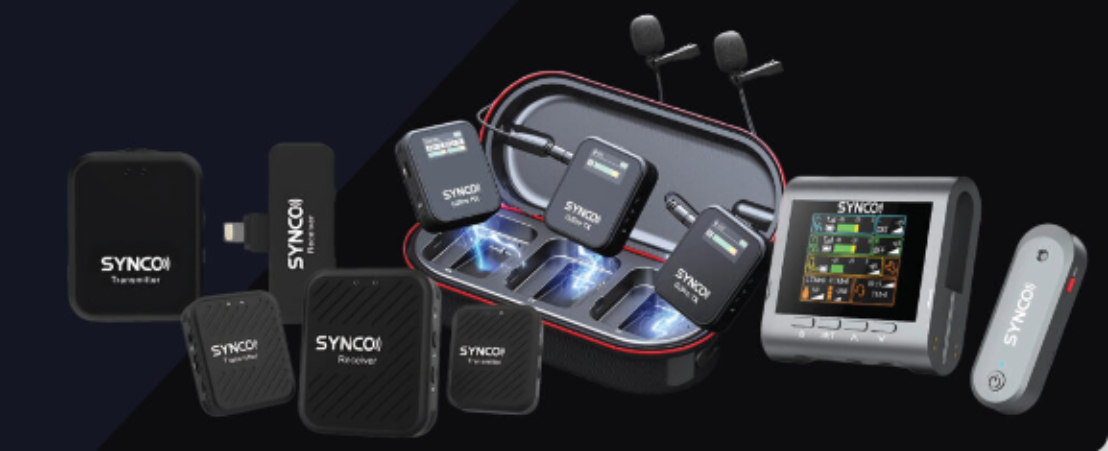
Video is not only about visuals; audio is equally important. Even with perfect camera settings, poor sound can ruin the overall impact. Built-in microphones often fail to capture clear sound, especially in noisy environments. Many videographers pair their setup with a rode microphone
to achieve crisp, professional-quality audio that matches the sharpness of their footage. This small addition can elevate your video from basic to broadcast-ready.
Stabilization and Smooth Motion
Shaky footage is distracting, which is why stabilization is essential. Many cameras today offer in-body stabilization, but pairing this with a gimbal or tripod ensures even smoother results. Proper stabilization allows you to focus on composition and storytelling without worrying about camera shake. For creators in Lahore who shoot events, using stable gear is especially helpful in crowded or fast-moving situations.
Where to Buy Reliable Gear
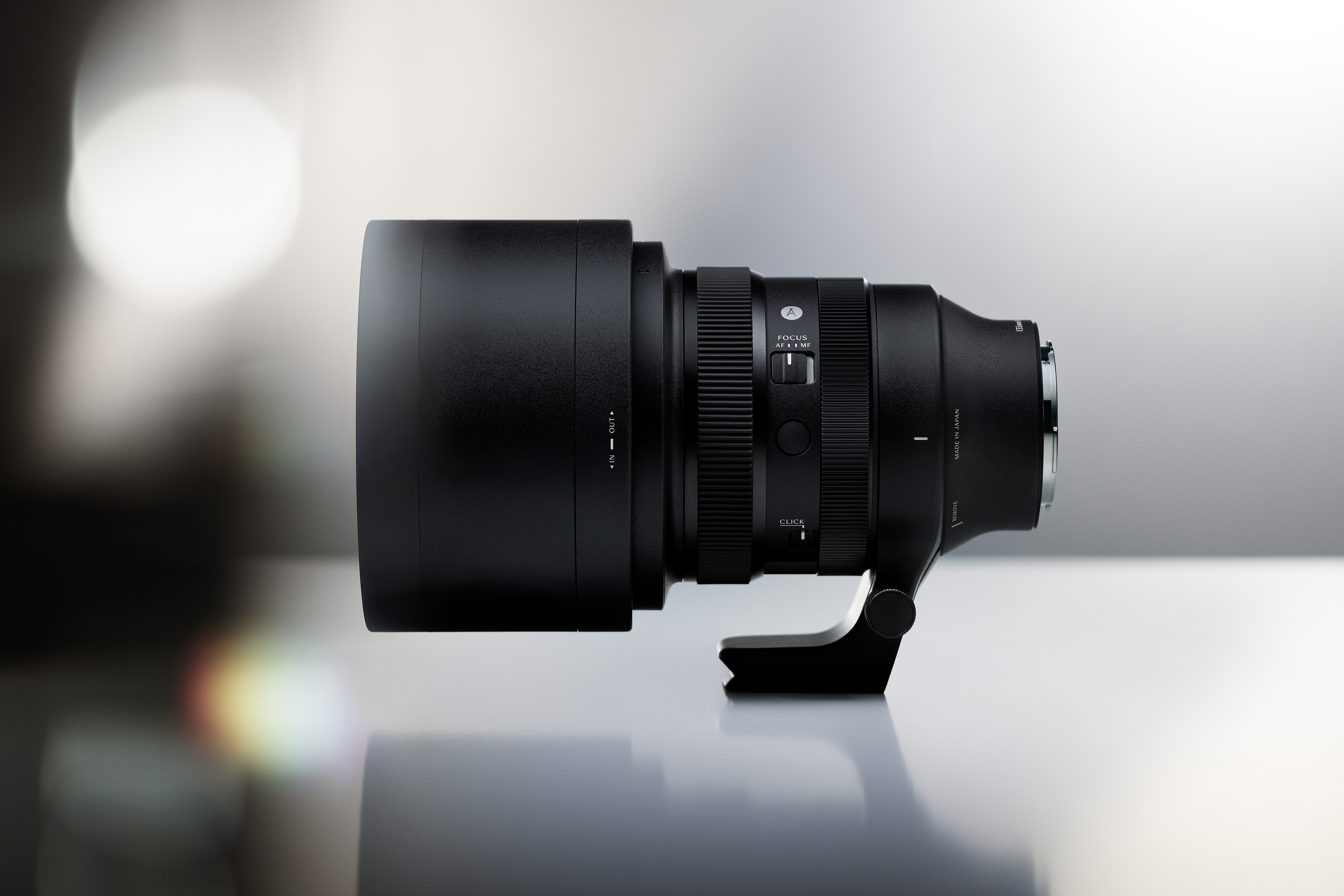
To optimize camera settings, you also need access to the right equipment. Visiting a reliable Camera shop in Lahore
allows you to compare different models, test accessories, and get advice from experts. This makes it easier to choose cameras and gear that support manual adjustments and professional features, ensuring long-term reliability for your video projects.
Final Thoughts
Optimizing camera settings for video recording is a balance of technical knowledge and creative choices. From frame rate and shutter speed to ISO and white balance, each adjustment shapes how your story is told. Adding strong audio and stabilization further enhances quality, giving your videos a professional finish. Whether you are a beginner or an experienced filmmaker, mastering these settings ensures you capture content that looks and sounds outstanding. With practice, your camera becomes more than a tool—it becomes an extension of your vision.