1. Why Regular Maintenance Matters
Your home security system is only as good as how well it’s maintained. According to the blog, neglecting upkeep can lead to system failures exactly when you need protection the most. Routine care means your system remains reliable, saves money in the long run, and keeps your home safer. The article emphasises that your first line of defence can quickly become ineffective if components are dirty, mis-aligned, outdated, or not working properly.
It introduces the key concept that regular maintenance is not a luxury, but a necessity — covering everything from camera lenses to motion detectors, door/window sensors, control panels, batteries, software, and professional inspections. It stresses the importance of being proactive rather than reactive.
2. Inspecting System Components
A major piece of the blog is dedicated to checking all the parts of your security system. The author breaks this down into monthly, quarterly and annual tasks.
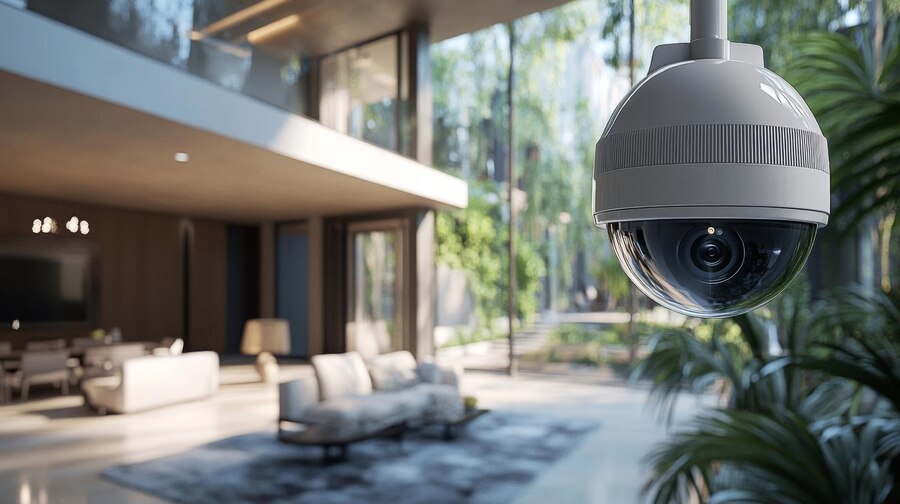
Cameras: Clean the lenses weekly using a microfiber cloth; inspect the alignment monthly. Check for dust, loose cables, poor angles.
Motion detectors: Quarterly sensitivity tests; watch for obstructed fields, calibration drift, or physical damage.
Door/Window sensors: Twice-yearly inspection of alignment and mounting; ensure attachments are tight, no wear or gaps.
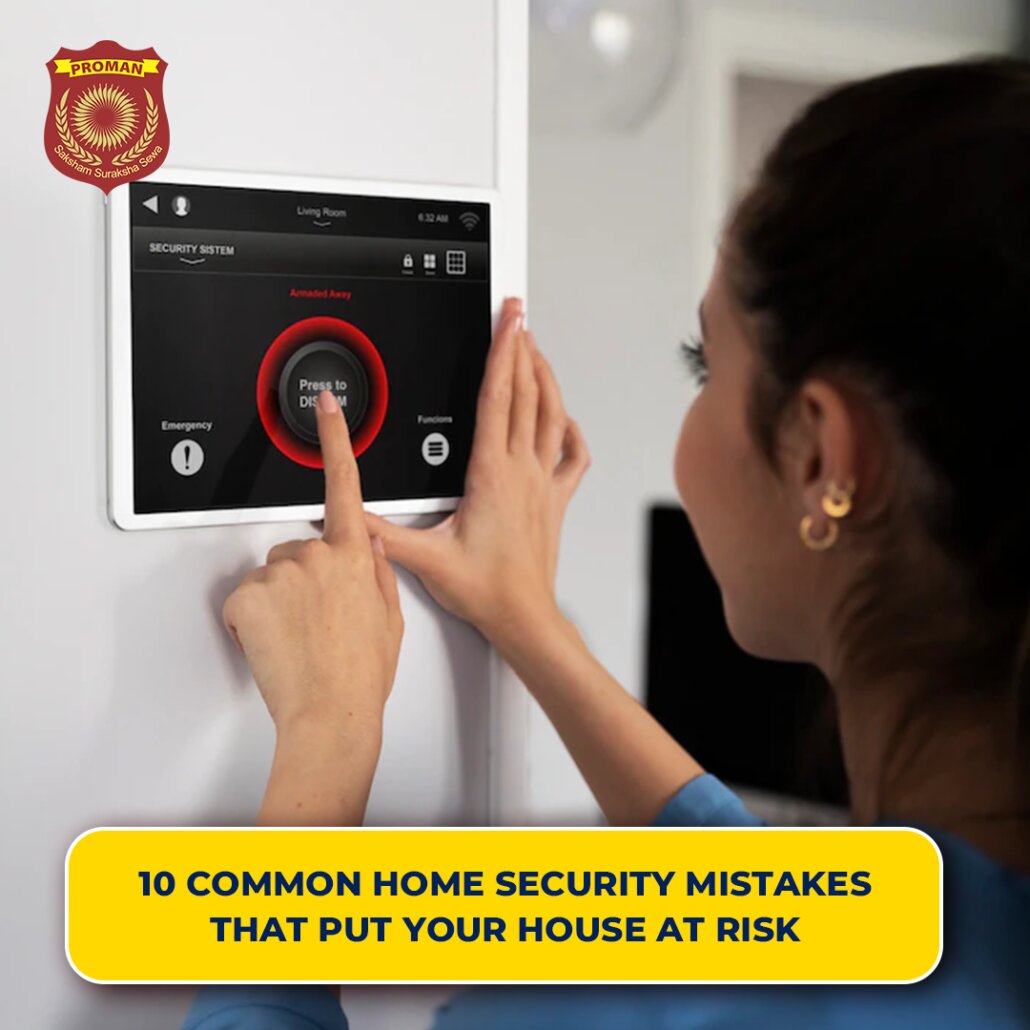
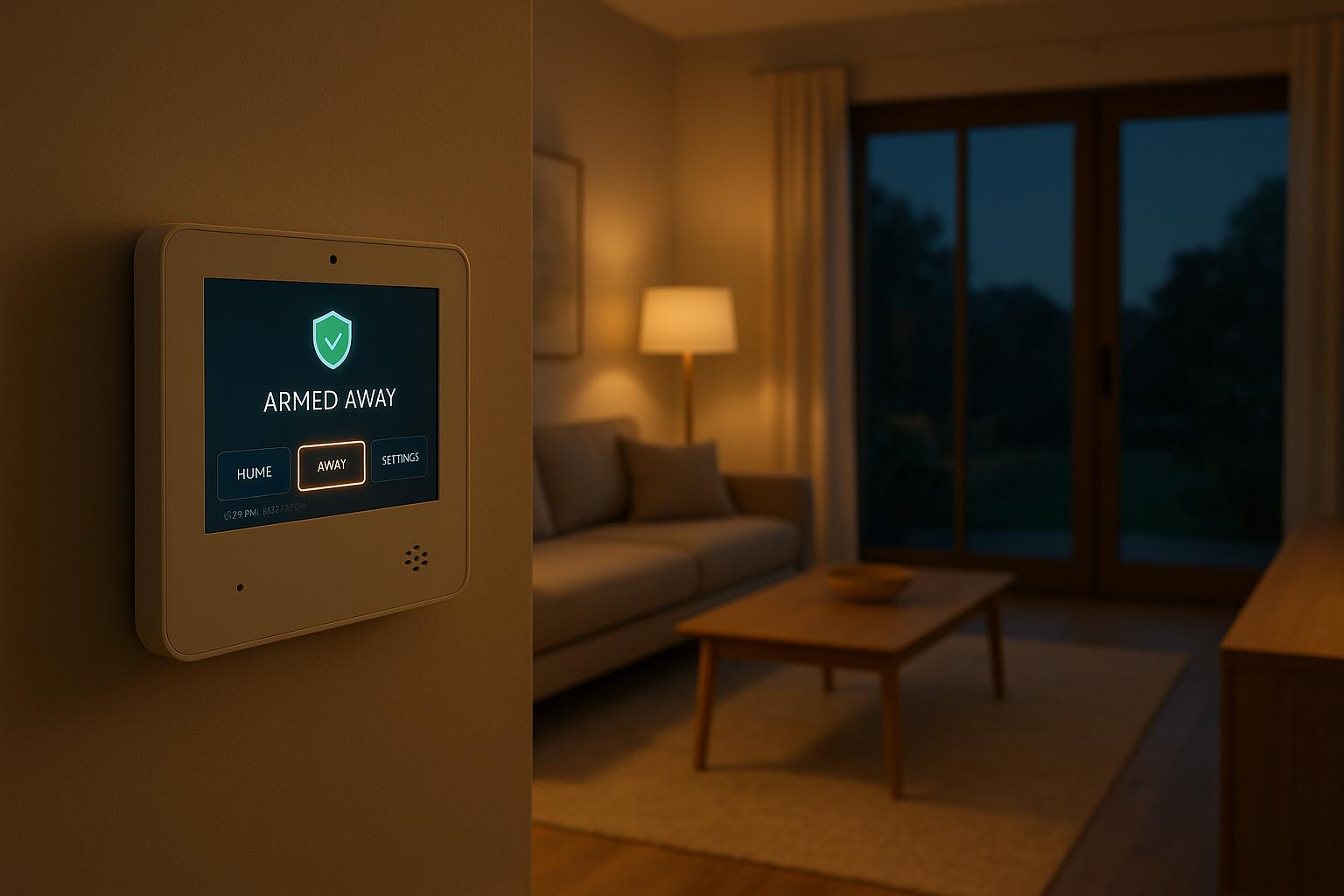
Control panel: Annually test for errors, connectivity, display responsiveness; ensure all components are communicating effectively.
Then the blog outlines simple steps you can follow for testing:
Access your camera feeds via mobile/app/control panel; check clear view, night-vision, pan/tilt/zoom and recording.
Use “Test Mode” to verify each sensor: open doors/windows, walk through areas, check notifications.
Run diagnostics on the control panel to check monitoring connection.
The takeaway: you don’t have to be a technician to do basic checks — but you must commit to doing them regularly.
3. Power Sources & Software Updates
Maintaining power and software integrity are two pillars the blog highlights as often overlooked.
Power & Batteries
Your system may look fine visually, but if the battery backup or power supply fails, you’re exposed. The article advises replacing system batteries every 3-5 years (newer models may last up to 7) and being alert to warning signs like beeping keypads, “LOW BATTERY” messages, dim displays, sluggish responses. After a power outage, allow 24-48 hours for backup batteries to recharge before evaluating them.
It also suggests considering more advanced backup power options like:
Uninterruptible Power Supply (UPS) units – instant backup and surge protection, monthly testing.
Standby generators – automatic activation during outages, but require regular servicing.
Software & Firmware Updates
Modern security systems rely heavily on software. Failing to patch vulnerabilities opens the door to intrusion not just physically but digitally. The blog points out that unpatched vulnerabilities accounted for 80 % of successful security breaches in 2022. Updates bring performance improvements, new features, compatibility fixes as well as security patches.
To stay ahead, set your system to automatic updates, maintain a reliable WiFi connection, make sure there’s sufficient storage, and schedule updates during off-peak hours (e.g., 2 AM-4 AM). Monthly, check that updates are being applied and reboot devices if required.Essentially: a fully charged battery and up-to-date firmware = a system ready to protect; old battery + stale software = risk.
4. Professional Maintenance & Equipment Lifespan
DIY checks are great, but the blog emphasises the importance of having professional inspections at least once a year. Technicians can dig deeper, testing connections, calibrations, battery health, firmware status, camera re-aiming, and alarm signal pathways — parts you may miss in your own routine.
The blog also addresses the fact that security equipment has a finite lifespan:
- Cameras: 4-6 years
- Access control systems: 5-7 years
- Wired security systems: around 10 years
- Automatic gates: 10-15 years
You should consider upgrading when the manufacturer stops supporting the equipment, performance degrades, or newer technology offers better value.
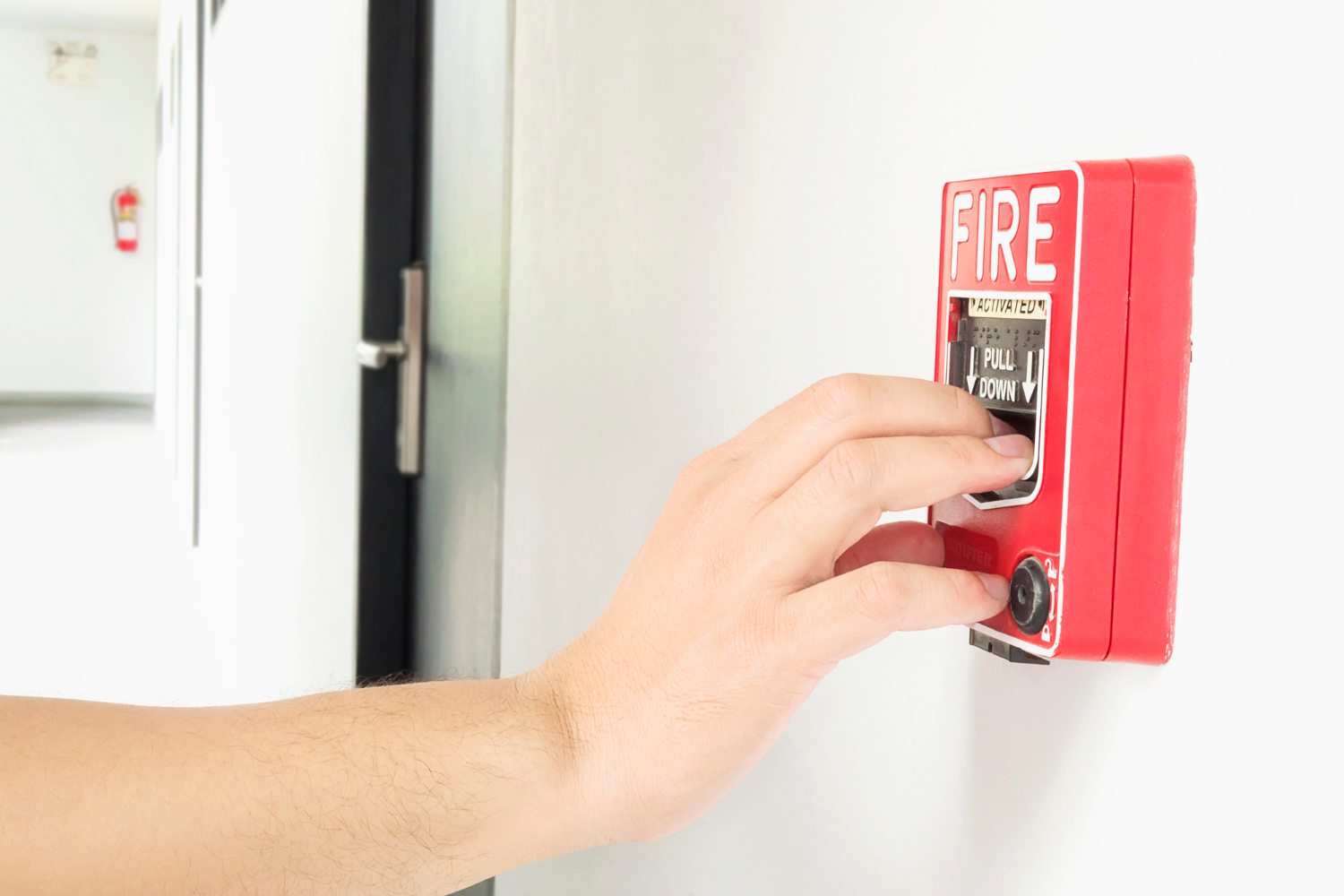
Additionally, for full coverage, the blog suggests combining fire and security system checks where applicable — smoke and heat detectors, manual pull stations, alarm integration and backup power all tested as part of a broader maintenance strategy.
Why It All Matters
In conclusion, the blog reiterates that a well-maintained security system significantly reduces risk. It quotes a stat that homes with regularly maintained systems are 60% less likely to be targeted by burglars. The logic is clear: maintenance ensures your system works when you need it. Dust, moisture, mis-alignment, outdated firmware all erode reliability over time.
Skipping maintenance isn’t just about saving effort — it's about exposing your home to avoidable risk. So the proactive mindset matters. Do the small checks, keep batteries healthy, keep software updated, schedule the professional service — and you’re far more likely to have your system function as intended.
Don’t wait until a false alarm or worse—a malfunction when it matters most. Schedule your annual professional inspection today, enable automatic updates, and commit to your monthly and quarterly maintenance routines. Your home’s security is only as strong as the care you give it.