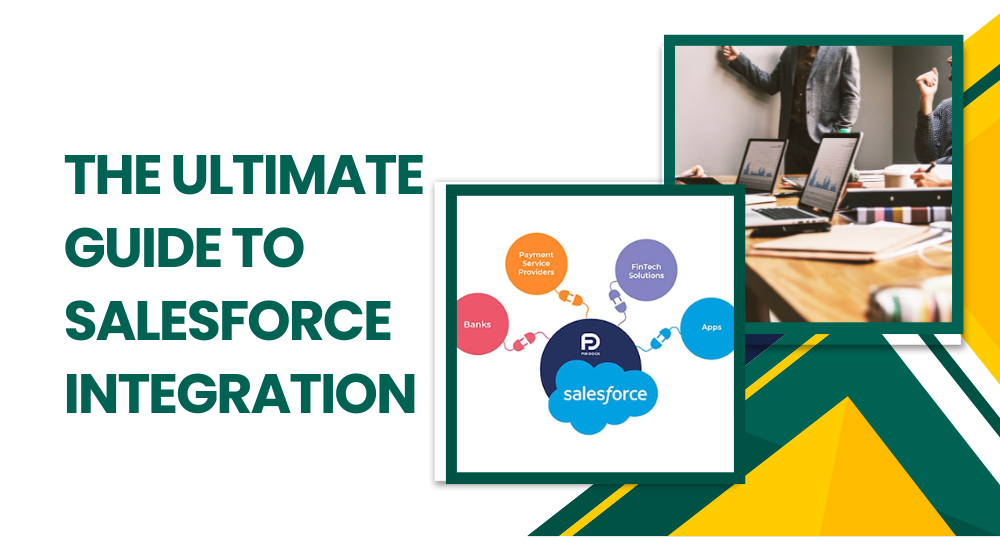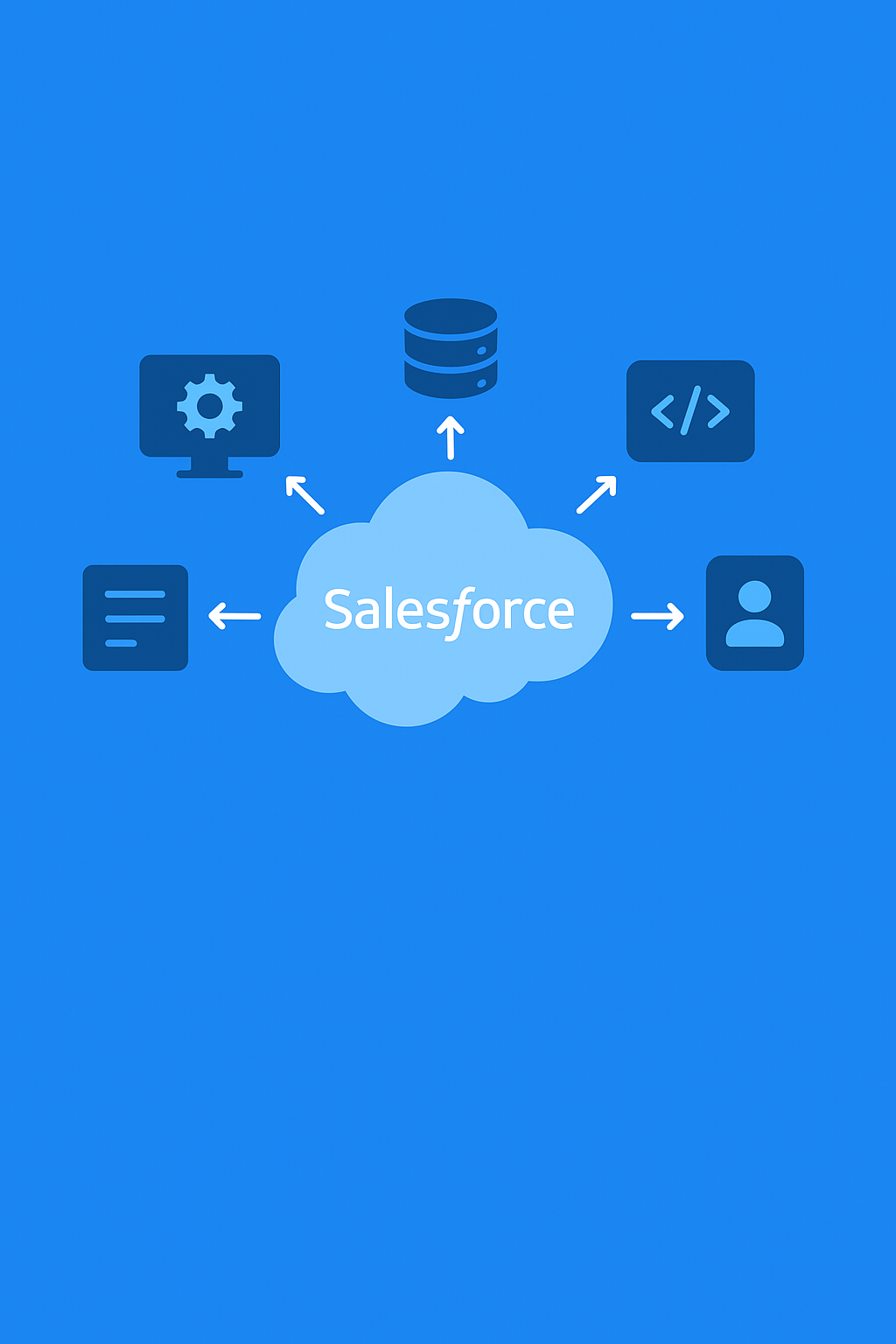
In today’s connected business ecosystem, seamless integration between Salesforce and other enterprise systems is no longer optional—it’s essential. Whether you’re connecting Salesforce to an ERP, data warehouse, or third-party applications, understanding the right integration pattern can help ensure scalability, performance, and data consistency.
In this blog, we’ll walk through seven key Salesforce integration patterns that every architect should know—and when to use them.
1. Remote Process Invocation – Request and Reply
This pattern is ideal when Salesforce needs to call an external system and wait for a response before continuing the process.
For example, when Salesforce sends a payment authorization request to an external payment gateway and needs an immediate confirmation, this pattern ensures synchronous communication.
When to use:
Use this when real-time responses are required, such as order validation or payment processing.
2. Remote Process Invocation – Fire and Forget
In this pattern, Salesforce sends data to an external system but doesn’t wait for a response. It’s asynchronous, meaning the process continues without waiting for confirmation.
Example:
When Salesforce sends lead data to an external marketing system for further nurturing.
When to use:
Use this pattern when a response is not needed immediately and system performance is a priority.
3. Batch Data Synchronization
This pattern is used to synchronize data between Salesforce and other systems at scheduled intervals—say, every night or every hour.
Example:
Syncing customer or order data from Salesforce to an ERP system once daily.
When to use:
When systems don’t need real-time updates and bulk processing is more efficient.
4. Remote Call-In
This allows external systems to call Salesforce directly using its APIs. It’s one of the most common integration methods when external applications need to create, update, or fetch data from Salesforce.
Example:
A legacy HR system that updates employee data in Salesforce through REST or SOAP API calls.
When to use:
When external systems need to push or retrieve Salesforce data on demand.
5. Data Virtualization
Instead of copying data into Salesforce, this pattern allows Salesforce to access data from external systems in real-time without storing it locally.
Example:
Viewing product catalogue data from an external system in Salesforce without duplicating the data.
When to use:
When you need real-time access to external data but want to avoid data redundancy.
6. Event-Driven Architecture
This pattern allows systems to communicate through events. When a change occurs in one system, it publishes an event that other systems can subscribe to and react accordingly.
Example:
When a new lead is created in Salesforce, an event is published to notify a marketing automation system.
When to use:
When multiple systems need to stay in sync in near real-time without direct API calls.
7. Data Replication
This pattern involves copying data from Salesforce to an external data warehouse or vice versa for analytics or reporting purposes.
Example:
Replicating Salesforce data into a Snowflake or AWS Redshift environment for advanced analytics.
When to use:
When data needs to be analyzed outside Salesforce or when reporting performance must be optimized.
Choosing the Right Integration Pattern
Selecting the right integration pattern depends on your use case, data volume, and latency requirements.
For real-time needs: Remote Process Invocation or Event-Driven Architecture.
For analytics and reporting: Data Replication.
For periodic synchronization: Batch Data Synchronization.
For data access without duplication: Data Virtualization.
The right integration pattern ensures system stability, minimizes data inconsistency, and optimizes performance—critical for architects building scalable enterprise solutions.
How Hexaview Excels in Salesforce Integration
At Hexaview Technologies, we specialize in designing and implementing robust Salesforce integration strategies tailored to your business ecosystem. Our experts leverage proven integration patterns to create seamless data flow between Salesforce and external systems—ensuring accuracy, scalability, and operational efficiency.
From API-based integrations to real-time event-driven architectures, Hexaview helps enterprises modernize their digital infrastructure while maintaining performance and compliance. Whether it’s connecting Salesforce with ERP, financial platforms, or legacy applications, our team ensures your business processes run smarter and faster.