


Migrating from Microsoft Dynamics 365 to Salesforce often feels like moving into a smarter, more spacious home. You know the new place will make life easier, but the shifting process? That’s where the stress creeps in. The good news is that with the right plan, the right tools, and the right team, this move can be smooth, predictable, and genuinely rewarding.
Why Companies Make the Switch
Many businesses outgrow Dynamics 365 as they scale. Some want better automation, some need deeper customer insights, and others simply want a CRM platform that grows effortlessly with them. Salesforce offers all of that—plus stronger customization, richer reporting, and a more user-friendly experience.
But the key to unlocking those benefits is a well-planned migration, not a rushed one.
Best Practices to Make Your Migration Easier
1. Start with a Clear Data Mapping Plan
Think of data mapping like labeling every box before a house move. When you know where each field from Dynamics 365 will land inside Salesforce, the whole process becomes smoother. This includes defining rules for cleaning, transforming, or enriching the data. A good mapping plan saves countless hours later.
2. Identify Customizations Before You Start
Dynamics 365 setups are rarely one-size-fits-all. Most have custom fields, relationships, or specific workflows built over years. Spotting these early helps ensure nothing gets lost during migration. If your system is highly customized, this is the point where Salesforce migration experts become extremely valuable.
3. Know What You Want Salesforce to Fix
Before moving anything, ask yourself:
What should Salesforce do better than Dynamics?
Whether it's improved reporting, stronger automation, or more visibility across teams, defining your goals makes the migration focused and meaningful.
4. Review Your Existing Workflows
Workflows that worked well in Dynamics might not translate perfectly into Salesforce. This is a chance to declutter processes, redesign inefficient steps, and take advantage of Salesforce’s automation capabilities. It’s like reorganizing your new home instead of copying the old layout.
5. Do a Pilot Run First
A pilot migration is like doing a dress rehearsal. You catch mistakes early, fix mismatches, and fine-tune the process—so the final migration feels predictable and stress-free.
Tools That Make Migration Smoother
KingswaySoft
Great for handling complex data migration needs.
Scribe Insight
Perfect for detailed mapping and structured CRM data movement.
Microsoft Power Automate
Helps automate data transfers and workflows during transition.
Skyvia
A cloud-based tool with ready integrations for quicker migration.
AscendixRE
Useful for mapping custom objects, dashboards, and security setups.
How Long Does a Dynamics to Salesforce Migration Take?
Smaller Migrations
Minimal customizations + clean data = 3 to 4 weeks.
Medium to Large Migrations
Complex workflows, integrations, and high data volumes may take several months to a year.
Factors That Affect the Timeline
Data quality
- Number of customizations
- Workflow redesigns
- Integration requirements
- User training and adoption
Realistic timelines keep the process predictable and reduce last-minute surprises.
How Hexaview Helps You Migrate Without the Chaos
At Hexaview, we focus on making your Dynamics 365 to Salesforce migration feel simple, structured, and stress-free. Our teams take care of:
- Accurate data mapping and validation
- Handling complex customizations
- Optimizing workflows for Salesforce
- Running pilot migrations for quality
- Ensuring a fast and disruption-free go-live
With a proven approach and Salesforce-certified experts, Hexaview ensures your business transitions smoothly—without losing data, momentum, or productivity.


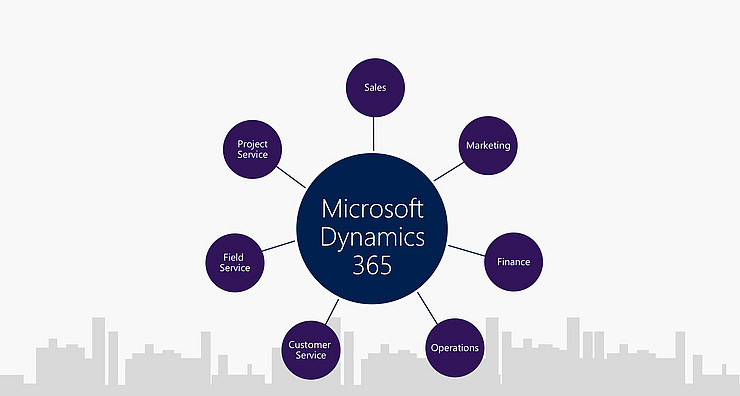
Sunbridge Software Services Inc is an organization with a team of experienced technical and functional consultants certified in Microsoft Dynamics - AX / NAV / CRM.
Our team of consultants has extensive experience in the areas of MRP, commerce and logistics, finance, CRM and ERP implementations as well as technical development.
We are an implementing partner of Microsoft Dynamics with best practices for Microsoft Business Solutions based on an effective understanding of customer requirements.
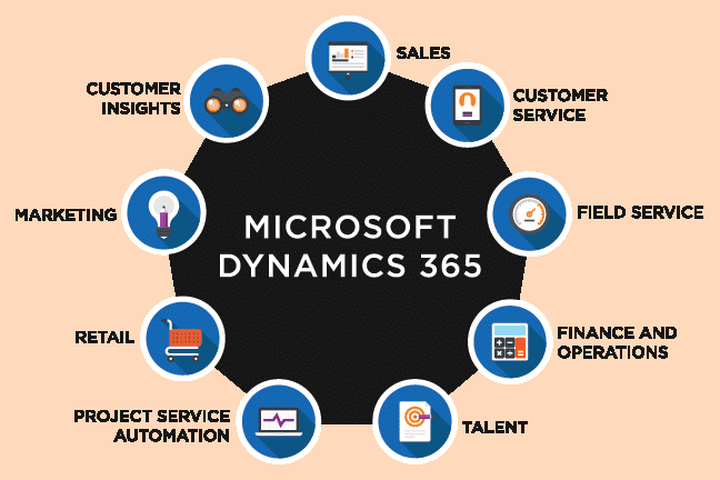
In our quickly dynamical business world, more and more organizations are moving their ERP (Enterprise Resource Planning) processes to the Cloud, and with smart reason.
The Cloud offers flexibility, magnified security, lower up-front prices, and a bunch of advantages over on-premises ERP.If you’ve thought of moving to the Cloud, you’ll, of course, wish to grasp that cloud resolution to settle on.
Which is able to work best for your business and your users?
Microsoft Dynamics 365 Business Central, engineered for the cloud, ought to be at the highest of your listing.
Sunbridge Software services be a trusty Partner.
They’ve been within the ERP business right from the beginning, and that they still invest billions of greenbacks within the development and support of their ERP solutions.
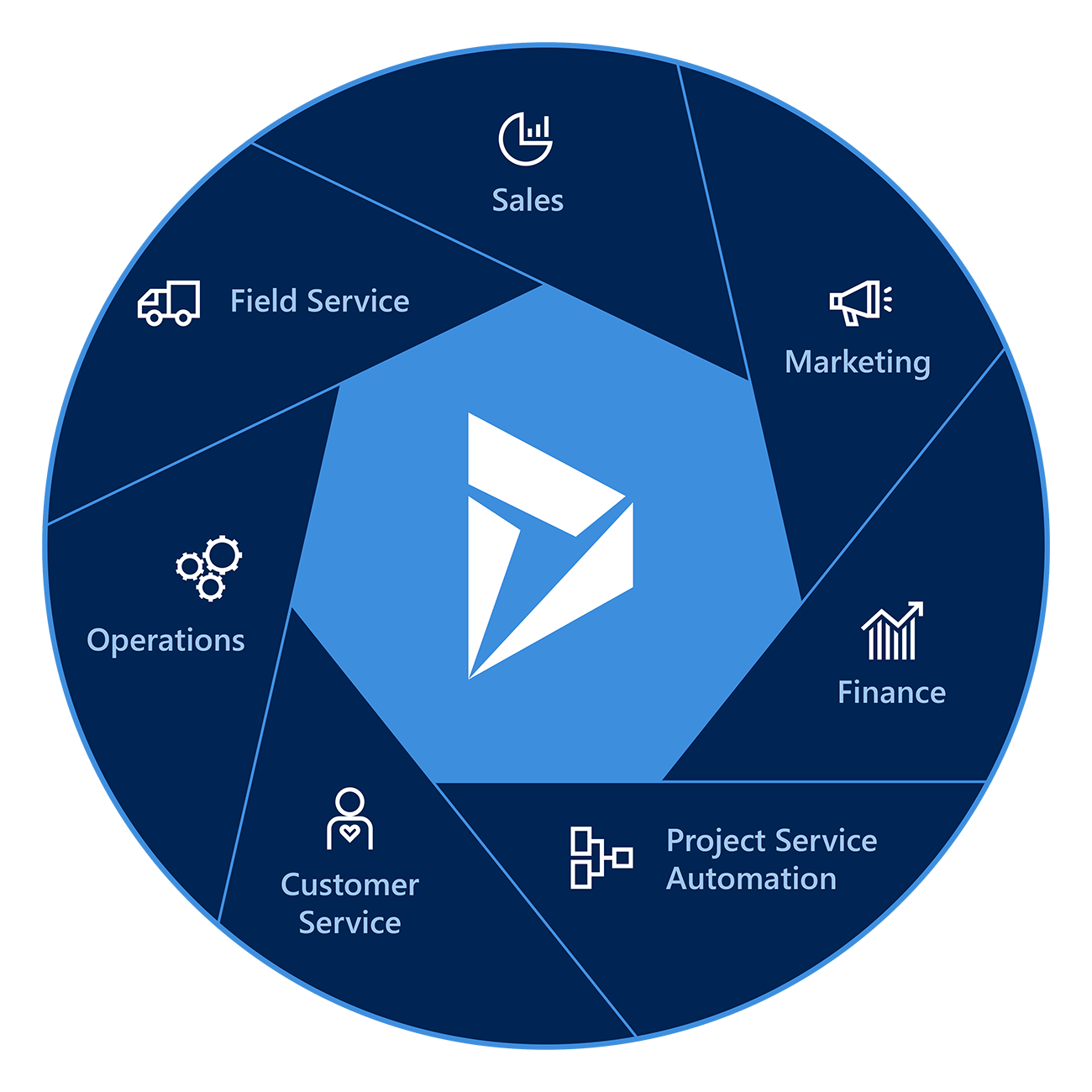
Why should one choose Microsoft Dynamics CRM Training and Certification from Varnaaz Technologies?In recent times, the Microsoft Dynamics CRM (Customer Relationship Management) software and repair package is one among the foremost popular and widely implemented CRM tools across the planet.
We at Varnaaz Technologies, a number one and premier IT education service offer the Microsoft Dynamics CRM training to assist learners and professionals build a lucrative career in implementing and using the Dynamics CRM within the employing companies.
The great program covers aspects including the executive, technical, and functional modules that are necessary to implement the CRM software program for any client and business.
Varnaaz offers training in areas including CRM process integration with existing systems.
Upon the successful completion of the course, the trainees are going to be ready to clear the Microsoft Dynamics CRM certification exam and can be a licensed Microsoft CRM professional.
A number of the highlights of our exclusive and independent Microsoft Dynamics CRM training include:• At Varnaaz, the course is always updated and covers all versions of Microsoft Dynamics CRM.• The learner requirements and spans across is a period of 40 hours.• We provide unlimited online practice sessions for or the dynamics CRM version.• The training is 100% completely live, with no pre-recorded videos used.