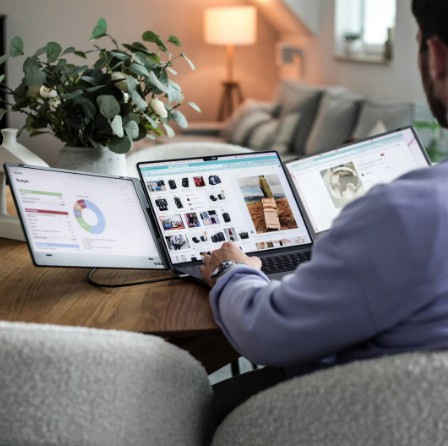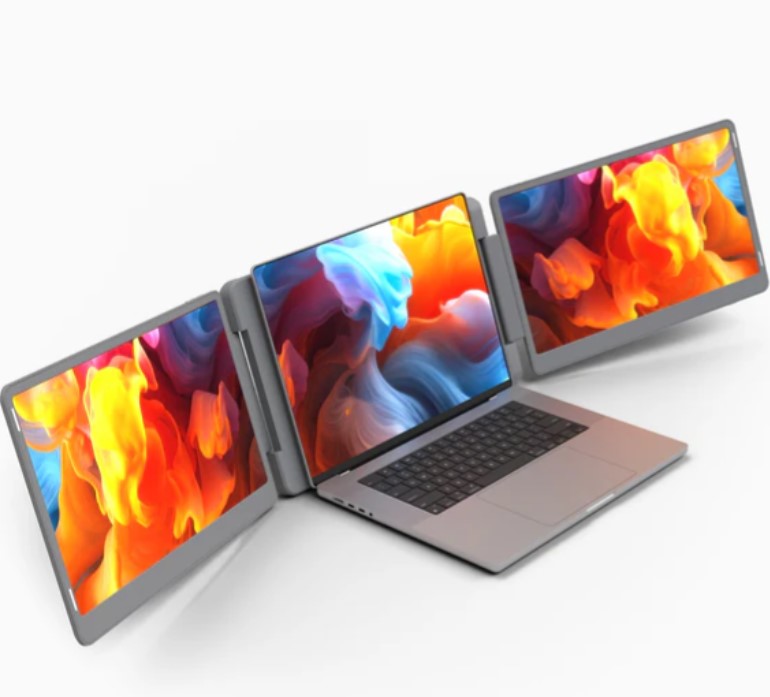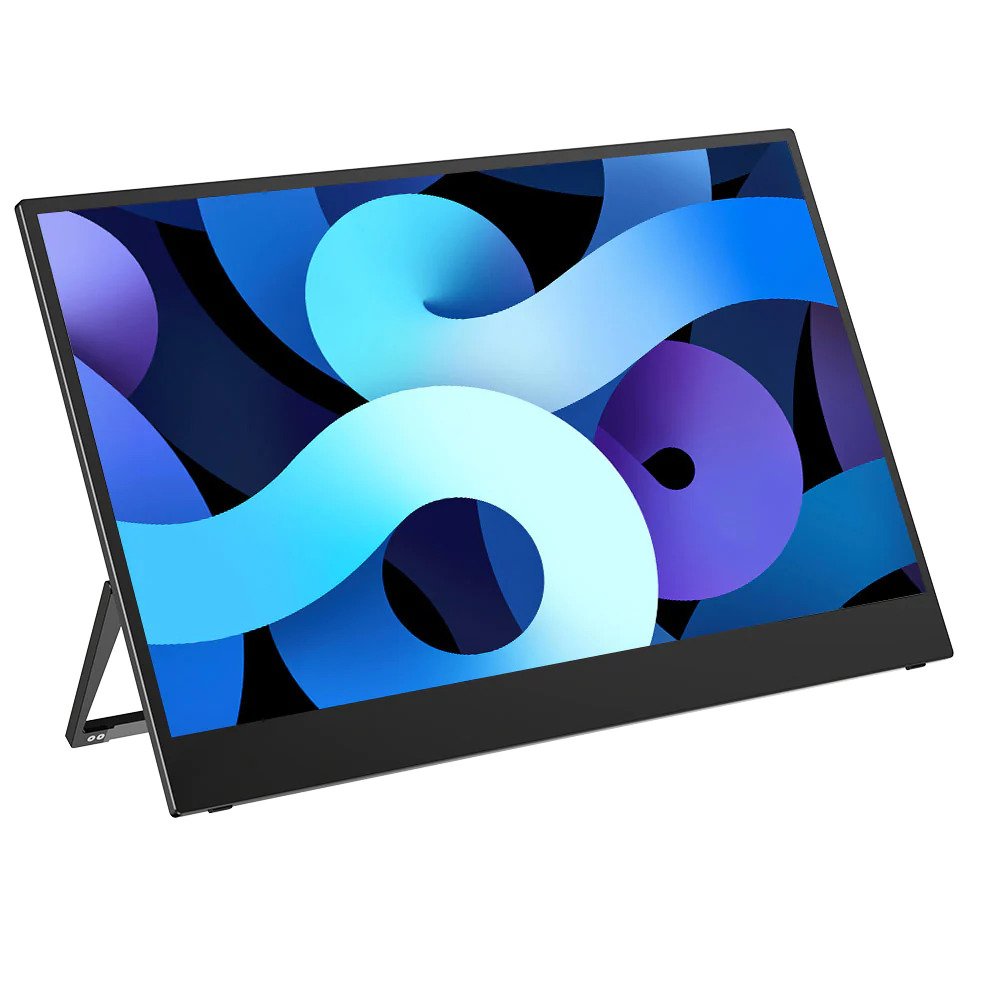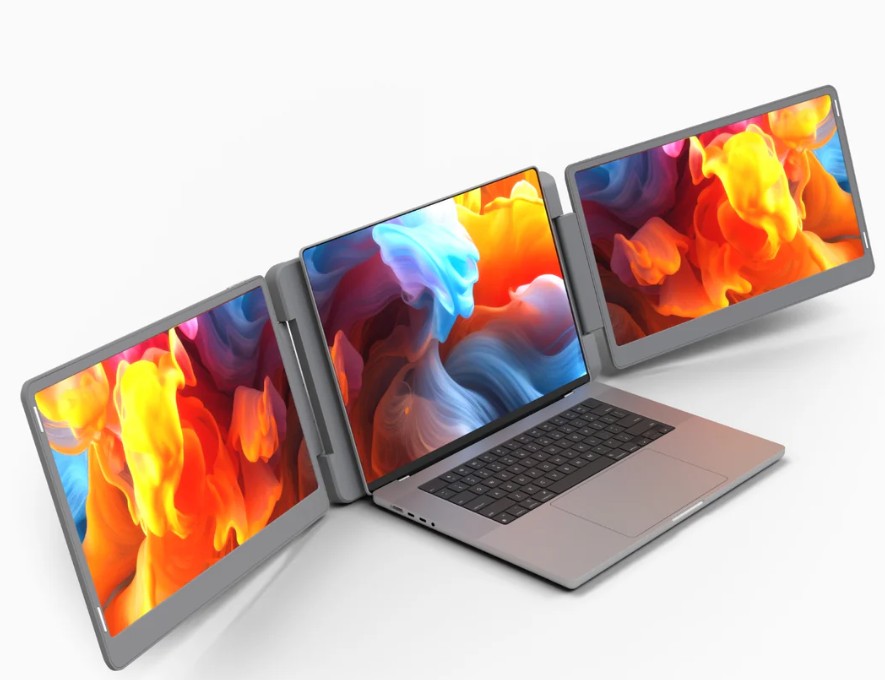
Finding the perfect Portable Monitor for Laptop use means looking past marketing buzzwords to focus on actual visual clarity. If you’ve ever tried to edit a high-resolution photo or manage a massive data sheet on a dim, grainy screen, you know that not all pixels are created equal. High-resolution mobile displays have moved from niche accessories to essential tools for professionals who refuse to sacrifice quality for mobility.
Why Resolution Matters in a Mobile Setup
When we talk about high resolution for a secondary screen, we are usually discussing the leap from standard 1080p to 2K (QHD) or 4K (UHD). On a typical 14-inch or 15-inch display, a higher pixel density makes text look as sharp as a printed page. This isn't just about aesthetics; it reduces eye fatigue during long work sessions because your brain doesn't have to work as hard to interpret blurry characters.
For creative professionals, the resolution is only half the story. You also need to look at color accuracy. A high-resolution External Monitor for Laptop is useless for video editing if the reds look orange. Look for panels that cover at least 100% of the sRGB color gamut to maintain consistency between your primary laptop screen and your secondary display.
Choosing Between 4K and 1080p
Is 4K always the right choice? Not necessarily. While a 4K screen provides incredible detail, it also demands more power from your laptop battery and requires your system’s graphics processor to work harder. If you are primarily writing emails or coding, a 1080p or 1440p (2K) screen is often the sweet spot. These resolutions provide plenty of room for side-by-side windows without draining your battery in two hours.
However, if your work involves UI/UX design or high-end photography, the extra pixels of a 4K panel allow you to see fine details without constant zooming. Just be certain your laptop ports support the bandwidth required for 4K at a smooth 60Hz refresh rate; otherwise, you might experience annoying lag when moving your mouse or scrolling through pages.
Panel Technology: OLED vs. IPS
To get the most out of a high-resolution display, the panel technology must be top-tier.
IPS (In-Plane Switching): This is the industry standard for a reliable Portable Monitor for Laptop. It offers wide viewing angles and solid color reproduction, making it perfect for sharing your screen with a client during a meeting.
OLED (Organic Light Emitting Diode): If your budget allows, OLED is the king of high resolution. Because each pixel produces its own light, you get true blacks and infinite contrast. This makes colors pop in a way that traditional LED-backlit screens simply cannot match.
Connectivity and Power Logistics
High-resolution screens require stable power. A common mistake is assuming a standard USB-A port can drive a 4K display—it usually can’t. To maintain a high-quality signal without flickering, look for a "one-cable" USB-C solution. This setup carries the video signal and draws power simultaneously.
If you are using a slightly older laptop, you may need to use an HDMI cable for the video and a separate power brick for the monitor. While this adds a bit of bulk to your bag, it’s a small price to pay for having a professional-grade workspace at a local cafe or in a hotel room.
Form Factor and Weight
A high-resolution screen shouldn't feel like a brick in your backpack. The latest models use carbon fiber or lightweight aluminum to keep the profile slim. When browsing, pay attention to the "effective" weight, which includes the protective cover or stand. Some of the best displays now come with integrated kickstands that allow for both horizontal and vertical orientations, giving you the freedom to choose the best layout for your specific tasks.
Ultimately, the right display acts as a seamless part of your digital life. When you stop thinking about the hardware and start focusing entirely on your work, you know you’ve found the right match. High resolution isn't just a luxury—it’s the difference between a cramped, frustrating day and a clear, productive one.