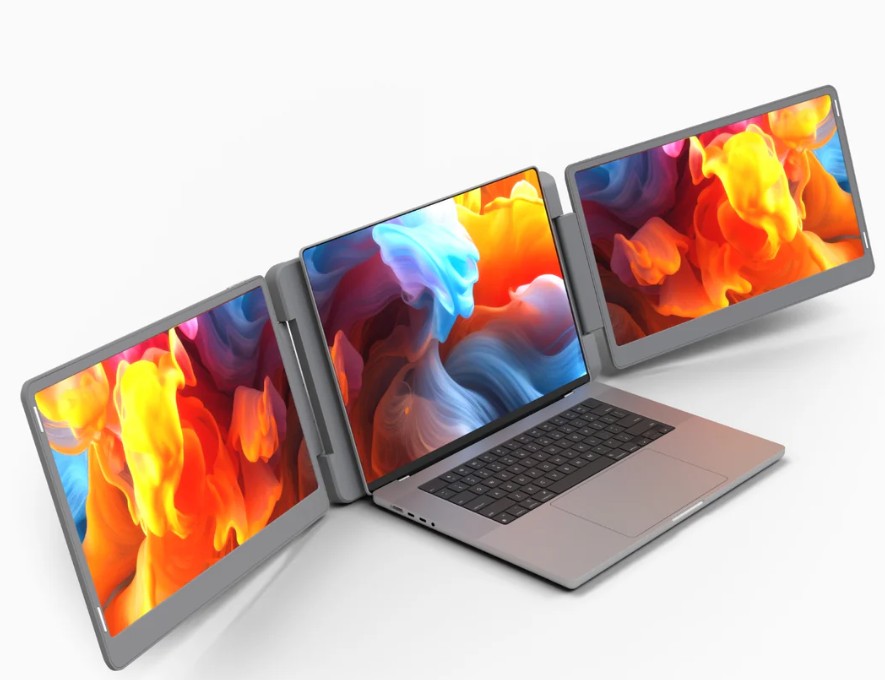
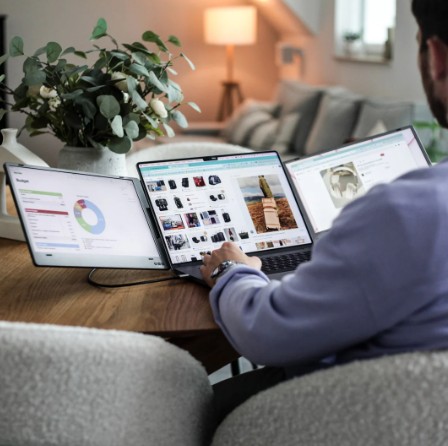
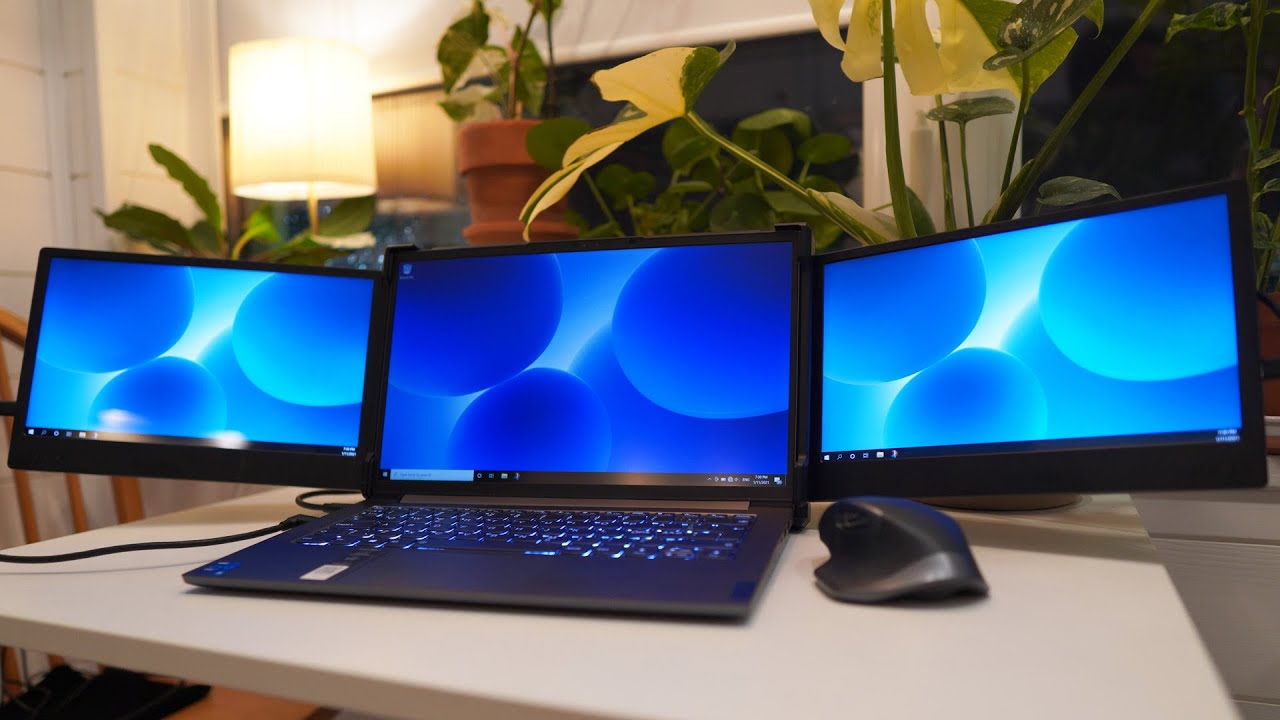
For years, the trade-off for working remotely was the loss of display real estate. You would leave your massive office monitors behind and squint at a single panel in a crowded airport lounge or hotel room. Using a Dual Monitor Extender for Laptop configurations has finally solved this mobility puzzle, allowing professionals to maintain a high-level workflow without being anchored to a physical office desk.
The Shift Toward a Triple-Screen Lifestyle
The transition to a Triple Screen Laptop Extender setup isn't just a luxury for tech enthusiasts; it is a necessity for anyone managing a modern workload. Think about a typical morning: you likely have a research tab open, a spreadsheet for data entry, and a communication channel like Slack or Teams for updates. Trying to fit all of this onto a 13-inch or 15-inch screen is like trying to paint a mural through a keyhole.
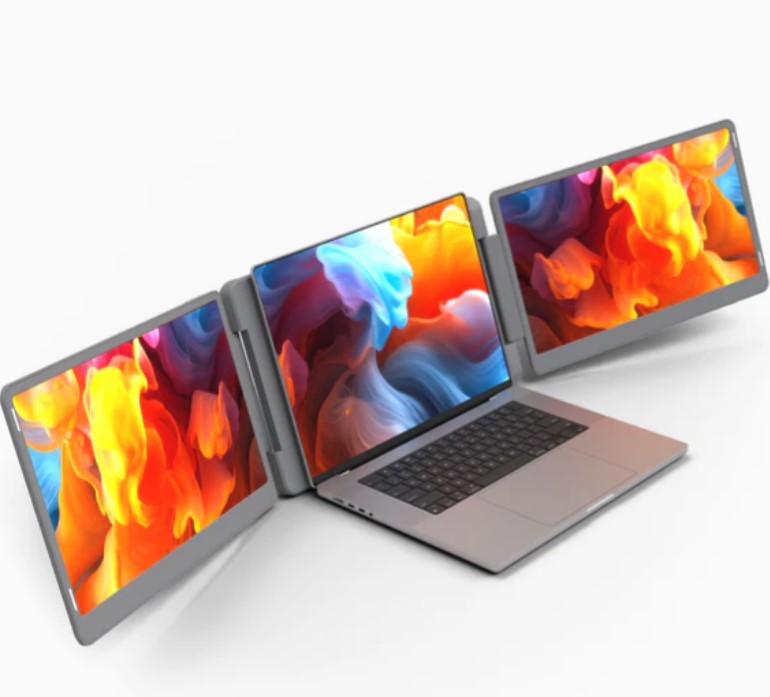
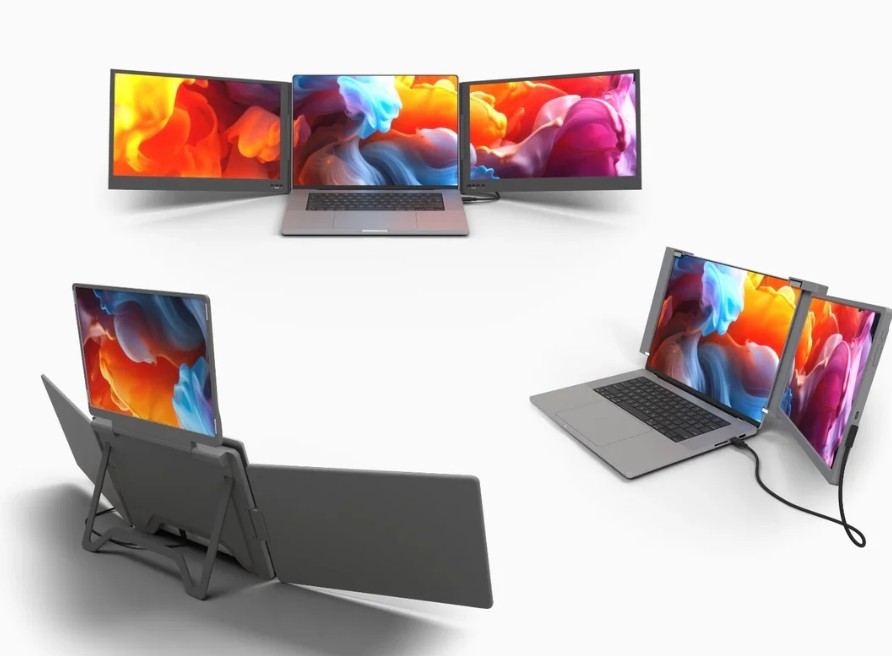
By adding two additional panels that clip directly onto your machine, you gain a panoramic view of your entire project. This setup mirrors the productivity of a traditional desktop while remaining slim enough to slide into a standard messenger bag. It bridges the gap between the power of a workstation and the freedom of the nomadic life.
Real-World Wins for Professionals
Let’s look at a financial analyst who needs to track live market data while updating a client portfolio. On a standard machine, they are constantly missing micro-fluctuations because the data is hidden under another window. By adopting a dual monitor extender for Laptop setup, that analyst keeps the live ticker on the left, the portfolio in the center, and the client's email on the right. This layout cuts down on manual errors and significantly speeds up the decision-making process.
Creative professionals, such as video editors or graphic designers, see similar benefits. You can keep your timeline stretched across the bottom of the array while using the side screens for asset management and color grading tools. It creates a professional studio environment that functions just as well on a train as it does in a home office.
Ergonomics and Physical Comfort
Physical comfort is often ignored until your neck starts to ache. Most laptop users lean forward, curving their spine to get closer to the small screen, a habit that leads to "tech neck." High-quality displays, like those offered at Aura Displays, encourage a more upright posture because your eyes are naturally drawn to a wider field of view.
This simple adjustment prevents the long-term fatigue that often plagues people who work on the move. When you aren't straining to see tiny text or constantly tilting your head down, you can work longer and with much higher focus.
Technical Tips for Seamless Integration
One of the biggest concerns for travelers is the added weight and cable clutter. Modern designs have solved this by using lightweight alloys and drawing power directly from the host machine via a single USB-C cable. This eliminates the need for extra wall bricks or a tangled mess of HDMI cords.
Before you commit to a Dual Monitor Extender for Laptop, make certain your machine supports "DisplayPort Alt Mode" over its USB-C ports. This tech allows the screens to function instantly without the need for laggy third-party drivers. A clean, one-cable connection keeps your temporary workspace looking professional and organized, even in a busy coffee shop.
The true value of a multi-screen setup is the mental clarity it provides. When you stop fighting your hardware to find information, you start focusing on the actual work that matters. You aren't just adding pixels; you are adding mental clarity.