

Running a modern cafe isn’t just about great coffee anymore. Customers expect speed, convenience, and control over how they order. Whether they’re grabbing a latte on the go or dining in, the experience needs to be seamless. That’s where a cafe ordering system steps in.
From mobile apps to QR code menus, digital ordering tools are transforming how cafes serve and sell. They help reduce wait times, eliminate order mistakes, and open new revenue streams. But with dozens of options out there, choosing the right system can get overwhelming.
This guide breaks down everything you need to know to pick the best cafe ordering system for your business, one that fits your workflow, budget, and customers.
Why Your Cafe Needs a Cafe Ordering System
Cafes today are more than cozy spots for coffee and croissants. They’re fast-moving businesses where speed, accuracy, and experience matter. If you’re still relying on handwritten orders or slow POS systems, you’re losing out.
A cafe ordering system gives you a digital edge. It handles orders quickly, manages workflows, and improves how your cafe runs from the counter to the kitchen.
Meet Modern Customer Expectations
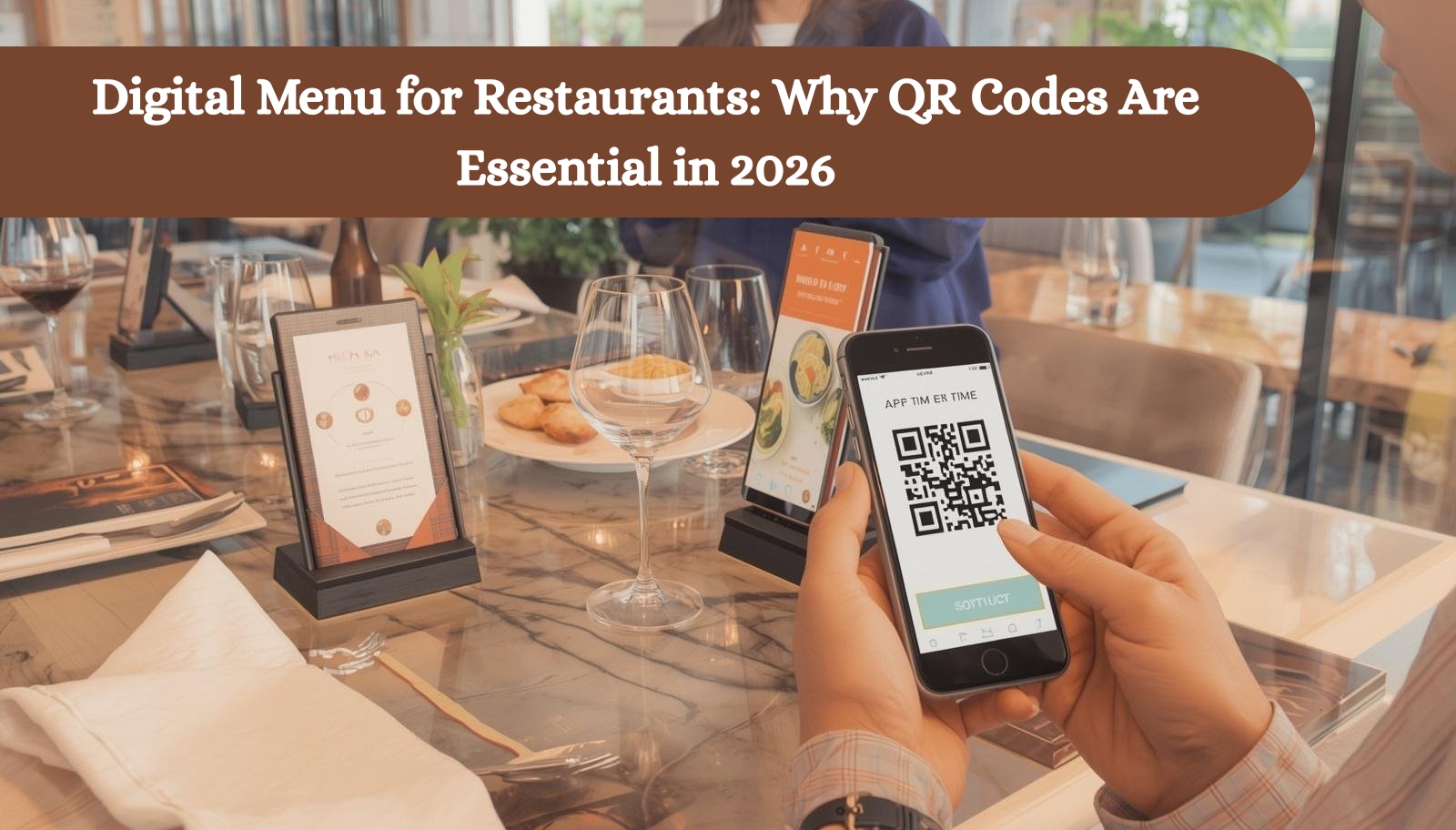
People don’t want to wait. Mobile-first experiences, self-order kiosks, and QR code menus are now the norm. A system that supports these helps you meet what customers already expect.
Reduce Mistakes, Increase Satisfaction
No more shouting orders across the bar. Digital entries are clear, instant, and accurate. That means fewer mix-ups, happier guests, and better reviews.
Boost Sales With Smart Ordering
Upsells are built in. Suggest extras, show popular combos, and add modifiers all without slowing the line. It’s easy to grow ticket size when your system does the prompting.
Manage High Volumes With Less Stress
Morning rush? No problem. A good ordering system smooths out peak times, syncs with the kitchen, and keeps orders flowing.
Key Benefits of a Cafe Ordering System
A well-designed cafe ordering system does more than just take orders. It transforms how your cafe operates, improving speed, boosting sales, and enhancing the customer experience from the first tap to the final sip.
Let’s break down the real advantages.
1. Faster Service, Shorter Wait Times
Orders are sent directly from the customer’s screen to the kitchen. No delays, no confusion. This keeps lines moving and frees up staff to focus on service.
2. Fewer Order Errors
No more scribbled notes or misheard drinks. The system records every order exactly as entered, reducing costly mistakes and remakes.
3. Boost in Average Ticket Size
Smart systems suggest popular items, upsell add-ons, and prompt for combos. These micro-suggestions often lead to bigger orders without feeling pushy.
4. Data You Can Actually Use
Track what sells, when, and to whom. These real-time insights help plan promotions, improve menus, and target repeat customers effectively.
5. More Ordering Options
Whether it’s dine-in, takeout, or curbside, modern systems handle it all. Customers love flexibility and flexible cafes win more sales.
6. Staff Efficiency Without Burnout
Automating the order flow cuts down on back-and-forth between counter and kitchen. Your team gets more done with less chaos.
7. Integrated Loyalty & Promotions
Send discount codes, launch stamp cards, or offer rewards — all inside the ordering system. This keeps customers coming back, no extra software needed.
Step‑by‑Step Guide to Choosing the Right Cafe Ordering System
Finding the perfect cafe ordering system can feel overwhelming. But when you break it into steps, the decision becomes much clearer. Here’s a complete walk-through to help you choose the best system for your business.
Step 1: Identify Your Ordering Needs
Start with a basic question how do you want your customers to place orders?
Do you need mobile ordering for cafes?
Do customers prefer QR code menus or self-service kiosks?
Will you offer dine-in, pickup, delivery, or all three?
Step 2: Define Your Budget Range
Costs vary widely across providers. Some charge monthly fees, others take a commission on every order.
Here’s what to look for:
Monthly subscription cost
One-time setup fees
Hardware requirements (kiosks, printers)
Transaction or order-based fees
Step 3: List Essential Features
Make a list of non-negotiables. Every cafe is different, but most need:
Easy-to-use customer interface
POS and kitchen display integration
Order modifiers and notes
Loyalty program tools
Real-time menu updates
Multi-location support (if you’re scaling)
Step 4: Research and Compare Providers
Use your feature list and budget to create a shortlist of 3–5 systems. Visit their websites and compare:
Core features
UI/UX (ordering flow demo)
Integration options
Customer reviews and testimonials
Case studies (especially other cafes)
Step 5: Request a Demo or Free Trial
Never commit before testing.
During the trial, check:
How fast orders are placed and received
How easy it is to update the menu
Staff usability (can they pick it up quickly?)
Reporting tools and backend dashboard
Step 6: Check for Compatibility with Existing Systems
Already using a POS or payment processor? Your new system should integrate with it easily.
Popular integrations to look for:
Square, Clover, Toast, or Lightspeed POS
Stripe, PayPal, Apple Pay, Google Pay
Inventory management tools
Delivery partners (Uber Eats, DoorDash, etc.)
Step 7: Evaluate Support & Onboarding Help
Even the best software needs good support. You’ll want a provider that offers:
Live chat or phone support
Clear help docs or training videos
One-on-one onboarding (ideally)
Fast response time during business hours
Step 8: Plan Your Launch
Set a date for going live. Choose a slower time of the week to test the system in real-world conditions.
Checklist:
Train all team members
Update signage (QR codes, new flow)
Announce changes to customers (email or socials)
Offer a small incentive for trying the new system
Step 9: Review Performance Regularly
After launch, track how the system is performing:
Is order speed improving?
Are there fewer mistakes?
Has average ticket size increased?
Are customers using the loyalty tools?
Best 8 Cafe Ordering Systems for Your Cafe
Choosing the right cafe ordering system can transform your operations, boost revenues, and improve customer satisfaction. Below are eight top platforms widely used by modern cafes, from simple QR‑based ordering to fully integrated POS + online order solutions.
1. Foodiv – All‑in‑One Cafe Ordering System
Foodiv is a powerful commission‑free cafe ordering system built for restaurants, cafés, and food businesses of all sizes. It lets you launch your own branded online ordering website and mobile app quickly without relying on third‑party marketplaces.
Why it stands out:
Customers order directly from your site or app with no third‑party fees.
Fully responsive platform works on smartphones, tablets, and desktops.
Includes features like QR code ordering, delivery, pickup, dine‑in, analytics, loyalty tools, and inventory management.
Easy setup with no upfront cost or long-term contract.
Works equally well for cafés, bakeries, bars, and cloud kitchens.
Foodiv also supports real‑time menu control and customer data ownership so you can run promotions and build loyalty without losing insights to third‑party platforms.
Why cafes love it:
Cafes can let customers pre‑order coffee, snacks, and meals with intuitive menus and fast checkout. The system’s simple dashboard makes order management smooth during rush hours.
Real‑world feedback:
– Users praise the easy onboarding and intuitive interface ideal for businesses without technical expertise.
– Customer support is rated highly for responsiveness and help during setup.
Best for: Cafés and small food businesses that want a fully branded ordering system, reduce commission costs, and keep control of customer relationships.
2. Square Online Ordering & POS – Flexible Ordering for Cafes
Square Online Ordering & POS helps cafes accept orders both online and in person through one connected system. It combines online ordering, mobile and QR code ordering, and POS management into a single solution that scales from small coffee shops to high-volume cafés.
Why it stands out:
Lets customers place orders for pickup, delivery, or dine‑in through your own branded Square page.
QR code ordering provides a contactless experience guests scan, browse, order, and pay from their phones.
Online orders sync instantly with the Square POS, giving kitchen staff real-time visibility.
Supports payments via Apple Pay, Google Pay, and Square Pay for fast, secure checkout.
Manage every order online or in-store from a single, streamlined dashboard.
Why cafes love it:
Cafes using Square appreciate the ease of setting up online menus, syncing orders across channels, and keeping workflows smooth. Staff spend less time taking orders and more time serving customers.
Real‑world feedback:
– QR ordering helps reduce table wait times and boost repeat visits.
– Syncing orders with POS eliminates confusion and speeds up kitchen service.
Best for:
Cafes that want an all‑in‑one ordering and POS platform that handles dine-in, takeaway, and mobile orders from one place.
3. Toast POS & Online Ordering – Built for Fast-Paced Cafes
Toast offers a full‑stack platform designed specifically for food businesses, blending POS, online ordering, and kitchen operations into one streamlined system. It’s ideal for busy cafés that want everything from counter service to delivery handled in one place.
Why it stands out:
Lets customers place orders online for pickup or delivery through your cafe’s branded ordering page.
Supports self-order kiosks, handheld POS devices, and QR code ordering for a seamless front-of-house experience.
Orders go straight to the kitchen display system, minimizing delays and errors.
Built‑in loyalty programs and marketing tools help bring customers back.
Robust reporting features provide insight into menu performance, peak hours, and average ticket size.
Why cafes love it:
Toast is known for being reliable under pressure. During the morning rush or weekend crowds, it keeps orders flowing across channels without confusion. Cafes can manage orders, payments, and kitchen traffic from a single interface.
Real-world feedback:
– Baristas and staff find handheld Toast devices easy to use during busy hours.
– Managers appreciate the ability to adjust menus, pricing, and inventory in real time.
Best for:
Cafes with high traffic that need hardware-supported ordering and full-service POS to speed up service and reduce mistakes.
4. GloriaFood – Free Online Ordering for Budget‑Conscious Cafes
GloriaFood offers a no-cost way for cafes to accept online orders directly from their website or mobile devices. It’s built for small businesses that want to go digital without paying marketplace commissions or hefty monthly fees.
Why it stands out:
Create a custom online menu and start accepting orders in minutes no coding or technical setup needed.
Accept dine‑in, pickup, and delivery orders through a user‑friendly mobile or desktop interface.
Built‑in QR code ordering and table reservation features enhance both in‑store and remote ordering.
Menu items can include images, custom modifiers, and category sorting to improve upselling.
Real-time notifications and order tracking keep both customers and staff in sync.
Why cafes love it:
Cafes using GloriaFood appreciate the simplicity and zero-commission model. It gives them full control over their menu and customer experience without needing to partner with delivery giants.
Real‑world feedback:
– Users find setup quick and intuitive, especially for small teams.
– The system works well on any device, which is great for guests ordering from their table or on the go.
Best for:
Small or newly launched cafes that want a free online ordering system with essential features and full menu control.
5. iOrders – Simple, Streamlined Ordering for Modern Cafes
iOrders offers a practical solution for cafes that want to digitize their ordering process without getting overwhelmed by complex tools. It supports online ordering, in-store ordering, and direct POS integration all while keeping the interface clean and easy to use.
Why it stands out:
Set up online ordering for pickup, delivery, or table service without third-party fees.
Customers can place orders from your website, QR menu, or mobile-friendly page.
Includes tools for real-time order tracking, status updates, and kitchen coordination.
Lets you accept payments online or in person, depending on your setup.
Easily syncs with your POS and kitchen display system to eliminate order delays.
Why cafes love it:
iOrders is popular with independent coffee shops that want a balance between simplicity and performance. It doesn’t overload you with features just what you need to handle orders quickly and accurately.
Real-world feedback:
– Cafe owners report better order accuracy and fewer service delays after switching.
– Staff training is minimal thanks to its clean, intuitive dashboard.
Best for:
Cafes looking for easy-to-manage digital ordering that improves service speed without overcomplicating operations.
6. RestApp – Commission-Free Ordering Built for Cafes
RestApp is tailored to small and mid-sized cafes that want direct, commission-free ordering. Whether you offer dine-in, takeout, or delivery, RestApp helps you manage it all from a single platform with full branding and menu customization.
Why it stands out:
Allows customers to order using QR codes, mobile browsers, or desktop without needing to download an app.
Supports delivery zones, order timing, tipping, and customizable pickup options.
Cafe owners get a centralized dashboard to track incoming orders and manage rush periods.
Menu items can include custom images, upsell options, and dietary labels.
No marketplace fees or third-party branding, it’s fully under your cafe’s identity.
Why cafes love it:
Cafes value RestApp for its commission-free model, mobile-first design, and flexibility in handling multiple order types.
Real-world feedback:
– Owners report higher customer retention due to smooth mobile ordering.
– The platform’s self-ordering tools help reduce front-of-house workload.
Best for:
Cafes that want a custom-branded, no-commission ordering system with built-in flexibility for dine-in, pickup, and delivery.
7. MyDigiMenu – Contactless QR Ordering Made Easy
MyDigiMenu focuses on QR code-based ordering that’s fast, contactless, and easy to deploy. With no app downloads or complicated menus, it’s perfect for cafes that want to simplify in-house service without sacrificing customer convenience.
Why it stands out:
Customers scan a QR code, view your digital menu, and order right from their phones.
Supports table-specific ordering, real-time updates, and instant order notifications.
Menus can be updated on the fly with images, descriptions, and modifiers.
Built-in marketing tools help send out SMS or WhatsApp promotions to regular customers.
Simple backend makes it easy to manage rush hours and high-volume orders.
Why cafes love it:
Cafes use MyDigiMenu to reduce wait times and eliminate the need for staff to manually take orders. It’s a sleek, mobile-friendly option that fits right into any tabletop setup.
Real-world feedback:
– Guests appreciate the speed and simplicity of ordering without standing in line.
– Owners say it frees up staff and increases table turnover during peak times.
Best for:
Cafes that want contactless QR table ordering with fast setup and minimal friction for customers.
8. Lavu POS – Full-Service Cafe Management Platform
Lavu offers a powerful POS and ordering system that goes beyond basic order-taking. It combines ordering, payment, inventory, and customer management in one mobile-friendly platform making it a strong choice for fast-paced cafés.
Why it stands out:
Supports in-store POS, mobile ordering, and online orders from your branded page.
Built-in inventory tracking, timeclock management, and tip splitting tools.
Accepts orders via mobile devices or mounted tablets perfect for counter or table service.
Provides deep insights through real-time sales data and shift reports.
Integrates with third-party delivery platforms for expanded reach.
Why cafes love it:
Lavu is known for giving cafes total control over their operations, especially for those with growing teams or multiple locations.
Real-world feedback:
– Staff find the interface intuitive and quick to learn.
– Owners highlight the robust reporting and customization options as game-changers.
Best for:
Cafes that need POS plus full business management features in one flexible platform.
Conclusion
The right cafe ordering system does more than process transactions; it reshapes how your business runs. From faster service to better order accuracy and deeper customer insights, the right tool can turn your cafe into a smooth, modern operation.
Whether you need a simple QR menu, a full POS with online ordering, or a branded mobile app, there’s a system that fits your needs and budget. Platforms like Foodiv and GloriaFood are great for direct, commission-free ordering. Systems like Toast, Square, and Lavu bring enterprise-grade features for high-volume cafes. And if simplicity is key, tools like MyDigiMenu or iOrders keep it lightweight and efficient.