

In the world of mobile media, having a reliable and feature-rich video player is a must. Whether you’re watching movies, clips, music videos, or tutorials, you need an app that can play every format smoothly, offer high-quality playback, and keep up with your multitasking lifestyle. Rocks Video Player is one such app — a powerful, all-in-one video player designed to give you the best viewing experience on Android.
What Makes Rocks Video Player Stand Out?
Rocks Video Player is more than just a basic video player. It offers a complete set of features that cater to both casual viewers and advanced users:
1. Supports All Video Formats
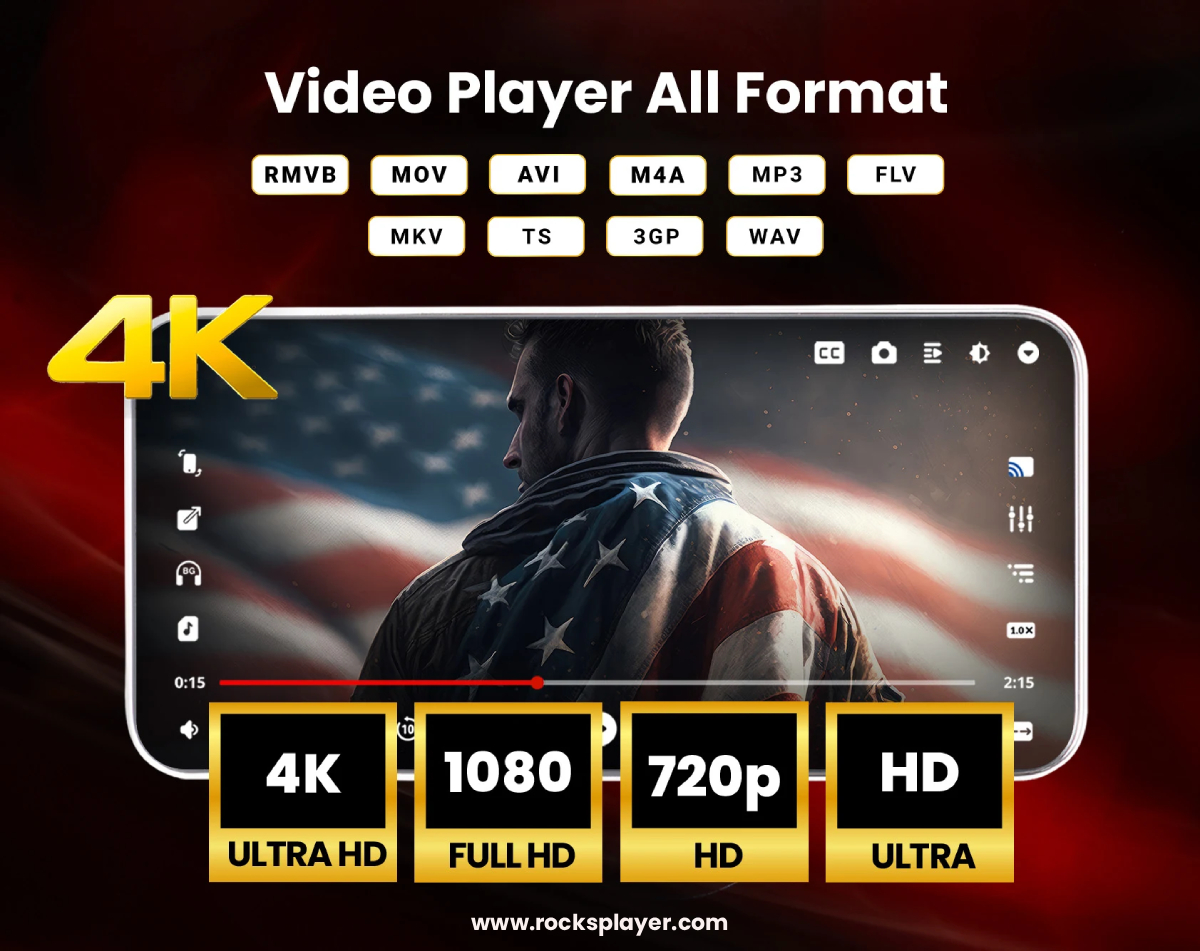
One of the biggest challenges with mobile video playback is compatibility. Many players struggle with certain formats, forcing users to convert files before playing them. Rocks Video Player eliminates this hassle with universal format support, including: MP4, MKV, AVI, FLV, MOV, WMV, TS, VOB, and many more
No matter the file type, this video player plays it instantly — no conversions needed.
2. High-Quality Playback
Using Rocks Video Player is like having a mini theater in your pocket. It supports HD, Full HD, 4K, and even 8K playback (on supported devices), delivering:
✔ Crisp and smooth visuals
✔ Bright, vibrant colors
✔ Stable frame rates
✔ Lag-free performance
Whether you’re watching movies, TV shows, or personal video clips, every detail looks sharp and stunning.
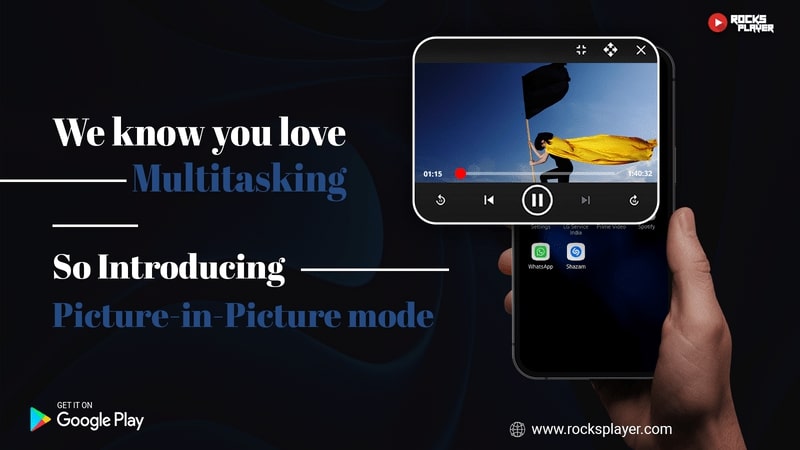
3. Floating Window Video Player
One of the most powerful multitasking features in this video player is the Floating Window Mode. With this feature:
• Your video plays in a resizable floating window
• You can continue using other apps simultaneously
• Perfect for chatting, browsing, or taking notes while watching videos
This makes Rocks Video Player ideal for productivity and entertainment alike.
4. Background Playback — Listen Like Music
Rocks Video Player goes beyond traditional video players by letting you play videos in the background — just like a music player. This is perfect for:
• Watching lectures or podcasts
• Listening to interviews
• Playing music videos as audio
Your video continues to play even when you switch to other apps or lock your screen.
5. Powerful Audio Features
Video isn’t just about visuals — sound matters too. Rocks Video Player enhances your audio experience with:
Audio Boost — Clearer, louder playback without distortion
Built-in Equalizer — Customize bass, treble, and vocal levels
Dual Audio Support — Switch between language tracks
Subtitle Support — Load and customize subtitles
These features make it one of the most advanced audio-capable video players available.
6. Elegant, Easy-to-Use Interface
This video player is not only powerful but also user-friendly. Its interface is clean, responsive, and simple to navigate. You’ll find:
✔ Intuitive playback controls
✔ Swipe gestures for volume, brightness, and seek
✔ Quick access to playlists and recent files
✔ Customizable settings for personal preferences
Even first-time users will feel right at home.
7. Widgets for Quick Control
The latest updates bring interactive widgets for both music and video controls. With widgets:
• Access playback control right from your home screen
• Play/pause, skip, or open media quickly
• Save time without launching the app
Small but powerful — widgets make everyday use easier.
Why Rocks Video Player Is the Best Choice
Here’s why this video player deserves a place on your Android device:
✔ Universal format support — Plays everything
✔ High-quality HD/4K/8K playback
✔ Floating window mode for multitasking
✔ Background playback like a music player
✔ Audio boost & equalizer for immersive sound
✔ Dual audio & subtitle support
✔ Clean, user-friendly interface
✔ Interactive widgets for convenience
✔ Lightweight and optimized for performance
From entertainment lovers to students and multitaskers, this video player caters to all.
How to Get Rocks Video Player
Ready to elevate your video experience?
Download on Google Play: https://play.google.com/store/apps/details?id=com.rocks.music.videoplayer
Visit the official website: https://www.rocksplayer.com/
Final Thoughts
If you’re searching for a feature-rich, free, and reliable video player for Android, Rocks Video Player checks all the boxes. It handles every format with ease, enhances audio and video quality, and keeps up with modern multitasking needs. It’s truly a next-generation mobile video player.
Play. Watch. Enjoy — Anytime, Anywhere.
Choose Rocks Video Player.