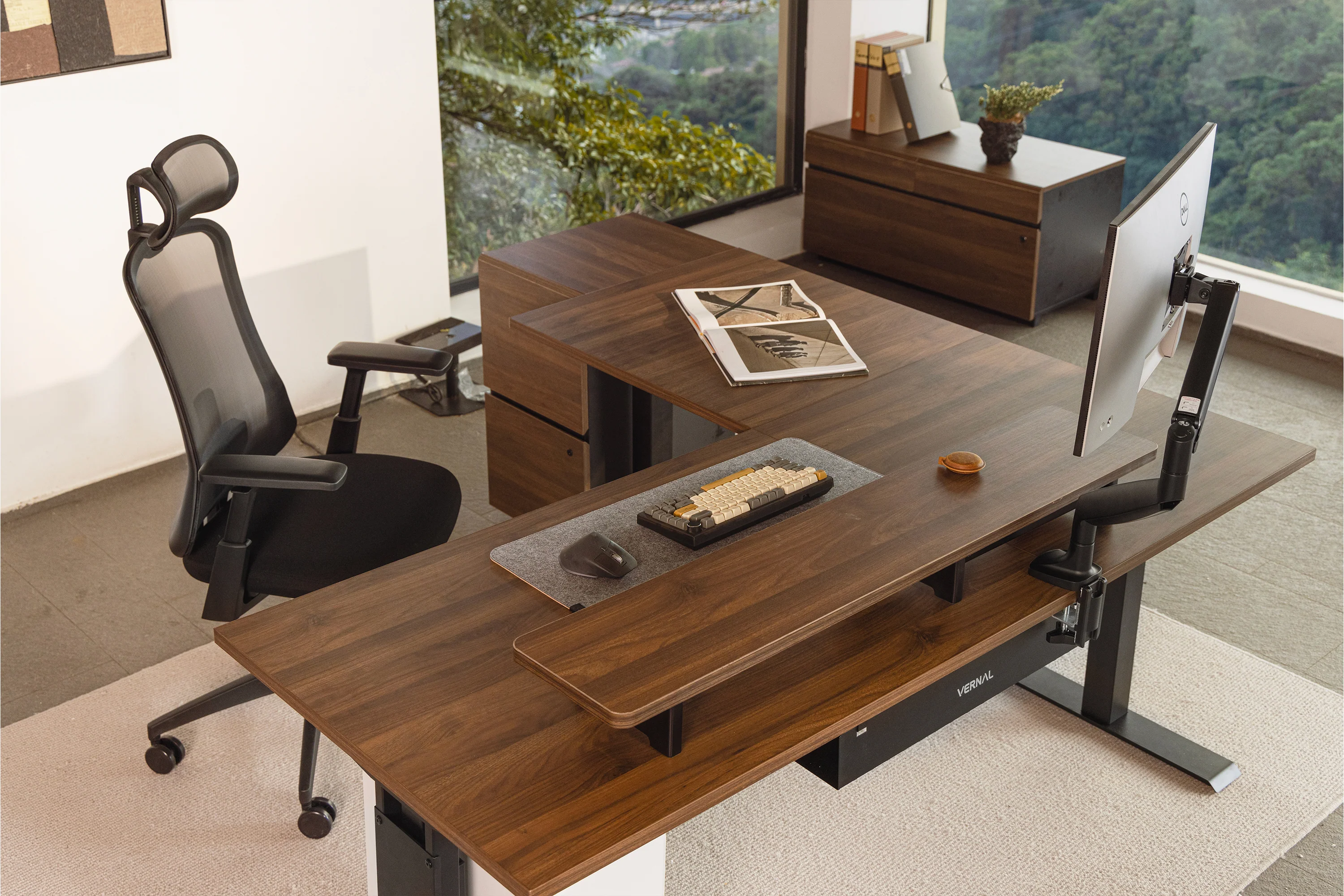

Standing desks can transform your day — less stiffness, better circulation, and often sharper focus. But poorly planned setups turn good intentions into aches, wobble and wasted budget. This guide walks through the most common mistakes people make when adopting a standing workstation and gives clear, practical fixes so you and your team get the benefits without the headaches.
Standing Desks: start with the right expectations
Many buyers expect a standing desk to be a single solution that removes all pain and fatigue. In reality, a desk is one component of a system that includes chair, mat, footwear, monitor, keyboard and habits. Treat the desk as the anchor of a broader ergonomic setup — and you’ll avoid disappointment. Before you order, set realistic goals: reduced sitting time, improved posture, and more frequent micro-movements. Don’t expect instant miracles — expect steady improvement with proper use.
Sit Stand Desk mistake #1: standing all day
Standing all day is as problematic as sitting all day. People who swap one static posture for another often develop foot, hip and lower-back pain. The fix: alternate. Start with a 20–40 minute sitting block followed by 10–20 minutes standing. Gradually build up standing time while listening to your body. Use a timer or a productivity technique — such as the Pomodoro method — to remind you to move.
Vernal Standing Desk mistake #2: ignoring setup repeatability
If every height change requires measuring and re-adjusting, users will stop switching positions. That creates transition friction and defeats the point of the desk. Choose a desk with easy presets or mark reliable heights for sitting and standing. Teach users to set and save their preferred positions; repeatability reduces time lost to fiddling and keeps momentum during work sprints.
Adjustable Height Desk mistake #3: poor height and monitor alignment
The two most painful setup errors are incorrect keyboard height and monitor placement. Keyboards that are too high force shoulder shrugging; monitors that are too low or too high cause neck strain. Aim for elbow height at the keyboard (about 90 degrees) and the top third of the monitor at or slightly below eye level. Use a monitor arm or a simple riser to get the screen in the right place — it’s the single best adjustment for comfort.
Electric Height Adjustable Desk mistake #4: choosing models that wobble at full height
Many desks feel solid at mid-range but develop wobble when fully extended. Wobble disrupts precision tasks and undermines confidence in the workstation. When evaluating electric desks, test stability at maximum height with moderate lateral force (a light press on the corner). If you can, check reviews or test in person. A stable frame and wider footbase are worth paying a little extra for.
Adjustable L Shaped Desk mistake #5: poor layout planning for multi-tasking
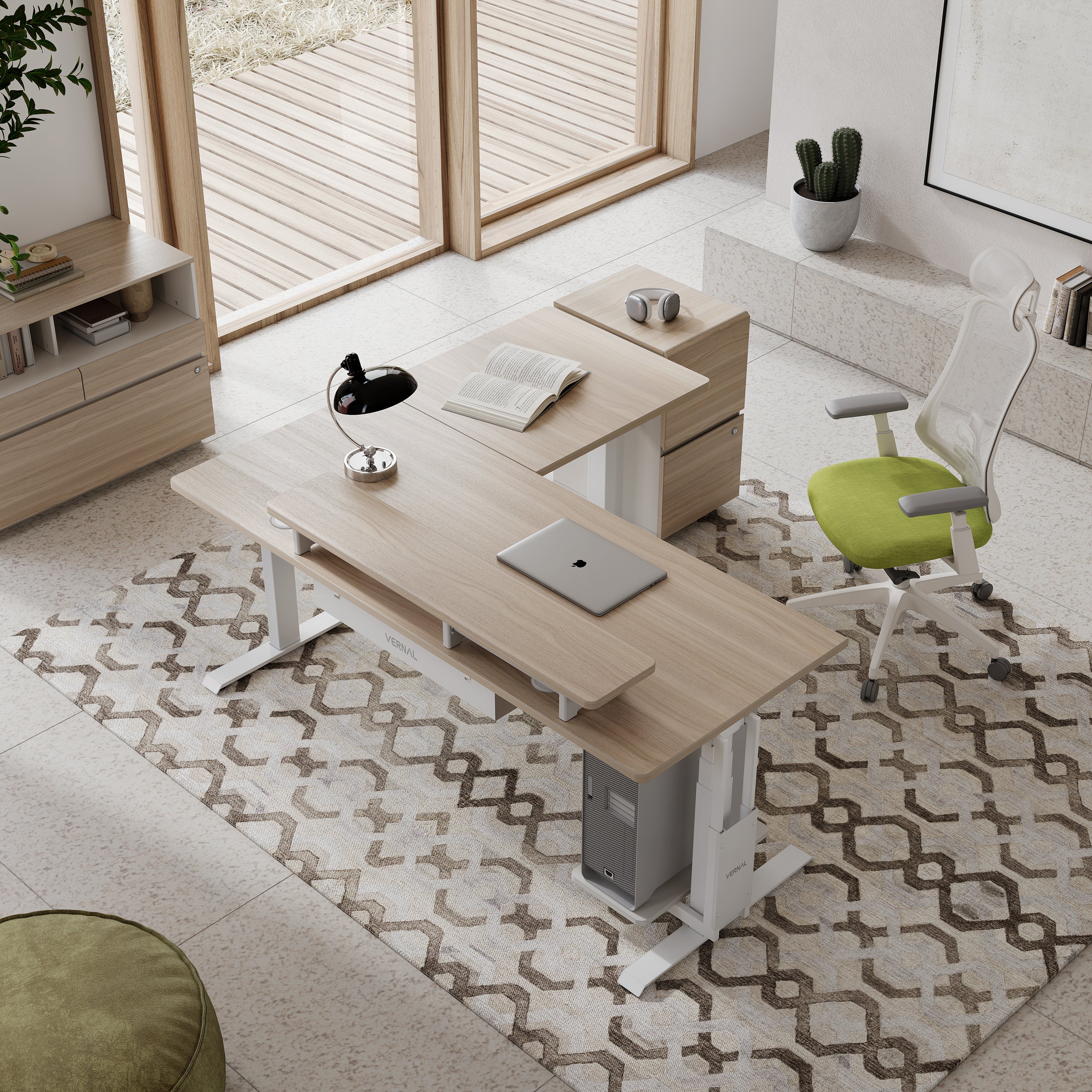
L-shaped configurations are powerful for multitaskers, but they often get cluttered. Failing to plan what lives on each wing (tech vs. analog tools) leads to excessive reaching and awkward postures. Assign zones — one side for keyboard and monitor, the other for notes, sketches or a second monitor — and route cables so they don’t snag during height changes. Zoning reduces reach time and cognitive clutter.
Stand Up Executive Desk mistake #6: prioritizing looks over function
It’s tempting to pick a large, elegant executive model for its appearance. But oversized surfaces without proper cable management or poor frame design can increase wobble and leave essential ergonomics unaddressed. Make sure the executive-style model you choose supports ergonomic adjustment, has proper leg clearance, and includes or supports accessory options like keyboard trays and monitor mounts.
Wood Standing Desk mistake #7: heavy tops without adequate support
Solid wood surfaces look and feel premium, but heavy tops magnify motor strain and frame stress. If you choose a dense wood top, confirm the lifting capacity and the motor power rating. A heavy top can slow transitions and reduce motor lifespan. Lighter engineered tops often produce more consistent performance with electric lifts.
Vernal Space Reviews mistake #8: skipping research on reliability and support
Desk failure or poor after-sales service turns a healthy habit into a maintenance headache. Before a large purchase, check reviews and service policies. Look for reports on motor longevity, spare part availability, and response times. Verified reviews help you spot recurring issues and choose a vendor with reliable support, so your team spends time working — not waiting for repairs.
Accessory mistakes that compound setup problems
Several accessory missteps commonly worsen standing desk setups:
No anti-fatigue mat: standing on hard floors quickly produces foot and lower limb discomfort. An anti-fatigue mat reduces pressure and encourages subtle movement.
Poor footwear: thin-soled shoes or high heels intensify foot strain. Use supportive, low-heeled shoes while standing.
Wrong keyboard tray: a badly positioned tray can force wrist extension. Choose trays that allow neutral wrist alignment and slide smoothly with desk height.
Neglected cable management: loose cables snag on legs during height changes — secure them to prevent interruptions and hazards.
Behavioral mistakes that undermine ergonomic hardware
Even the best desk fails without good habits. Common behavioral errors include:
Standing rigidly — remember to shift weight and move micro-moments every few minutes.
Skipping chair adjustments — when seated, a good ergonomic chair is essential; don’t treat the chair as an afterthought.
Ignoring break schedules — standing fosters movement, but planned breaks for walking and stretching are still critical.
Quick checklist: avoid these setup pitfalls
Verify height range fits user population before purchase.
Test stability at full extension or check reviews for wobble complaints.
Place monitor at eye level and keyboard at elbow height.
Add an anti-fatigue mat and check footwear recommendations.
Use cable channels and flexible power strips designed for height changes.
Set sit–stand reminders and teach presets for repeatable heights.
Confirm warranty, spare part access and service responsiveness.
Standing desks deliver real benefits — reduced pain, more movement and sometimes improved focus — but only when deployed as part of a thoughtful setup. Avoid these common mistakes by prioritizing stable frames, correct height ranges, reliable motors, and the small accessories that make standing sustainable. Pair hardware with simple behavioral cues (timers, presets, and micro-movements) and you’ll turn a nice idea into a lasting workplace improvement.
But when it comes to website redesigning, enterprises often make mistakes that have a massive impact on their business.
This post will discuss the top website redesigning mistakes to avoid while upgrading current business websites.Mistakes To Avoid While Designing A Website1.
Failing to evaluate the right scope and technical requirements2.
Preference on looks over functionality3.
Improper Budget EvaluationRead in-depth the amazing article to know more.
Also, you can get in touch with our experts and hire Indian web developers.