

QR codes look simple. A square pattern appears on screen, someone scans it, and a link opens.
The hidden part is what happens before that code is created
Many QR code generators send the text or URL you enter to a remote server. That may be harmless, but it also means your information leaves your device even when the task could have been completed locally.
Browser-based QR generation takes a cleaner approach.
The code is created directly on your device, inside the browser, without requiring the entered information to be processed elsewhere.
That difference matters more than most people realise
A QR Code Is Just Encoded Information
A QR code can contain:
- A website address
- Wi-Fi credentials
- Event details
- Plain text
- Payment information
- App links
The code itself is only a visual representation of that information.
Generating it does not usually require a powerful remote system. Modern browsers can handle the process locally in seconds.
This raises an obvious question:
Why send the information to another server when the browser can do the work itself?
Local Processing Reduces Unnecessary Data Sharing
When a QR code is generated inside the browser, the entered information can remain on the user’s device.
That is useful when the content includes something private, such as:
- An internal company link
- A private event page
- A home Wi-Fi password
- A draft product URL
- A temporary document link
- Personal contact details
A remote QR generator may store, log, analyse, or temporarily process that information.
It may not do anything harmful with it. The problem is that users often have no practical way to know what happens after they click “Generate.”
Local processing removes much of that uncertainty.
The data does not need to travel somewhere else just to become a pattern of black and white squares.
Browser-Based Does Not Automatically Mean Private
This distinction is important.
A tool can generate QR codes locally and still load advertising trackers, analytics scripts, or third-party services around the page.
The QR content may stay on the device while unrelated browsing data is still collected.
That means users should not trust a tool only because it says “browser-based.”
Look at the full experience.
Ask:
- Does the site require an account?
- Does it load unnecessary trackers?
- Is the privacy explanation clear?
- Does the tool work without sending the entered content away?
- Are there pop-ups, redirects, or aggressive advertisements?
- Does the page request permissions it does not need?
Privacy is not one technical feature. It is the result of several design decisions.
Accounts Are Usually Unnecessary
Creating a basic QR code should not require a permanent account.
There are valid reasons for accounts when users need to save projects, manage campaigns, edit dynamic links, or access paid features.
But a simple static QR code can usually be created without collecting:
- A name
- An email address
- A password
- A company name
- A phone number
Each account creates another stored record and another place where information can be exposed, forgotten, or used for marketing.
A focused tool should let users complete a small task without turning it into a long-term relationship.
- Static and Dynamic QR Codes Are Not the Same
- A static QR code contains the final information directly.
- When someone scans it, the scanner reads the destination stored inside the code.
A dynamic QR code often points to an intermediate redirect. The destination can be changed later, and the provider may record scans, locations, devices, or other activity.
Dynamic codes are useful for campaigns, printed materials, and links that may need updating.
They also introduce more dependence on the provider
If the service closes, changes its pricing, suspends the account, or disables the redirect, the printed QR code may stop working.
For simple permanent destinations, a static browser-generated QR code is often the more straightforward option.
Always Test the Code Before Sharing It
A QR code can be created correctly and still lead to the wrong place.
A copied URL may contain an error. A page may redirect somewhere unexpected. A link may work on desktop but fail on mobile.
Before publishing or printing a QR code:
- Scan it with more than one device.
- Confirm the full destination.
- Check that the page uses HTTPS.
- Make sure the code is large and clear enough.
- Leave enough empty space around the edges.
- Test the printed version before producing large quantities.
A QR code that looks good but does not scan reliably is useless.
Be Careful With Logos and Heavy Styling
Adding a logo can make a QR code look more polished, but it also covers part of the pattern.
QR codes include error correction, which allows them to remain readable when part of the image is damaged or obscured.
- That does not mean unlimited decoration is safe.
- Too much styling can reduce scan reliability.
Common problems include:
- Low contrast
- Tiny code size
- Busy backgrounds
- Large centre logos
- Rounded shapes that remove too much detail
- Missing quiet space around the code
The best QR code is not always the most decorative one. It is the one that scans quickly and consistently.
Why Tryst Link Uses In-Browser Generation
Tryst Link was built around a simple principle: a tool should not collect information it does not need.
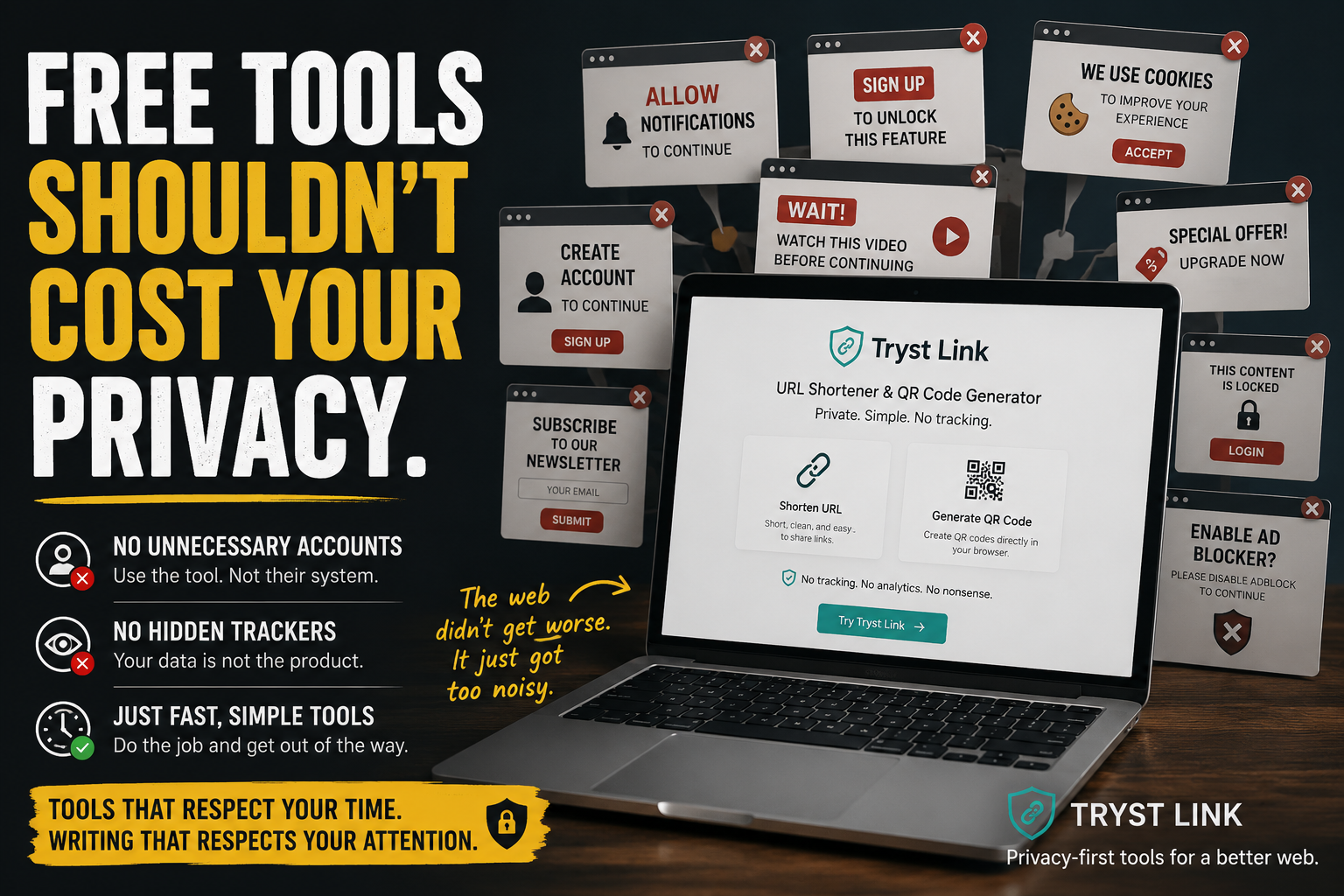
Its QR generator runs in the browser, allowing users to create codes without unnecessary accounts or complicated workflows.
The platform also provides URL shortening and independent articles about privacy, cybersecurity, apps, URLs, encoding, QR systems, and the practical infrastructure behind the web.
There are no tracking pixels or analytics systems attached to the basic experience.
You can explore the tools at:
https://trystlink.io/
What a Better QR Tool Should Offer
A practical QR code generator should be:
- Fast
- Clear
- Reliable
- Easy to test
- Honest about processing
- Free from unnecessary registration
- Designed with privacy in mind
Creating a QR code is a small task.
The tool should keep it that way.