Over the last year, many businesses have introduced work-from-home policies. Employers of all shapes and sizes, from small agencies to big corporations have adopted a working from home culture as a means to enable their people to work safely and effectively whatever the local lockdown conditions.
What Does Working Remotely Mean?
Working or learning remotely means working from a location that is not a traditional office or school environment. Designers as a group, particularly those who have freelanced or contracted may have had some experience of remote working. There are many benefits of working remotely, from covid safety and flexibility, to saving time and money, as well as maintaining a healthy work life balance.
The Challenges of Remote Working
The most common challenge faced by design teams is building and maintaining a collaborative culture in a remote environment. The biggest issue that can arise from a lack of communication is misalignment particularly due to poorly timed feedback. A designer working remotely might assume they know what they need to do, and continue to design based on these assumptions even if the outcome doesn’t meet the expectations either of their client or their stakeholders.
Remote Working Tools
1. Communication Tools
You’ll need a reliable messenger tool to help your team stay connected each day. Choose one primary communication channel and stick with it. There’s Telegram, Slack, Skype for Business, Microsoft Teams, and so on.
2. Virtual Meeting Tools
Video conferencing tools to replace ‘face-to-face’ team meetings are essential. You can look into Zoom, Slack and Skype for Business, and Microsoft Teams, or Google Hangouts.
3. Tools for Real-time Collaboration & Brainstorming
When the work that you do is mostly visual in nature, it’s crucial to be able to share what you’re doing in real-time. The objective is to ensure everyone’s on the same page and has the same understanding as the project progresses.
4. Progress Tracking Tools
To ensure all team members are always on the same page, you’ll need to have a tool in place to track the progress of your key briefs, projects and initiatives. You can use tools like Trello, Wrike or Asana, which are two of the top work management tools on the market. There are many built-in ways to organize and visualize work better via Asana, which allows you to have a bird’s eye view on all projects, as well as drill into the detail of each individual task too.
5. Shared Calendar Tools
Look into using calendars, such as Google Calendar or Clickup, so that each member of your team can have visibility of everybody else’s workload and availability.
6. File Sharing Tools
You’ll need a central repository to store and share files with your team. Tools like Dropbox and Google Drive, are great to help centralize all your documents and also track how your information is being shared and who consumes it.
7. Design Subscription: Creative Stock, Templates & More
Having a subscription to a creative library like Envato Elements will certainly help with your design work. Elements is a good source for many things that can help your team create projects faster, from images, fonts, and graphic design templates to PowerPoint templates, mockups and more.
8. Security Measures
One of the main concerns of working from home is security. After all, you are handling sensitive project information which must be managed securely at all times. Therefore, it is highly crucial to ensure that you and your team check that your home networks are properly secured and you have an up-to-date antivirus installed on your device. Also, consider a reliable Office 365 backup software, as system glitches, human factor risks, and ransomware difficulties always are unpredictable and your data should be always recoverable.
Read the full article here: https://www.envato.com/blog/remote-work-design-team/


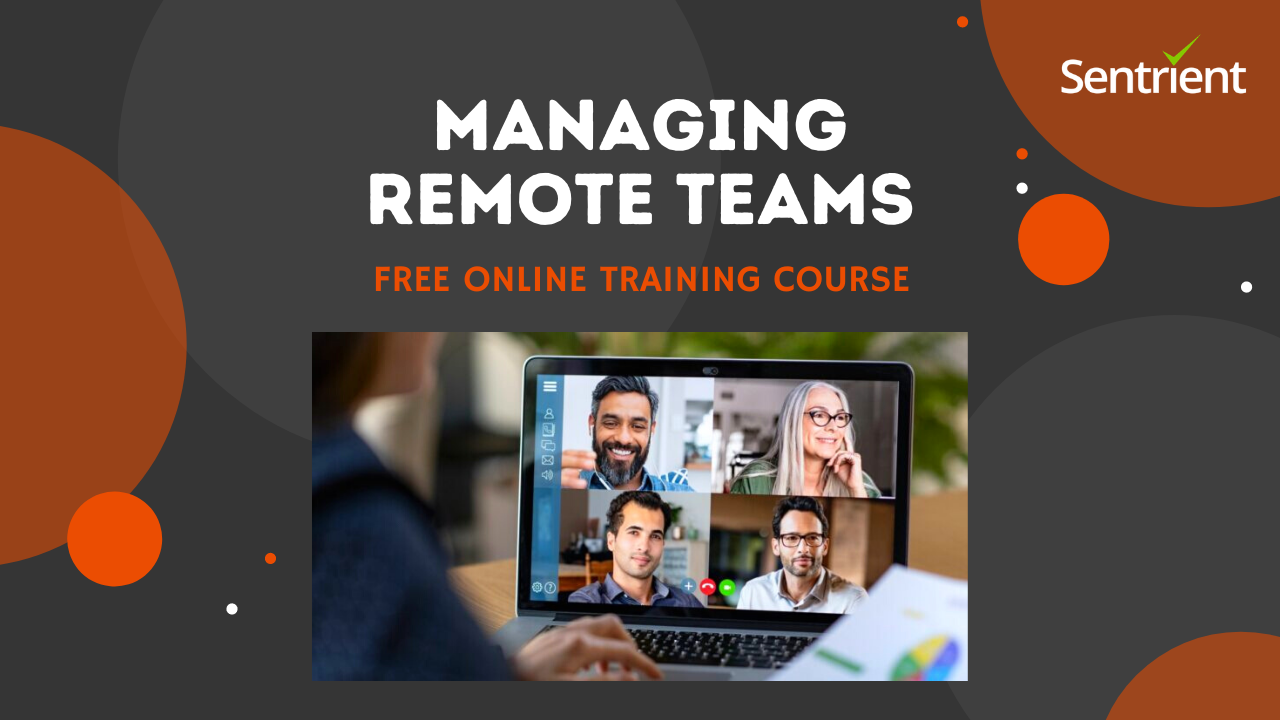
This FREE managing remote teams training course will help you to establish a remote team, set expectations, communicate, and maintain productivity and motivation when managing remote teams.Watch this video for more details: