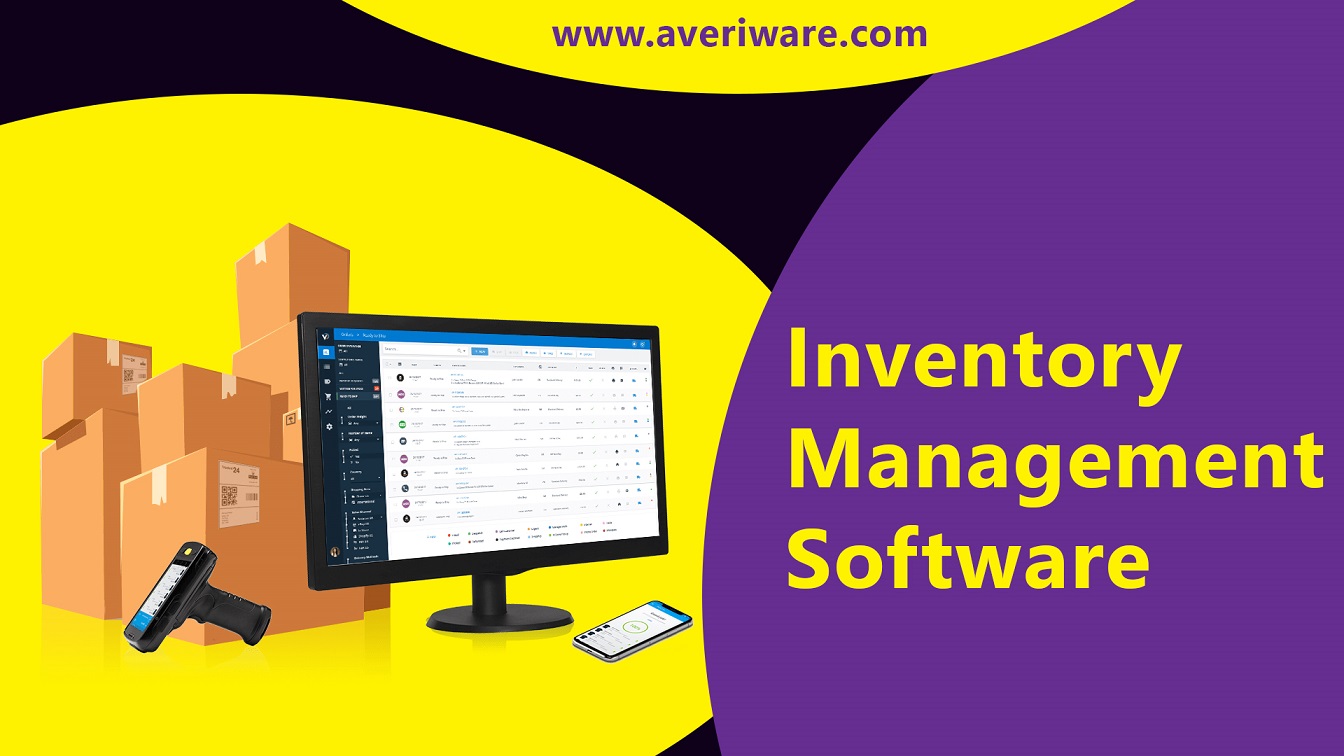



Efficient inventory control is critical to any bar’s profitability.
Using dedicated bar inventory management software streamlines tracking, reduces losses, and simplifies decision-making.
This guide outlines key features to look for, best practices, and common pitfalls to avoid.
Whether you run a small bar or a multi-location chain, improving inventory accuracy helps cut costs, improve margins, and enhance the customer experience.
Why Inventory Management Matters in the Bar Business
Inventory errors directly impact your bottom line. Shrinkage, over-ordering, and expired stock lead to lost revenue.
Proper inventory management helps:
Manual methods often lack accuracy. Using purpose-built software brings real-time insight into what’s being sold and what's left in stock.
Improved control over your liquor inventory enables better purchasing decisions and consistent service.
By minimizing variance and waste, you can boost profits while maintaining stock levels that meet customer demand.
Key Features to Look for in Bar Inventory Software
Not all systems offer the same value.
Essential features include:
Software should offer visibility across every shift and staff member, minimizing blind spots.
Cloud-based systems allow you to monitor inventory from anywhere, reducing downtime and increasing flexibility.
Detailed reporting is essential for spotting issues quickly—such as unexplained losses or spikes in usage.
Choose a solution that aligns with your current workflow but is also scalable for future growth.
Best Practices for Using Bar Inventory Software Effectively
Standardize Measurement Units Always record in consistent units—bottles, ounces, liters—to prevent miscounts.
Perform Regular Audits Weekly cycle counts help reconcile actual stock with software data.
Assign Inventory Roles Limit access to inventory tools to reduce errors and unauthorized changes.
Use Barcode Scanning Speed up counts and reduce manual entry.
Update Recipes in the System Link every drink recipe to its ingredients for accurate depletion tracking.
Training staff on how to properly use the system is just as important as the software itself.
Clean data equals cleaner decisions. Keep product lists up to date, archive inactive items, and ensure categories are correctly labeled.
Manual vs. Automated Tracking
Manual tracking invites errors.
Spreadsheets can’t scale with growing inventory and make audits tedious.
Automated tracking, on the other hand, uses digital inputs—often from the POS—to automatically deduct stock.
This improves speed, reduces labor, and enables real-time insight into stock movement.
Daily vs. Weekly Audits
Daily audits work for high-volume items like beer kegs or top-shelf liquor.
Weekly counts suffice for slower-moving stock.
Set audit schedules based on consumption rate, and cross-verify with sales data for accuracy.
This also discourages theft, as staff knows stock is being closely monitored.
Forecasting and Reordering
Most software includes reorder point settings.
Use sales history to forecast future demand—especially during peak seasons or events.
Auto-alerts help maintain optimal stock levels and avoid missed sales or spoilage from overstocking.
A good system can even recommend quantities to order based on past patterns.
Using Mobile Inventory Apps
Mobile apps allow you to walk the stockroom with a tablet or phone.
You can scan barcodes, update counts, and check variance reports in real time.
This cuts counting time and ensures better accuracy over pen-and-paper methods.
Mobile tools are especially helpful during peak hours or for multi-location bars.
How POS Integration Enhances Inventory Accuracy
A POS-integrated inventory system connects sales directly to stock depletion.
Every sale deducts the corresponding amount of liquor from inventory, reducing manual tracking.
Benefits include:
It also allows better reporting by shift, employee, or time of day.
This connection ensures that sales and inventory stay aligned—crucial for reducing shrinkage.
Common Mistakes to Avoid in Bar Inventory Management
Skipping Audits Even with software, audits verify physical stock.
Inconsistent Measurement Units Mixing ounces and liters causes confusion and miscounts.
Ignoring Shrinkage Trends Failing to address regular overages or shortages can lead to major losses.
Poor Training If staff doesn’t know how to use the system, it becomes ineffective.
Lack of Accountability Always assign roles and track changes to keep everyone responsible.
Benefits of Real-Time Inventory Tracking
Real-time tracking offers:
You’ll know what’s selling and what’s sitting, enabling more informed ordering.
It also lets you respond to issues immediately—before they grow into costly problems.
Real-time data means you’re never guessing.
How to Choose the Right Bar Inventory Software for Your Business
Consider:
Look for software with flexible pricing and modular features so you pay only for what you need.
Read reviews, request demos, and involve your team in testing.
The right software should feel intuitive and enhance—not disrupt—daily operations.
Final Thoughts: Maximize Profitability Through Smarter Inventory Control
Good inventory software saves time, reduces waste, and increases profit.
It enables data-driven decisions, improves stock accuracy, and strengthens staff accountability.
With best practices and the right tools, bar owners can streamline operations and improve margins.
Now is the time to upgrade from manual spreadsheets to a modern, integrated solution.