
The increasing functionality and popularity of Office 365 push users to migrate GroupWise to Office 365. The task isn’t like users copy the data from GroupWise to Office 365 as they do in their local directory; it is somewhat technical. Users can use Shoviv GroupWise to Office 365 Migration tool to migrate GroupWise to Office 365. This tool makes this task the least technical with its easy-to-interact GUI and migrates without changing the data and its structure. Along with these traits, this tool is laced with many features.
Noteworthy Features of Shoviv GroupWise to Office 365 Migration Tool:
• No Bars:
The Shoviv tool puts no bar on GroupWise mailbox size and numbers. It performs the task efficiently and without changes irrespective of the size and number of the mailboxes.
• Multiple Connectivity Option:
Users are given multiple ways to connect to their accounts. These ways are default, online, caching mailbox path, and remote mailbox path.
• Using Outlook Profile:
It also facilitates users to reach their Office 365 account through the Outlook profile.
• Mailbox Mapping:
Users can perform mailbox mapping manually or by using CSV files and adding to this, users can also validate their target mailbox.
• Filters:
The filters are present in this tool to let users migrate GroupWise to Office 365 with the selective data they prefer. The filters of this tool are based upon Item type: email, calendar, task, note, email, contact, and document; and on message date.
• Folder Mapping:
This tool also allows users to perform folder mapping on its interface to get the migration of the desired accuracy.
• Incremental Export:
Users are given “Export all items” checkbox in the filter wizard of the tool. Users need to uncheck it to prevent duplicity. It also helps users in presuming the process in case of interruption.
The features of the Shoviv GroupWise to Office 365 migration tool do not last here; there are many more which bring users complete and desirable migration. Users can also access this tool in a free demo to process the first 50 items per folder. Lastly, it is totally up to the users which tool they want to proceed with for GroupWise to Office 365 migration.



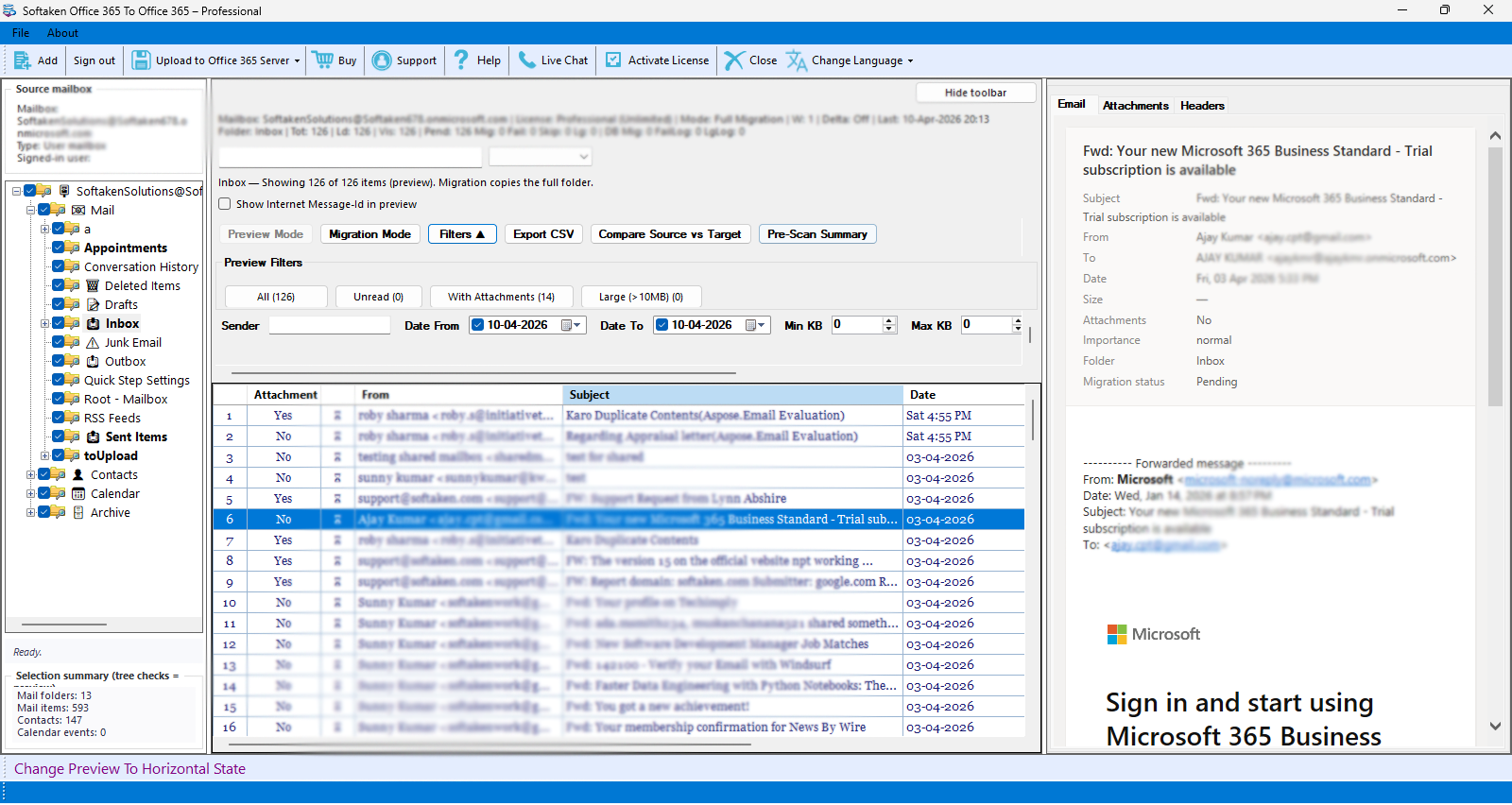
Softaken Office 365 to Office 365 Migration Tool is the best and dependable method to migrate complete mailbox data from one Office 365 account to another. It enables enterprises t