


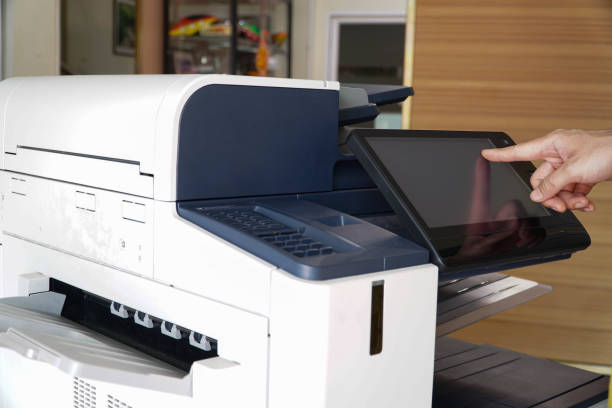
Investing in a photocopier is a significant decision for any business. Whether you’re running a small office, a busy law firm, or a large enterprise, the right photocopier can improve efficiency, save costs, and streamline your document management. However, with the wide range of models, features, and price points available, making the right choice requires careful consideration.
1. Assess Your Office Needs
The first step in choosing a photocopier is understanding your office’s specific requirements. Ask yourself:
• How many pages do you print per day or month?
• Do you need color printing or is black and white sufficient?
• Will you be scanning, faxing, or emailing documents regularly?
• How many users will share the machine?
Answering these questions will help you determine whether a basic multifunction printer (MFP) will suffice or if a high-capacity office photocopier is necessary.
2. Understand Photocopier Types
Photocopiers come in various types, each designed for different workloads:
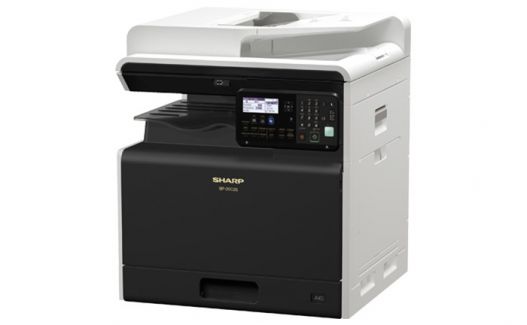
• Desktop Photocopiers: Compact, ideal for small offices with low to moderate volume printing.
• Mid-Size Office Copiers: Suitable for medium-sized businesses that require faster speeds and larger paper capacity.
• High-Volume Copiers: Designed for large organizations with heavy printing demands and advanced features.
Understanding the type that fits your office ensures you don’t overspend on features you don’t need or end up with a machine that can’t handle your workload.
3. Consider Print Speed
Print speed, measured in pages per minute (PPM), is a crucial factor. A slow copier can create bottlenecks, especially in busy offices. Small offices might be fine with 20–30 PPM, while larger offices should look for machines that can handle 40 PPM or higher. Consider peak times in your office to avoid delays.
4. Evaluate Print Quality
Print quality is measured in dots per inch (DPI). High-resolution printing is essential if you’re producing client-facing documents, presentations, or marketing materials. For general office use, 600 x 600 DPI is usually sufficient, but for high-quality graphics or photos, consider 1200 x 1200 DPI or higher.
5. Assess Paper Handling and Capacity
Paper handling features such as trays, duplex printing, and large capacity are vital for productivity. Consider:
• Number of Paper Trays: Multiple trays allow you to load different paper types simultaneously.
• Automatic Document Feeder (ADF): Ideal for scanning or copying multi-page documents.
• Duplex Printing: Automatically prints on both sides of a sheet, saving paper and costs.
• Paper Capacity: Larger trays reduce the frequency of refills in busy offices.
Choosing the right paper handling setup can significantly improve workflow efficiency.
6. Check Connectivity Options
Modern photocopiers offer various connectivity options:
• USB and Ethernet: Standard options for direct connections to computers or networks.
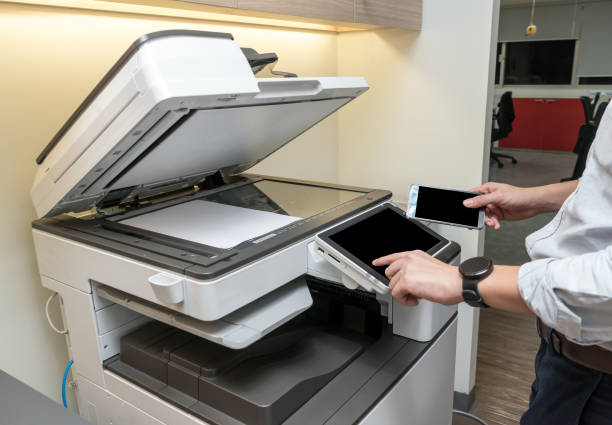
• Wi-Fi and Mobile Printing: Essential for offices with remote work setups or employees using smartphones and tablets.
• Cloud Integration: Some copiers allow direct scanning to cloud storage services like Google Drive, Dropbox, or OneDrive.
Ensure your chosen machine supports your office’s preferred methods of connectivity and sharing.
7. Evaluate Multifunction Capabilities
Most offices benefit from multifunction printers (MFPs) that combine printing, copying, scanning, and sometimes faxing in one device. This reduces equipment clutter and improves efficiency. Before purchasing, consider which functions are essential and whether the MFP offers them.
8. Understand Maintenance and Support
Photocopiers require regular maintenance for optimal performance. When assessing options, consider:
• Availability of service contracts or maintenance plans.
• The ease of replacing toner, drum units, and other consumables.
• The reputation of the supplier for support and response times.
A reliable service plan ensures minimal downtime and prolongs the life of your machine.
9. Calculate Total Cost of Ownership
The upfront cost of a photocopier is only part of the equation. Consider the total cost of ownership (TCO), including:
• Toner and ink costs
• Replacement parts and consumables
• Energy usage
• Maintenance fees
• Possible leasing or rental options
Comparing TCO across models helps avoid surprises and ensures a cost-effective investment over time.
10. Security Features
In today’s digital world, office security is paramount. Many modern copiers store sensitive documents, so consider features like:
• User authentication to access the device
• Secure printing with PIN codes
• Data encryption for stored documents
• Secure wiping of memory to prevent data leaks
These features protect confidential information and ensure compliance with privacy regulations.
11. Assess Environmental Impact
Eco-friendly office equipment reduces energy costs and promotes sustainability. Look for:
• Energy Star ratings
• Duplex printing to save paper
• Toner and consumables recycling programs
A machine that balances performance with environmental responsibility reflects well on your business.
12. Read Reviews and Ask for Demos
Before finalizing your choice, read reviews and ask for a demo from suppliers. Hands-on testing helps you understand ease of use, speed, and reliability. Additionally, speaking with other businesses in your industry can provide insights into real-world performance and satisfaction.
13. Consider Leasing vs. Buying
Depending on your business needs and budget, leasing may be more advantageous than purchasing outright. Leasing allows access to the latest models, predictable monthly payments, and included maintenance. Buying might be better for long-term cost savings if your printing needs are stable and predictable.
14. Supplier Reputation and Local Support
Choosing a reputable supplier ensures reliable service, genuine parts, and quick response times. Check for:
• Customer reviews and testimonials
• Years in business
• Availability of local support technicians
• Flexible service plans tailored to your business
A trustworthy supplier is just as important as the photocopier itself.
Conclusion
Purchasing a photocopier is more than just selecting a device that prints documents. It’s an investment in your office’s efficiency, productivity, and workflow. By carefully evaluating your office’s needs, understanding machine capabilities, considering connectivity and security, and calculating total costs, you can make a confident, informed decision.
Using this ultimate checklist, you can narrow down your options and choose a photocopier that supports your business goals, enhances workflow, and delivers reliable performance for years to come. Whether you’re a small office seeking cost-effective solutions or a large enterprise requiring high-speed, multifunction capabilities, the right photocopier is an indispensable tool for operational success.
For businesses in Melbourne looking for reliable solutions, suppliers like DDS Group offer a wide range of A3 and multifunction copiers, tailored service plans, and expert advice to help you choose the best model for your needs.
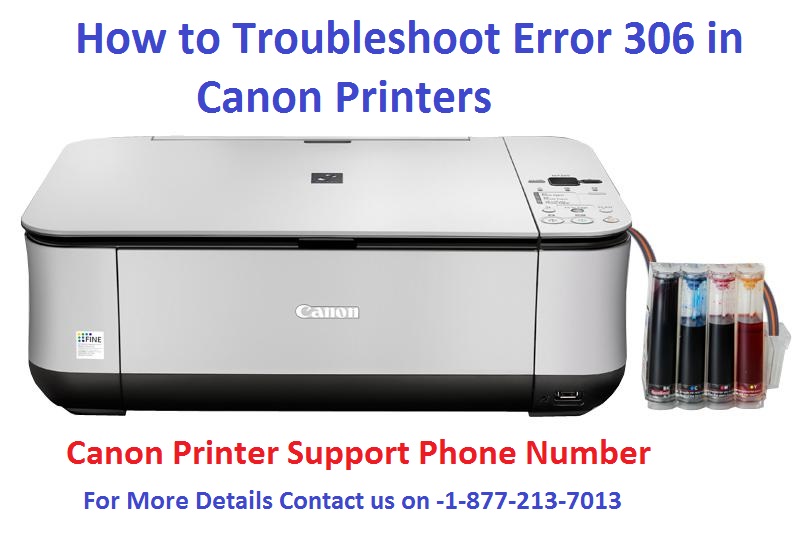
Canon printers are considered to be the most popular printers available in the market today.
They are highly reliable as well as durable printers.
There are various types of Canon printers such as Inkjet Printers, Multifunction Printers, Mac Printers, Portable Printers, Canon PIXMA MP490 Multifunction Printer, Canon MP560 All-in-one Inkjet Printer, etc.
You may encounter many issues that are referred to as error codes.
Among various types of Error codes, Error 306 is the most common error which hinders the performance of your printer.
Technical Errors are always hard to manage.