Most businesses today use multiple SaaS services and SaaS tools to run their daily operations, including CRM, email, project management, payments, customer support, and analytics.While these tools are powerful on their own, problems start when they work in isolation. Teams end up switching between apps, manually updating data, and repeating the same tasks every day.
This is where SaaS integrations make a real difference. By connecting tools and automating routine actions, integrations help teams work faster, make fewer mistakes, and stay aligned.
What Are SaaS Integrations?
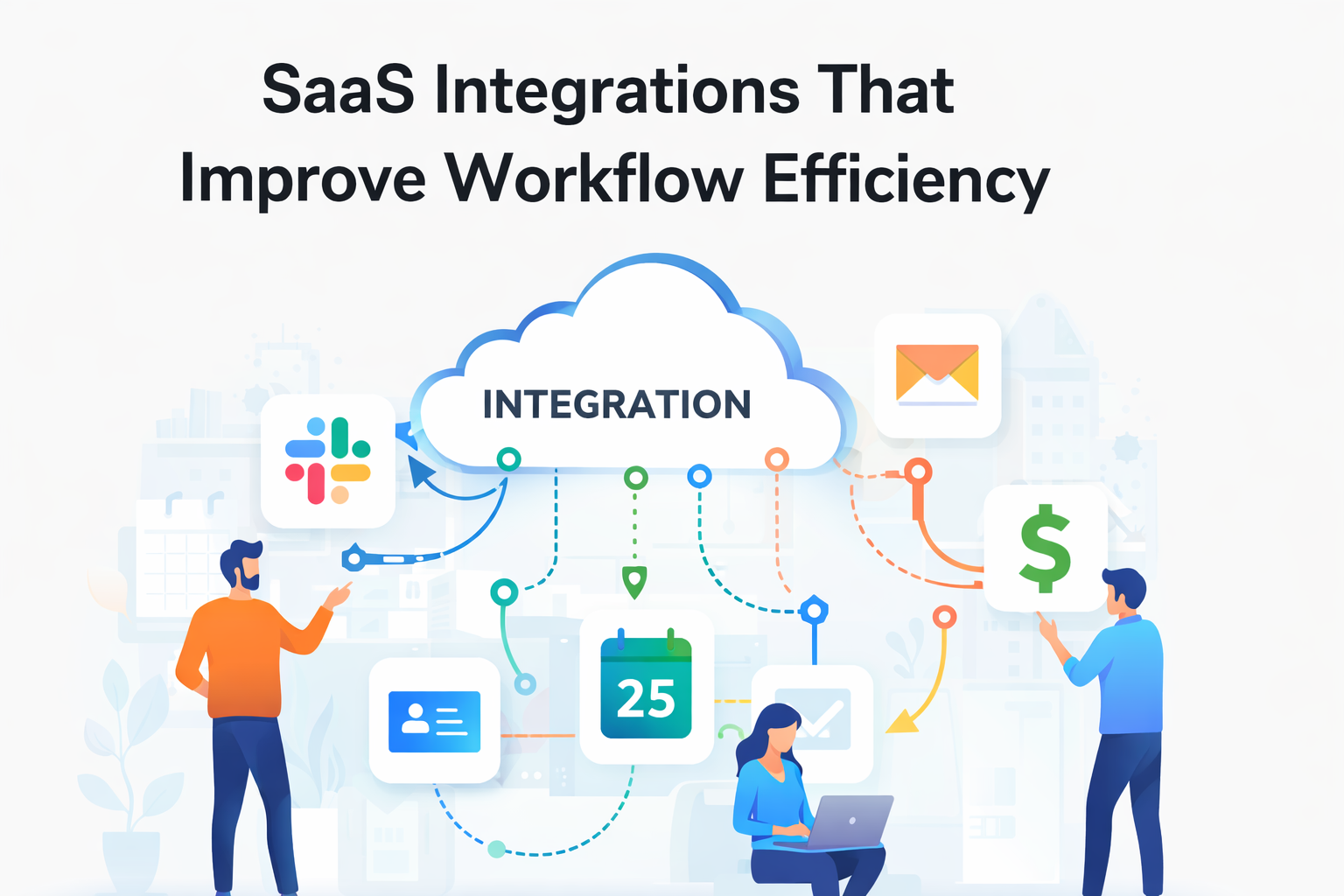
SaaS integrations allow different software tools to share data and trigger actions automatically. For example, when a new lead fills out a form on your website, an integration can add that lead to your CRM, notify the sales team, and create a follow-up task all without manual effort.
In simple terms, integrations ensure that your tools “talk” to each other instead of working separately.
How SaaS Integrations Improve Workflow Efficiency
Without integrations, teams often rely on manual processes. This leads to wasted time, inconsistent data, and missed follow-ups. SaaS integrations solve these issues by:
- Reducing manual data entry
- Automating repetitive tasks
- Improving collaboration between teams
- Ensuring real-time updates across tools
- Increasing overall productivity
When workflows are automated, employees can focus on meaningful work instead of routine operations.
Key SaaS Integrations That Make Work Easier
1. Automation and Integration Platforms
Automation platforms act as connectors between different SaaS tools. They allow businesses to create workflows without writing complex code.
Platforms like Zapier, Make, and n8n help automate tasks such as syncing leads, sending notifications, and updating records across systems.
These tools are especially useful for growing teams that want to scale operations without adding extra manual work.
2. CRM and Communication Integrations
Sales and support teams rely heavily on timely information. Integrating CRM tools with communication platforms ensures that important updates are never missed.
With CRM integrations:
New leads trigger instant notifications
Customer emails are automatically logged
Follow-up tasks are created without reminders
This improves response time and ensures a smoother customer experience.
3. Project Management Integrations
Project management tools become far more effective when integrated with email, chat, and development platforms.
Tools such as Asana, Trello, ClickUp, and Notion help teams track progress in real time when connected with other systems.
Integrations reduce status-check meetings and keep everyone informed automatically.
4. Scheduling and Meeting Integrations
Scheduling meetings manually often leads to unnecessary delays. Integrations simplify this process by syncing calendars and automating bookings.
Tools like Calendly integrate with calendars and CRM platforms to handle scheduling, reminders, and meeting records efficiently.
This saves time for both internal teams and external clients.
5. Finance and Billing Integrations
Finance-related tasks require accuracy and consistency. SaaS integrations help automate billing and accounting workflows.
Common integrations include payment platforms connecting with accounting software to generate invoices, update records, and send confirmations automatically. Tools like Stripe, QuickBooks, and Xero reduce manual effort and financial errors.
6. Analytics and Reporting Integrations
Data is often spread across multiple tools. Analytics integrations bring this data together into centralized dashboards, making it easier to track performance and make informed decisions.
With integrated reporting, teams spend less time collecting data and more time acting on insights.
Examples of Automated Workflows
A few common examples of SaaS integrations in action include:
A website form submission automatically creating a CRM lead and sales task
A customer support request generating a ticket and notifying the right agent
A completed payment triggering invoice creation and confirmation emails
These workflows run in the background and significantly reduce manual involvement.
Best Practices for Using SaaS Integrations
To get the most value from integrations:
Start with repetitive and time-consuming tasks
Use native integrations when available
Automate step by step instead of everything at once
Monitor workflows and optimize regularly
Well-planned integrations lead to long-term efficiency gains.
Conclusion
SaaS integrations play a vital role in improving workflow efficiency by connecting tools, automating tasks, and reducing manual work. When systems work together seamlessly, teams collaborate better, processes move faster, and businesses scale more effectively.
In a competitive environment, companies that invest in smart integrations gain a clear operational advantage.


Made4net is a leading global provider of best-in-class, cloud-based supply chain execution and warehouse management software for organizations of all sizes to improve the speed and efficiency of their supply chain.
The Made4net supply chain platform helps retailers gain inventory control, improve efficiency, and reduce operational costs.