

Introduction
As organizations expand their digital ecosystems, integration becomes unavoidable. Whether it's syncing ERP with CRM, connecting CMMS systems, or enabling HVAC workflow custom integrations, the need for seamless data exchange is critical.
But a key strategic question emerges:
Should you build custom integrations in-house, or adopt an iPaaS platform?
This is not just a technical decision—it’s a long-term architectural choice that impacts scalability, cost, speed, and innovation.
Understanding how to evaluate this decision is essential—and this is where modern platforms like ConnectorHub are reshaping the integration landscape.
Understanding the Two Approaches
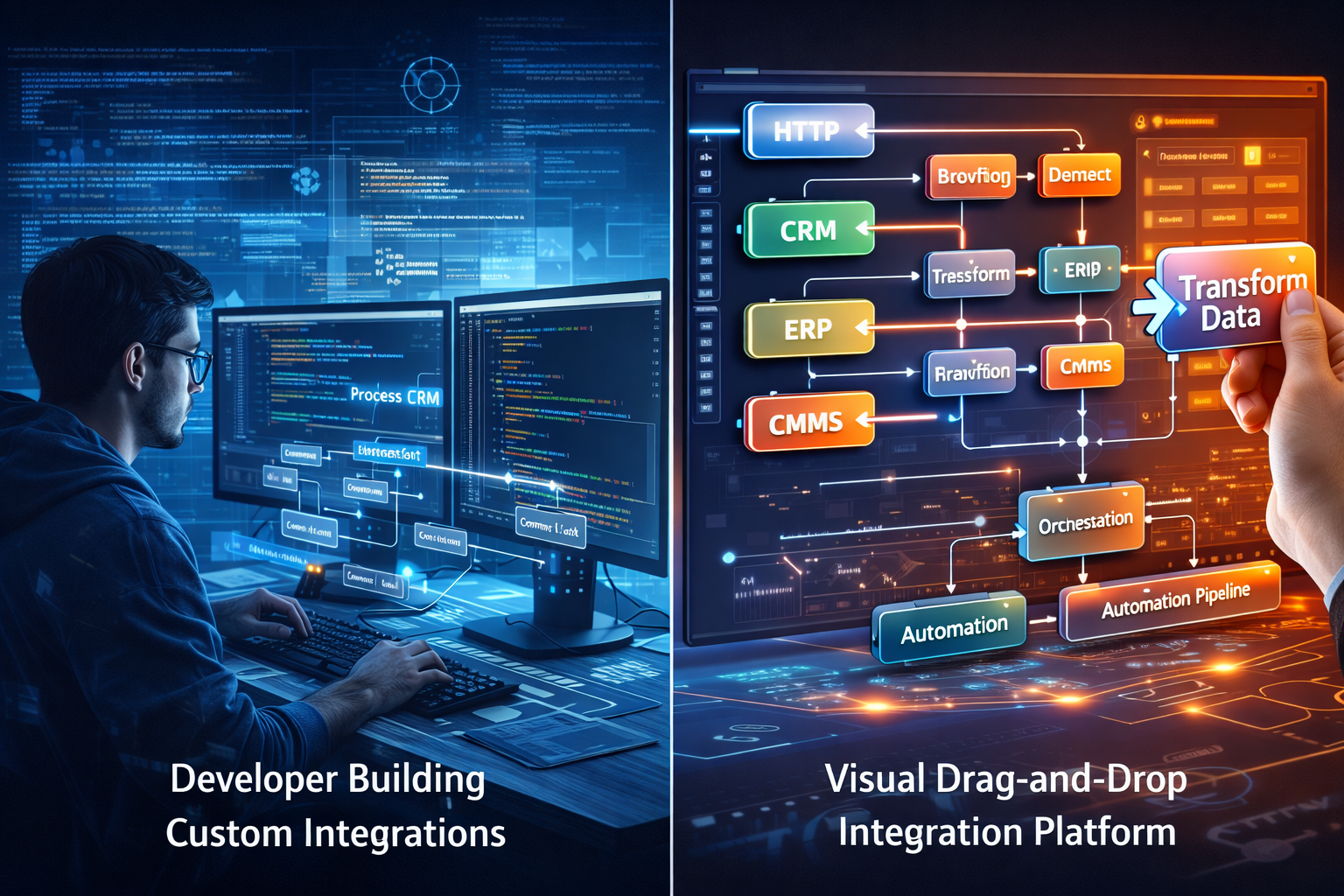
1. Custom Integrations (In-House Development)
This involves building integrations using internal engineering teams:
- Direct API development
- Middleware scripting
- Custom workflows tailored to business needs
Common in:
- Enterprises with strong engineering teams
- Highly specialized workflows (e.g., custom integration for FM software)
2. iPaaS Integration Platforms
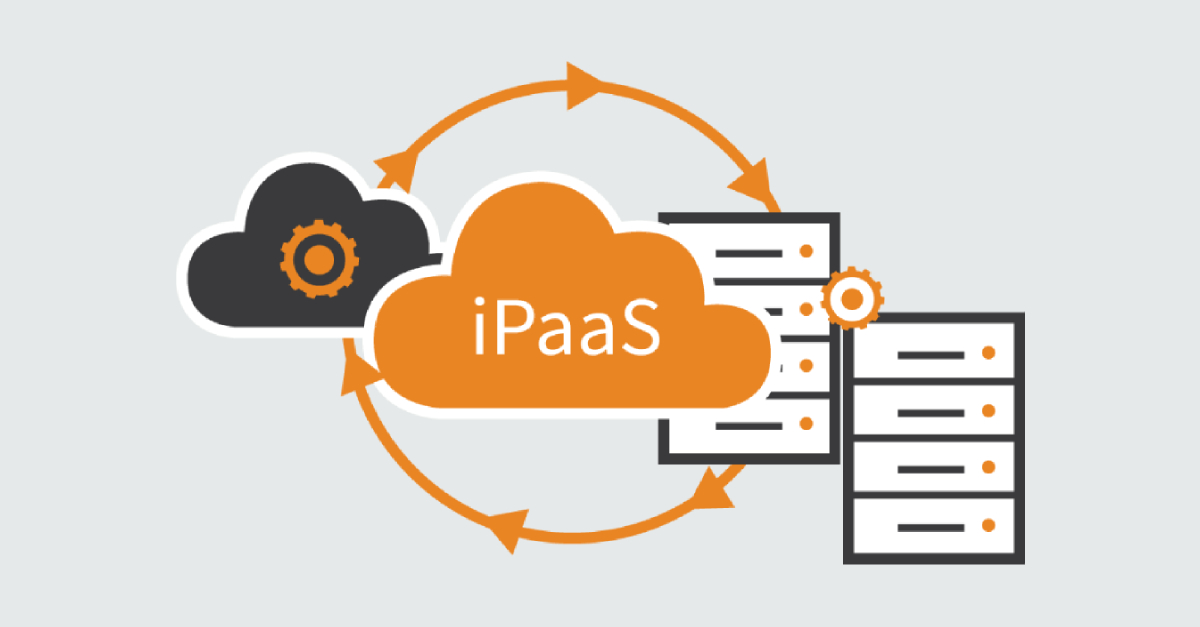
An iPaaS platform provides a centralized environment to:
- Connect multiple systems
- Build workflows
- Manage data pipelines
These platforms are part of the broader category of API integration platforms, designed to simplify and scale integrations.
Key Evaluation Criteria: Build vs iPaaS
To make the right decision, organizations should evaluate across six critical dimensions:
1. Speed of Deployment
Custom Integrations
- Development cycles can take weeks or months
- Testing and maintenance add delays
iPaaS Platforms
- Pre-built connectors
- Rapid workflow configuration
Insight:
If speed-to-market is critical, relying solely on in-house builds can become a bottleneck.
ConnectorHub Advantage:
ConnectorHub accelerates integration using:
- Swagger/OpenAPI-based connector creation
- Reusable workflows
- Pre-configured templates
2. Scalability and Maintenance
Custom Integrations
- Each new integration requires additional code
- Maintenance overhead grows exponentially
iPaaS Platforms
- Centralized management
- Scalable architecture
Challenge with Custom Builds:
What starts as a few integrations can quickly become integration sprawl.
ConnectorHub Approach:
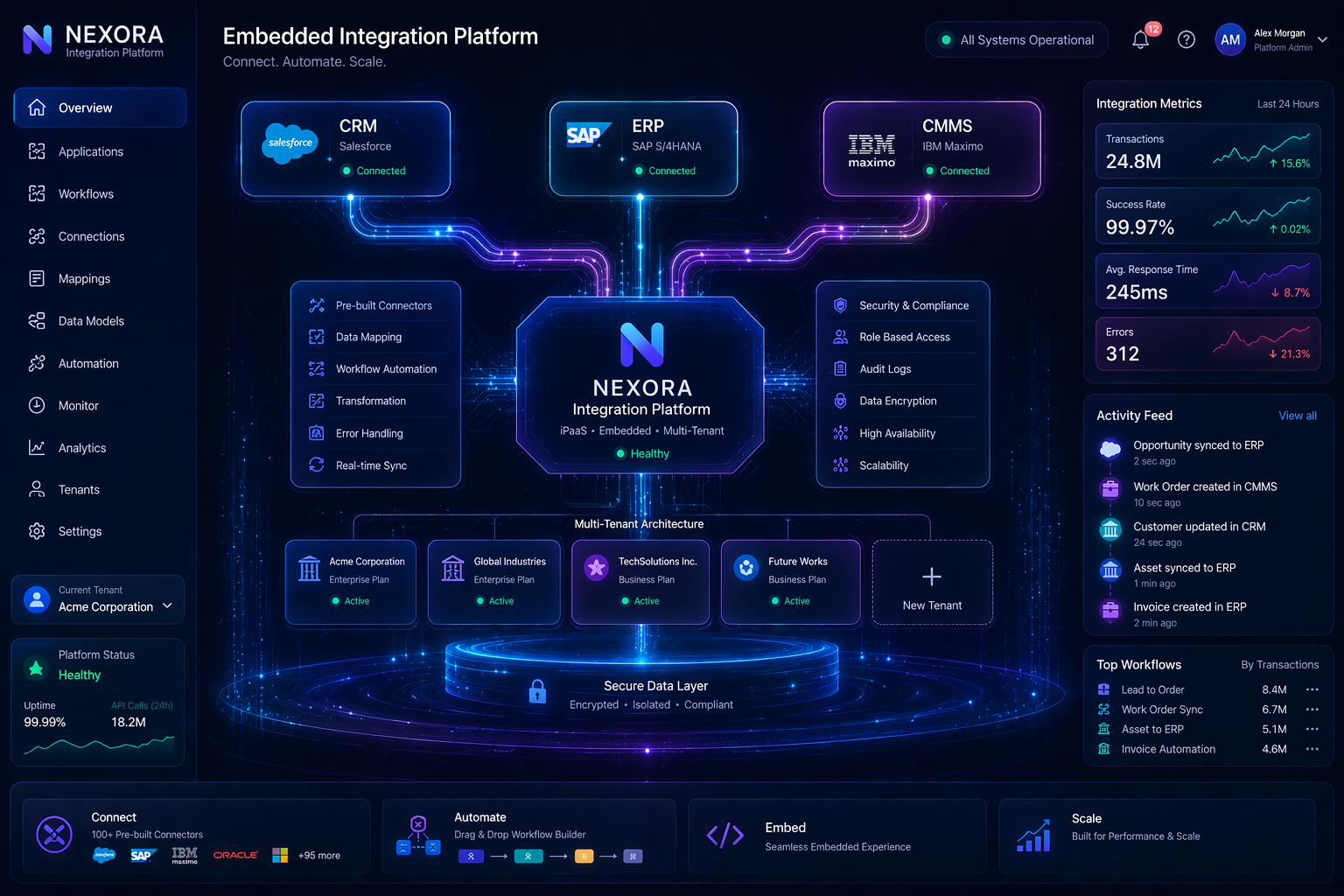
- Multi-tenant architecture
- Centralized orchestration
- Reusable connectors across clients
3. Complexity of Use Cases
Certain industries require highly specialized workflows:
- Custom integration for FM software
- HVAC workflow custom integrations
- Asset lifecycle management
- Maintenance scheduling and dispatch
Custom Integrations
- High flexibility
- Tailored logic
iPaaS Platforms
- Traditionally limited—but evolving
ConnectorHub Differentiation:
ConnectorHub combines:
- No-code simplicity
- Advanced workflow orchestration
This allows businesses to handle complex domain-specific use cases without heavy coding.
4. Cost Considerations
Custom Integrations
- High upfront development cost
- Ongoing maintenance costs
- Dependency on engineering teams
iPaaS Platforms
- Subscription-based pricing
- Lower development overhead
Hidden Cost of Custom Builds:
- Technical debt
- Debugging and downtime
- Resource allocation
ConnectorHub Impact:
- Reduces engineering dependency
- Lowers long-term operational costs
- Speeds up ROI realization
5. Flexibility vs Standardization
Custom Integrations
- Maximum flexibility
- Fully tailored to business needs
iPaaS Platforms
- Standardized approach
- Configurable workflows
Key Insight:
The decision is not about flexibility vs standardization—it’s about balancing both.
ConnectorHub Balance:
- Flexible workflow design
- Custom data transformations
- Configurable connectors
6. Future Readiness (AI & Automation)
Modern integrations must support:
- Real-time data pipelines
- AI-driven workflows
- Predictive automation
Custom Integrations
- Requires additional architecture
- Difficult to scale AI use cases
iPaaS Platforms
- Built for automation
ConnectorHub’s Edge:
ConnectorHub is designed as an AI-ready integration layer, enabling:
- Structured data pipelines
- Real-time processing
- Intelligent workflow automation
When Should You Choose Custom Integrations?
Custom integrations make sense when:
- You have highly unique workflows
- Systems lack standard APIs
- You require deep customization at every level
Example:
- Legacy FM systems with no API support
- Highly specialized HVAC control workflows
When Should You Choose an iPaaS Platform?
An ipaas platform is ideal when:
- You need to scale integrations quickly
- You manage multiple systems (ERP, CRM, CMMS)
- You want to reduce engineering overhead
- You require real-time data synchronization
The Hybrid Reality: Why Most Businesses Need Both
In practice, the decision is rarely binary.
Modern organizations adopt a hybrid integration strategy:
- Use iPaaS for 80% of integrations
- Use custom development for edge cases
ConnectorHub is built for this hybrid model.
It allows:
- Rapid deployment of standard integrations
- Customization where needed
- Seamless extension of workflows
ConnectorHub as a Strategic Integration Layer
Rather than replacing custom development, ConnectorHub enhances it.
1. Extending API Integration Platforms
ConnectorHub integrates seamlessly with existing APIs, enabling:
- Faster connector creation
- Unified data pipelines
- Simplified API management
2. Supporting Industry-Specific Workflows
For domains like:
- Facilities Management (FM)
- HVAC systems
- Real estate operations
ConnectorHub enables:
- Workflow customization
- Data transformation
- Automated triggers
3. Embedded Integration Experience
One of ConnectorHub’s strongest advantages is its embedded capability.
Instead of using external tools:
- Integrations are built directly into your product
- End-users interact with native workflows
This transforms integrations into a core product feature.
4. Reducing Technical Debt
Custom integrations often lead to:
- Fragmented codebases
- Difficult maintenance
- Scaling challenges
ConnectorHub centralizes integration logic, reducing:
- Code duplication
- Maintenance complexity
- Operational risk
Real-World Scenario: FM + HVAC Integration
Consider a facilities management company needing:
- CMMS integration
- HVAC system automation
- ERP synchronization
Custom Approach:
- Multiple APIs
- Complex middleware
- High maintenance
With ConnectorHub:
- Centralized integration platform
- Automated workflows
- Real-time data sync
Result:
- Faster deployment
- Lower cost
- Scalable operations
Strategic Decision Framework
To evaluate your approach, ask:
- How many integrations do we need today—and tomorrow?
- How fast do we need to deploy?
- Do we have the engineering bandwidth?
- Are our workflows standardized or highly custom?
- Do we need AI-ready data pipelines?
If your answers lean toward scale, speed, and automation—
an ipaas integration approach becomes essential.
The Future of Integration: Platform-Led, Not Code-Led
The integration landscape is evolving:
From:
- One-off custom builds
To:
- Scalable integration platforms
From:
- Static workflows
To:
- Intelligent, AI-driven automation
ConnectorHub is aligned with this future by enabling:
- Embedded integrations
- Scalable architecture
- AI-ready pipelines
Conclusion
Choosing between custom integrations and an iPaaS platform is not about picking one over the other—it’s about building a future-ready integration strategy.
Custom builds offer flexibility, but they don’t scale easily.
iPaaS platforms offer speed and scalability—but must also support customization.
ConnectorHub bridges this gap.
It enables organizations to:
- Build faster
- Scale efficiently
- Customize where needed
- Prepare for AI-driven automation
In today’s interconnected world, integration is no longer just a backend function—it’s a core business capability.