





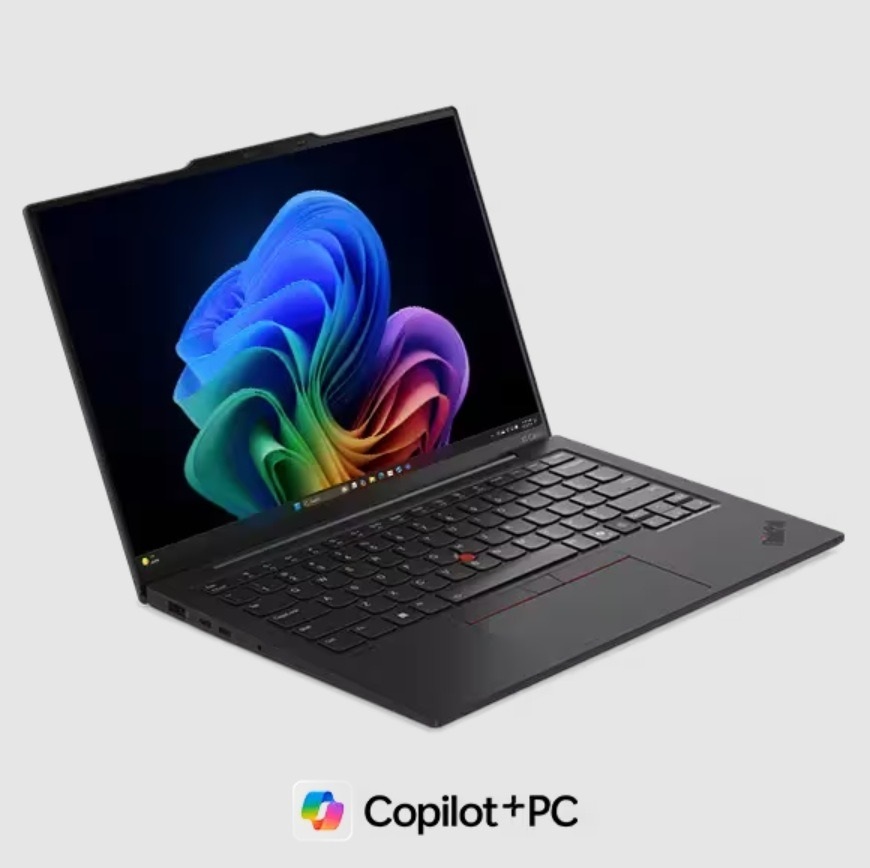
The privacy threat keeps rising each year, and many people worry about who can see their screens or touch their files.
Some 72% of respondents report an increase in organizational cyber risks. This huge number has many people worried about screen and file safety.
Students and workers deal with crowded study rooms, loud coffee shops, and busy travel spaces. In these places, it is easy for someone to look at your notes or try to access your device when you step away. A smart laptop with advanced AI privacy sensors provides simple, steady protection even when you work in public.
This guide explains six clear ways these tools keep your information safe and help you stay focused.
1. Motion-Aware Screen Protection That Reacts in Real Time
AI privacy apps create a safe zone around your screen during work. Many modern smart laptops now use a wide set of sensors to protect your screen. The system reads the distance, face shape, and movement around the display. Once it understands your position, it knows when someone enters your space. If the device senses an extra person behind you, the screen can blur, dim, or display a warning.
How This Screen Protection Works
- A front sensor reads range.
- A depth sensor confirms face position.
- AI watches your space and reacts fast.
This feature helps during study sessions, travel time, or shared office work. You do not need to check behind your shoulder because the laptop acts for you. The protection feels smooth and does not break your flow.
2. Auto Lock That Activates the Moment You Step Away
Presence sensing has become a key part of strong privacy. When you sit down at the laptop, it stays open and active. The moment you stand up, move aside, or turn away, the screen locks. This protects your work during short breaks, water refills, or quick chats with a friend.
This tool helps in places where people move frequently. A crowded library or a busy cafe can create real risk. Auto lock removes that risk because no one can touch your files while you step away, even for a moment.
3. Side View Blocking That Stops Wandering Eyes
Another helpful feature in many new smart laptops is a display mode that reduces side visibility. When you turn this on, the screen becomes hard to read unless you sit directly in front of it. People next to you see only a dim or unclear image.
This keeps notes, emails, and study details private. It helps during travel or group work where people sit close together. Many laptops include AI that senses when someone approaches from your side. The screen can dim or display a warning to protect your view.
4. Smart Safety Modes Built for Public Spaces
AI safety modes combine multiple privacy tools into a single system. These modes help keep you safe when you work outside your home or office. For example, the laptop can detect crowd movement, unsafe networks, or unknown faces near your screen.
What These Smart Modes Usually Include
- Extra screen protection in heavy foot traffic.
- Alerts when someone tries to look at your screen.
- Guidance on connecting to unsafe public WiFi.
These tools build an added layer of protection without extra setup. You can open your smart laptop in a cafe, an airport, or a lecture hall and relax, because the system keeps watch.
5. Digital Threat Detection That Stops Hidden Attacks
Privacy danger does not only come from people around you. Online attacks grow every year, and smart laptops now use AI to watch for unusual activity. The system monitors login attempts, file actions, and unusual behavior within storage. When it finds something wrong, it warns you right away.
The AI studies how you normally use the device and learns what looks safe. This helps it detect risky steps faster than a manual check. You get strong defense for school projects, office files, or personal records.
When digital safety works alongside physical privacy tools, you get full support on all fronts. You stay safe from the eyes of those around you and attacks within the system.
6. Focus Support That Helps You Work Without Worry
Strong privacy support does more than protect your data. It also protects your mind. When your laptop keeps your space safe, you focus longer and feel calmer. You no longer worry about screen peeking or file access during short breaks.
Some laptops use AI to adjust the screen based on posture and distance. This creates a natural and comfortable view while keeping the display private. These features help during long study nights, deep writing sessions, or remote workdays. You get a quiet sense of safety that makes work easier and smoother.
Conclusion
A smart laptop with AI privacy features protects you in six strong ways. It guards your screen with motion-aware tools, locks itself when you step away, blocks side views, warns you about unsafe networks, watches for digital threats, and supports day-to-day focus.
These features keep your world safe in public spaces, classrooms, airports, and shared work areas. You stay productive without fear, and your information stays private. This kind of device safety turns everyday work into a calm experience and gives you a quiet edge in a busy world.
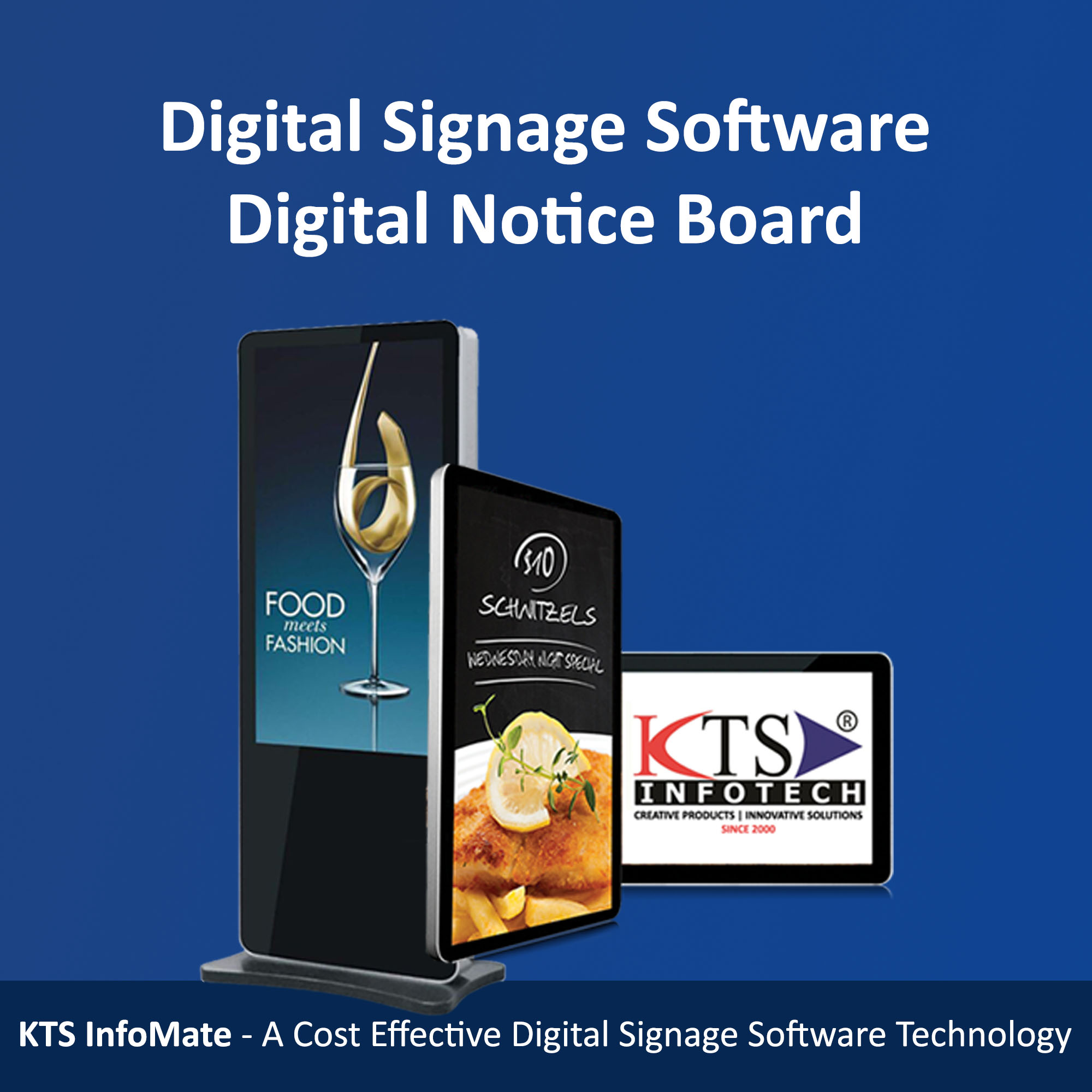
KTS InfoMate is a cost effective Digital Signage software Technology that can deliver media rich contents/messages at the right place and at the right time and can be controlled from the comfort of your Laptop, PC or even from your Smart Phone.