

As companies expand their digital operations, their IT environments become more complex. More applications, more data, and more users place greater demands on infrastructure.
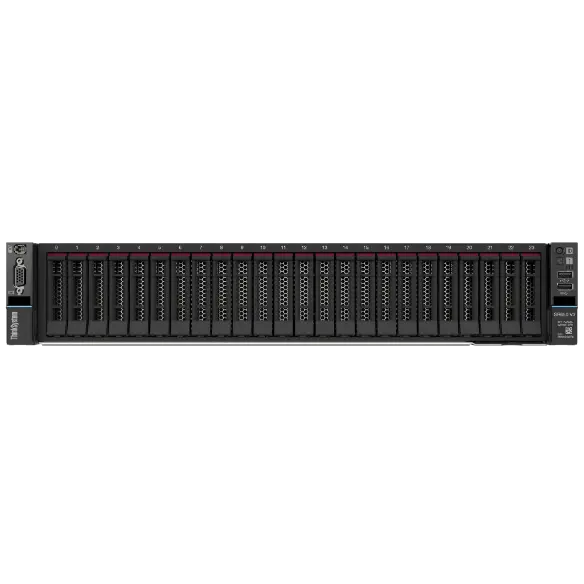
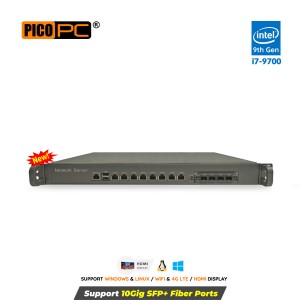
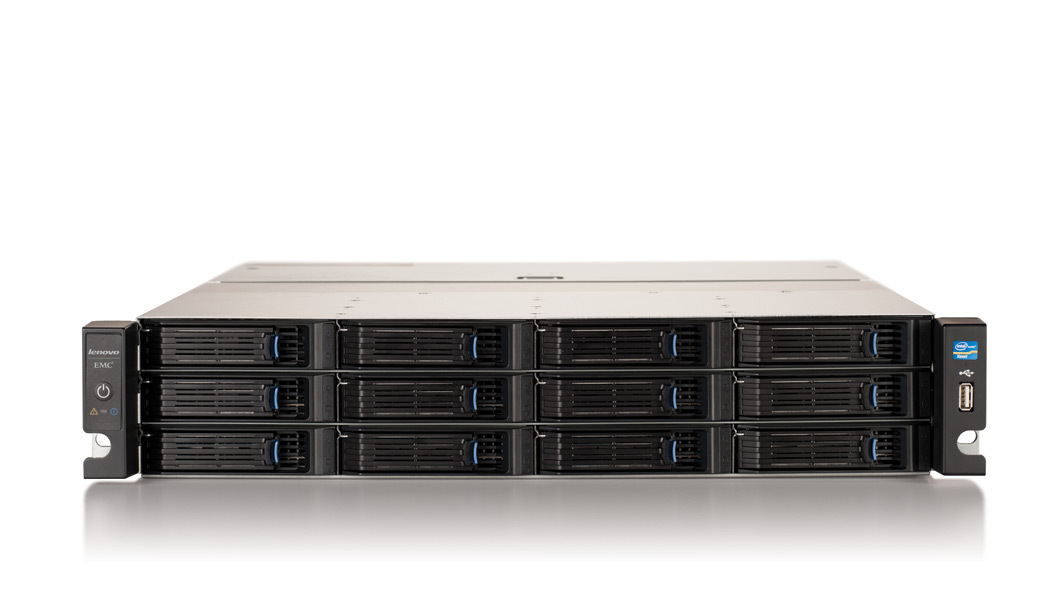
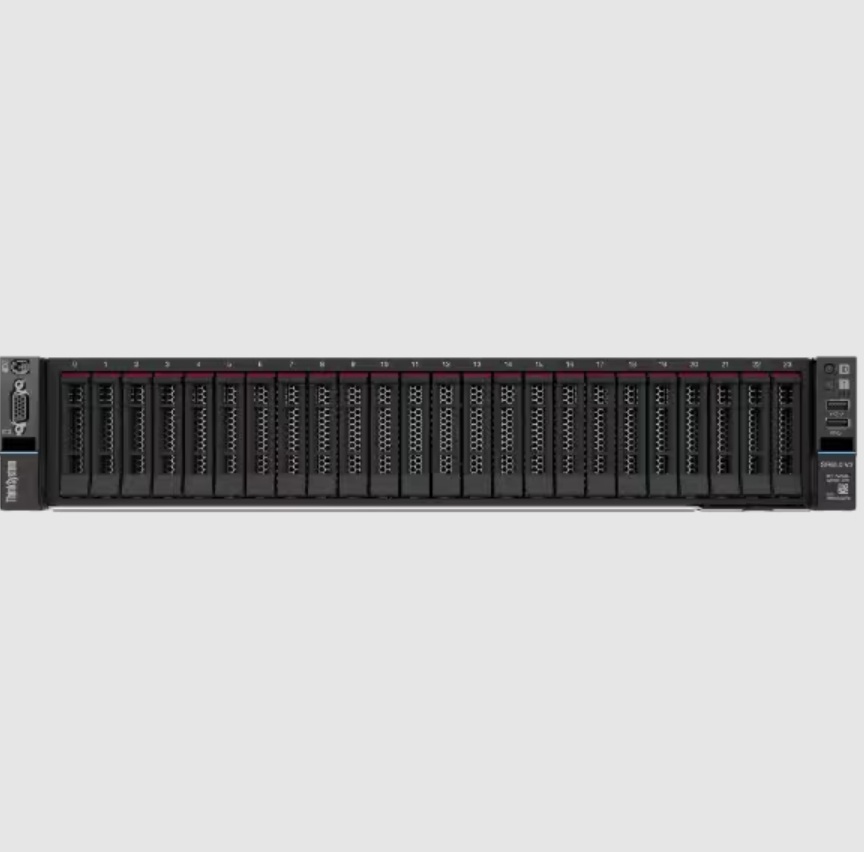
To manage this growth effectively, teams need a setup that stays clean, reliable, and easy to control. This is where a rack server becomes essential, not just as hardware, but as a foundation for organized operations. It provides a structured way to house critical systems, but true organization depends on how that server is designed. Thoughtful design choices shape how hardware fits together, how cables run, how air moves, and how easily teams can access components. When these elements work in harmony, the entire environment feels more manageable and predictable.
Let us explore seven smart design choices that help keep hardware organized in a practical and human-focused way. Each choice highlights how small, intentional design decisions can create clarity, control, and long-term value for modern IT environments.
1 Smart Rack Layout That Supports Clear Equipment Placement
A strong rack server design begins with a clear and logical rack layout. When teams plan where each component lives, they reduce confusion during setup, upgrades, and daily operations. A structured layout makes it easy to know what runs where and why it sits in that position.
How layout design improves organization
A consistent layout allows teams to place components, storage systems, and networking devices in a predictable order. This design choice keeps related hardware close together and prevents random placement that slows down work. By organizing each rack server in the same structured way, teams can move faster, reduce mistakes, and manage daily tasks with greater confidence.
Key layout practices that help teams stay organized
- Place core compute systems in central rack positions
- Keep networking equipment in dedicated upper or lower sections
- Reserve space for future expansion to avoid crowding
- Align similar devices across racks for visual consistency
2 Standard Rack Units That Create Visual and Physical Order
Rack units play a quiet but powerful role in keeping hardware organized. A rack server designed around standard unit sizes helps teams maintain uniform spacing and alignment. This consistency makes racks easier to manage and easier to understand at a glance.
Why standard sizing matters
Standard rack units allow teams to plan capacity with confidence. They also help ensure that hardware fits properly without forcing adjustments or awkward gaps.
Design benefits of standard rack units
- Clear spacing between systems improves airflow
- Uniform sizing simplifies documentation and labeling
- Predictable layouts reduce installation errors
- Visual order helps new team members learn faster
3 Built-In Cable Management That Reduces Clutter
Cables often cause the biggest challenge in hardware organization. A rack server with built-in cable management features helps teams control this challenge before it grows. When cables follow clear paths, they stop becoming obstacles.
How cable design supports clean racks
Good cable management keeps power and data lines separated and guided along defined routes. This design choice reduces tangles and prevents accidental disconnections during service work.
Cable management features that improve organization
- Vertical and horizontal cable channels
- Tool-free cable guides and clips
- Clear separation of power and network cables
- Rear access paths that stay easy to reach
4 Front and Rear Accessibility That Supports Orderly Maintenance
Easy access is a key design choice that helps hardware stay organized over time. A rack server that allows clear front and rear access lets teams perform tasks without disturbing nearby equipment.
Why accessibility protects an organization
When teams can reach components without struggle, they avoid quick fixes that create clutter. This design choice encourages careful work and preserves the original layout.
Accessibility features that help teams stay organized
- Sliding rails that allow servers to extend smoothly
- Clear rear access for cabling and power connections
- Tool-free access panels that speed up service
- Adequate spacing for hands and tools
5 Labeling Friendly Design That Improves Visibility
Labels play a vital role in keeping hardware organized. A rack server designed with clear labeling zones helps teams identify systems quickly and accurately. This design choice supports both daily work and long-term clarity.
How labeling design helps IT teams
Clear labels reduce guesswork and improve communication across teams. They also support faster response during incidents when time matters most.
Label-friendly design elements
- Flat surfaces for readable labels
- Consistent placement across racks
- Space for asset tags and port identifiers
- Visibility from both front and rear
6 Modular Components That Support Clean Expansion
Growth often creates disorder when systems lack flexibility. A rack server with a modular design allows teams to expand without disrupting the existing organization. This choice supports calm, structured growth.
Why modularity keeps racks organized
Modular components allow teams to add or replace parts without rearranging entire racks. This design choice protects the original layout while supporting new needs.
Modular features that help the organization
- Hot swap drives that avoid downtime
- Expandable bays with defined placement
- Modular power supplies that stay aligned
- Flexible configurations that match workload needs
7 Thermal Design That Maintains Order and Stability
Thermal management directly affects hardware organization. A rack server designed for efficient airflow allows teams to maintain spacing and placement without improvisation. Heat-aware design supports both performance and order.
How airflow design supports clean layouts
When airflow works as intended, teams do not need to shift hardware to solve heat issues. This design choice preserves the planned layout and protects hardware health.
Thermal design elements that help the organization
- Front-to-back airflow patterns
- Consistent fan placement across servers
- Support for hot aisle cold aisle layouts
- Reduced need for temporary cooling fixes
Conclusion
Hardware organization reflects how much care teams place into their infrastructure. Each rack server design choice shapes how easily people can work with their systems day after day.
When layout sizing, cabling access, labeling, modularity, and airflow align with real human needs, the result feels calm and controlled. Teams move with confidence and systems respond with reliability.
These seven smart design choices show that organization does not require complexity. It grows from thoughtful planning and respect for the people who manage technology every day. A well-designed rack server becomes more than equipment. It becomes a trusted foundation that supports growth, clarity, and long-term success.