





Introduction
Manual data entry remains one of the most persistent inefficiencies in modern enterprises. Despite the proliferation of digital tools such as ERP, CRM, and CMMS platforms, organizations still struggle with disconnected systems that require repetitive data input across multiple applications. This not only drains productivity but also introduces costly errors, delays, and compliance risks.
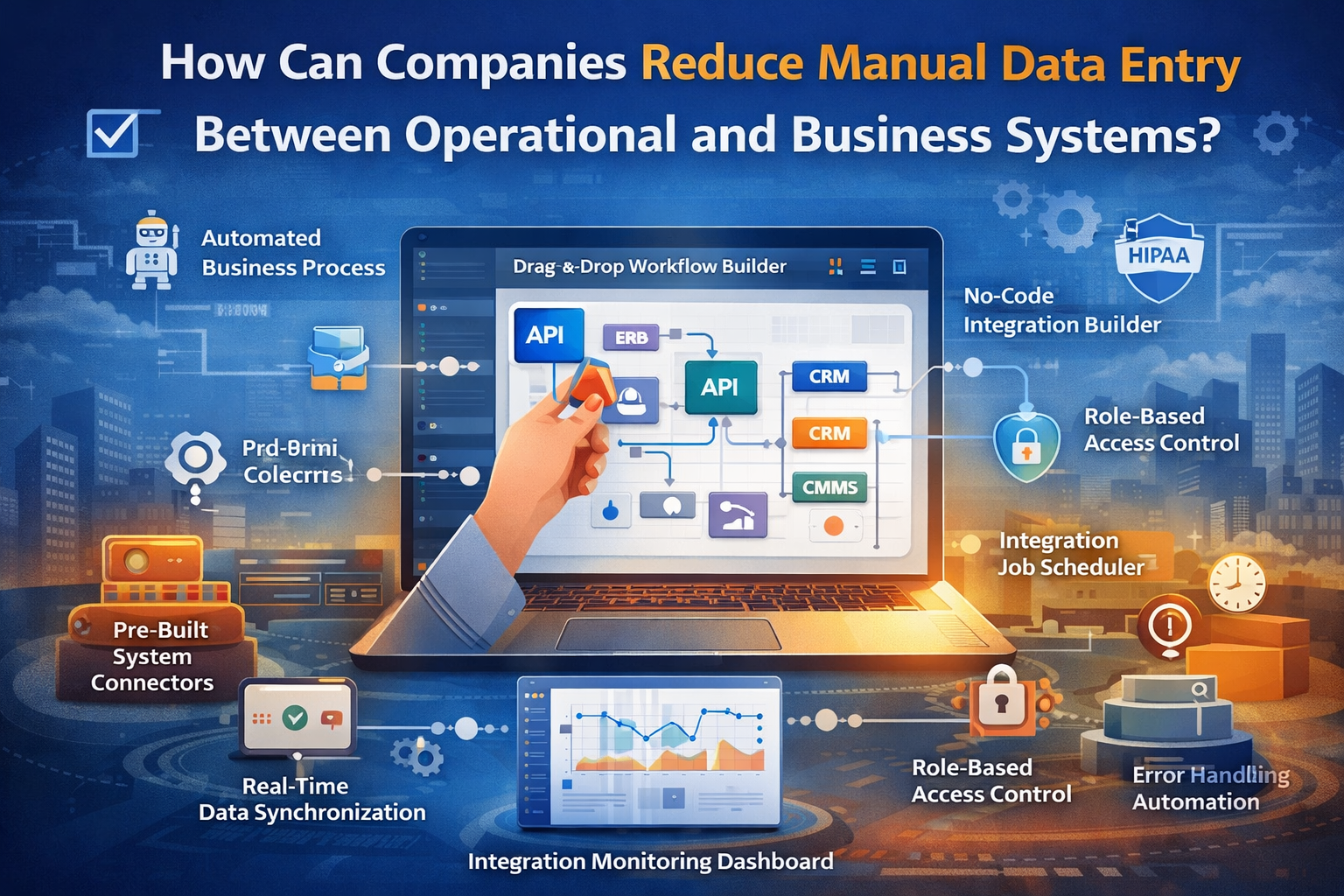
The solution lies in API data integration, automated business processes, and modern no-code integration platforms that eliminate manual intervention. By leveraging drag-and-drop workflow builders, pre-built system connectors, and real-time data synchronization, companies can transform fragmented workflows into seamless, automated pipelines.
This article explores how organizations can systematically reduce manual data entry and build scalable, intelligent integrations across operational and business systems.
The Hidden Cost of Manual Data Entry
Manual data entry may seem like a minor operational task, but its cumulative impact is significant:
Human Errors: Duplicate entries, incorrect values, and missed updates
Operational Delays: Slow data transfer between systems
Data Silos: Lack of real-time visibility across departments
Compliance Risks: Inconsistent data handling in regulated environments
Employee Burnout: Repetitive, low-value tasks reduce productivity
For industries relying on systems like CMMS, ERP, and CRM, these inefficiencies can directly affect revenue, service delivery, and customer satisfaction.
The Role of API Data Integration
At the core of eliminating manual data entry is API-based integration.
What is API Data Integration?
APIs (Application Programming Interfaces) enable different software systems to communicate and exchange data automatically. Instead of manually entering data into multiple systems, APIs allow seamless data flow between them.
Benefits of API Integration
- Real-time data exchange
- Reduced duplication of effort
- Improved data accuracy
- Scalable architecture for future systems
For example, when a work order is created in a CMMS, APIs can automatically update the CRM and ERP systems without human intervention.
No-Code Integration Platforms: The Game Changer
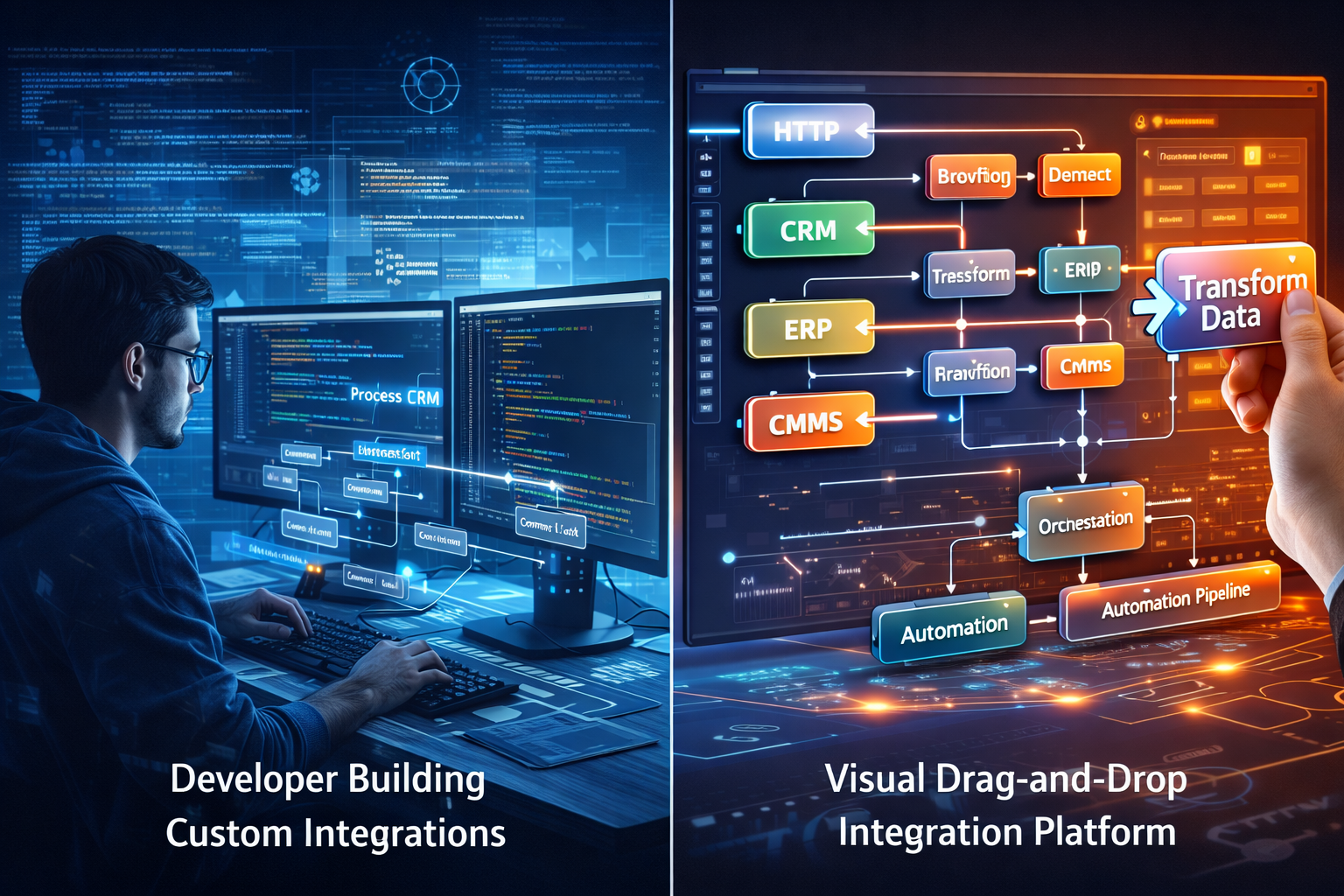
Traditional integrations required heavy engineering resources. Today, no-code integration builders are democratizing automation.
Key Capabilities
- Drag-and-drop workflow builder for designing integrations visually
- Visual integration platform for mapping data flows
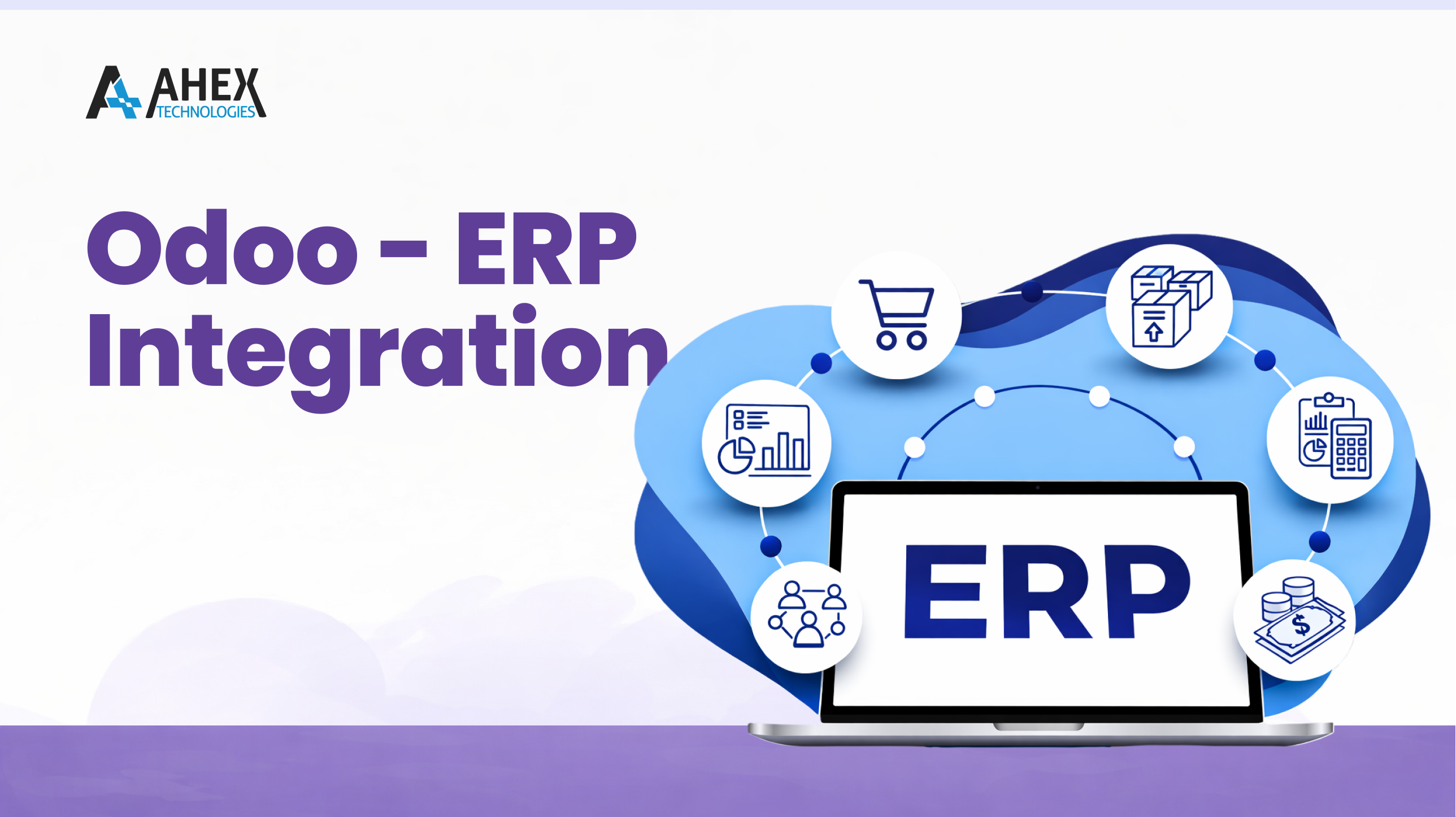
- Pre-built system connectors for CMMS, ERP, CRM
- Plug-and-play integrations to accelerate deployment
These platforms allow non-technical teams to create and manage integrations, significantly reducing dependency on IT teams.
Building Automated Business Processes
Automation goes beyond connecting systems—it involves orchestrating workflows.
Workflow Automation Components
- Trigger Events: Example – new customer entry in CRM
- Data Transformation: Formatting or enriching data
- Action Execution: Updating ERP or CMMS
- Notifications: Alerts for stakeholders
With a drag-and-drop workflow builder, businesses can design complex automation without writing code.
Real-Time Data Synchronization vs Scheduled Automation
Real-Time Data Synchronization
- Instant updates across systems
- Ideal for customer-facing processes
- Improves decision-making speed
Automated Data Scheduling
- Uses an integration job scheduler
- Executes data sync at defined intervals
- Suitable for batch processing
A combination of both ensures operational efficiency while optimizing system performance.
Leveraging Pre-Built Connectors
One of the fastest ways to eliminate manual entry is by using pre-built system connectors.
Common Connector Types
- CMMS connectors for maintenance workflows
- ERP connectors for finance and operations
- CRM connectors for customer data
These plug-and-play integrations drastically reduce implementation time and eliminate the need for custom coding.
Integration Monitoring and Error Handling
Automation without visibility can create new risks. That’s where integration monitoring dashboards come in.
Key Features
- Real-time tracking of integration jobs
- Error handling automation
- Alerts for failures or delays
- Performance analytics
- Exception Management
When workflows fail, automation workflow exception management ensures:
- Errors are logged and categorized
- Retry mechanisms are triggered
- Teams are notified for resolution
This ensures business continuity without manual intervention.
Governance, Security, and Compliance
As integrations scale, governance becomes critical.
Role-Based Access Control (RBAC)
- Define who can create, edit, or monitor integrations
- Prevent unauthorized access
User Permissions Management
- Granular control over integration workflows
- Secure data handling across systems
Integration Access Governance
- Audit logs for all activities
- Compliance with enterprise policies
For regulated industries, choosing a HIPAA compliant integration platform ensures:
- Secure handling of sensitive data
- Encryption and audit trails
- Compliance with healthcare regulations
Reducing Manual Entry Across Key Systems
1. CMMS Integration
Automate:
- Work order creation
- Asset updates
- Maintenance schedules
2. ERP Integration
Automate:
- Financial transactions
- Inventory updates
- Procurement workflows
3. CRM Integration
Automate:
- Customer data sync
- Lead updates
- Service requests
When these systems are integrated, data flows seamlessly across departments, eliminating redundancy.
Best Practices for Implementation
To successfully reduce manual data entry, organizations should follow a structured approach:
1. Identify High-Impact Workflows
Focus on processes with:
- High data volume
- Frequent errors
- Cross-system dependencies
2. Choose the Right Integration Platform
Look for:
- No-code capabilities
- Pre-built connectors
- Strong monitoring tools
- Compliance features
3. Start with Pilot Projects
- Automate a single workflow
- Measure efficiency gains
- Scale gradually
4. Implement Governance Early
- Define access controls
- Establish audit mechanisms
5. Continuously Optimize
- Monitor integration performance
- Refine workflows
- Add new automations
Future of Integration: Intelligent Automation
The next evolution of integration platforms includes:
- AI-driven workflow optimization
- Predictive error detection
- Self-healing integrations
- Advanced analytics dashboards
Organizations adopting these technologies will gain a competitive advantage by achieving near-zero manual data entry.
Conclusion
Reducing manual data entry is no longer optional—it’s a strategic necessity. By leveraging API data integration, no-code integration builders, and automated business processes, companies can eliminate inefficiencies, improve accuracy, and scale operations seamlessly.
Connectorhub.ai helps with all of these from real-time data synchronization to integration monitoring dashboards and role-based access control, modern integration platforms provide everything needed to unify operational and business systems.
The result? Faster workflows, better decision-making, and a future-ready digital infrastructure.
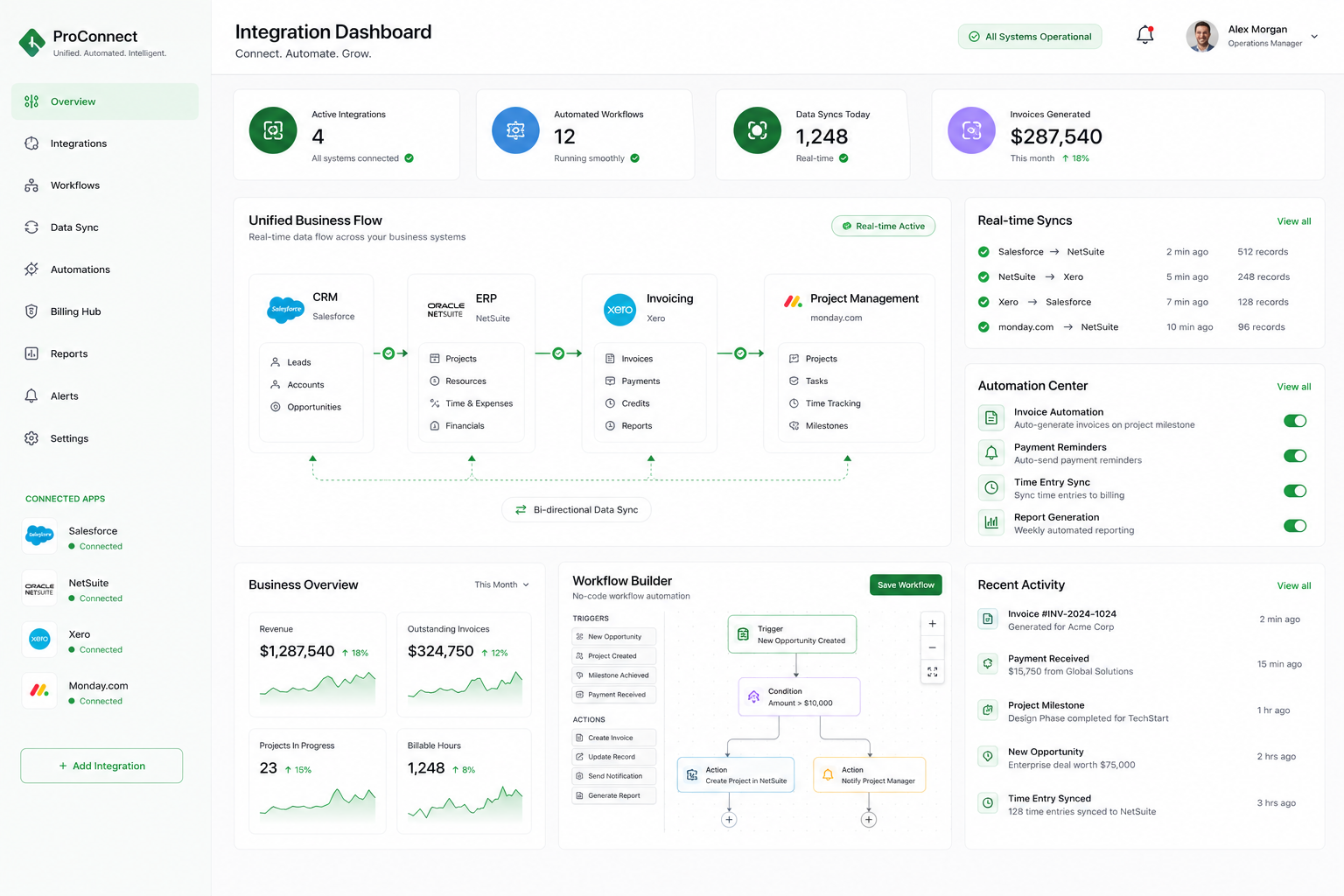
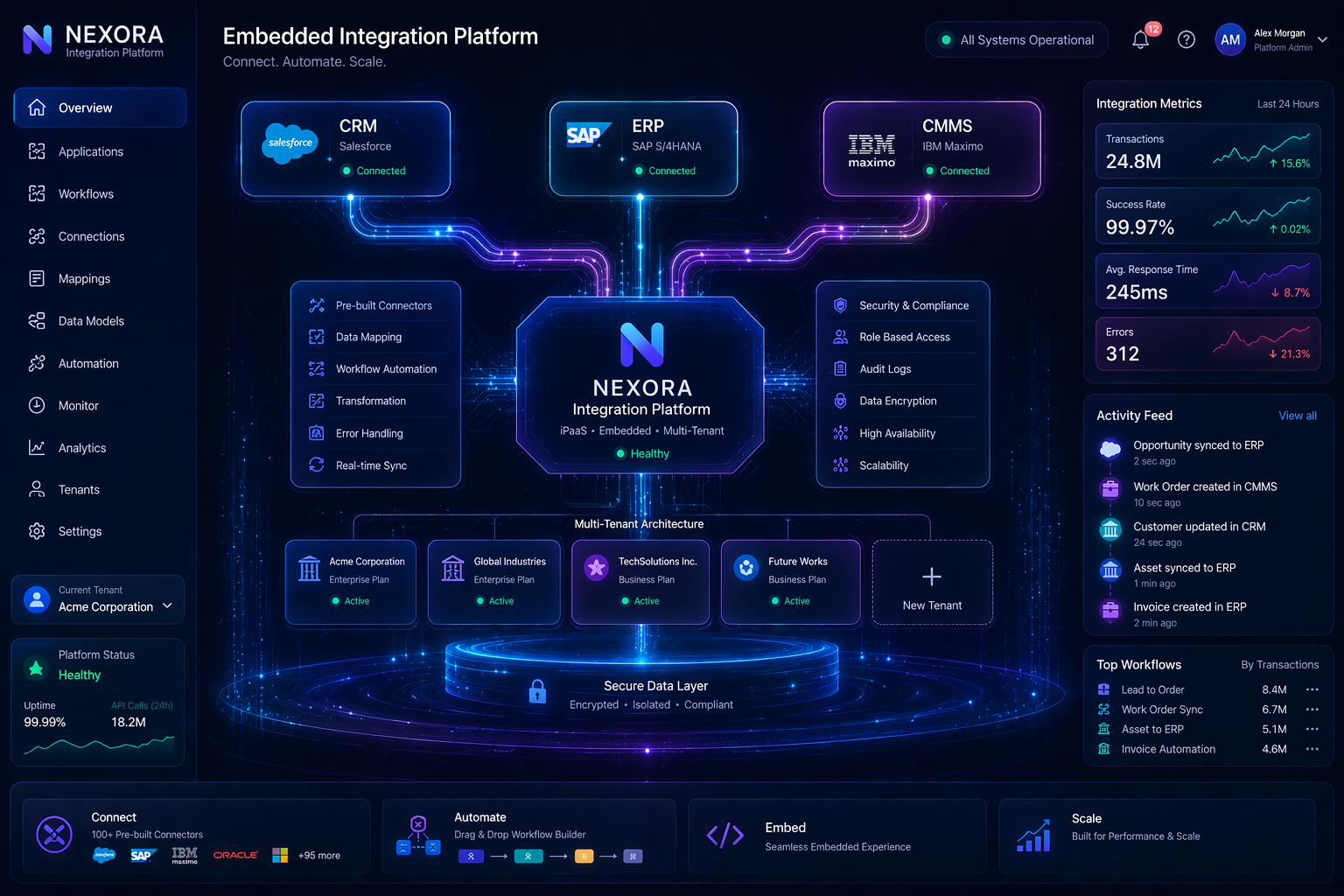
Professional services firms operate in a fast-moving environment where project execution, client communication, resource management, and billing accuracy must remain tightly aligned. However, many
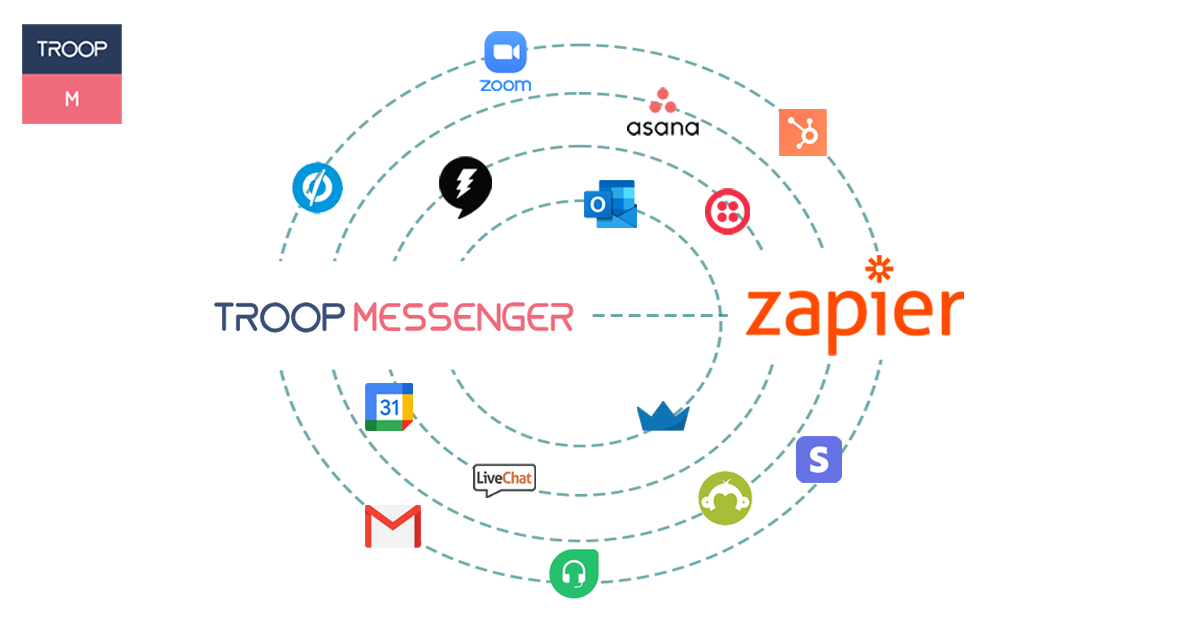
Find out how the Zapier integration helps the users of Troop Messenger to automate tasks of their daily used apps!